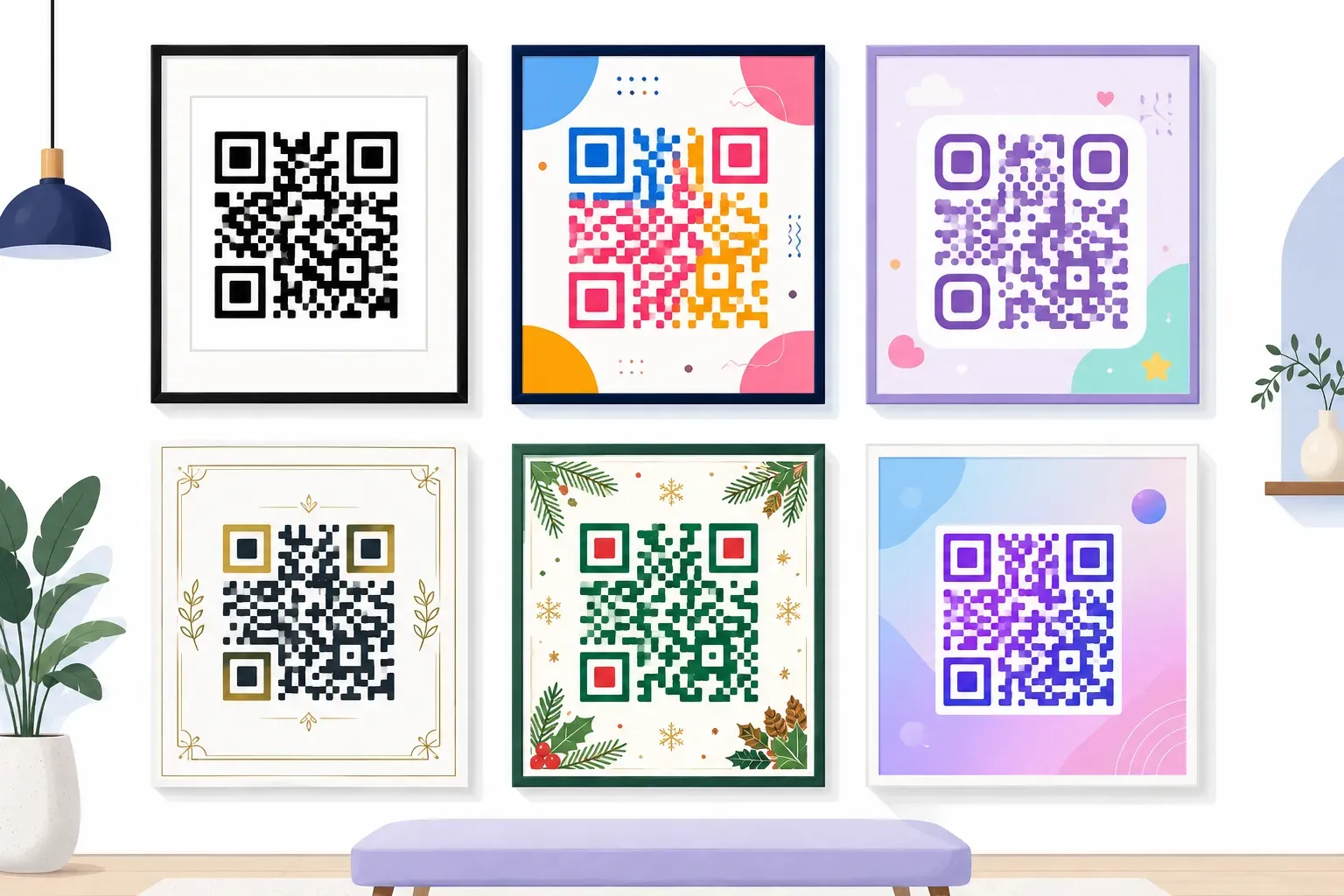
Animated QR Codes: Can a QR Code Be a GIF or Video?
 By Kelly Or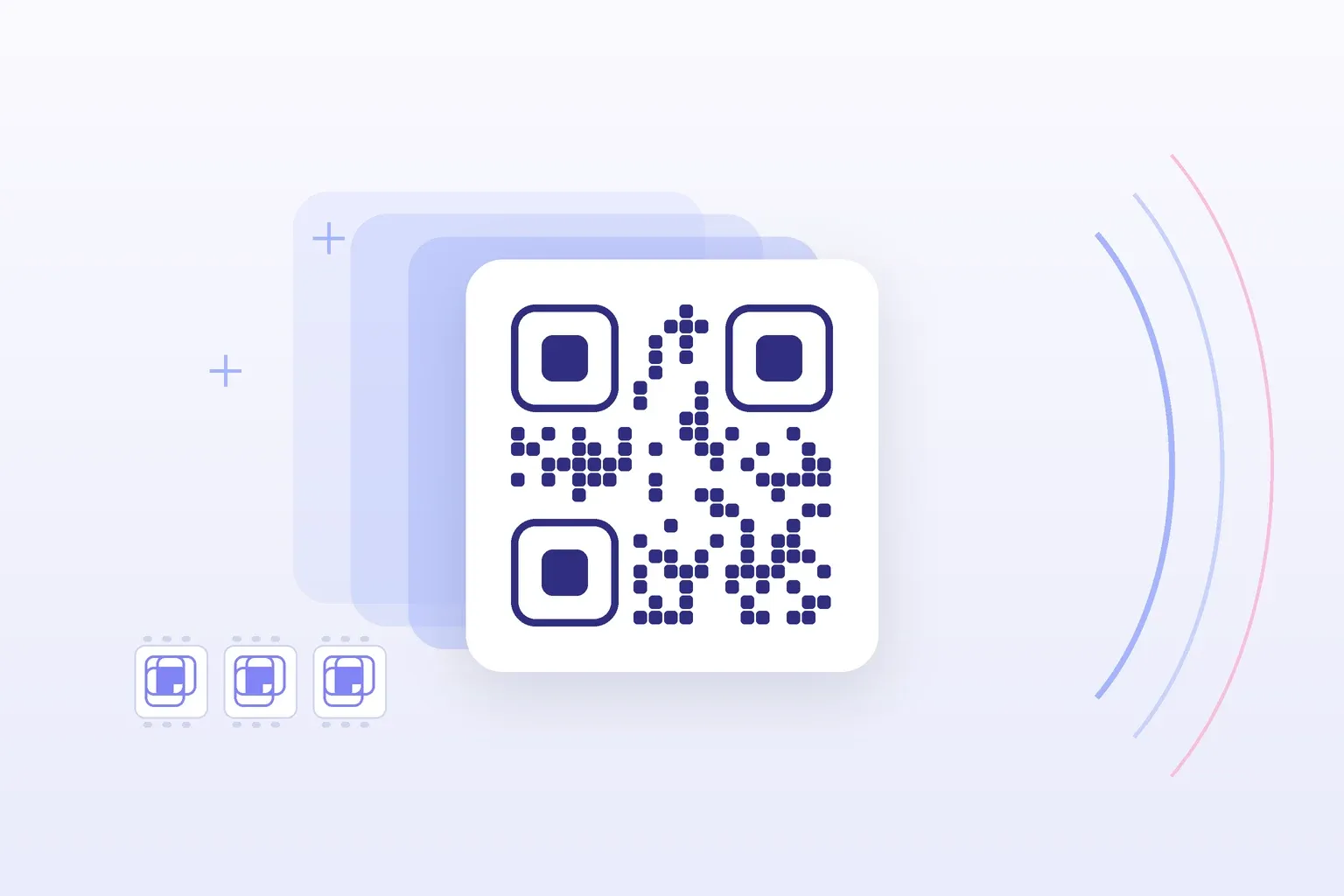
Somewhere between the tenth static black-and-white square on a poster and a design brief that says “make it pop,” someone always asks: can the QR code itself move? Can it be a GIF? The honest answer is yes and no — and the difference between the two is the difference between an eye-catching asset and a square that scans for nobody.
The short answer: yes, a QR code can live inside a GIF or video, as long as the code itself doesn’t move or change. Keep a normal static code on a solid light tile in every frame, and animate the background, frame and decoration around it. Animating the modules, the corner squares or the margin makes the code unreliable to scan.
An animated QR code, done right, is a static code with motion designed around it. Done wrong, it’s animation applied to the code — and that version breaks in ways that aren’t obvious until the campaign is live. This guide covers what people actually mean by the term, exactly why animating the modules kills scanning, the safe pattern professionals use instead, and the format decisions (GIF vs MP4 vs WebM) that determine where your finished asset will actually play.
What People Actually Mean by “Animated QR Code”
The phrase covers two very different things, and every design conversation goes better once they’re separated:
- Animated surroundings. The QR code itself is a normal static code, but it sits inside a moving composition — a looping background, orbiting shapes, a pulsing “scan me” frame, an animated character pointing at it. The code is a still layer; the file around it is a GIF or video.
- Animating the code itself. The modules ripple, the pattern morphs between frames, the finder squares spin, colors cycle through the code. The code is the animation.
The first kind is a legitimate, effective design tool. The second kind is a scanning hazard dressed up as innovation. Search results and social feeds blur the two constantly — plenty of “animated QR code” showcases are really the first kind wearing the second kind’s name — so let’s establish why the distinction is mechanical, not aesthetic.
Why Animating the Code Itself Breaks Scanning
A phone decodes a QR code from camera frames. To succeed, it must find the three finder patterns (the big corner squares), work out the code’s orientation and grid, then sample every module as dark or light. Crucially, the scanner needs the pattern to be the same across the several frames it captures — a stable image it can lock onto, even as the phone’s hand-held camera wobbles, refocuses, and fights motion blur.
Animate the modules and you sabotage every step. A pattern that’s mid-morph when the camera samples it is simply a different code — or no code — in every frame. Motion blur smears crisp module edges into gray. And if the finder patterns themselves move or restyle between frames, the scanner never gets past step one.
Error correction doesn’t rescue this. At its highest level (H), QR error correction can restore up to about 30% of the code’s codewords, the units the data is stored in, according to DENSO WAVE. That budget exists to survive scratches, logos and glare, as our QR code error correction guide explains. But a morphing pattern isn’t localized damage. It’s a different arrangement of modules every frame. There is no correction level for “the data keeps changing.”
Could a very careful animator make every single frame an independently valid, complete code? In theory. In practice, cameras capture between frames, mid-transition, with blur — and the design fails on exactly the older, slower phones you most need to support.
Key takeaway: The scanner needs a stable pattern for the full second or two a scan takes. Animate anything you like around the code — never the modules, the finder squares, or the quiet zone.
The Safe Pattern: Static Code, Animated Everything Else
Every animated QR asset that actually works follows the same recipe:
- The code is a still layer. Generate a normal static QR code and export it as PNG or SVG — QRocket’s free QR code generator does this in the browser with no account and no expiry.
- Mount it on a solid tile. Put the code on a flat white or light-colored card that includes the full quiet zone (the 4-module blank margin). This tile never moves, never fades, and nothing animated ever crosses it.
- Animate behind and around. The background loops, shapes drift, a frame pulses, an arrow bounces, text cycles — all of it strictly outside the quiet zone. A ready-made source for the backdrop layer: this collection of free looping animated backgrounds drops straight behind a static code tile and loops cleanly in social posts and signage.
- Keep the code on screen for the whole loop. Don’t fly the code in late or fade it out early; every frame of the finished file should contain the complete, unobstructed code, so a viewer can scan at any moment.
The result reads as “animated QR code” to every viewer — motion draws the eye exactly as intended — while the scanner sees precisely what it needs: a boring, rock-solid static code.
Design Settings That Keep It Scannable
A few generator-side decisions make the animated composition much more forgiving:
- Error correction: pick Q or H. On screens you don’t get print damage, but you do get glare, compression artifacts, and busy visual noise near the code. Level Q (restores up to about 25% of codewords) is a good default; go H (about 30%) if the code carries a center logo.
- Contrast stays boring. Dark modules on a light tile, full stop. Animated compositions tempt designers into brand-colored codes on tinted tiles — check any color pair against the rules in the QR code colors guide before committing.
- Keep the data short. A short URL means a sparser grid with bigger modules, which survives GIF compression and small display sizes far better than a dense code.
- Size for the destination screen. An animated code in an Instagram post is viewed at phone size; on signage it’s viewed from meters away. The 10:1 distance rule in our QR code size guide applies to the code tile inside your composition, not the whole canvas.
GIF, MP4, or WebM: Choosing the Output Format
Once the composition is done, the export format decides where the asset can actually play — and each option trades reach against quality:
| Format | Strengths | Weaknesses | Best for |
|---|---|---|---|
| GIF | Autoplays and loops almost everywhere — chat apps, docs, many CMSs — with no play button | 256 colors, banding on gradients, huge files at high resolution | Email signatures, embeds, anywhere autoplay is mandatory |
| MP4 (H.264) | Small files, full color, universal on social platforms and signage players | Some contexts show a play button instead of autoplaying; poor email support | Social posts, digital signage, presentations |
| WebM | Best compression at a given quality; ideal for web embeds | Patchy support in office software and older signage players | Website backgrounds and embeds |
The workflow most designers settle on: master the composition as MP4 (small, full-color, universal), then convert a GIF version only for the placements that demand one — a free MP4 to GIF converter handles that step in the browser. Whichever format ships, keep the resolution high enough that the code tile stays crisp; GIF compression noise inside the modules is a genuine scan risk at small sizes.
Where Animated QR Assets Actually Get Used
Animated QR compositions earn their production time in three places:
- Social posts and stories. Motion stops the scroll where a static square doesn’t. One honest caveat: viewers watching on their phone can’t scan their own screen, so pair the code with a tappable link and treat the code as serving desktop viewers and screenshots.
- Digital signage and event screens. This is the sweet spot — a big screen, viewers at phone-free distance, and looping playback that gives everyone a second chance to scan. The animation attracts attention across a lobby; the static code closes the deal.
- Presentations and webinars. An animated closing slide with a QR code to the deck, the survey, or the signup form holds attention through Q&A far better than a static one.
Wherever it plays, test the final exported file, not the design file: platforms re-compress uploads, and a code that scanned perfectly in your editor can come out the other side blurred. Run the finished asset through the free QR code checker, then scan the uploaded version from a real phone at a realistic distance.
Start with the still layer — create a free static QR code with QRocket, then animate around it. — Create Your Free QR Code →
Motion Sells, Stillness Scans
An animated QR code isn’t a special kind of QR code — it’s ordinary motion design with one immovable rule at the center: the code itself stays frozen. Generate a clean static code with QRocket, mount it on a quiet-zone tile, animate everything around it, export MP4 first and GIF where needed, and test the compressed upload on a real phone. The viewer gets the motion. The scanner gets the stillness. Both leave happy.
Frequently Asked Questions
Can a QR code be a GIF?
Yes — as long as the animation happens around the code, not to it. Build a GIF where a normal static QR code sits unchanged in every frame while the background or decoration moves. A GIF that animates the code’s modules themselves will fail to scan reliably, because the camera needs a stable pattern to decode.
Why does my animated QR code fail to scan?
Almost always because the pattern changes while the camera is looking. Scanners capture several frames and need the same stable code in each; morphing modules, moving finder squares, animation crossing the quiet zone, or heavy GIF compression inside the code all break the read. Freeze the code layer completely and keep all motion outside the quiet zone.
What error correction level should an animated QR design use?
Level Q, which can restore up to about 25% of the codewords, is a good default for animated compositions. Step up to H (about 30%) if the code carries a center logo. Screens don’t scratch like print, but glare, compression artifacts, and busy surrounding motion eat into the scanner’s margin, so the extra redundancy is worth the slightly denser grid.
Should I export an animated QR code as GIF or MP4?
Master as MP4 — smaller files, full color, and universal support on social platforms and signage players — then convert to GIF only for placements that require guaranteed autoplay, like email signatures or document embeds. Keep resolution high in both: compression noise inside the code modules is a real scan risk.
Are animated QR codes better for engagement?
Motion reliably attracts more attention than a static square, especially on signage and social feeds — but attention only converts if the code still scans and viewers have time to act. The winning combination is an animated composition around a static code, held on screen through the full loop, with a clear call to action.
Create a free QR code with custom colors, your logo and print-ready downloads — no sign-up.