Free vs Paid QR Code Generators: When Do You Need to Upgrade?
 By Kelly Or
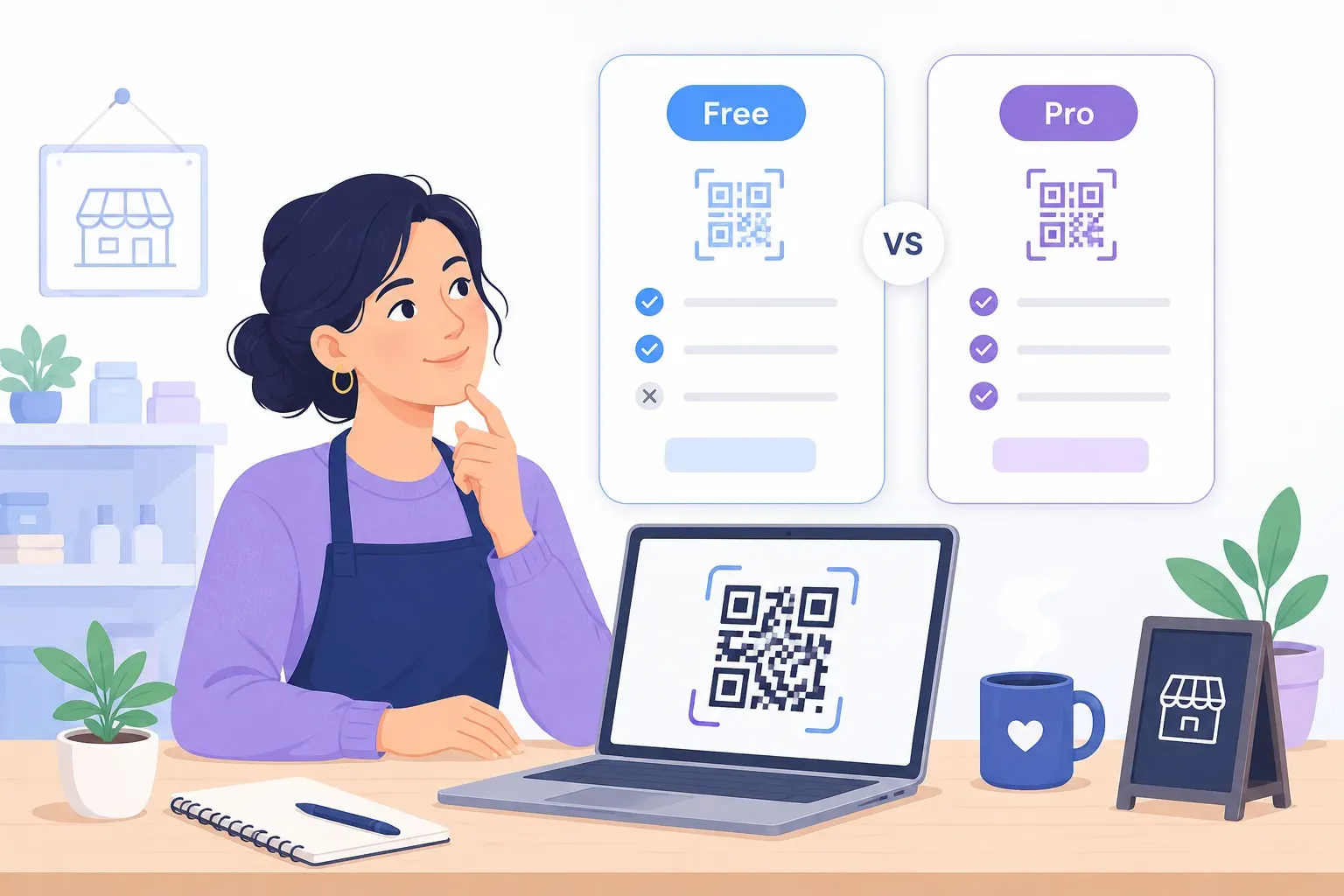
You need one QR code for a flyer, you open a generator, and before you can download anything you’re looking at a pricing page: $15 a month, billed annually. Is that ever worth it — or is the free version quietly all you need? The free vs paid QR code generator question has a clean answer once you separate what the code is from what the service around it does.
Here’s the short version: the QR code itself is free technology, defined by an open standard (ISO/IEC 18004) with no licensing fees. What paid platforms sell is infrastructure around the code — editable destinations, per-scan analytics, team workflows. Those are real features that earn their price in specific situations, and a waste of $120+ a year in all the others. This guide maps the line between the two.
What Free QR Code Generators Offer
A genuinely free generator gives you static QR codes: the destination URL is encoded directly in the pattern, so the code works forever with no account, no server dependency, and no scan limits. Nothing about a static code is a lesser product — it’s the same ISO-standard symbol a paid tool produces.
The honest free tier, done right, includes:
- All the everyday content types — URL, WiFi, vCard, email, SMS, WhatsApp, event, location.
- Real customization — colors, module shapes, a center logo, and frames with call-to-action text.
- Print-grade export — SVG vector output (and, in some tools, PDF) alongside high-resolution PNG, which matters for anything printed larger than a business card.
- No expiry and no watermark — the code you download today scans identically in ten years.
QRocket’s free tier works exactly this way, with codes generated in your browser so what you type isn’t uploaded to QRocket (the location type’s address search is the exception: it queries OpenStreetMap). Not every “free” label is this clean, though: some platforms offer free trials of dynamic codes that stop scanning when the trial lapses. Our comparison of the best free QR code generators sorts the truly free tools from the trial funnels.
What Paid QR Code Generators Add
Paid plans are built around one architectural change: instead of encoding your URL, the code encodes a short redirect URL owned by the platform. That indirection — explained fully in our guide to static vs dynamic QR codes — is what enables everything on the paid feature list:
- Editable destinations. Re-point a printed code to a new URL without reprinting. If you print 10,000 boxes and the landing page moves, this feature just paid for itself.
- Scan analytics. Counts, timestamps, city-level location, and device type for every scan — data the redirect server observes in transit.
- Bulk management and API. Hundreds of codes created, organized, and retargeted programmatically.
- Team features. Shared workspaces, roles and permissions, SSO — relevant from roughly your fifth teammate onward.
- Custom domains. The redirect runs through
qr.yourbrand.cominstead of the vendor’s domain, which builds scanner trust and keeps you portable. - Support and SLAs. A contractual uptime promise for the redirect servers your printed codes now depend on.
That last point cuts both ways and deserves emphasis: every dynamic code is a permanent dependency on the vendor’s servers. If the subscription lapses or the provider shuts down, printed codes die. You’re not just buying features — you’re renting infrastructure your print run relies on.
Free vs Paid QR Code Generator: A Decision Framework
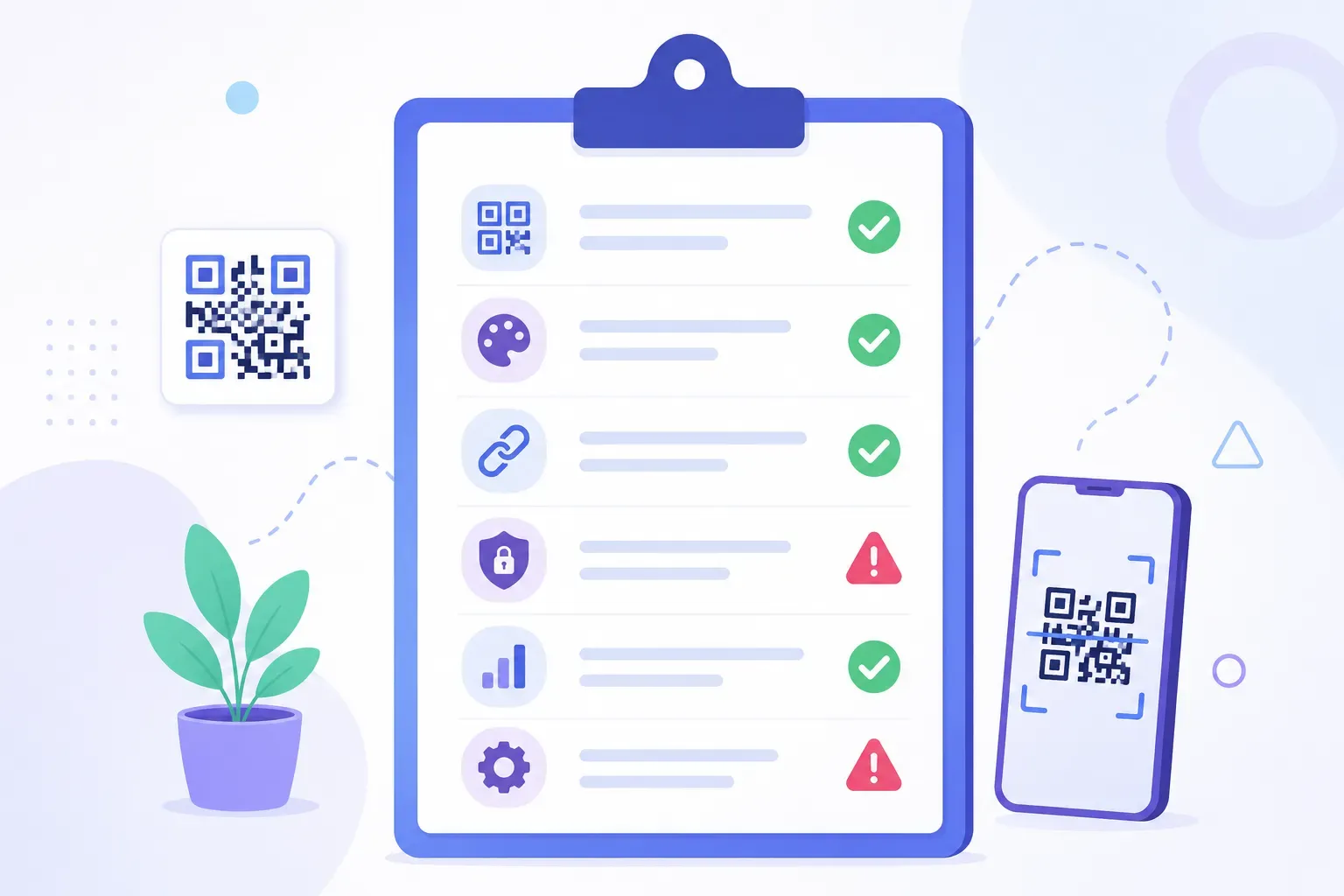
Skip the feature lists and answer five questions. Wondering “do I need a paid QR code plan?” usually resolves in the first two:
- Will the destination change after printing? If yes — seasonal menus, rotating campaigns, event schedules — dynamic codes are the honest solution. If the destination is stable (your website, WiFi login, contact card), static is strictly better: no dependency, no fee.
- Do you need per-scan data beyond campaign totals? UTM parameters on a static code let Google Analytics attribute the visits it records to each campaign, for free — a proxy for scans, since a scan that doesn’t load the page, or a visit analytics doesn’t record, won’t show up. Pay only if you need redirect-level counts and detail like geography and device split.
- How many codes are you managing? One to twenty codes fit in a spreadsheet. Hundreds of codes across products and locations justify bulk tooling and an API.
- How many people touch the codes? Solo or two people: free. A marketing team with approval flows: paid workspaces start earning their seat price.
- What’s the cost of a dead code? For a bake-sale poster, nothing. For packaging in national retail, enough that you want an SLA and a custom domain.
Mostly “no” answers mean a free static generator covers you completely. Mostly “yes” answers mean paid features map to real problems you have — and comparing a QR code generator’s free vs paid tiers becomes a genuine procurement decision rather than an upsell.
Cost Comparison: What Paid QR Code Plans Charge
QR code generator pricing follows a predictable ladder across the major platforms. Exact numbers change often, and the bands below are a rough guide rather than a systematic price survey — check each vendor’s current pricing page before you budget. (For one checked example: on 26 September 2026, Scanova’s pricing page listed paid plans from /month and a 14-day free trial.)
| Tier | Typical price | What you get | Watch for |
|---|---|---|---|
| Free static | $0 | Unlimited static codes, customization, no expiry | Nothing — this tier has no strings when it’s truly static |
| Free dynamic / trial | $0 | A handful of dynamic codes | Trial expiry, scan caps, codes deleted on inactive accounts |
| Starter | ~$5–15/month | 10–50 dynamic codes, basic analytics | Annual-only billing, per-code limits, capped scans |
| Pro | ~$15–50/month | More codes, full analytics, bulk tools, API access | Feature gating — API and custom domains often sit one tier higher than advertised |
| Business/Enterprise | $50–200+/month | Team seats, SSO, SLAs, white-label domains | Custom pricing; the SLA is the actual product |
Two cost realities to run before subscribing. First, the annual math: a $15/month plan is $180 a year, every year, for as long as the printed codes must keep working — dynamic codes make canceling expensive. Second, the caps: “unlimited codes” plans frequently meter scans, which is the number you can’t control.
Getting the Most from a Free QR Code Generator
Before paying, it’s worth knowing how far free genuinely stretches — because two of the headline paid features have free approximations:
- Free tracking. Add UTM parameters (
?utm_source=flyer&utm_campaign=spring) to the URL before generating the code, and Google Analytics attributes the visits it records to that campaign at zero cost. Those are sessions, not an exact scan count — but use a different tag per placement and you can compare whether the window sticker or the receipt drives more traffic — the full setup is in our guide to tracking QR code scans. - Free editability. Point the static code at a URL on a domain you control —
yourbrand.com/menu— and change where that page redirects whenever you like. You’ve rebuilt the dynamic mechanism, except you own the redirect instead of renting it — which also means keeping that domain registered and the site online, because the printed code works only while the redirect does. - Print insurance. Always export SVG for print jobs and test before the run. A free code that scans reliably beats a paid code that was downloaded as a low-resolution PNG.
For a small business, this free stack — static codes, UTM tracking, owned redirects — covers signage, menus, business cards, and most campaigns indefinitely. The playbook in our guide to a free QR code generator for business builds on exactly this approach, and the basic workflow takes about two minutes in the walkthrough for creating a QR code free.
Start free, stay free until the data says otherwise — no sign-up, no expiry. — Create Your Free QR Code
Pay for Problems You Actually Have
The upgrade decision gets easy when you flip it: never pay to avoid a hypothetical, pay to solve a recurrence. The first time you actually reprint 500 items because a URL changed, dynamic codes have a measurable price tag to beat. Until an event like that happens, the free static path — with UTM tags for data and an owned URL for flexibility — is not the budget option; it’s the architecturally safer one, with no QR vendor in the path — only your own domain and hosting to keep running. Generate what you need in the free generator, keep the $180 a year, and let a real problem, not a pricing page, tell you when to upgrade.
Frequently Asked Questions
Is a free QR code generator good enough?
For most personal and small business uses — signage, menus, WiFi sharing, business cards, flyers — yes. A free static code is the same ISO-standard symbol a paid tool produces, works forever, and supports full customization. Paid plans matter only when you need editable destinations, per-scan analytics, or team-scale management.
When should I pay for a QR code generator?
Pay when a concrete need appears: destinations that must change after printing, scan-level analytics beyond what UTM tags provide, hundreds of codes to manage, API automation, or team workspaces with permissions. Each of those maps to a paid feature; if none apply, the subscription buys you nothing a static code lacks.
Can I switch a free QR code to a paid dynamic one later?
Not in place — a printed static code encodes its URL permanently, so converting means generating a new dynamic code and reprinting. If you expect to need editability, either start with a dynamic code or point your static code at a redirect URL on your own domain, which you can re-target anytime for free.
Do paid QR codes stop working if I cancel my subscription?
Dynamic codes typically do — they rely on the provider’s redirect servers, and canceling usually deactivates the redirect, killing every printed copy. Static codes are immune: nothing about them depends on any company’s servers, which is why long-lived print belongs on static codes regardless of budget.
Create a free QR code with custom colors, your logo and print-ready downloads — no sign-up.