QR Code Privacy: What Data Is Collected When You Scan
 By Kelly Or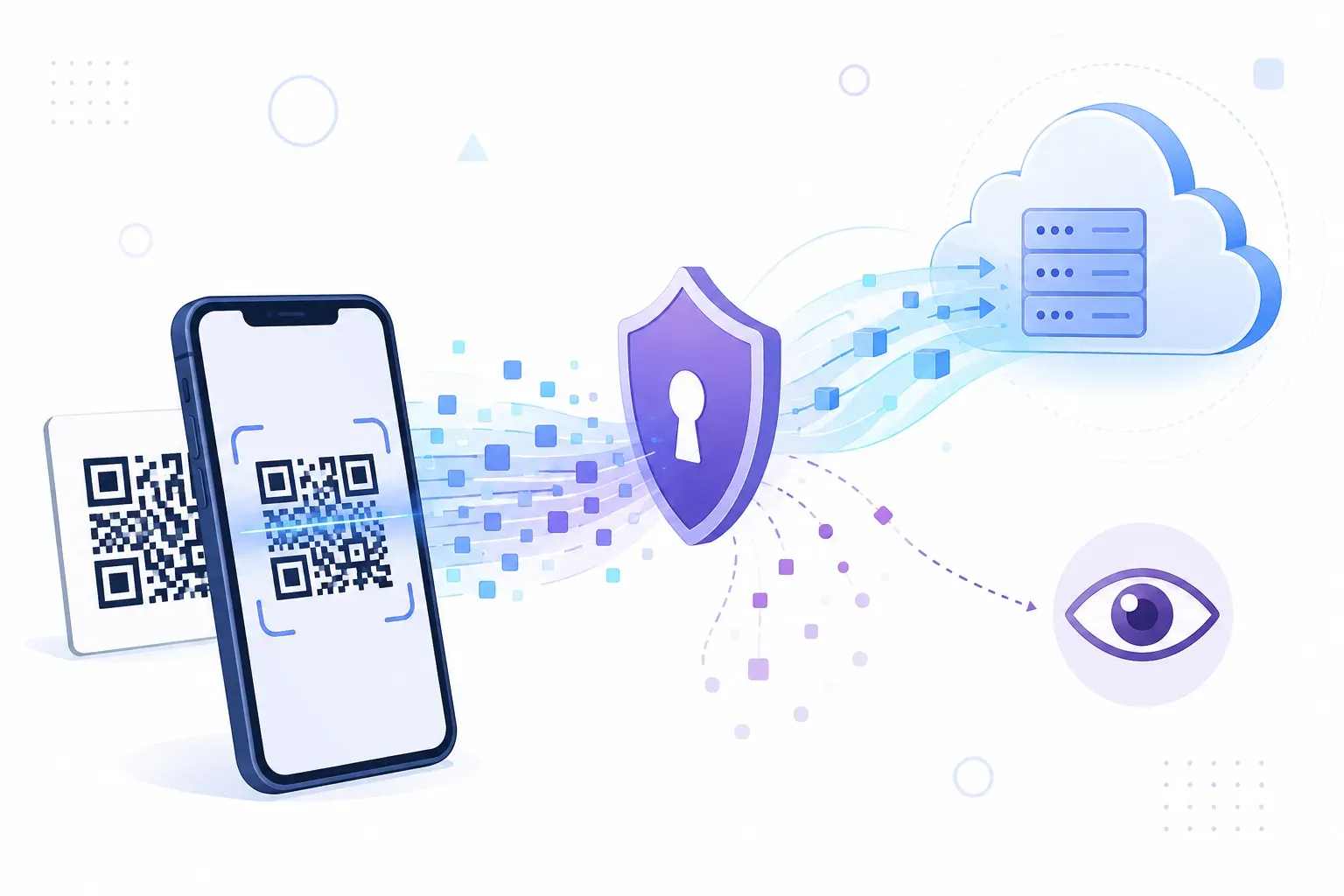
You scan a menu code at lunch. The pasta list appears, and nothing else seems to happen. Depending on how that code was made, though, the scan may have just logged the time, your approximate location, your phone’s operating system, and whether you’ve scanned it before — or it may have recorded nothing at all. QR code privacy hinges on a distinction most people have never heard of: whether the code is static or dynamic. This guide explains what actually happens during a scan, what data QR codes collect and who receives it, what GDPR and CCPA demand from businesses that track scans, and the practical moves that keep you in control on both sides of the camera.
What Happens When You Scan a QR Code
The scan itself is silent. Your camera decodes the pattern locally, on the phone, turning modules back into text — no network request, no server contact. If the code holds self-contained content like WiFi credentials, a plain text note, or a contact card, the story can end right there: nothing ever leaves your device.
Most codes, though, hold a URL. When you tap it, you make an ordinary web visit — and every ordinary web visit shares data. The destination server sees your IP address, your device’s user agent string (which reveals OS and browser), and your language settings. That’s the same information your phone sends when you tap any link anywhere.
So the real privacy question is never “did I scan?” It’s “where does this link go, and how many stops does it make along the way?”
Static vs Dynamic: The QR Code Privacy Divide
A static QR code bakes the destination URL directly into the pattern. Your phone reads it and goes straight to the destination. There’s no middleman, so the person who created the code learns nothing — they have no server in the path and no way to count scans, ever.
A dynamic QR code encodes a short redirect link owned by a QR service instead. Each scan hits that provider’s server first, gets logged, and is then forwarded to the real destination. That one extra hop is the entire mechanism behind scan analytics — and behind most QR code data collection. The full trade-off between the two types is covered in our comparison of static vs dynamic QR codes.
Key takeaway: Static codes collect nothing because there’s nowhere to collect it. Dynamic codes route every scan through a logging server by design.
You can usually spot the difference before tapping: your camera shows the URL’s domain in the preview banner. A brand’s own domain suggests a direct link; a short unfamiliar domain usually means a tracked redirect.
What Data Dynamic QR Codes Collect
When a scan passes through a redirect server, the provider typically records a standard bundle:
| Data point | How it’s obtained | Precision |
|---|---|---|
| Time and date of scan | Server timestamp | Exact |
| Location | IP address lookup | Country or city level — not GPS |
| Device and OS | User agent string | Model class, iOS/Android version |
| Browser and language | Request headers | Exact |
| Scan counts | Total and unique scans per code | Depends on provider methods |
Two clarifications matter here. First, location from a scan is IP-based — city-level at best. A QR code cannot read your GPS position; only a website you’ve granted location permission to can do that, and your phone always asks first. Second, tracking parameters like ?utm_source=poster can ride on any URL, even in a static code — they don’t identify you personally, but they tell the campaign’s analytics which placement you scanned.
None of this is inherently sinister. Scan logs are how marketers learn that the bus-stop poster outperforms the flyer, as covered in our guide to tracking QR code scans. Deliberately deceptive codes are a separate problem with separate defenses — see our guides to QR code safety and quishing attacks for that threat model.
GDPR, CCPA, and QR Code Compliance
If you’re the business creating tracked codes, scan logs are not a legal gray zone. Under the EU’s GDPR, online identifiers including IP addresses count as personal data (GDPR, Recital 30) — which makes a dynamic QR provider’s scan log a personal data processing activity. That triggers real obligations: a lawful basis for the processing, disclosure in your privacy notice, defined retention periods, and a processing agreement with the QR platform that holds the logs.
California’s CCPA, as amended by the CPRA in 2023, points the same direction: consumers must be told at or before collection what categories of data are gathered and why, and they hold rights to access and delete it.
In practice, QR code GDPR compliance for a small business looks like this:
- Disclose scan analytics in your privacy policy, naming the QR provider as a processor.
- Put the notice where the scanner lands. The code itself can’t show fine print, so the landing page carries the disclosure — and the consent banner, if that page loads marketing trackers.
- Set retention limits. Scan logs older than your reporting window should be deleted, not hoarded.
- Collect the minimum. If placement-level counts answer your question, don’t store device-level detail.
Privacy-First QR Code Best Practices
For creators, the cleanest rule is proportionality — collect only what you’ll act on:
- Default to static. No analytics need means no redirect, no logs, no compliance surface. The code also never depends on a third-party server staying alive.
- Pick providers deliberately. If you need dynamic codes, choose a service that publishes its retention policy and offers a data processing agreement.
- Trim tracking parameters. Every UTM tag you drop makes the URL shorter, the code sparser, and the data trail smaller.
- Say what you count. A landing page line like “we count scans anonymously to measure this campaign” costs nothing and builds trust.
For scanners, three habits cover nearly all of it: read the domain preview before tapping (both iOS and Android show it), deny location prompts that a page doesn’t obviously need, and remember that a VPN blurs the IP-based location that scan logs rely on.
How QRocket Handles QR Code Privacy
QRocket generates static codes entirely in your browser. The content you type — a URL, WiFi password, or contact card — is encoded into the pattern locally and never sent to a server, stored, or logged. There’s no account, no scan tracking, and no redirect: the finished code is pure data that works forever without phoning anywhere.
That architecture matters most for sensitive content types. A WiFi code made this way means your network password never left your device; a vCard means your phone number was never in anyone’s database.
Create privacy-friendly QR codes — free, static, and never tracked — Create Your Free QR Code →
The Silent Scan and the Talkative Link
The pattern itself never phones home — every byte anyone collects travels through the link’s journey after you tap. That makes the domain preview banner the single most useful privacy tool you already own: it tells you in one glance if you’re headed straight to a destination or through a logging middleman. And if you’re the one making codes, remember that the least data you can collect is none — a static code from QRocket’s free generator gives your audience the same destination with zero trail.
Frequently Asked Questions
Can QR codes track my location?
Dynamic QR codes log your approximate location — country or city level — from your IP address when the scan passes through their redirect server. Static QR codes collect nothing at all. Precise GPS location is only shared if a website asks for it and you explicitly tap Allow.
Do I need a privacy policy for my QR codes?
If you use dynamic QR codes that collect scan data, yes. GDPR treats IP-based scan logs as personal data and requires disclosure, a lawful basis, and retention limits; CCPA requires notice at collection. Static codes that collect nothing create no such obligation.
Can a QR code access my contacts, photos, or other phone data?
No. Scanning only decodes the pattern into text — it grants no permissions and runs no code. Any real risk comes from where the link leads: a website can request permissions like camera or location, and your phone will always ask you first.
Can I see where a QR code leads before opening it?
Yes. Point your camera at the code without tapping: iOS and Android both display the destination domain in a preview banner. If the domain looks like a short redirect service rather than the brand you expect, the scan is being counted — or worth skipping entirely.
Create a free QR code with custom colors, your logo and print-ready downloads — no sign-up.