Are QR Codes Safe? How to Protect Yourself from QR Code Scams
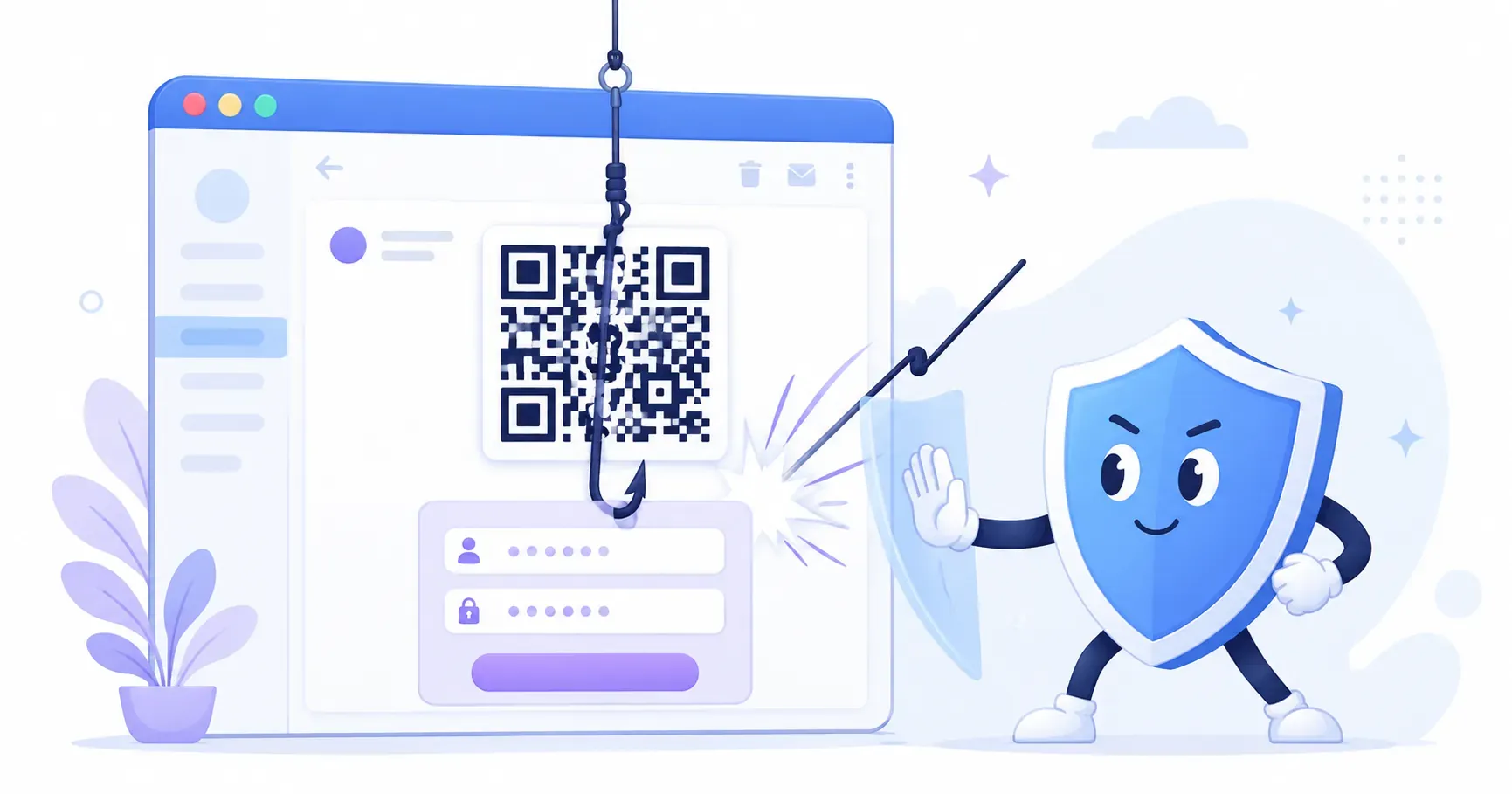
A woman in Austin, Texas scanned a QR code on a parking meter to pay for her spot. Thirty minutes later, her bank flagged a $2,000 charge from an overseas account. The QR code was a sticker — placed by a scammer directly over the city’s legitimate one. Stories like this have multiplied since 2022, and they raise a fair question: are QR codes safe? The short answer is that QR codes themselves are neutral — they’re just data containers. The danger comes from where a code sends you. This guide from QRocket breaks down how QR code scams work, what “quishing” means, and the concrete steps you can take to scan with confidence and create codes your customers can trust.
Are QR Codes Safe to Scan?
A QR code is simply a visual format for storing information — a URL, a phone number, a Wi-Fi password. The code itself can’t run software or access your data. But attackers exploit the one thing QR codes do reliably: redirect your phone’s browser to a web address.
How QR Code Scams Actually Work
Here’s the typical attack chain:
- The swap. A scammer prints a QR code pointing to a fake website and sticks it over a legitimate code — on a parking meter, restaurant table, or flyer.
- The redirect. You scan the code and your phone opens what looks like a payment page, login screen, or menu ordering site.
- The harvest. You enter your credit card number, password, or personal details. The scammer collects them instantly.
The trick works because most people don’t inspect the URL after scanning. They see a familiar-looking page and act on instinct. According to a 2024 threat report from ReliaQuest, QR code attacks in phishing emails rose roughly 50% in the second half of 2023 compared to the first half. Attackers favor QR codes precisely because email security filters can’t read the URL embedded inside an image.
Key takeaway: QR codes don’t contain malware. They contain links — and a malicious link is dangerous whether it comes from an email, a text message, or a QR code.
What Is Quishing (QR Code Phishing)?
“Quishing” blends “QR” and “phishing.” It describes any attack where a fraudulent QR code tricks someone into visiting a phishing site. If you’ve received an email with a QR code asking you to “verify your account” or “confirm a delivery,” you’ve likely encountered a quishing attempt.
Traditional phishing uses clickable links in emails. Quishing replaces those links with QR code images. Why? Because most corporate email security tools scan text-based URLs for known threats. A QR code embedded as a PNG or JPEG bypasses that text analysis entirely.
Quishing campaigns typically target:
- Corporate employees — fake IT login pages, Microsoft 365 credential harvests, or MFA reset prompts
- Online shoppers — fake order confirmations or “track your package” codes
- Public users — fraudulent parking, transit, or restaurant payment codes
The FBI’s Internet Crime Complaint Center (IC3) issued a public warning about QR code fraud in January 2022, specifically highlighting parking meter scams and cryptocurrency theft. Since then, quishing has grown into one of the fastest-rising categories of QR code phishing attacks, with security firms consistently reporting quarter-over-quarter increases.
What makes quishing effective is the trust gap. People have been trained to hover over links before clicking — but that instinct doesn’t carry over to scanning a physical code in a restaurant or parking lot.
Real-World QR Code Scam Examples
Three categories of QR code scam appear most frequently in security reports and news coverage.
Parking Meter Sticker Scams
In 2022, police departments in Austin, Houston, and San Antonio warned residents about fake QR code stickers on public parking meters. Scammers placed adhesive codes that sent users to a convincing payment portal. Victims entered credit card details thinking they were paying the city. Some lost hundreds of dollars before noticing the charge.
Fake Restaurant and Bar Menus
During and after the pandemic, restaurants adopted QR code menus widely. Scammers exploit this by placing their own codes on tables. Instead of a menu, the code leads to a page requesting payment information or downloading a malicious app. A single compromised table tent can affect dozens of diners per day.
Email-Based QR Code Phishing
Corporate quishing campaigns surged in 2023. A typical attack: an employee receives an email that appears to come from IT support, with a QR code to “re-authenticate your account.” Scanning leads to a credential-harvesting page mimicking the company’s login screen. These attacks bypass email link scanners because the malicious URL lives inside the QR image, not in the email’s HTML. Abnormal Security reported that QR code phishing emails accounted for roughly 17% of all attacks observed on their platform in late 2023.
Are QR Codes Safe to Scan? 7 Rules for Protection
Wondering whether it is safe to scan QR codes you find in the wild? Follow these seven rules and you’ll avoid the vast majority of threats.
1. Always Preview the URL Before Tapping
Both iOS (version 11+) and Android phones display a URL preview when you scan a QR code with the built-in camera app. Read the full domain before tapping. If it says parking-payments-city.xyz instead of austintexas.gov, don’t open it.
2. Check Physical Codes for Sticker Overlays
Run your finger over any printed QR code in a public space. If it feels like a sticker layered on top of another surface, it probably is. Legitimate businesses print their codes directly onto signage, not as peel-and-stick additions.
3. Use Your Phone’s Native Camera — Not a Third-Party Scanner App
Your built-in camera app scans QR codes and shows the destination URL. Third-party scanner apps sometimes inject their own redirects, display ads, or lack security features. The safest scanner is the one already on your phone — our guide on how to scan a QR code covers the native-camera steps for both iOS and Android.
4. Look for HTTPS and a Recognizable Domain
After scanning, confirm the URL starts with https:// and belongs to a domain you recognize. Watch for typosquatting — g00gle.com instead of google.com, or arnazon.com instead of amazon.com. A single swapped character is all it takes.
5. Never Enter Passwords or Payment Info Directly from a QR Scan
If a QR code leads to a login page, close it and navigate to the site manually through your browser. Legitimate services rarely require you to authenticate via a QR code in an email or on a poster.
6. Be Extra Cautious with QR Codes in Emails
QR codes in emails deserve the same suspicion you’d give a strange link. If your “IT department” sends a QR code asking you to verify your identity, call them directly to confirm. Most legitimate IT teams don’t embed QR codes in routine communications.
7. Keep Your Phone’s OS Updated
Operating system updates patch known vulnerabilities that malicious websites might exploit. Running iOS 17 or Android 14+ gives you the latest browser sandbox protections that limit what a website can do after you visit it.
Can a QR Code Give Your Phone a Virus?
Short version: no, not from the scan itself. A QR code is a static picture of data. Reading it can’t install an app, run a script, or touch your files — your camera simply decodes the pattern into a URL or a bit of text.
The danger starts one step later, if you act on what the code opens. A malicious page might push a fake “update” file, prompt you to install an app from outside the official store, or mimic a login screen to capture your password. In every case the vector is your behavior on the destination page, not the code.
That’s why the defenses are behavioral: read the URL preview, don’t download files you didn’t go looking for, and never sideload an app because a scanned poster told you to. Keep your operating system current so the browser sandbox can block the rare page that tries to exploit a known flaw. The code can’t hurt you; a careless tap on the page it opens can.
Create safe, trustworthy QR codes for your business with QRocket — free and secure — Create Your Free QR Code
How to Create Safe QR Codes for Your Business
If you’re a business owner placing QR codes where customers interact with them, QR code security is a two-way responsibility. Your customers need to trust your codes, and you need to make them trustworthy.
Use a trusted generator. Create your codes with QRocket or another reputable tool that doesn’t inject tracking redirects or wrap your URL in an unfamiliar domain. When customers scan your code and see a clean, recognizable URL, trust goes up.
Brand your destination URL. Instead of a generic shortened link, use your own domain: yourbusiness.com/menu rather than bit.ly/3xK9mQ2. A recognizable domain reassures scanners that the code is legitimate.
Print codes directly on materials. Stickers invite tampering. Whenever possible, print QR codes as part of your signage, menu, or packaging — not as an afterthought stuck on top. If stickers are unavoidable, use tamper-evident labels that show visible damage when peeled.
Add context around every code. A QR code sitting alone on a wall tells the scanner nothing. Include a short label: “Scan for our menu at yourbusiness.com/menu” or “Pay for parking at cityname.gov/parking.” This lets people verify the destination before scanning.
Monitor your links. If you use dynamic QR codes, check your destination URLs periodically. A compromised redirect — even on a legitimate domain — can send customers to a phishing page. Weekly checks take 5 minutes and protect your reputation.
For a deeper look at phishing threats targeting businesses, read our guide on QR code phishing prevention.
QR Code Safety Checklist
Print this checklist or save it to your phone. Run through it every time you encounter a QR code in public.
| # | Check | What to Look For |
|---|---|---|
| 1 | Physical inspection | Is the code printed directly on the material, or is it a sticker placed on top? |
| 2 | URL preview | Does your camera show a recognizable domain before you tap? |
| 3 | HTTPS check | Does the URL start with https://? |
| 4 | Domain match | Does the domain match the business or service you expect? |
| 5 | Context clues | Is there a label or instruction explaining where the code leads? |
| 6 | No immediate login | Does the page ask for a password or payment right away? (Red flag.) |
| 7 | Source credibility | Did this code come from a trusted physical location or a suspicious email? |
If any check raises a flag, don’t proceed. Navigate to the expected website manually through your browser instead.
Key takeaway: A 10-second inspection — feel the surface, read the URL, check the domain — stops most QR code scams before they start.
Pause, Inspect, Verify
The most useful thing about QR code safety is how simple it really is. You don’t need special software, a security certification, or even deep technical knowledge. The same instinct that keeps you from clicking a sketchy email link — pause, inspect, verify — works just as well for a code on a parking meter or a restaurant table. Build that 10-second habit, and you’ll scan with confidence anywhere. If you run a business and want to give your customers that same confidence, create your QR codes with QRocket — a free tool that keeps your links clean and your destinations transparent.
Frequently Asked Questions
Can a QR code give my phone a virus?
No. A QR code stores data like a URL or text — it cannot execute code or install software on your device. The risk comes after scanning: if the linked website is malicious, it may attempt to trick you into downloading harmful files. Your phone’s browser protections and OS updates are your main defense.
What is quishing?
Quishing combines “QR” and “phishing.” Attackers create fraudulent QR codes that direct victims to fake websites designed to steal login credentials, payment details, or personal data. It’s especially common in corporate email attacks because QR images bypass traditional email link scanners that only analyze text-based URLs.
How can I tell if a QR code is safe before scanning?
Use your phone’s built-in camera, which shows a URL preview before opening anything. Check that the domain is recognizable and starts with https://. Physically inspect the code — stickers placed over existing codes are a common sign of tampering. If the URL looks unfamiliar or misspelled, don’t tap it.
Should businesses worry about QR code security?
Absolutely. Customers associate your QR codes with your brand. If a scammer places a fraudulent sticker over your code, the damage hits your reputation. Use a trusted generator, print codes directly on materials, brand your destination URLs, and add visible labels explaining where each code leads.
What is the most common QR code scam?
Sticker overlays. A fraudster prints a code linking to a fake payment or login page and pastes it directly over a legitimate one — on parking meters, posters, or restaurant tables. Because the real code is hidden underneath, everything looks normal until the money or credentials are already gone.
Is it safe to scan QR codes in restaurants?
Generally, yes — menu codes are one of the safer everyday uses. Before scanning, glance for a sticker slapped over the printed code and check that the URL matches the restaurant’s own domain rather than an unfamiliar site. If the page asks for payment or a login upfront, treat it as suspicious.
Create a free QR code with custom colors, your logo and print-ready downloads — no sign-up.