Quishing Explained: How to Spot and Prevent QR Code Phishing
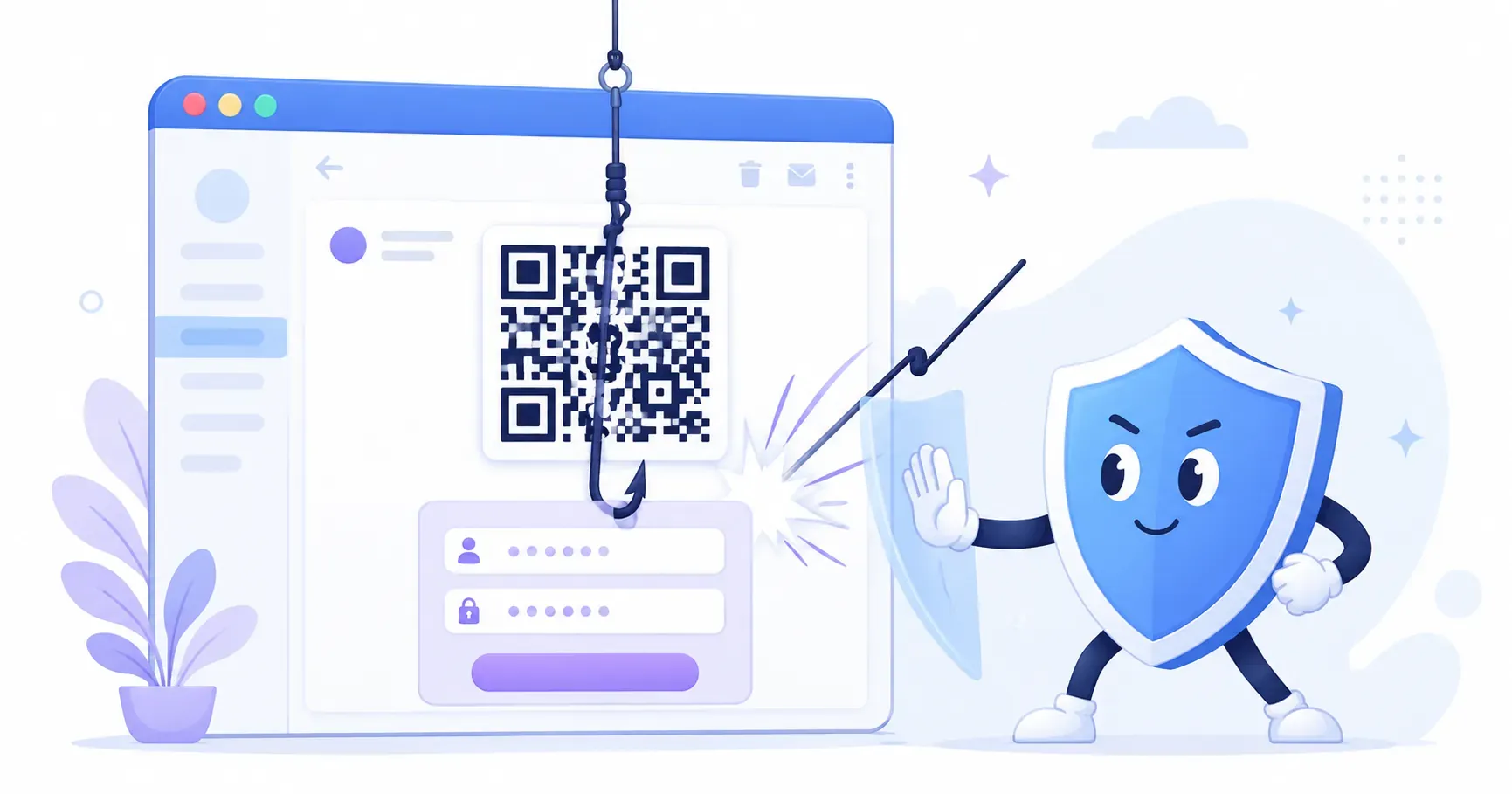
An email lands in your inbox from “IT Support.” Your multi-factor authentication is expiring, it warns, and you must re-enroll today — just scan the QR code below with your phone. Quishing is exactly this: phishing that hides its bait inside a QR code instead of a clickable link. The word blends “QR” and “phishing,” and the swap is deliberate. A code is an image, so it slips past the email filters that would flag a suspicious web address in plain text.
This guide breaks down how a quishing attack actually unfolds, the six red flags that give one away, and a practical defense plan for teams. It assumes you already follow everyday scanning habits — the broader consumer guide to whether QR codes are safe covers those. Here, the focus is the phishing mechanics and the workplace playbook that stops them.
What Is Quishing?
Quishing is a phishing attack that replaces the malicious text link with a QR code, sending victims to credential-stealing pages the instant they scan. The goal is the same as any phishing scam — trick you into typing a password, a card number, or a login code on a page the attacker controls. Only the delivery changes.
That change matters more than it sounds. A traditional phishing email carries a visible URL that security tools can inspect, blacklist, and strip. A quishing email carries a picture. Behind the pattern sits the same fraudulent web address, but a legacy filter scanning the message body reads only an image file, not the link inside it.
The U.S. Federal Trade Commission and the FBI have both issued public warnings about the tactic, and the FTC advises treating an unexpected code with the same suspicion you’d give an unexpected link. If you’re new to how the underlying technology works, our primer on what a QR code is explains why a small square can hold a full web address in the first place.
How a Quishing Attack Works, Step by Step
The most common corporate quishing campaign follows a tight script. Understanding each move is the fastest way to recognize one before you reach for your phone.
The Email with the “Scan to Verify” Code
A QR phishing email usually impersonates something routine and mildly urgent: an IT password reset, a payroll update, a shared document, or an expiring MFA enrollment. The message is short, on-brand, and asks you to scan a QR code “to verify,” “to keep access,” or “to review the file.” Because the code sits where a button normally would, it feels like a legitimate step rather than a trap.
Why Filters Miss It: The URL Hides in an Image
Here’s the mechanical heart of the scam. A secure email gateway is very good at reading text — it checks every URL against reputation databases and rewrites risky ones. But the malicious address in a quishing email isn’t text. It’s pixels arranged in a square. To a filter that can’t decode images, there’s no link to inspect, so the message often sails straight into the inbox. This is the single reason quishing works where ordinary phishing gets blocked.
The Fake Login and the Stolen Credential
When you scan, your phone opens the address — and that phone is the attacker’s real target. It has left the managed laptop with its endpoint protection and web filtering, and it’s now on a personal device that corporate security tools can’t see. The page that loads is a pixel-perfect copy of a Microsoft 365 or Google login. You type your username, password, and even your MFA code. Every keystroke flows to the attacker, who replays it against the real service within seconds to hijack the session. That device switch — from a protected laptop to an unmonitored phone — is the entire point of the attack.
Common Quishing Scenarios Beyond Email
Not every quishing attempt arrives in your inbox. A growing set of attacks put a malicious code into the physical world, where a familiar setting lowers your guard. The classic example is a sticker overlay: a fraudster prints a code on an adhesive label and sticks it over the legitimate one on a parking meter, a restaurant menu, or an EV charger. You scan what looks like the official payment code and land on a fake card-capture page instead. The consumer-side habits for spotting a tampered code are covered in the guide on whether QR codes are safe.
Other physical variants include counterfeit package-delivery slips (“scan to reschedule your parcel”), fake charity flyers after a disaster, and forged event posters that route to a look-alike ticketing site. The through-line is the same in every case: a code appears exactly where you’d expect a real one, so you never think to question it.
Key takeaway: A QR code shows no destination until you scan it. That opacity is precisely what attackers exploit — so the preview screen after a scan, not the code itself, is where you make your safety decision.
How to Spot a Quishing Attempt: 6 Red Flags
Most quishing emails trip at least one of these wires. Learn the set and you’ll catch the majority before your phone ever leaves your pocket.
- An unexpected QR code in an email. Legitimate companies rarely ask you to scan a code from your own inbox — you’re already on a device that can click a link.
- Urgency or a deadline. “Within 24 hours,” “immediately,” or “or lose access” is manufactured pressure meant to bypass your judgment.
- A “scan to keep access” or “re-verify” ask. Account maintenance almost never happens by phone camera.
- A mismatched sender domain. The display name says “IT Helpdesk,” but the actual address is a random or look-alike domain.
- A generic greeting. “Dear user” or “Dear employee” instead of your name suggests a mass send.
- An off-brand login URL after scanning. The page looks right, but the address bar shows a domain that isn’t your company’s or the real service’s.
Any single flag warrants a pause. Two or more is your cue to report the message and delete it.
Quishing Prevention for Organizations
Technology alone won’t stop quishing, because the attack deliberately jumps to a device your controls don’t reach. A durable defense pairs better tools with trained people and a policy that makes reporting effortless.
Train the Scan-Pause Habit
The most valuable skill you can teach is a one-second pause between scan and tap. After scanning, every modern phone shows the destination URL before opening it — so staff should read that address and confirm it matches the expected service before entering anything. Reinforce it with simulated quishing exercises: send your own harmless test codes, then coach anyone who scans. Security-awareness training that includes QR-specific scenarios closes a gap that link-only phishing drills miss entirely. It also helps to teach the mechanics of how to scan a QR code safely, so the URL preview becomes a reflex rather than an afterthought.
Update Email Security and Reporting Policies
On the tooling side, deploy an email gateway that decodes and inspects the URLs inside QR images rather than treating them as opaque pictures. Pair it with phishing-resistant multi-factor authentication — passkeys or FIDO2 security keys resist the credential-replay trick because there’s no reusable code to steal. Just as important, give employees a one-click “report phishing” button and a no-blame culture around using it. A staffer who reports their own mis-scan in the first minute lets you revoke the session before damage spreads.
Making Your Own QR Codes Hard to Fake
The flip side of defense is making sure your own codes never get mistaken for a scam — or quietly replaced by one. If your business prints codes for customers with a free generator like QRocket, a few habits make forgery conspicuous. Label every code with plain text that states where it leads (“Scan to pay — parking.cityname.gov”), so a swapped sticker with a different destination stands out. Print codes directly into your artwork rather than applying them as separate stickers, which removes the easy overlay surface entirely.
Point your codes at a branded, human-readable destination on your own domain instead of an obscure shortener, because a recognizable address is one a customer can sanity-check at the preview screen. And inspect high-traffic public codes on a schedule — a parking-lot code is worth a weekly glance to confirm no one has pasted over it.
Publishing codes people can trust starts at generation — create yours free, with no hidden redirect. — Create Your Free QR Code
QRocket generates codes client-side with no redirect layer, which means the URL you type is the URL your customers reach — there’s no third-party hop in the middle where a destination could be silently changed after printing.
Turning the Pause Into a Reflex
The uncomfortable truth about quishing is that it targets a habit, not a flaw in your phone — the reflex to scan a code without asking where it goes. Attackers count on that muscle memory, which is why the fix is behavioral as much as technical. Teach your team to read the preview URL, deploy MFA that can’t be replayed, and label your own codes so counterfeits look wrong. When you generate those legitimate codes with QRocket, the address your customers preview is exactly the one you printed — no surprises, no silent redirect, no gap for a scammer to slip into.
Frequently Asked Questions
What is quishing?
Quishing is phishing that swaps the malicious text link for a QR code. When the victim scans it, their phone opens a credential-stealing page disguised as a trusted login. The name combines “QR” and “phishing,” and the code format is chosen specifically to evade filters that catch text links.
Why do attackers use QR codes instead of links?
Two reasons. The destination URL hides inside an image, so text-based email filters can’t read or block it. And scanning moves the victim from a protected work laptop to a personal phone that corporate security tools don’t monitor, where a fake login page can harvest credentials undetected.
How common are quishing attacks?
They have grown sharply. Security vendors have reported increases in the hundreds of percent within single years, and the surge prompted public warnings from the FBI and the FTC. QR codes in email are now a routine part of phishing campaigns rather than a novelty tactic.
What should I do if I scanned a quishing code?
Don’t enter any information on the page. If you already typed a password or login code, change that password immediately on the real site, revoke active sessions from your account settings, and report the incident to your security team so they can watch for misuse and block the source.
How can companies prevent quishing?
Layer the defenses: use email filtering that decodes URLs inside QR images, run simulated-quishing training, adopt phishing-resistant MFA like passkeys, and give staff a one-click way to report suspicious codes. No single control is enough, because the attack deliberately jumps to devices your tools don’t cover.
Create a free QR code with custom colors, your logo and print-ready downloads — no sign-up.