What Is a QR Code? The Complete Beginner's Guide

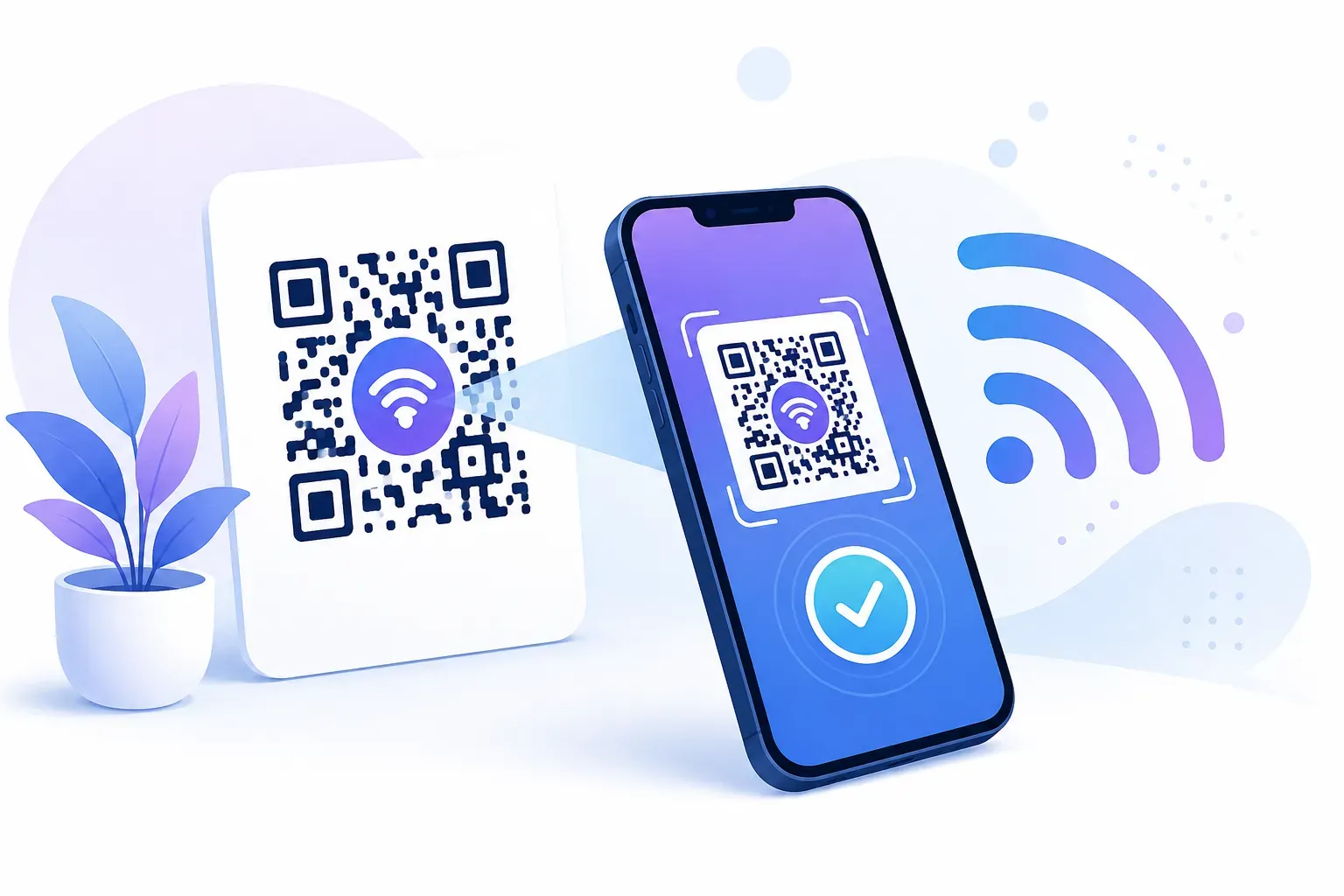
You scan one at a coffee shop to pull up the menu. Another sits on a concert ticket, replacing the paper stub you used to keep in your wallet. A third appears on a park bench, linking to a self-guided nature trail. These small black-and-white squares show up everywhere — but what is a QR code, really? At its core, it’s a two-dimensional barcode that stores information any smartphone camera can read in under a second. This guide from QRocket breaks down the QR code meaning, explains how the technology works under the hood, walks through real-world uses, and shows you how to create one yourself — all in plain English.
What Is a QR Code, and What Does QR Stand For?
QR stands for Quick Response. The name isn’t marketing speak — it describes exactly what the technology does. A QR code delivers data to a scanner faster than any traditional barcode can.
Masahiro Hara and his team at Denso Wave, a subsidiary of Toyota, invented the QR code in 1994. Their problem was specific: tracking automotive parts on a fast-moving assembly line. Existing barcodes held only about 20 characters and required a precise scan angle. Hara’s team needed something that stored thousands of characters and could be read from any direction.
The result was a square grid of black and white modules that encodes data both horizontally and vertically. By the standard QR code definition, it’s a matrix barcode — a two-dimensional pattern that a machine reads as binary data.
Denso Wave made a deliberate choice not to enforce their patent rights. That open decision is a big reason QR codes spread worldwide. Any company or individual can generate and use them without paying a licensing fee.
How Do QR Codes Work?
Picture a chessboard where every square carries meaning. That’s the basic idea behind a QR code’s structure.
The Anatomy of a QR Code (Finder Patterns, Modules, Quiet Zone)
Each code contains several functional zones working together:
- Finder patterns: The three large squares in the corners help a scanner locate and orient the code, no matter the angle.
- Alignment pattern: A smaller square (present in larger codes) keeps the reading accurate on curved or uneven surfaces.
- Timing patterns: Alternating black-and-white rows and columns between the finders establish the grid’s coordinate system.
- Data modules: The remaining squares encode the actual information in binary — black for 1, white for 0.
- Quiet zone: A blank border at least 4 modules wide surrounds the code so scanners can separate it from background clutter.
When your phone camera detects a QR code, it first finds the three finder patterns to determine size and orientation. Then it reads the timing patterns to map the grid. Finally, it decodes the data modules and applies error correction.
Error Correction in Plain English
Error correction is what makes QR codes so resilient. Based on the Reed-Solomon algorithm, QR codes can still be read even when part of the surface is damaged or obscured. The QR code standard (ISO/IEC 18004) defines four error correction levels: L (7% recovery), M (15%), Q (25%), and H (30%).
How Much Data Fits in One Code?
A single QR code can hold up to 7,089 numeric characters or 4,296 alphanumeric characters. That’s enough for a full URL, a WiFi password, a complete contact card, or a paragraph of text.
Key takeaway: QR codes store data in two dimensions instead of one, giving them roughly 100 times the capacity of a traditional barcode.
A Short History: From Toyota Factories to Restaurant Tables
In 1994, the first QR codes did one unglamorous job: labeling boxes of car parts inside Denso Wave’s plants so workers could scan them from any angle as the assembly line kept moving. For years the technology stayed inside factories and Japanese logistics operations.
The jump to everyday life came with the camera phone. Once smartphones could read codes without a separate app — Apple built native scanning into iOS 11 in 2017, and Android added it to the default camera around the same time — the friction disappeared. Point, scan, done.
Then came 2020. Restaurants swapped laminated menus for a code on the table, retailers moved payments to a scan, and event tickets went digital almost overnight. What began as a way to count auto parts now sits on menus, posters, packaging, and paychecks. The path from a factory conveyor belt to your dinner table took about 25 years.
What Is a QR Code vs a Barcode? Key Differences
A grocery store cashier scans the barcode on a cereal box, and the register displays a price. That one-dimensional barcode holds about 20–25 characters — just enough for a product ID number.
QR codes operate on a different scale entirely. Here’s how the two formats compare:
| Feature | Traditional Barcode | QR Code |
|---|---|---|
| Dimensions | 1D (horizontal lines) | 2D (square grid) |
| Data capacity | ~25 characters | Up to 7,089 numeric characters |
| Data types | Numbers only | URLs, text, WiFi, contacts, more |
| Scan angle | Must align straight-on | Any angle, any direction |
| Error correction | None | Up to 30% damage tolerance |
| Size flexibility | Fixed width-to-data ratio | Scales from 2 cm to billboard size |
The practical difference? A barcode identifies a product. A QR code can take someone to a website, connect them to a WiFi network, add a contact to their phone, or display a full restaurant menu. When you understand how QR codes work compared to the barcodes you already know, it comes down to that second dimension of data storage.
That said, barcodes aren’t going away. They remain the standard for retail inventory systems worldwide. According to GS1, the organization that manages global barcode standards, traditional barcodes still appear on billions of consumer products. QR codes serve a different purpose: connecting physical objects to digital content. For a feature-by-feature look at where each format wins, see our full QR code vs barcode comparison.
Types of QR Codes You Can Create
The pattern looks identical from a distance, but the content tucked inside can do very different jobs. When people ask what a QR code can hold, the answer stretches well beyond website links.
Here are the content types you can encode:
- URL — the most popular option, opening a website, landing page, or online document.
- WiFi — connects a phone to a network without anyone typing the password.
- vCard — saves a full contact profile: name, phone, email, and company.
- Email — opens a pre-addressed message with the subject line already filled in.
- SMS — starts a text to a set number with the wording ready to send.
- Plain text — displays a short note, set of instructions, or a serial number.
- Phone number — dials a specific number the moment it’s scanned.
- Location — drops a pin on a map at fixed coordinates.
- Event — adds a calendar entry with the date, time, and place built in.
Each type formats the encoded data a little differently so your phone knows whether to open a browser, join a network, or save a contact. For a full walkthrough of every option and when to reach for it, see our guide to the types of QR codes.
What Is a QR Code Used For? 10 Everyday Examples
A decade ago, QR codes felt like a tech gimmick searching for a purpose. Today they’re embedded in daily life across nearly every industry.
Here are ten applications you’ll encounter regularly:
-
Restaurant menus — A table tent with a QR code replaces the laminated menu. The kitchen updates dishes in real time without reprinting anything.
-
Contactless payments — Street vendors in cities worldwide display a QR code linked to their payment account. Customers scan and pay in under 5 seconds.
-
WiFi sharing — A hotel lobby prints its network name and password as a QR code at the front desk. Guests scan instead of typing a 16-character password.
-
Business cards — A vCard QR code on a printed card lets someone save your name, phone, email, and company with a single scan.
-
Event check-in — Concert venues and conferences issue QR-coded tickets that scanners read in under a second, keeping entry lines moving.
-
Product packaging — A food brand prints a QR code on the box linking to nutritional details, recipes, or a promotional contest.
-
Real estate listings — A “For Sale” sign includes a QR code linking to a virtual tour, floor plans, and the agent’s contact info.
-
Education — A teacher places QR codes on a worksheet, each linking to a video explanation. Students who need extra help get instant access.
-
Healthcare — Patient wristbands carry QR codes with medical record numbers, reducing identification errors during treatment.
-
Public transit — Transit agencies print QR codes at stops that link to live arrival times and route maps.
Businesses in particular are finding creative ways to put QR codes to work. If you want specific strategies, our guide to QR codes for business covers the most effective approaches.
Static vs Dynamic: One Decision to Know About
Not all QR codes behave the same way after you create them. The two main categories — static and dynamic — determine whether your code is a permanent label or a flexible tool you can update over time.
Static QR codes encode data directly into the pattern. The information is baked in permanently. If you create a static code pointing to example.com/menu, it will always point there. You can’t change the destination without generating an entirely new code.
Dynamic QR codes work differently. Instead of encoding your final URL directly, they encode a short redirect URL. When someone scans the code, the redirect sends them to whatever destination you’ve set — and you can change that destination anytime without reprinting.
Here’s when each type makes sense:
| Use Case | Best Type | Why |
|---|---|---|
| Permanent product label | Static | Content never changes |
| Restaurant menu | Dynamic | Update prices and dishes seasonally |
| Business card | Static | Contact info stays stable |
| Marketing campaign | Dynamic | Track scans and swap landing pages |
| WiFi password sharing | Static | Network credentials rarely change |
| Event ticketing | Dynamic | Redirect to updated event details |
Want a deeper comparison? Read our full breakdown of static vs dynamic QR codes to decide which type fits your project.
How to Create Your First QR Code
You don’t need design skills, technical knowledge, or a budget. With QRocket’s free QR code generator, the whole process takes about 60 seconds. The four steps below cover the essentials; for the full version with tips for every content type, follow our guide on how to create a QR code for free.
Step 1: Choose Your QR Code Type
Select what you want the code to do. The most common starting point is a URL — linking to a website, landing page, or online document. Other options include plain text, WiFi credentials, email addresses, vCards, and SMS messages.
Step 2: Enter Your Content
Type or paste the information you want to encode. For a URL, enter the full address including https://. For WiFi, you’ll enter the network name, password, and encryption type (usually WPA2). Double-check for typos — with a static code, what you enter is permanent.
Step 3: Customize the Appearance
Adjust colors to match your brand. A dark foreground on a light background scans most reliably — maintain at least a 40% contrast ratio between the two colors. You can add a logo to the center if you keep it under 20% of the total code area. Error correction compensates for the obscured modules.
Step 4: Download and Test
Download your code as a PNG or SVG file. Before printing or sharing, scan it with at least two different phones. Test from about 25–30 cm for a 3 cm code. A reliable rule of thumb: scanning distance is roughly 10 times the code’s width.
If you’re creating a code for a website link, our step-by-step tutorial on how to create a QR code for a URL walks through the process with screenshots.
Create your first QR code in seconds with QRocket — free, no signup required — Create Your Free QR Code
From Toyota’s Factory Floor to Your Phone Screen
What started as a solution for tracking car parts on a Japanese assembly line has become one of the most widely recognized symbols of the connected world. The QR code explained in this guide — a matrix of black and white modules encoding data in two dimensions — is deceptively simple in concept but remarkably versatile in practice.
Here’s the most useful thing to remember: a QR code is just a shortcut from something you can touch to something on a screen. A poster becomes a signup form. A business card becomes a full contact profile. A product label becomes a how-to video.
Your first code takes under a minute to build with QRocket’s generator. Start with something small — a link to your portfolio, your WiFi password for guests, or a feedback form for your shop — and see what a single scannable square can do.
Frequently Asked Questions
What does QR stand for?
QR stands for “Quick Response.” Denso Wave chose the name in 1994 because their new barcode format could be decoded significantly faster than existing 1D barcodes. The speed advantage comes from the three finder patterns that let scanners lock onto the code’s position and orientation almost instantly.
Are QR codes free to create?
Yes. Static QR codes are completely free to generate and use — there are no licensing fees because Denso Wave chose not to enforce its patent. Free tools let you create codes for URLs, text, WiFi, and more without paying anything or creating an account.
Do you need a special app to scan a QR code?
No. iPhones running iOS 11 or later and most Android phones with Google Lens built in can scan QR codes using the default camera app. Just point your camera at the code and tap the notification that appears. Third-party scanner apps exist but are rarely necessary on modern smartphones.
How much data can a QR code store?
A single QR code holds up to 7,089 numeric digits, 4,296 alphanumeric characters, or 2,953 bytes of binary data. In practice, shorter content produces smaller, easier-to-scan codes. A typical URL of 50–80 characters creates a compact code that scans reliably even at small print sizes.
Who invented QR codes?
Masahiro Hara led the team at Denso Wave, a Toyota subsidiary, that created the QR code in 1994. The original purpose was tracking automotive parts during manufacturing. Hara has said his inspiration for the finder pattern layout came from the black and white stones on a Go board.
Create a free QR code with custom colors, your logo and print-ready downloads — no sign-up.