QR Codes in Video: Placement, Scannability, and When They Work
 By Kelly Or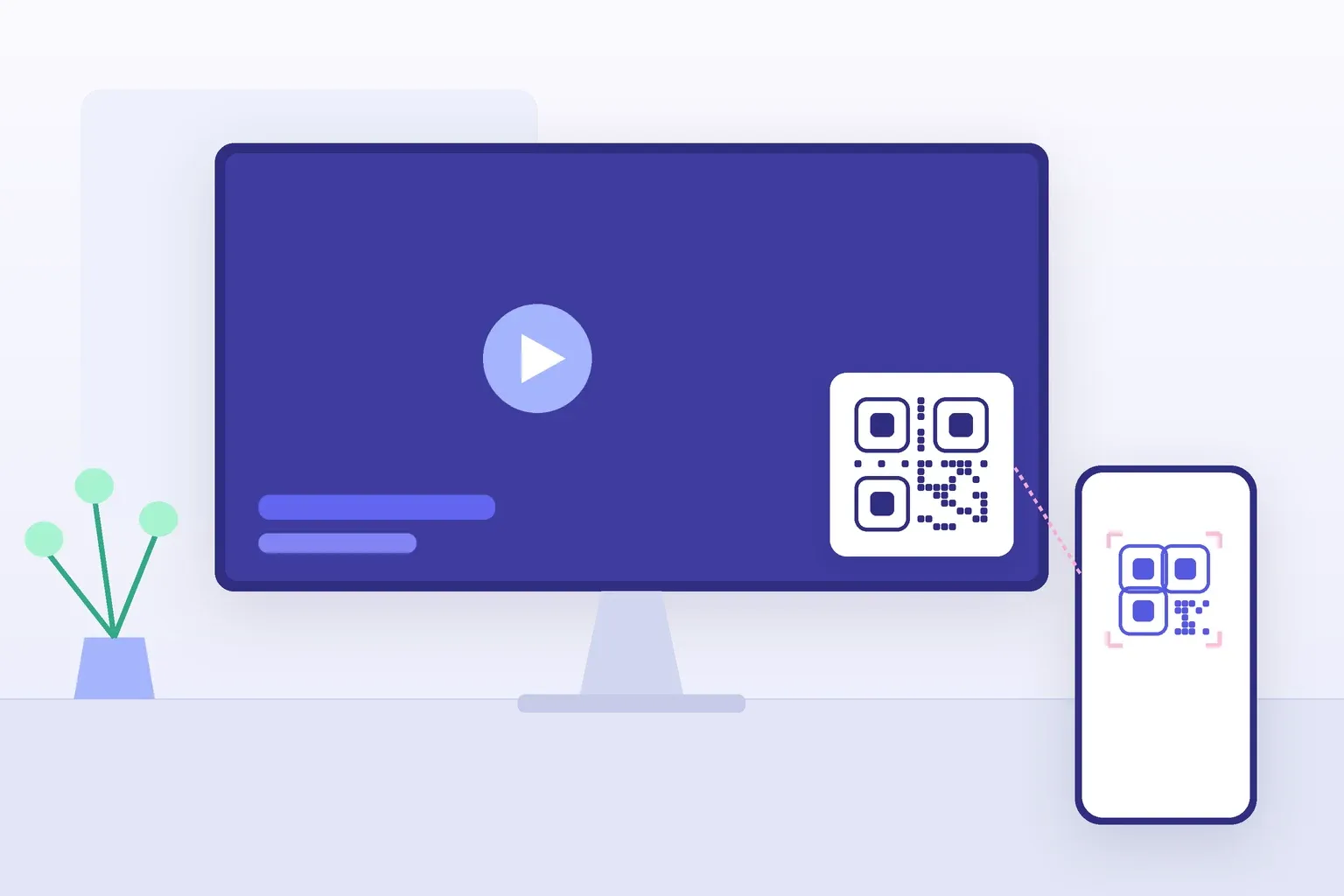
A QR code in video promises the shortest possible path from watching to doing: the ad plays, the code appears, the viewer scans, and your landing page opens on the one device every viewer is guaranteed to be holding. When Coinbase floated a bouncing QR code across TV screens during the 2022 Super Bowl, the traffic briefly crashed its app, according to CNN. That’s the ceiling. The floor is far more common — a thumbnail-sized code flashed for three seconds in a fast-cut social clip, scanned by approximately no one.
The short answer: a QR code in video works when people watch on a screen they aren’t holding (a TV, lobby display or presentation). As a starting point, make the code about a tenth as wide as the viewing distance, which is roughly a third of the frame height on a living-room TV. Keep it still on a plain light tile, and hold it on screen for at least 8 to 10 seconds. If most viewers watch on their phones, use a tappable link instead.
The rest of this guide explains each of those numbers: which videos suit a code, how big it needs to be, how long it has to stay up, and how to keep a camera able to read it off a glowing screen. (Looking to turn a video into a QR code, so a scan opens the video? That’s a URL code; see our guide to a QR code for YouTube.)
Where Video QR Codes Actually Convert
A QR code in video works when three conditions line up: the screen is large enough to hold a scannable code, the viewer stays put long enough to act, and the phone in their hand is not the screen they’re watching. Five placements pass that test consistently:
- TV and CTV ads. The living room is the ideal case — a big screen a few meters away, a seated viewer, and a phone within reach. A QR code on an end card replaces “remember this address and type it later” with a single action, and that is the whole appeal of QR end cards on connected-TV ads.
- Digital signage. Lobby displays, menu boards, and retail screens play to a captive or slow-moving audience at predictable distances. The viewer has time, and the screen never moves. Our guide to QR codes on digital signage covers screen placement in depth, and a menu board can link straight to a QR code menu.
- Event screens. Conference walk-in slides, session intermissions, and sponsor loops reach an audience that is literally waiting for something to do. A code linking to the schedule, a survey, or a speaker’s deck fits the moment well.
- Trade-show loops. A booth screen looping product footage with a persistent QR code lets visitors self-serve the brochure or demo signup while staff are busy — the code works the crowd you can’t.
- Webinar and presentation slides. Attendees watch on a laptop or projector with their phone free. A code on the closing slide, left up through Q&A, gives the audience minutes — not seconds — to scan.
What these share is a screen the viewer isn’t holding. That distinction matters more than any design decision you’ll make.
Where Video QR Codes Flop
The same code that converts on a lobby screen dies in two environments, and it’s better to know before the edit than after the campaign.
Fast-cut social video. A code that appears for two or three seconds in a rapid montage is gone before anyone can unlock a phone, open the camera, and aim. If the pacing of the edit can’t tolerate an 8–10 second hold, the format can’t support a QR code — no amount of styling fixes arithmetic.
Video watched on the phone itself. This is the one marketers miss most. The majority of social video plays on a phone — and a viewer cannot point their phone’s camera at its own screen. Yes, some apps let users long-press or screenshot a code, but every step of that dance sheds users. When the audience is already on the device, skip the code entirely: use a tappable link, a link sticker, a pinned comment, or a deep link in the caption. The QR code’s whole job is bridging from a screen to a phone; when the screen is the phone, there is no bridge to build.
Key takeaway: Put a QR code in video only when the video plays on a screen the viewer isn’t holding. If the audience watches on their phone, a tappable link beats a scannable square every time.
The Distance Math: How Much of the Frame the Code Needs
Screen codes can start from the same 10:1 rule of thumb as print: make the code about one tenth as wide as the distance people scan it from. It’s a heuristic, not part of the QR standard, and a short link (fewer, larger modules) gives you more margin. Our QR code size guide covers the rule in depth; here’s what it implies once the “print” is a video frame.
A living-room viewer sits 2.5–3 meters from the TV, so the code needs to be 25–30 cm wide on the physical screen. A 55-inch TV’s picture is about 68 cm tall — meaning the code must occupy roughly a third to 40% of the frame height. A lobby screen viewed from 1.5–2 meters needs a 15–20 cm code, which on a 43-inch display is again about a third of the frame. Only close-range screens — a trade-show display people approach within a meter — get away with a code near 20% of frame height.
| Placement | Typical scan distance | Min. code width | Share of a 16:9 frame’s height |
|---|---|---|---|
| Living-room TV / CTV ad (55”) | 2.5–3 m | 25–30 cm | ~35–40% |
| Lobby or waiting-room screen (43”) | 1.5–2 m | 15–20 cm | ~30–37% |
| Trade-show loop, walk-up (43”) | ~1 m | 10 cm | ~20% |
| Webinar slide on a laptop | 40–50 cm | 4–5 cm | ~25–30% of the slide |
Designers flinch at these numbers — a code that big dominates the composition. That’s exactly why the end card exists: instead of shrinking the code to fit the creative, give it its own frame at the end where it can be unapologetically huge.
Contrast, Quiet Zone, and Moving Backgrounds
Motion is the enemy of scanning. A phone camera needs several consecutive stable frames to lock onto the code, so the cardinal rule is: the code itself never animates. No spinning, no morphing modules, no dissolve transitions across it. Even Coinbase’s famous bouncing code kept the pattern itself perfectly static — it only translated across the screen, and it was enormous.
Three production rules keep a video QR code readable:
- Mount the code on a solid tile. Place the code on a flat white (or very light) rectangle with the full quiet zone included, and never let footage, gradients, or text bleed into that margin. A code composited directly over moving video fails the moment a bright region drifts behind its modules.
- Calm the background. Slow, low-contrast motion behind the tile reads as polished; busy footage steals attention and, worse, tempts editors to shrink the code. If you need something moving behind an end card, a library of calm looping backgrounds gives you motion that stays out of the code’s way — and it’s free.
- Design for compression. Streaming and social platforms re-encode aggressively, and blocky compression artifacts blur fine modules. Encode a short URL so the code stays low-density, and check the code still scans in the platform’s compressed output, not just your master file.
The compositing itself — dropping a static QR graphic over footage as a persistent layer — is a standard overlay job in any editor; for the editor-side workflow, this complete guide to video overlays walks through layering, timing, and export without hurting the underlying footage.
Hold the Shot: Minimum On-Screen Time
Walk through what a scan actually requires: the viewer notices the code (1–2 seconds), picks up and unlocks their phone (3–4 seconds), opens the camera, aims, and waits for focus and the tap-through (2–3 seconds). That’s 8–10 seconds if everything goes smoothly — which is why codes flashed for less time generate impressions of a QR code rather than scans of one.
The practical rules: hold the code on screen for at least 8–10 seconds, and prefer a dedicated end card that sits static while music or voiceover continues. In looping formats — signage, trade-show reels, event walk-ins — the loop itself is your safety net: anyone who missed the code gets another pass in thirty seconds. And always pair the code with a short call to action (“Scan for the menu,” “Scan to get the deck”) so viewers know the payoff before they reach for the phone.
Build the code first — QRocket generates print- and screen-ready QR codes free, no account, no expiry. — Create Your Free QR Code →
Test at Real Distance, Then Measure Everything
A video QR code has two failure modes you can’t see in the edit bay: the screen and the distance. So test the way a viewer experiences it — play the final exported video on the actual TV or display, stand at couch or lobby distance, and scan with both an iPhone and an Android while the footage plays. Before the artwork ever enters the timeline, run it through the free QR code checker to catch contrast and quiet-zone problems while they’re still cheap to fix.
Then make the results measurable. A video placement is expensive real estate, and UTM parameters show how many visits each placement sent (visits, not scans, since a scan that never loads the page isn’t counted): tag the destination URL with utm_source=qr and a distinct utm_medium per placement — ctv-ad, lobby-loop, webinar-endcard — before generating the code. The UTM link builder assembles the tagged URL in seconds, and our UTM parameters guide covers naming conventions that keep the reports readable. Within one campaign cycle you’ll see which screen drives visits and which one is just decoration.
The Code Is the Easy Part
Generating the code takes thirty seconds with QRocket. What decides the campaign is everything around it: choosing screens people watch from a phone-free distance, sizing the code to a third of the frame, mounting it static on a clean tile, and holding the shot for ten patient seconds. Get those right and a QR code in video is the cheapest response mechanism television ever invented. Get them wrong and it’s set dressing.
Frequently Asked Questions
How big should a QR code be on a TV screen?
Start from the 10:1 rule of thumb applied to the viewing distance. A living-room viewer 2.5–3 meters away needs a code 25–30 cm wide on the physical screen — roughly a third to 40% of a 55-inch TV’s frame height. Closer screens, like a trade-show display scanned from a meter, can drop to about 20% of frame height.
How long should a QR code stay on screen in a video?
A minimum of 8–10 seconds. A viewer needs time to notice the code, unlock their phone, open the camera, and aim — around 8 seconds when everything goes smoothly. A static end card held while audio continues is the safest pattern, and looping content gives viewers a second chance on every pass.
Do QR codes work in social media videos?
Rarely. Most social video is watched on a phone, and viewers can’t scan the screen they’re holding — plus fast-cut edits seldom hold a frame for the 8+ seconds a scan requires. For phone-first formats, use a tappable link, link sticker, or pinned comment instead, and save QR codes for video that plays on TVs, signage, and presentation screens.
Can I animate the QR code itself in my video?
No — keep the code pattern completely static. A phone camera needs several consecutive stable frames to decode, so spinning, morphing, or dissolving the modules breaks scanning. You can animate everything around the code, or move a static code across the screen, but the pattern itself must not change while it’s visible.
How do I track scans from a video QR code?
Add UTM parameters to the destination URL before generating the code — a shared utm_source like “qr” and a distinct utm_medium per placement, such as “ctv-ad” or “lobby-loop”. Your analytics will then attribute each visit to the exact screen. Visits aren’t the same as scans. For scan counts, you’d need a redirect service that logs each scan before forwarding it.
Create a free QR code with custom colors, your logo and print-ready downloads — no sign-up.