How to Build a Customer Loyalty Program With QR Codes
 By Kelly Or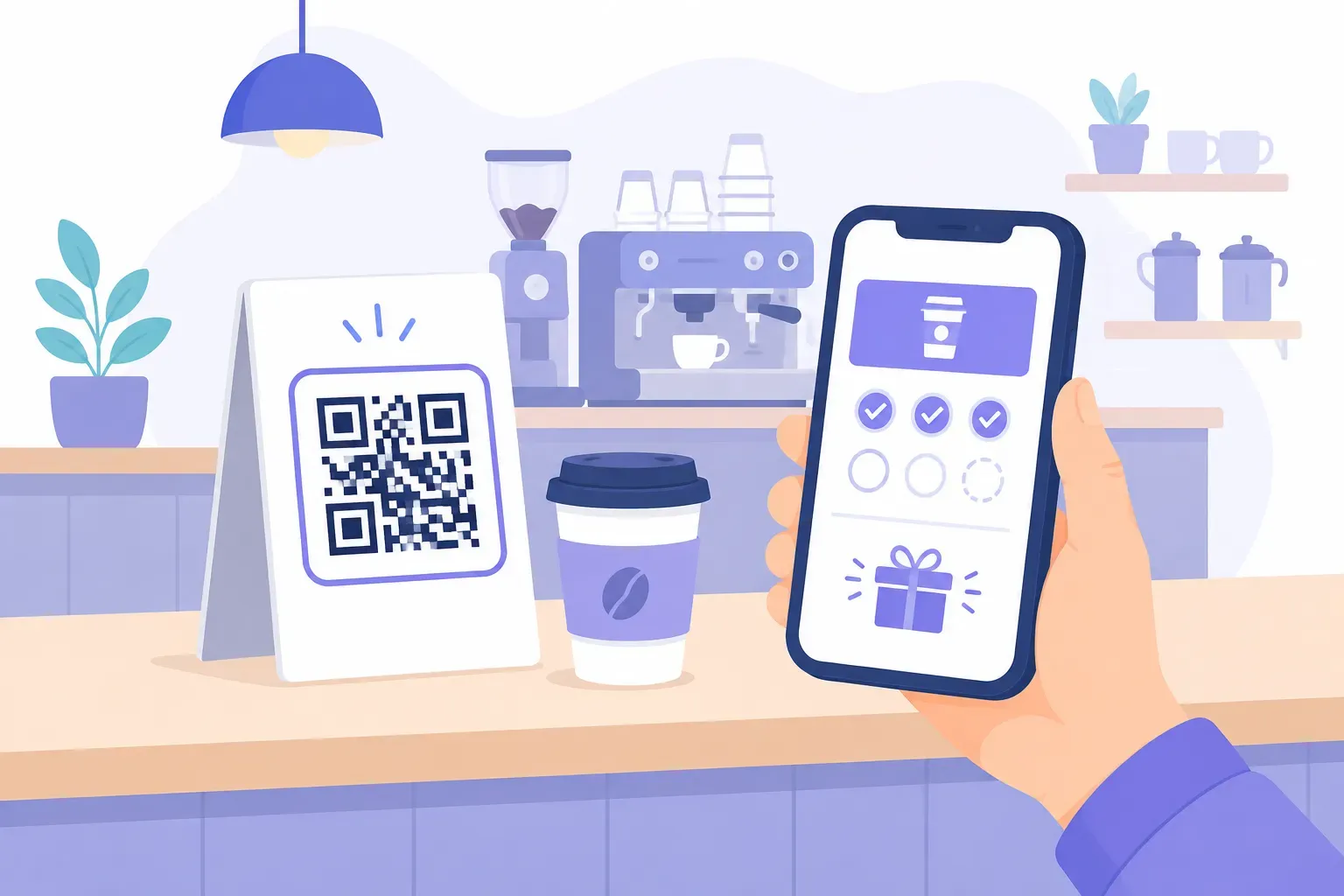
Somewhere in a coat pocket, going through the wash right now, is a punch card with eight of ten coffees stamped. The customer liked your shop enough to earn eight stamps — and the paper system just erased that relationship. A QR code loyalty program moves the whole mechanism onto the one object customers never lose: their phone. Scan at the counter, stamp recorded, progress saved.
The economics make this worth an afternoon of setup. Harvard Business Review has reported that acquiring a new customer costs 5 to 25 times more than retaining an existing one, and Bain & Company’s research found that a 5% increase in retention can lift profits by 25% to 95%. This guide covers the three program models, how to build each one — including a $0 version — and the numbers that tell you it’s working.
Why QR Codes Replace Paper Loyalty Cards
Paper punch cards fail in ways owners rarely total up. Cards get lost — taking earned progress and the return-visit motivation with them. Self-inflicted fraud is trivial: any hole punch or rubber stamp works. Reprints cost money every quarter. And the biggest failure is invisible: paper tells you nothing. You can’t see how many cards are active, who’s one stamp from a reward, or whether the program changes behavior at all.
A QR code for your loyalty program fixes each failure in one move:
| Problem | Paper card | QR-based program |
|---|---|---|
| Lost progress | Gone with the card | Saved to the customer’s phone or account |
| Fraud | Any hole punch works | Scans validated by staff, timing rules, or unique codes |
| Ongoing cost | Reprint runs, forever | One printed counter sign |
| Data | None | Enrollment, visit frequency, redemptions |
| Sign-up friction | Carry another card | Scan once with the camera already in hand |
The cost line deserves the spotlight: a typical run of 1,000 printed punch cards costs roughly $50–100, repeats every time you run out, and produces zero data. The QR version is one table tent you print once — and every scan writes a record.
How a QR Code Loyalty Program Works
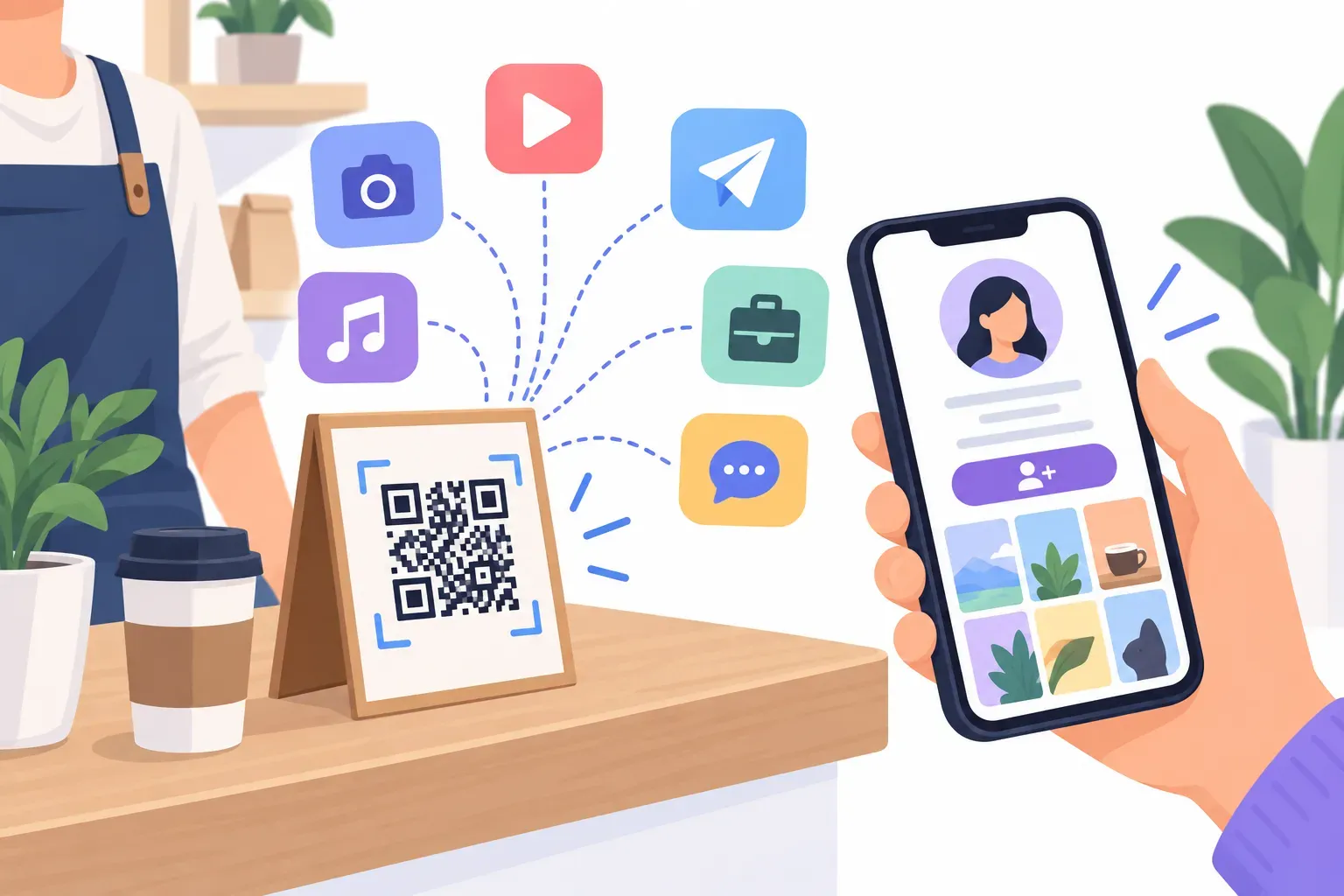
The mechanics are simpler than “loyalty platform” sounds. A code at the point of sale links to your program’s page, where the customer’s digital loyalty card lives. The first scan enrolls them — usually just a name and phone number or email. Every later scan logs a visit or purchase against their record, and the system triggers the reward automatically at the threshold.
Three models cover nearly every small-business program:
- Digital stamp card — visit-based. Ten scans, tenth coffee free. Simplest to run.
- Points system — purchase-based. Points per dollar, redeemable against rewards. More flexible, more setup.
- Exclusive access — membership-based. The scan joins customers to a VIP list that gets early access, member pricing, or subscriber-only content. Lightest to operate: it’s a sign-up flow plus an email or SMS list.
Which one fits depends on what you sell. Frequent small purchases favor stamps; variable basket sizes favor points; infrequent big-ticket purchases favor access. The next two sections take the first two models apart in detail.
The Digital Stamp Card Model
A café runs the classic version: “Scan after you order — your 10th drink is free.” The counter code opens the customer’s stamp card, staff confirm the stamp with a tap or a rotating validation code, and the reward unlocks automatically at stamp ten.
Dedicated stamp platforms — Stamp Me and Loopy Loyalty are widely used examples — handle the card, the validation, and anti-cheat rules like one stamp per day or location checks. Most run $0–50/month depending on volume, and the customer needs no app: the card lives in a mobile wallet or browser.
Where stamps shine: coffee shops, bakeries, salons, car washes, lunch spots — anywhere purchases are frequent and similar in size. Restaurants get particular mileage from pairing the stamp code with their other counter codes; our guide to QR codes for restaurants shows how the loyalty code fits alongside menu and review codes.
The honest limits: stamps ignore spend (a $3 espresso and a $30 catering order earn the same stamp), and a too-distant reward kills participation. Ten stamps is the practical ceiling; five to eight converts better for anything bought less than weekly.
The Points System Model
A boutique wants spend to matter, so it runs points instead: 1 point per dollar, 100 points unlocks $10 off. The QR code’s job shifts to enrollment and balance-checking — customers scan to join and to see their total — while the point math rides on the register. POS-integrated systems like Square Loyalty award points automatically at checkout, which removes the per-visit scan entirely once a customer is enrolled.
Points earn their extra setup when purchase values vary widely, when you want tiers (“Gold members get double points”), or when you plan promotions like double-point weekends to move slow days. Retail stores are the natural home for this model — more placement and campaign ideas live in our guide to QR codes for retail.
The third model, exclusive access, also deserves a spot in your shortlist precisely because it’s so light: a code on the receipt reading “Scan to join the VIP list — members get first access to sales” builds an owned marketing channel with no stamps, no points, and no math. For many businesses it’s the best first program, upgradeable to stamps or points later.
Setting Up Your QR Code Loyalty Program
The build takes an afternoon. In order:
- Pick the model using the fit rules above — frequency favors stamps, variable spend favors points, big-ticket favors access.
- Choose the backend. Loyalty platform (Stamp Me, Loopy Loyalty), POS-integrated (Square Loyalty), or the $0 minimum viable version: a Google Form that logs the customer’s phone number per visit, tallied in the linked spreadsheet. The free version means manual reward-checking, but it proves the concept before you pay for anything.
- Generate the code. In the free generator, encode your program’s sign-up or stamp URL, match the colors to your brand, and add a frame with the offer as the label — “Scan to earn your free coffee” outperforms “Scan me” every time. QRocket’s codes are static and free, so the counter sign never expires and there’s nothing to renew.
- Place it where payment happens. The counter or register is primary — that’s where the phone is already out. Then receipts, packaging, table cards, and the door. One code, every location.
- Launch with a push. Double stamps for the first two weeks, and have staff mention it at checkout — “want your first stamp?” converts far better than signage alone.
- Close the loop. A follow-up code or link asking “how was your visit?” turns the loyalty flow into a listening channel too; our guide to QR codes for customer feedback covers that pairing.
Create free QR codes for your loyalty program — no sign-up, no expiry. — Create Your Free QR Code
Measuring Loyalty Program Success
The data is the reason you went digital, so schedule 15 minutes a month with four numbers:
- Enrollment rate — sign-ups divided by transactions. If fewer than 1 in 10 customers joins, the offer or the placement is weak; move the code or sweeten the reward.
- Repeat scan rate — the share of enrolled customers who come back and scan again within 30 days. This is the program’s pulse: flat repeat rate means the reward isn’t motivating return visits.
- Redemption rate — rewards claimed divided by rewards earned. Healthy programs see most earned rewards redeemed; a low rate means customers forgot the program exists, which an SMS or email nudge fixes.
- Customer lifetime value — average spend per enrolled customer versus non-members over a quarter. This is the number that justifies the program to your accountant, and the one paper cards could never produce.
Even the free spreadsheet version yields the first three metrics — visit timestamps per phone number are enough. That’s the quiet advantage over paper: the measurement costs nothing extra, because the tracking is the mechanism. For the broader playbook these metrics plug into, see our guide to QR codes for small business.
Loyalty Lives in the Pocket, Not the Wallet
A loyalty program is a promise that returning will be worth it — and the punch card made customers carry the proof. The QR version flips the burden: your counter sign remembers everything, and the customer just shows up. Start smaller than feels ambitious: one code, one clear reward, one month of data. If the repeat scan rate moves, invest further; if not, you’ve spent one printed sign finding out. Build the code for it in the free generator tonight, and the next eight-stamp regular will never lose their progress in the laundry again.
Frequently Asked Questions
How does a QR code loyalty program work?
Customers scan a code at your counter to enroll, then scan (or get points automatically at checkout) on each visit. The system tracks progress and unlocks the reward at your threshold — ten visits, 100 points, or whatever you set. Staff validation or timing rules prevent self-stamping fraud.
What is cheaper — paper loyalty cards or QR codes?
QR codes win clearly over time. Paper cards cost $50–100 per 1,000 printed and need endless reprints, with replacements for every lost card. A QR program needs one printed sign, and free or low-cost platforms handle the tracking — while also producing retention data paper can’t.
Can I set up a QR loyalty program for free?
Yes. Encode a Google Form that logs each visit against a phone number, tally visits in the linked spreadsheet, and reward at your threshold — total cost, zero. It’s manual but real, and it proves customer interest before you commit to a paid loyalty platform.
Do customers need to download an app?
No — and they shouldn’t have to. Well-built QR loyalty programs run in the browser or add a card to Apple Wallet or Google Wallet. Requiring an app install at the counter kills enrollment; the scan-to-browser flow takes under 30 seconds and works on any phone.
Create a free QR code with custom colors, your logo and print-ready downloads — no sign-up.