QR Code API: How to Generate QR Codes Programmatically
 By Mosh Bryce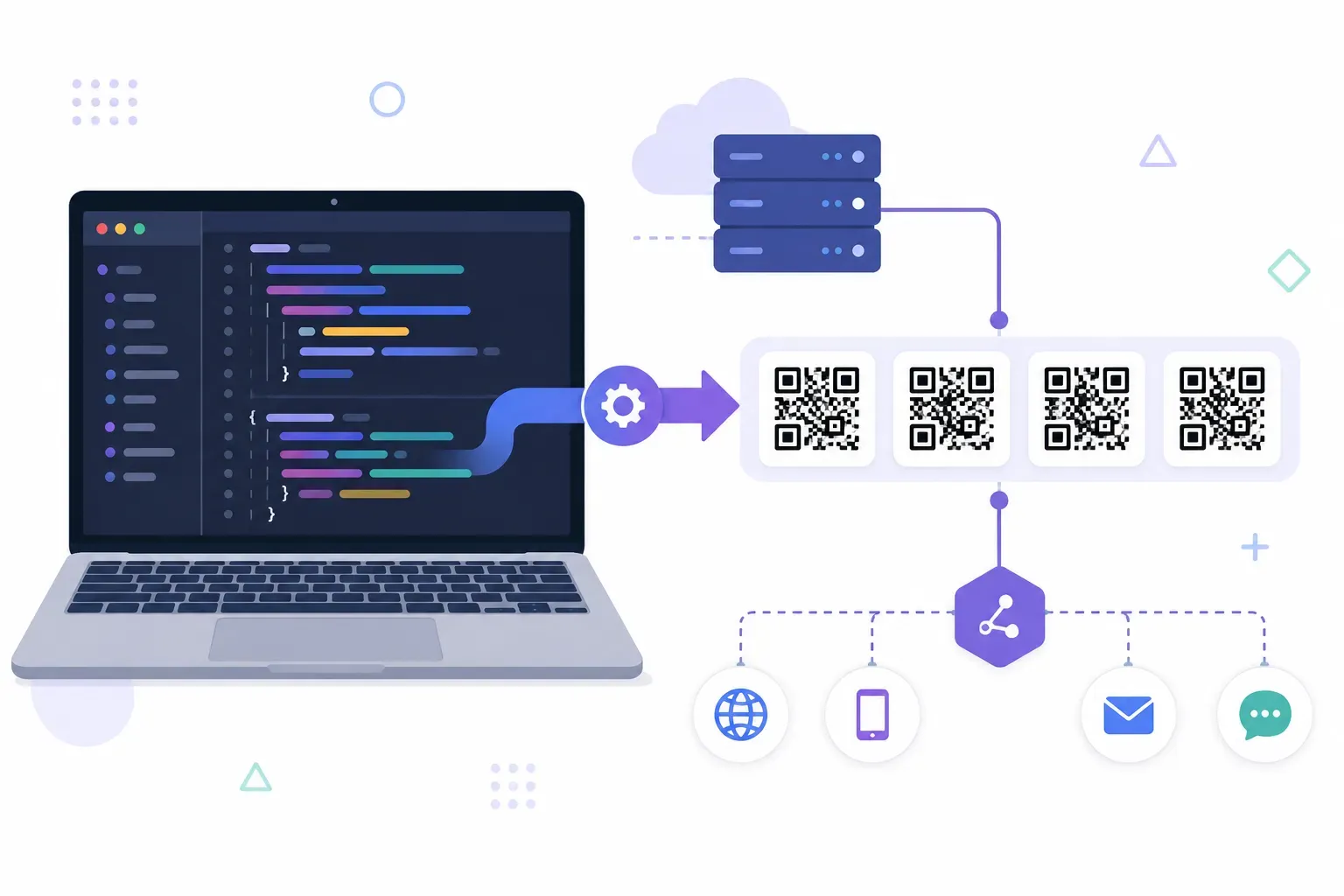
Your app creates a ticket, an order confirmation, a shipping label — and each one needs its own QR code, generated the moment the record exists. Clicking through a web generator four hundred times is not a plan. A QR code API solves this: send a URL or text payload in an HTTP request, get back a ready-to-use image in milliseconds.
This guide compares the main free APIs, walks through working code in cURL, JavaScript, and Python, covers the integration practices that keep production systems out of trouble, and shows when you should skip the API entirely and generate codes with a local library. Everything here produces standard codes readable by any phone camera — the same ISO/IEC 18004 format as any other generator.
Why Use a QR Code API
The deciding factor is who triggers the code’s creation. When a human needs one code — a menu link, a WiFi card — a web tool like QRocket is faster; our guide to creating a QR code free covers that path in two minutes. When software needs a code per record, per user, or per event, you want generation inside the request cycle.
Typical API-shaped jobs:
- Per-record codes. Event tickets, boarding passes, warehouse bins, table numbers — one unique code per database row.
- Codes inside generated documents. Invoices, PDFs, and email receipts that embed a “pay now” or “track order” code at render time.
- Verification flows. Login handoffs and device pairing, where the code encodes a short-lived token.
One boundary worth drawing: if your input is a spreadsheet rather than an application, you don’t need code at all. Our guide to bulk QR code generation from CSV covers the no-code route for making hundreds of codes from a file. The API path is for codes born inside running software.
Popular QR Code APIs Compared
Three services cover most needs, and all of them work without a framework — they’re plain HTTP endpoints returning images:
| API | Auth | Output formats | Styling options | Cost |
|---|---|---|---|---|
| goqr.me (api.qrserver.com) | None | PNG, SVG, EPS, JPEG, GIF | Size, colors, quiet zone, error correction | Free within fair use |
| QuickChart | None for basic use | PNG, SVG, base64 | Size, margin, colors, error correction, center image | Free tier; paid plans; open source to self-host |
| QR Code Monkey | API key (via RapidAPI) | PNG, SVG | Extensive: module shapes, eye styles, gradients, logos | Free web tool; paid API tiers |
goqr.me runs the classic QR code REST API: a single GET endpoint, https://api.qrserver.com/v1/create-qr-code/, with query parameters and no signup. It’s the fastest way to a working prototype.
QuickChart offers similar simplicity at https://quickchart.io/qr with one meaningful extra: the project is open source, so you can self-host the whole service and remove third-party dependence entirely.
QR Code Monkey targets heavily styled codes — custom eyes, gradients, embedded logos — configured through a JSON body rather than query parameters. Reach for it when design requirements exceed simple colors.
Note what all three have in common: they generate static codes. If you need scan analytics or editable destinations, that’s a dynamic-code platform feature, not something a stateless generation API provides. Check each QR code API’s documentation for current parameters and limits — free-tier terms shift over time.
Building a Simple QR Code Generator
The fastest smoke test is cURL. The -G --data-urlencode combination handles the one detail that breaks most first attempts — URL-encoding the payload:
curl -G "https://api.qrserver.com/v1/create-qr-code/" \
  --data-urlencode "data=https://example.com/ticket/8341" \
  -d "size=300x300" \
  -d "ecc=M" \
  -o ticket-8341.png
In a browser, you often don’t need JavaScript logic at all — the API URL works directly as an image source:
const payload = encodeURIComponent("https://example.com/ticket/8341");
const img = document.createElement("img");
img.src = `https://quickchart.io/qr?text=${payload}&size=300&ecLevel=M`;
img.alt = "Ticket QR code";
document.body.appendChild(img);
Server-side, Python’s requests makes the same call and saves the file, with the error handling you’ll want in production:
import requests

resp = requests.get(
    "https://api.qrserver.com/v1/create-qr-code/",
    params={"data": "https://example.com/ticket/8341", "size": "300x300", "ecc": "M"},
    timeout=10,
)
resp.raise_for_status()

with open("ticket-8341.png", "wb") as f:
    f.write(resp.content)
All three examples generate the same standard code. Swap the payload for any content type — a WIFI: string, a mailto: address, a vCard — and the API doesn’t care; it encodes whatever text you send. The payload formats themselves are covered in our overview of QR code types.
To wrap this in your own service, put a thin endpoint in front of the generation call so your app never exposes the third party directly. An Express version, with the cache header doing half the work:
const express = require("express");
const QRCode = require("qrcode");
const app = express();

app.get("/qr/:ticketId", async (req, res) => {
  const png = await QRCode.toBuffer(
    `https://example.com/ticket/${req.params.ticketId}`,
    { errorCorrectionLevel: "M", width: 512 }
  );
  res.set("Content-Type", "image/png");
  res.set("Cache-Control", "public, max-age=31536000, immutable");
  res.send(png);
});
Because a given ticket ID always yields an identical image, the immutable cache directive is safe forever — browsers and CDNs will fetch each code exactly once.
QR Code API Integration Best Practices
The habits that separate a demo from a dependable integration:
- Cache everything. QR generation is deterministic — the same input always produces the same code. Generate once when the record is created, store the image, and never regenerate on page load. This alone eliminates most rate-limit and latency concerns.
- Serve from your own storage. Hotlinking a third-party API in production pages or emails means their downtime becomes your broken image — and every payload you encode passes through their servers. For tokens, order IDs, or anything sensitive, that data exposure matters as much as the uptime.
- Always URL-encode the payload. An unencoded
&or#silently truncates your data, producing a code that scans fine but points to the wrong place. Encode first, then test by scanning. - Set error correction deliberately. Level M suits most digital codes; go H only if you’ll overlay a logo, since higher levels make denser patterns. The trade-offs are covered in our guide to QR code error correction.
- Keep the quiet zone. The spec requires a 4-module white border. Don’t crop it off in post-processing — it’s the most common cause of codes that fail in dark UI themes.
- Fail toward a local library. Wrap API calls with a timeout and fall back to generating locally (next sections) so a third-party outage never blocks your checkout flow.
- Decode in your tests. A CI step that decodes the generated image with ZXing and compares it to the input catches encoding bugs before customers do.
Rate Limits and Scaling
Free QR APIs run on shared infrastructure with fair-use policies, and sustained bulk traffic is exactly what those policies exist to stop. Published limits change, so treat the pattern as fixed even if the numbers aren’t: fine for steady product usage, throttled for batch jobs that hammer the endpoint.
The good news is that scaling pressure has an easy exit, because generating a QR code is computationally cheap — a local library produces one in a few milliseconds on a single core. That changes the architecture question from “which API tier?” to “why call a network at all?”
A pragmatic scaling ladder:
- Hundreds of codes per day: any free API, with caching, is fine.
- Thousands, or bursty batches: self-host QuickChart, or move generation into your own service with a library.
- High volume or sensitive payloads: generate locally at record-creation time, store the images in object storage, and serve them through your CDN. No rate limits, no third-party dependency, no payload leaves your infrastructure.
QR Code Libraries by Language
Every major ecosystem has a mature, free library — most of them a single install away:
| Language | Library | Notes |
|---|---|---|
| Python | qrcode | The standard choice; segno is a strong pure-Python alternative with SVG, EPS, and PDF output |
| JavaScript | qrcode (node-qrcode) | Node and browser; outputs PNG, SVG, data URLs, and canvas |
| PHP | endroid/qr-code | Composer package with a fluent builder API |
| Java / Kotlin | ZXing | The decoding and encoding workhorse, also used in Android scanners |
| Go | skip2/go-qrcode | Minimal API, fast PNG output |
| C# / .NET | QRCoder | No external dependencies |
Python, in three lines:
import qrcode

img = qrcode.make("https://example.com/ticket/8341")
img.save("ticket-8341.png")
Node, with explicit options:
const QRCode = require("qrcode");

await QRCode.toFile("ticket-8341.png", "https://example.com/ticket/8341", {
  errorCorrectionLevel: "M",
  width: 512,
});
Both handle version selection, encoding modes, and error correction automatically — the same engine work an API does, without the HTTP round trip.
Need a handful of codes, not a pipeline? Start with QRocket’s free tool — Create Your Free QR Code →
Generate Once, Cache Forever
The most useful property of QR generation is that it’s deterministic: the same payload produces the same pattern today, tomorrow, and in ten years. That makes codes build artifacts, not runtime requests — generate them when data is created, store them like any other asset, and both rate limits and latency disappear from your architecture. Use an API to prototype in an afternoon, a library to own the pipeline, and for the one-off codes that don’t deserve either, QRocket’s free generator produces the same standard output straight from your browser.
Frequently Asked Questions
Is there a free QR code API?
Yes. goqr.me’s api.qrserver.com endpoint is free with no API key, and QuickChart offers a free tier plus an open-source build you can self-host. Both serve standard static codes over plain HTTP. Free tiers carry fair-use or rate limits, so cache generated images rather than regenerating per request.
What programming languages support QR code generation?
Effectively all of them. Python (qrcode, segno), JavaScript (qrcode/node-qrcode), PHP (endroid/qr-code), Java and Kotlin (ZXing), Go (skip2/go-qrcode), and C# (QRCoder) all have mature free libraries that generate spec-compliant codes locally in milliseconds.
Should I use a QR code API or a library?
Use an API when you want zero dependencies and low volume — prototypes, internal tools, occasional codes. Use a library when codes are part of your product: it removes rate limits, network latency, and the third-party seeing your payloads. Many teams prototype with an API and ship with a library.
Create a free QR code with custom colors, your logo and print-ready downloads — no sign-up.