
Articles by Mosh Bryce50
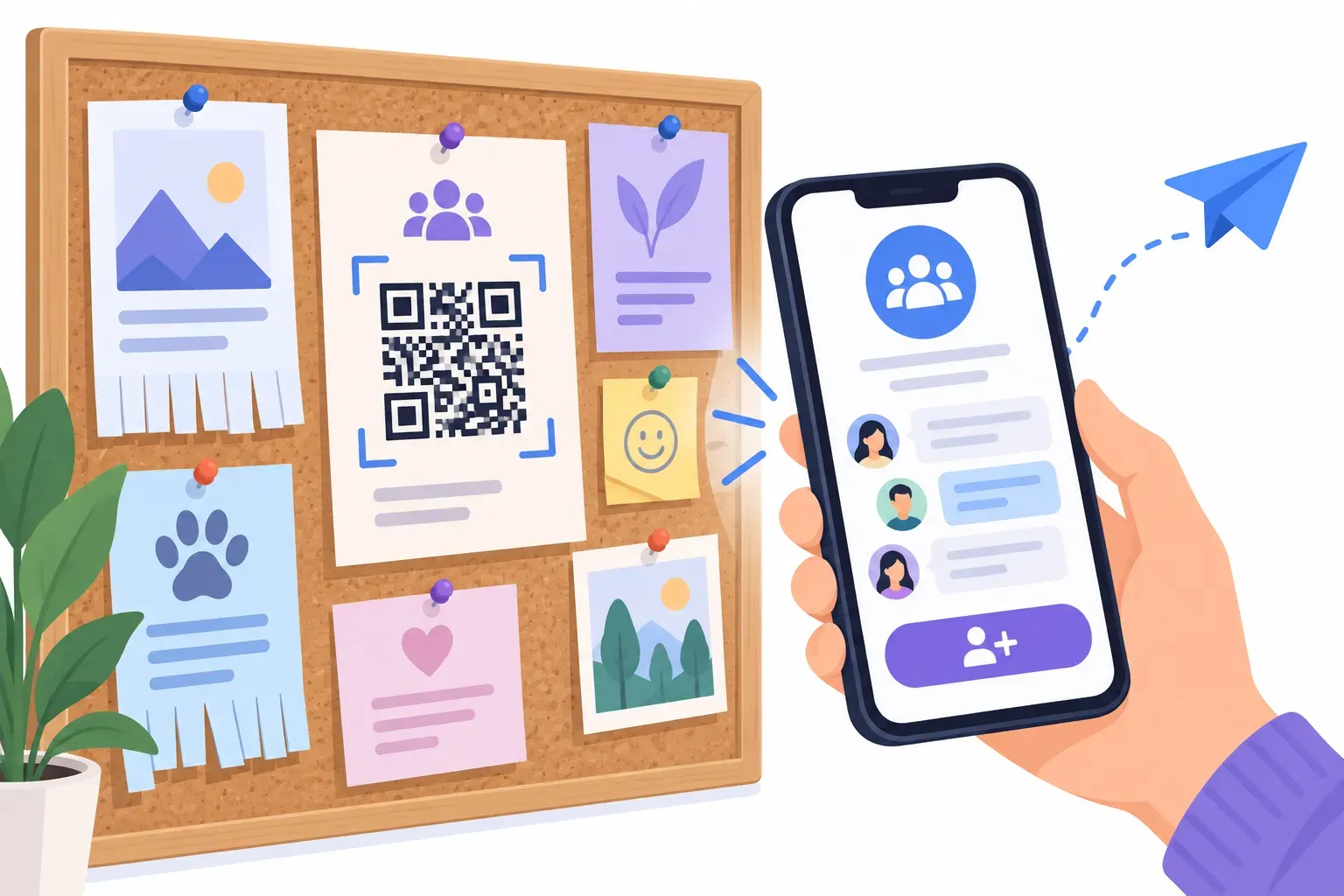
How to Create a QR Code for Telegram (Channel, Group, Bot or Chat)
Read guide →
How to Create a LinkedIn QR Code for Your Profile or Company Page
Read guide →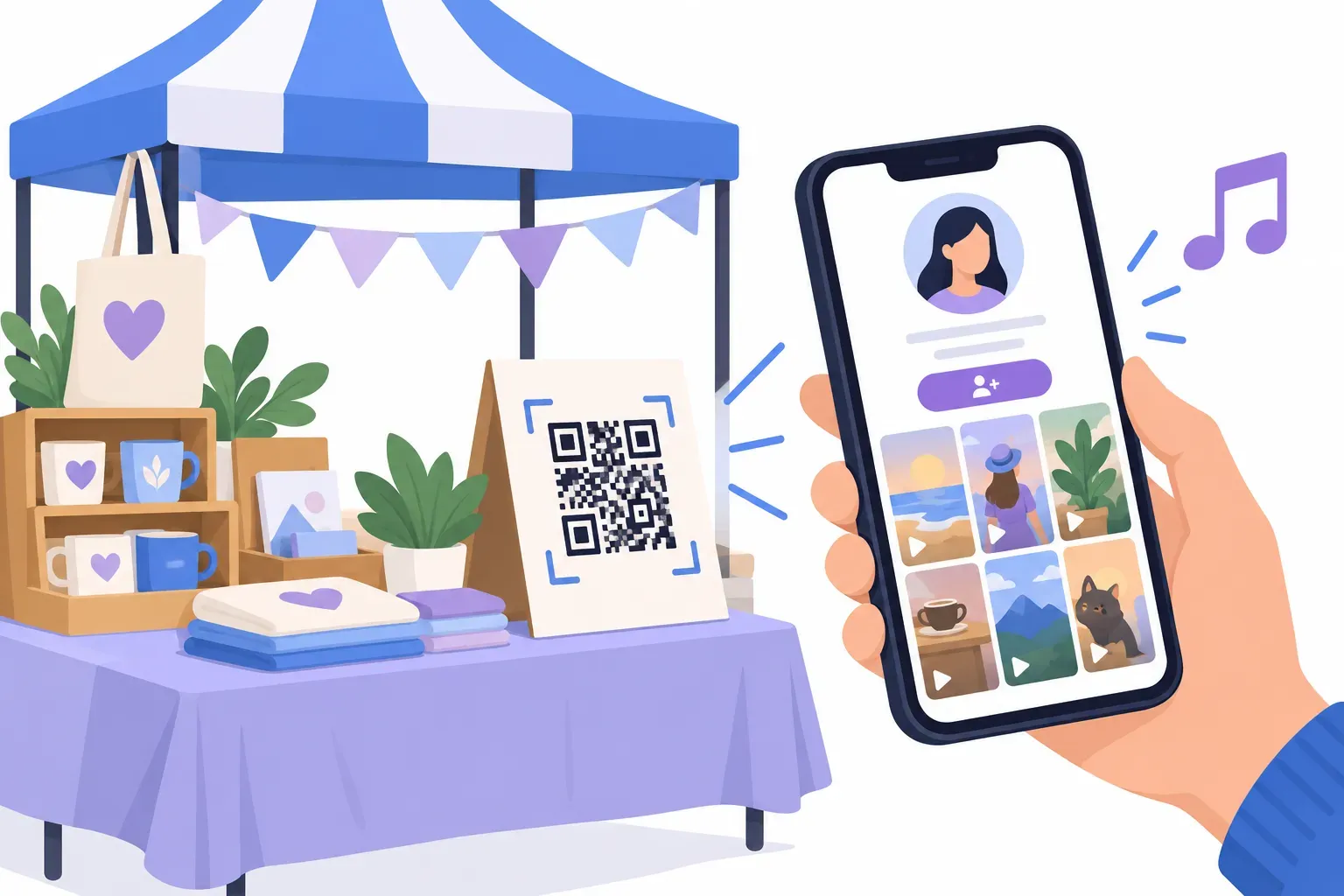
How to Create a QR Code for TikTok (Profile or Video)
Read guide →
How to Create an Event QR Code That Adds to the Calendar
Read guide →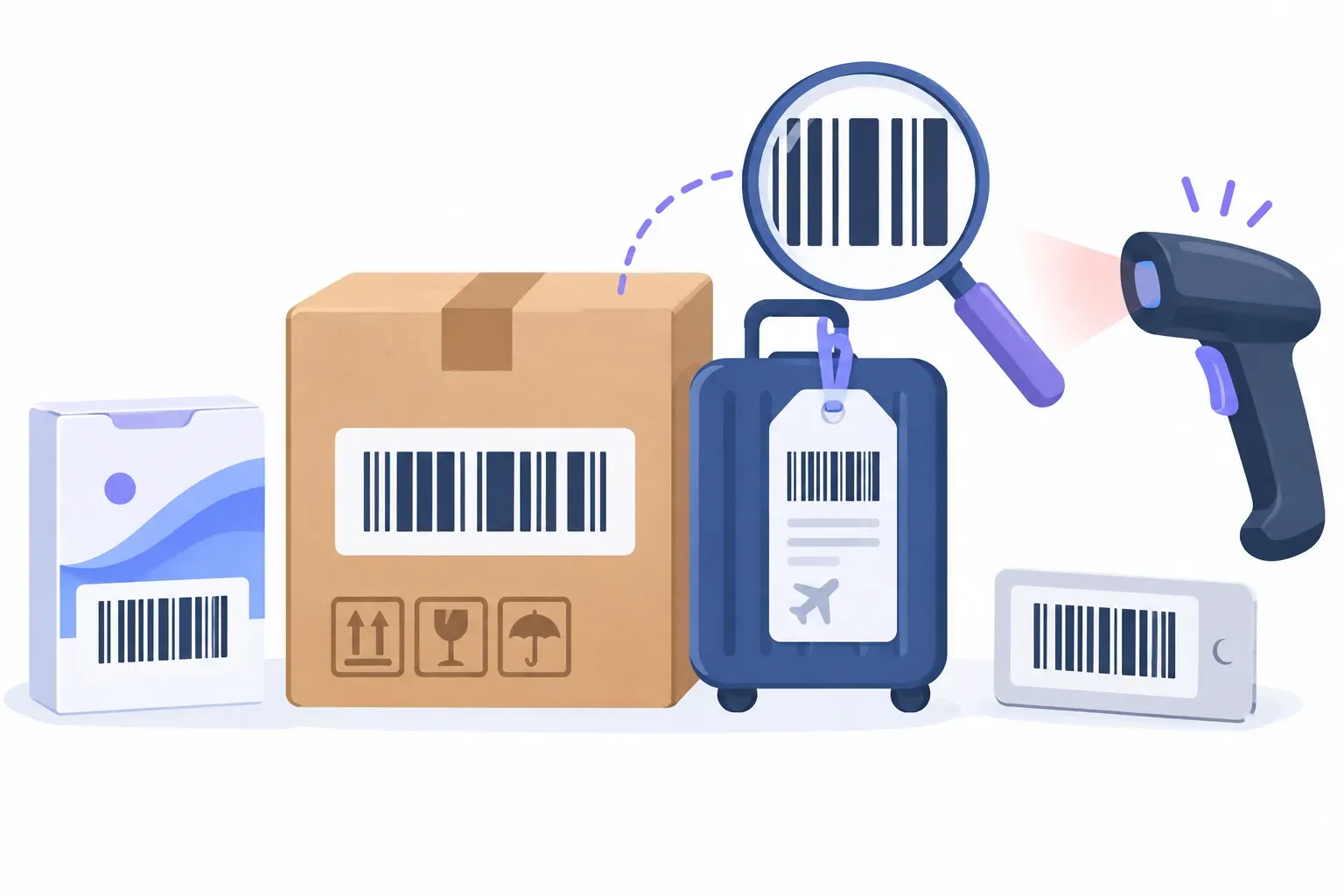
Barcode Types Explained: Code 128 vs EAN-13 vs UPC-A vs Code 39 (and Which to Use)
Read guide →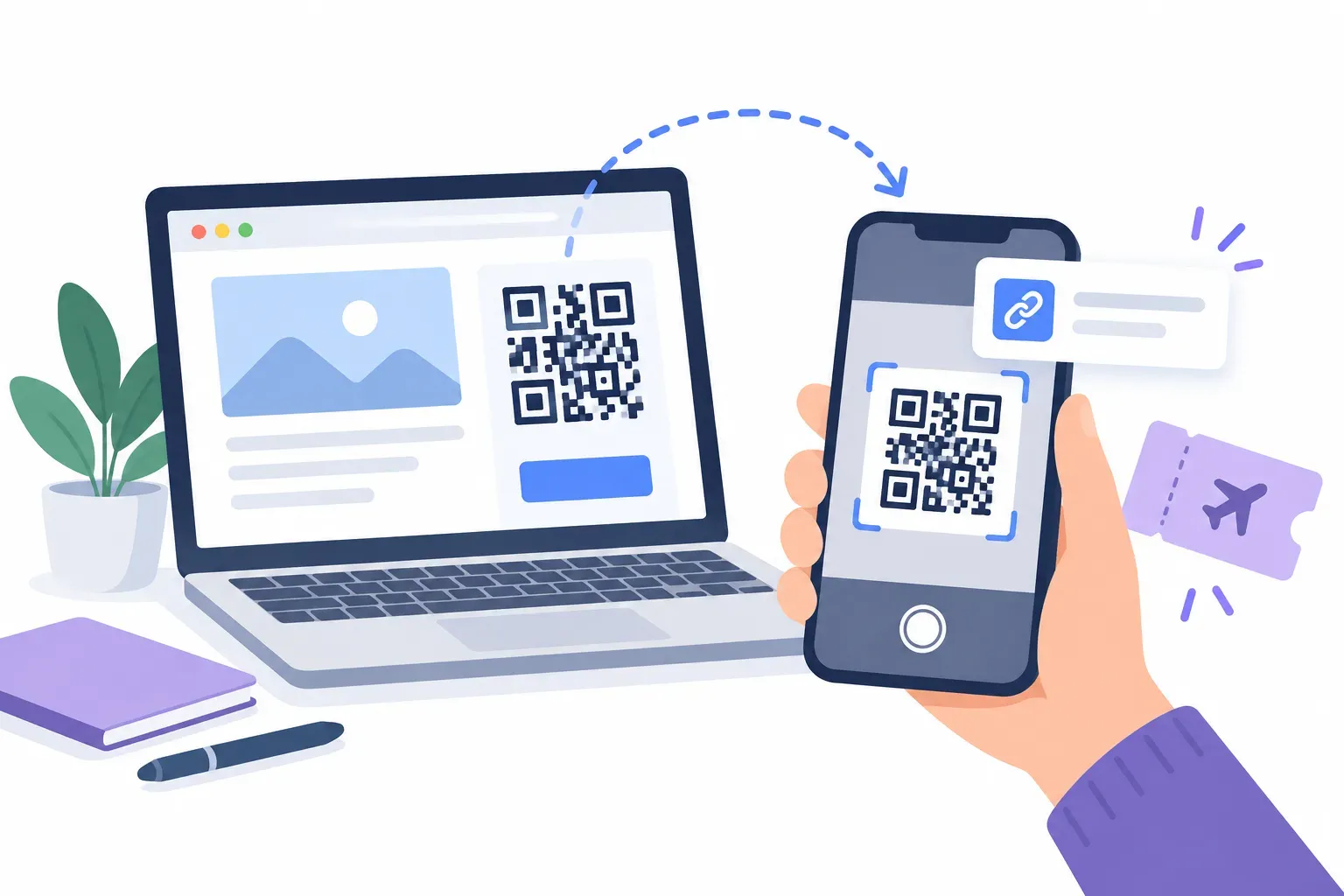
How to Scan a QR Code on Your Own Screen (or From a Screenshot)
Read guide →
QR Code Checker: Test If Your QR Code Will Scan Before You Print
Read guide →
QR Code Reader: How to Read Any QR Code Online
Read guide →
QR Code API: How to Generate QR Codes Programmatically
Read guide →
How Much Data Can a QR Code Store? Capacity Explained
Read guide →
QR Code File Formats Explained: PNG, SVG, PDF, and EPS
Read guide →
QR Codes for Healthcare: Patient Forms, Safety, and Compliance
Read guide →
QR Codes for Inventory and Asset Management: Complete Guide
Read guide →
How to Create QR Codes in Bulk from a Spreadsheet or CSV
Read guide →
Can You Edit a QR Code After Creating It? Here's What You Need to Know
Read guide →
How to Create a QR Code for Facebook (Page or Profile)
Read guide →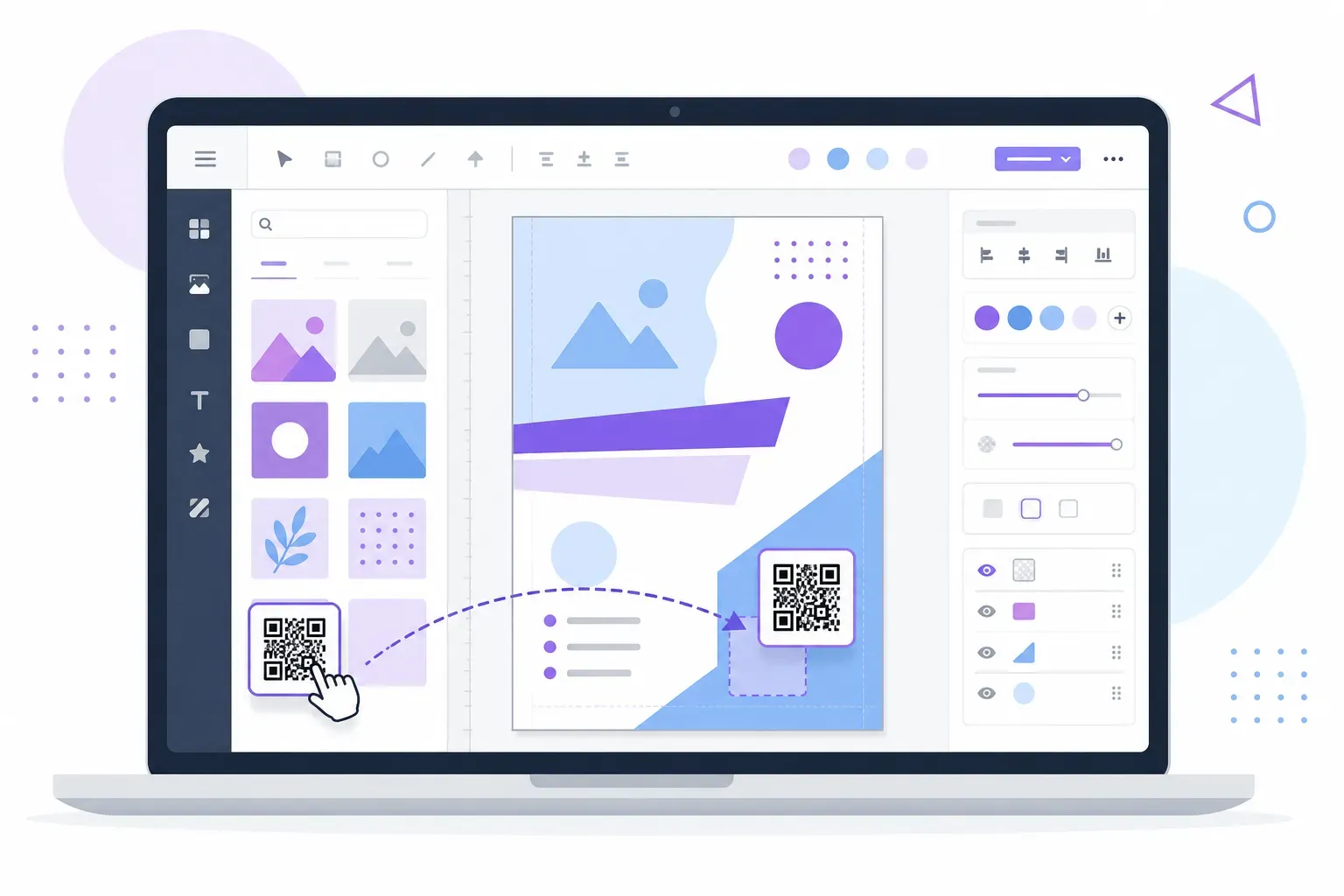
How to Create a QR Code in Canva (Quick Integration Guide)
Read guide →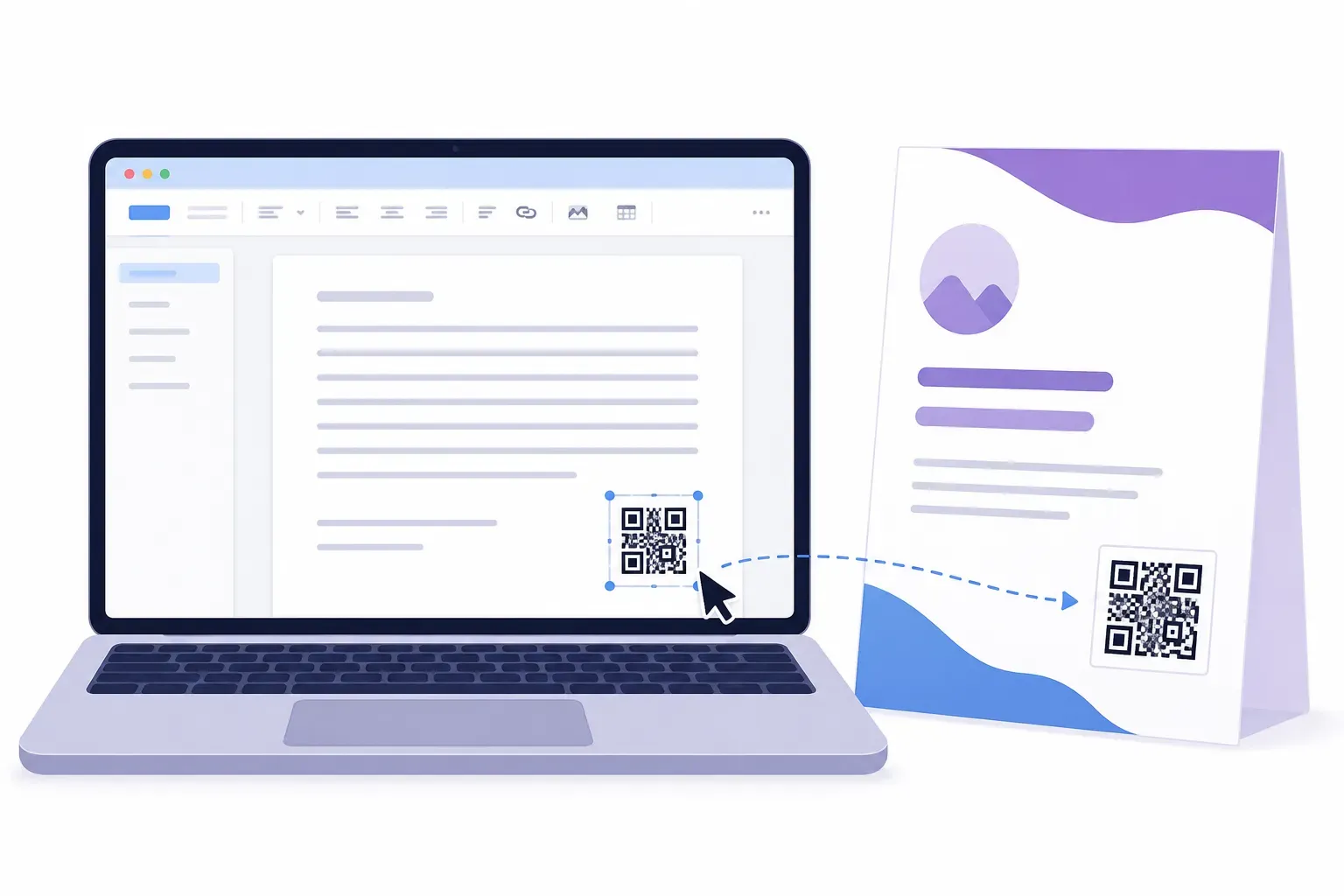
How to Add a QR Code in Word and Google Docs
Read guide →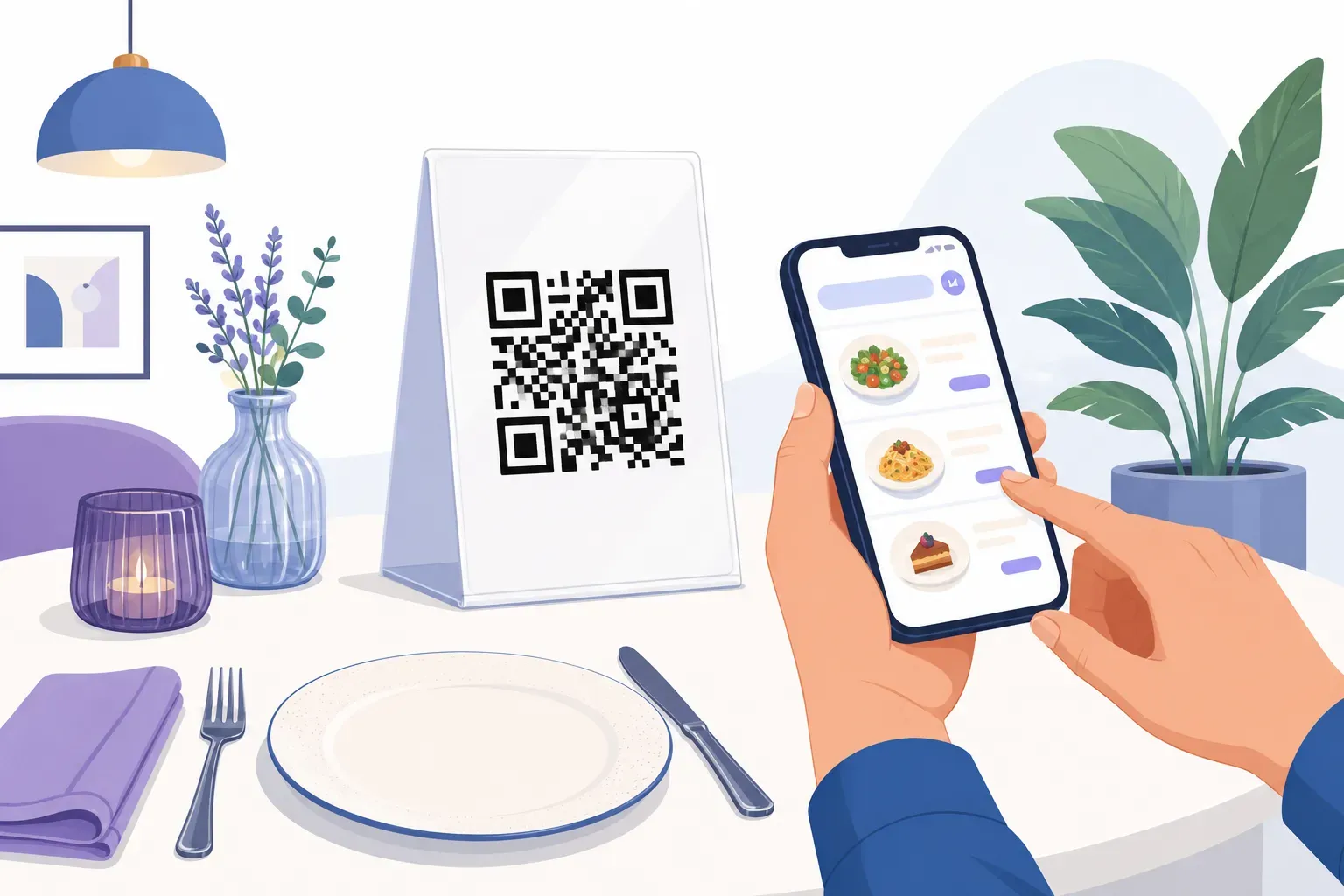
How to Make a QR Code Menu for Your Restaurant (Free)
Read guide →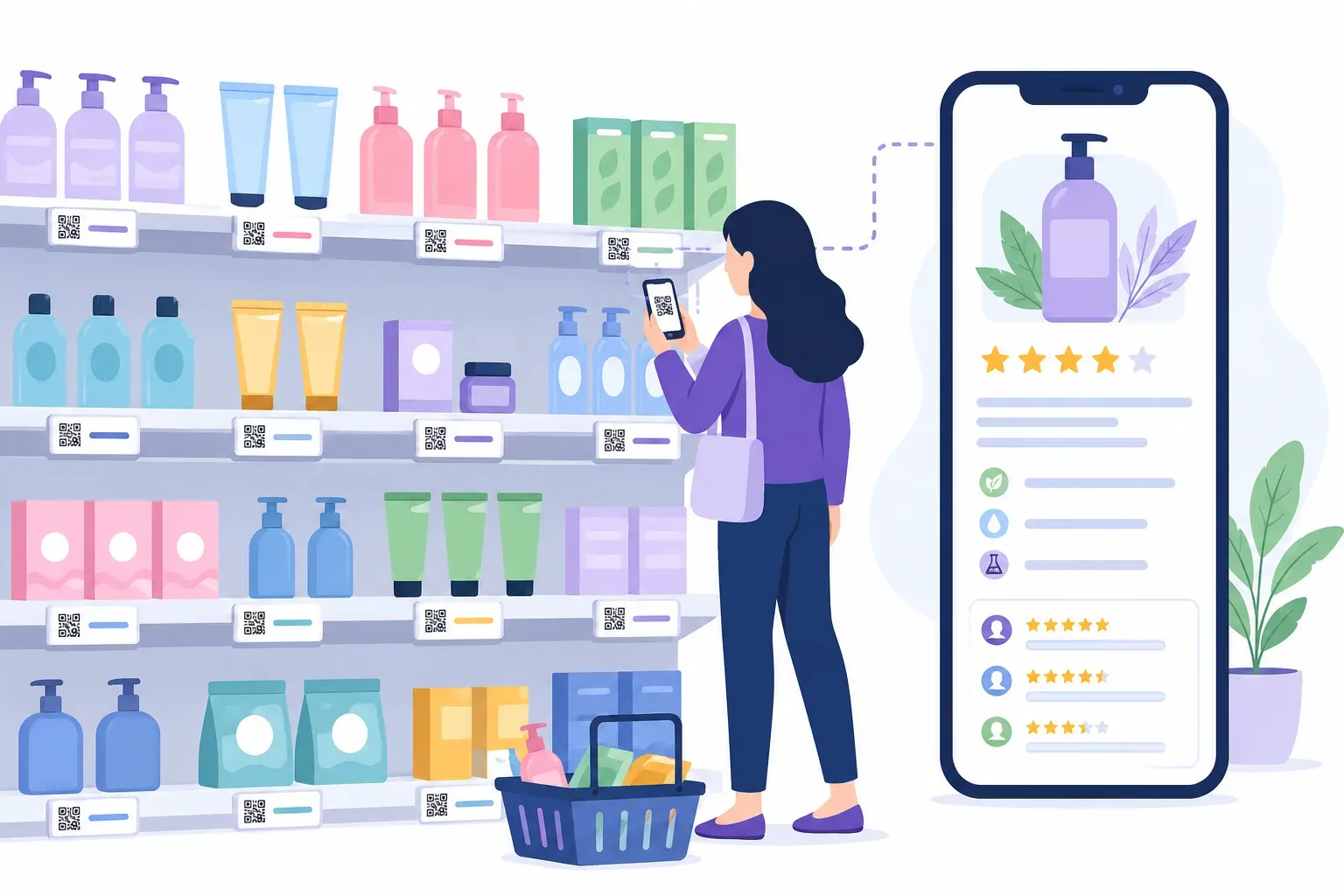
QR Codes for Retail: In-Store, Packaging, and E-Commerce
Read guide →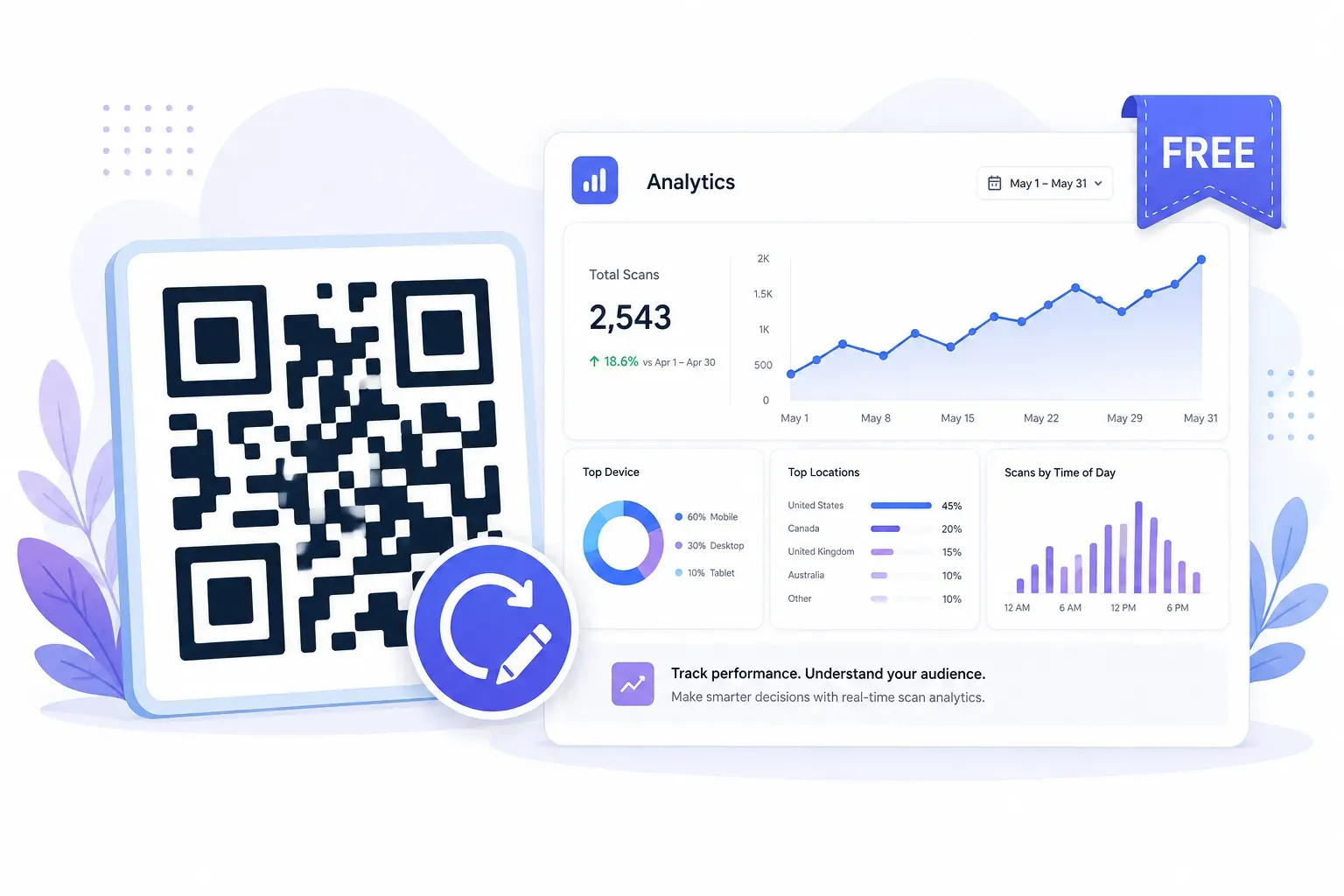
How to Create a Free Dynamic QR Code (Editable, With a Redirect You Control)
Read guide →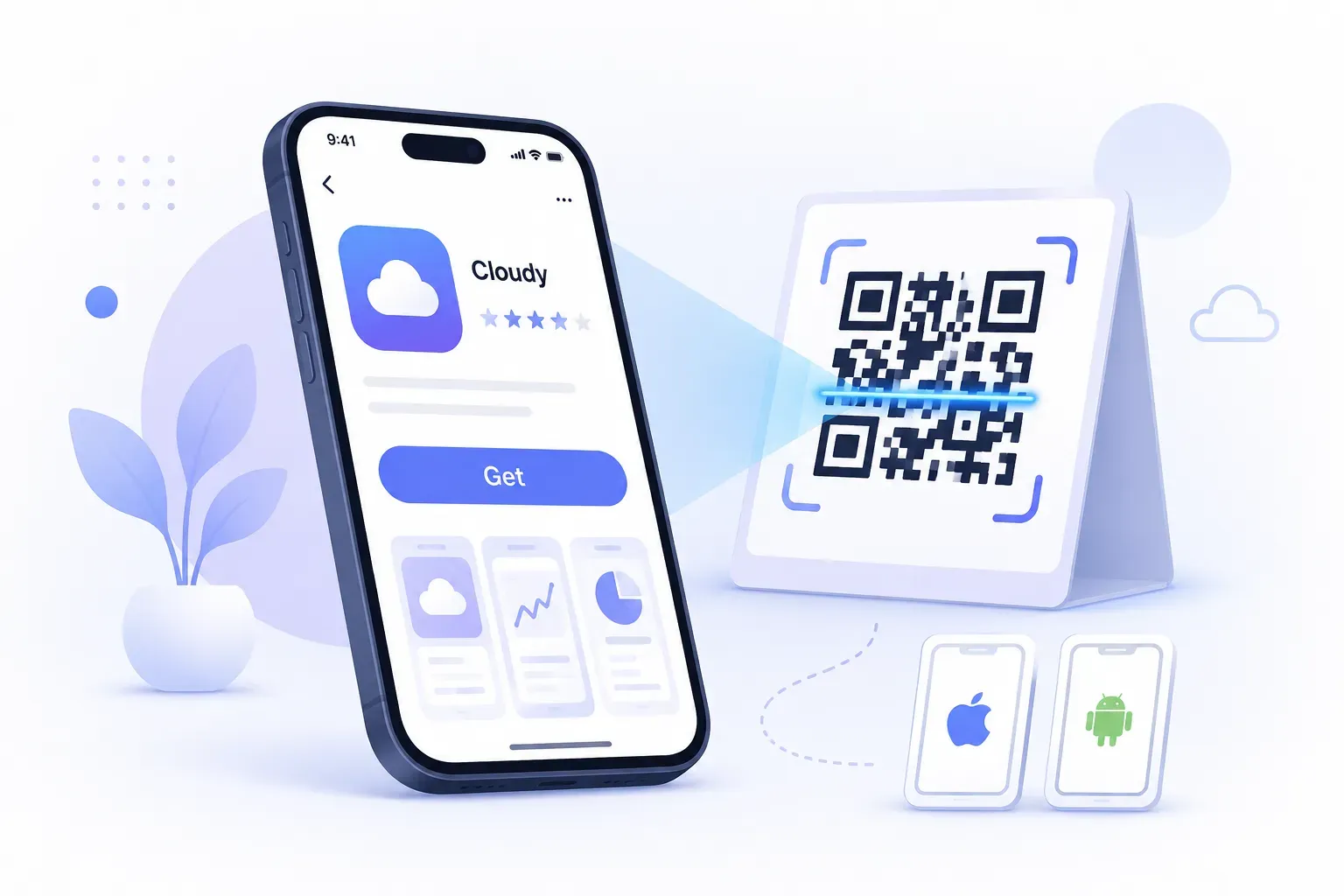
How to Create a QR Code for an App Download (iOS and Android)
Read guide →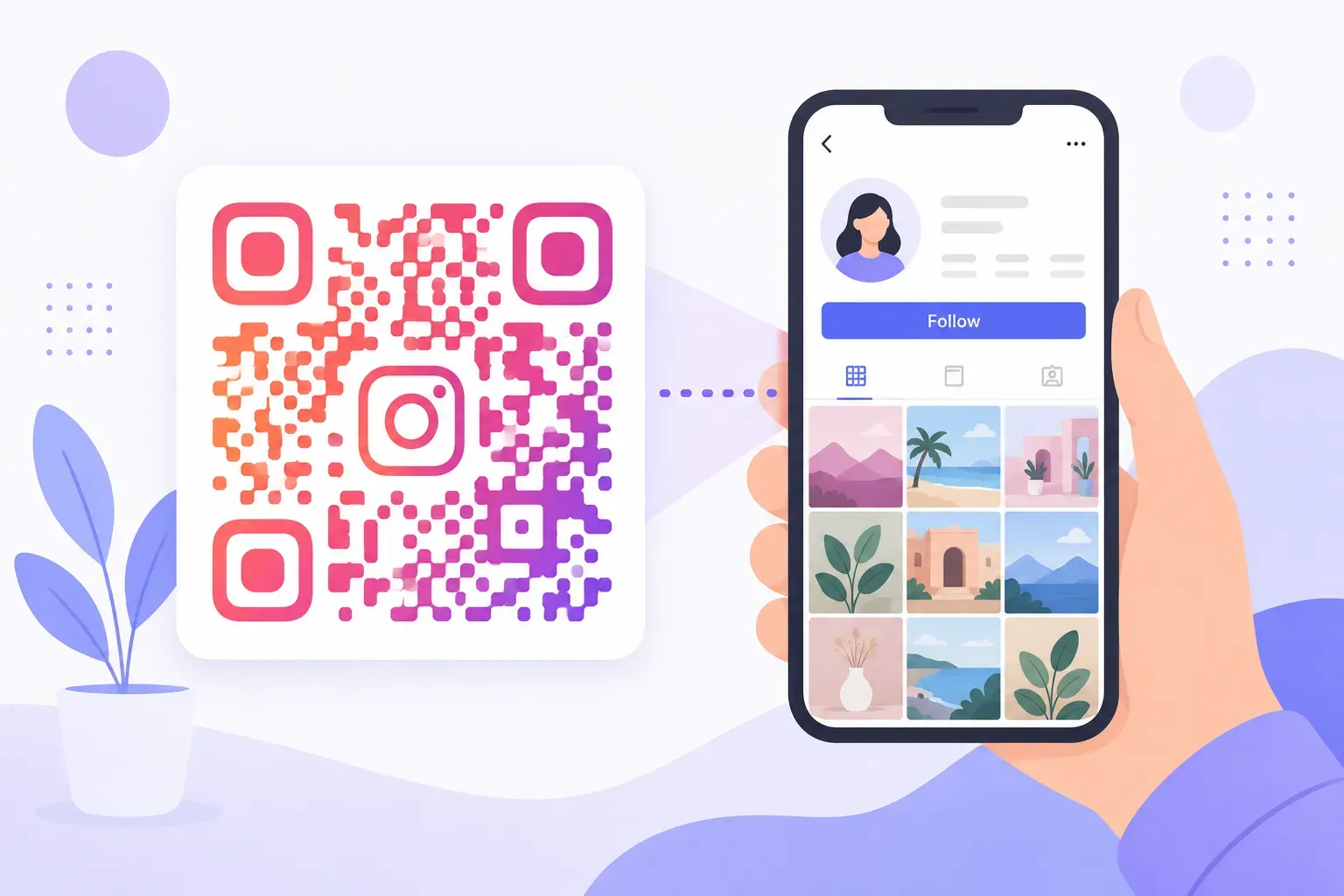
How to Create a QR Code for Instagram (Grow Your Followers Offline)
Read guide →
How to Create a QR Code for a YouTube Video or Channel
Read guide →
How to Create a QR Code for a Google Maps Location
Read guide →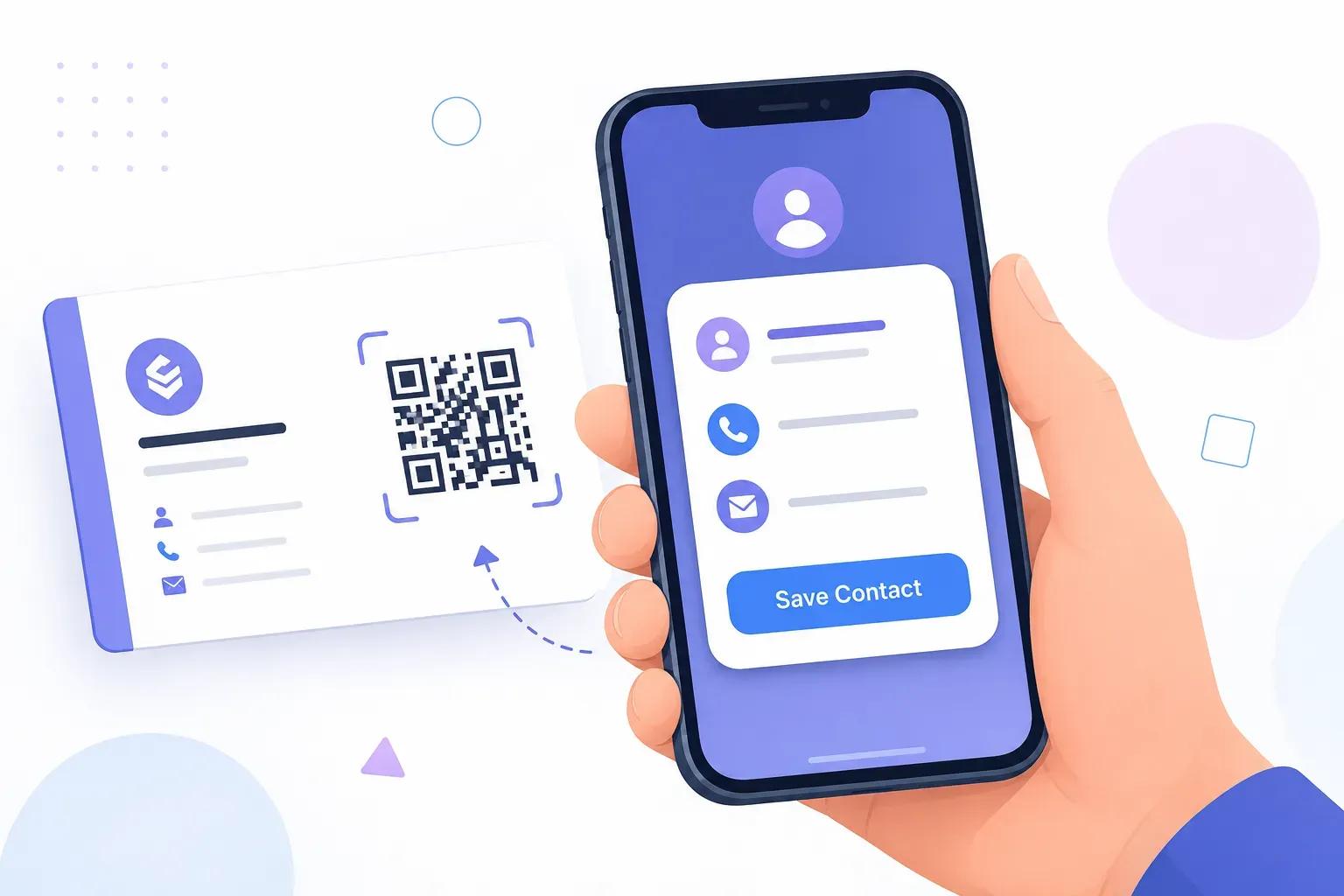
vCard QR Codes: A Better Way to Share Contact Details
Read guide →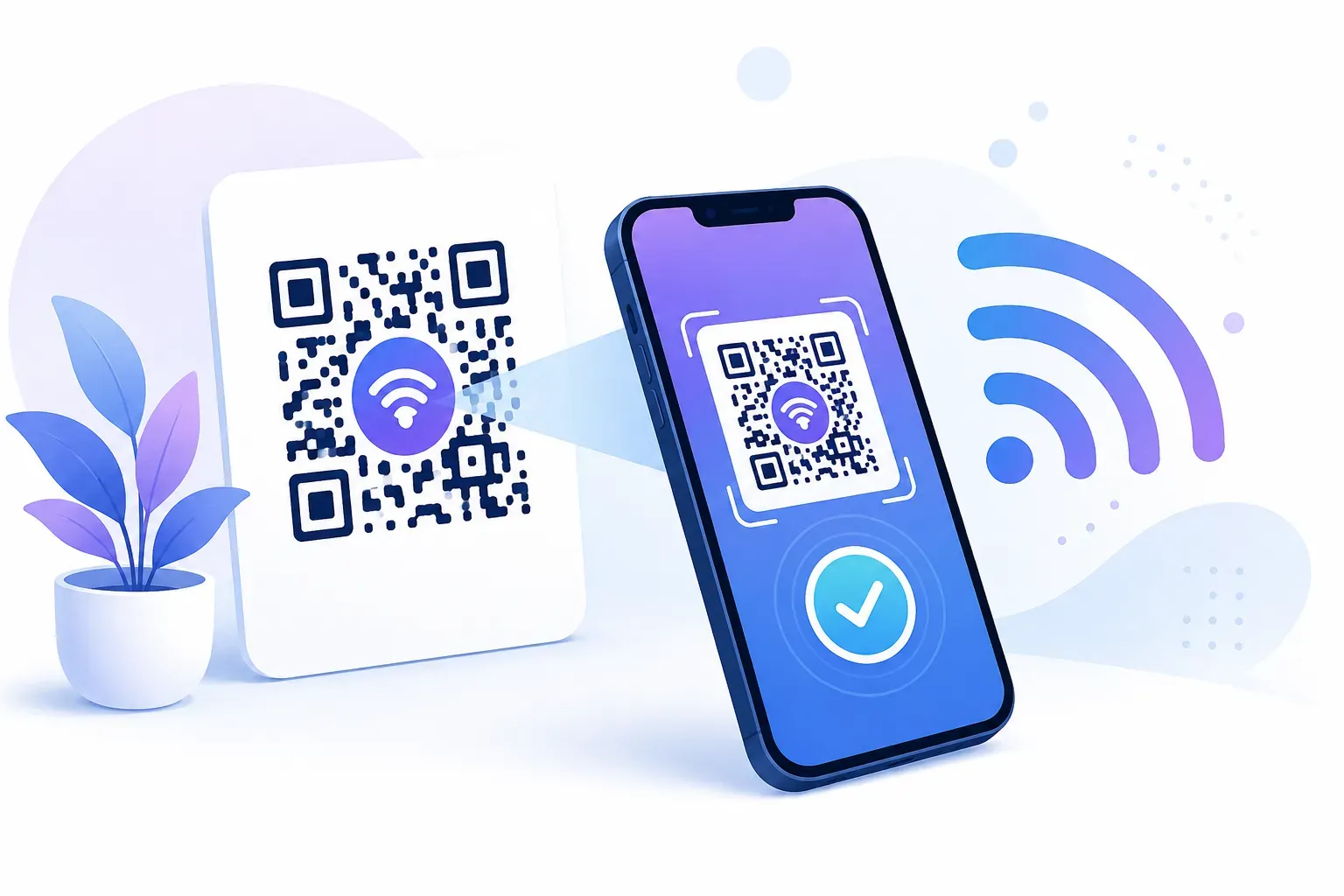
WiFi QR Codes: How They Work and When to Use Them
Read guide →
Do QR Codes Expire? Everything You Need to Know
Read guide →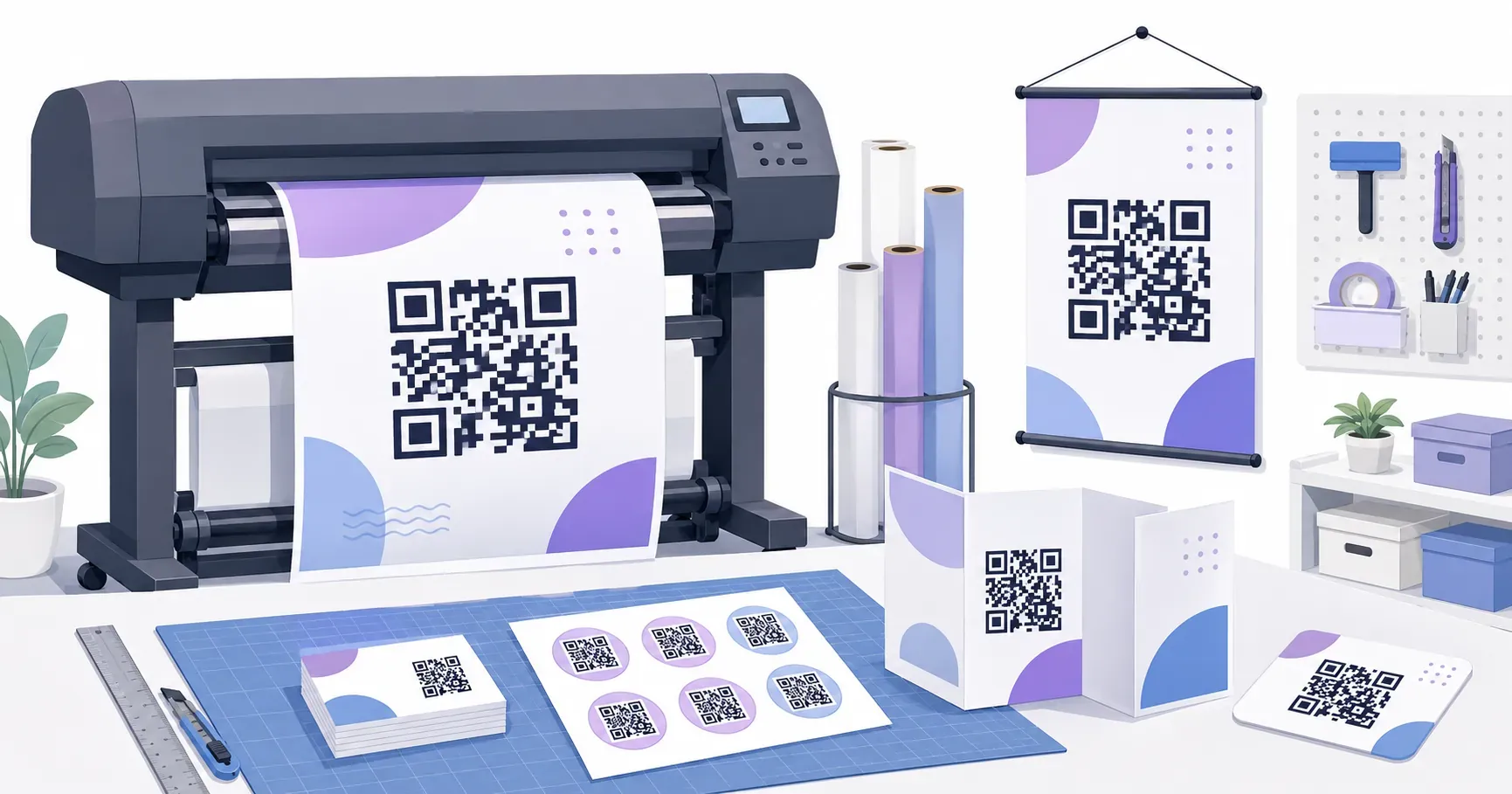
How to Print QR Codes: Complete Guide for Every Material
Read guide →
How to Scan a QR Code on iPhone, Android, and Desktop
Read guide →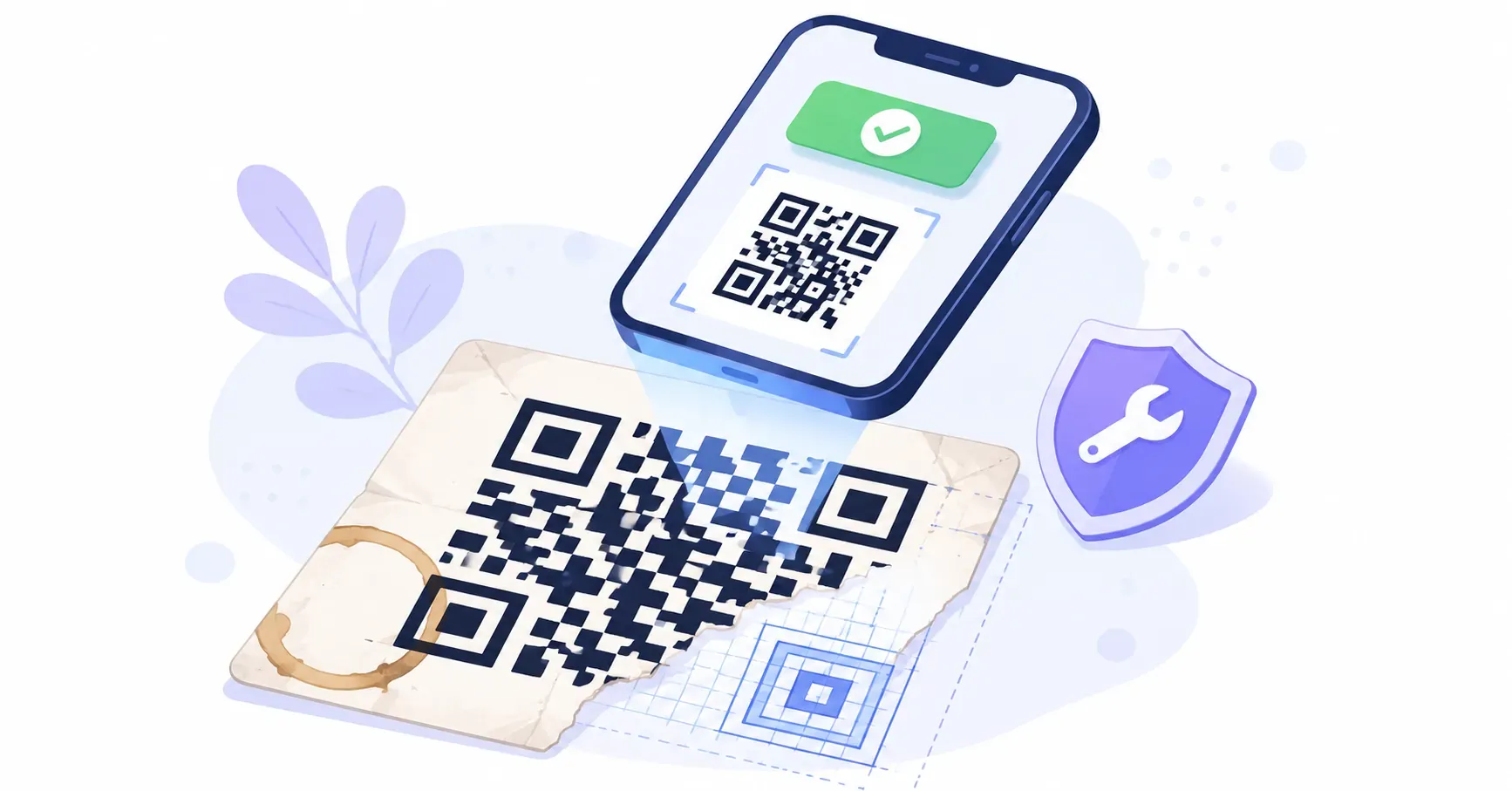
QR Code Error Correction: How Damaged Codes Still Scan
Read guide →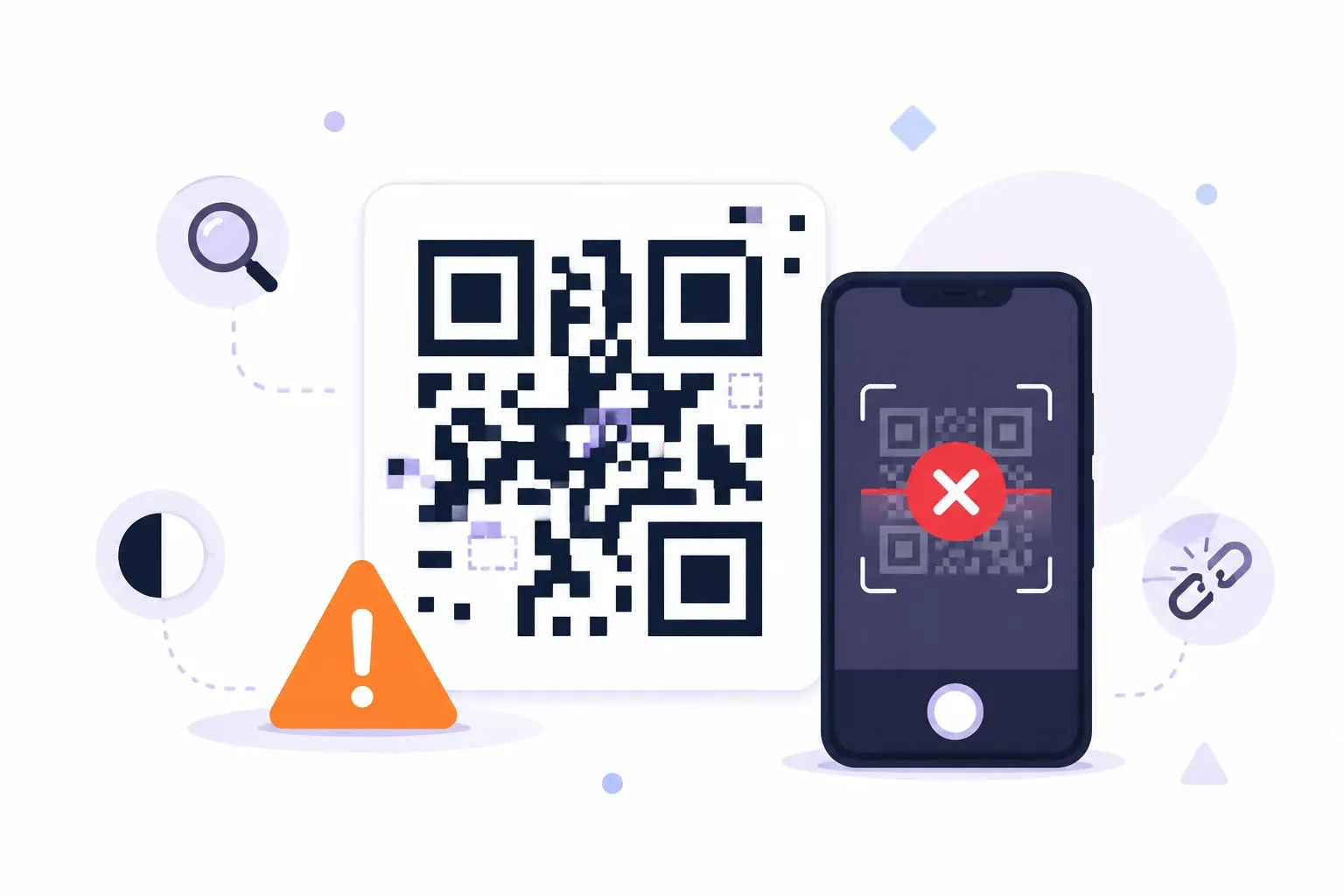
QR Code Not Working? 10 Common Causes and How to Fix Each One
Read guide →
QR Code Size Guide: Minimum Size, Printing Specs, and the 10:1 Rule
Read guide →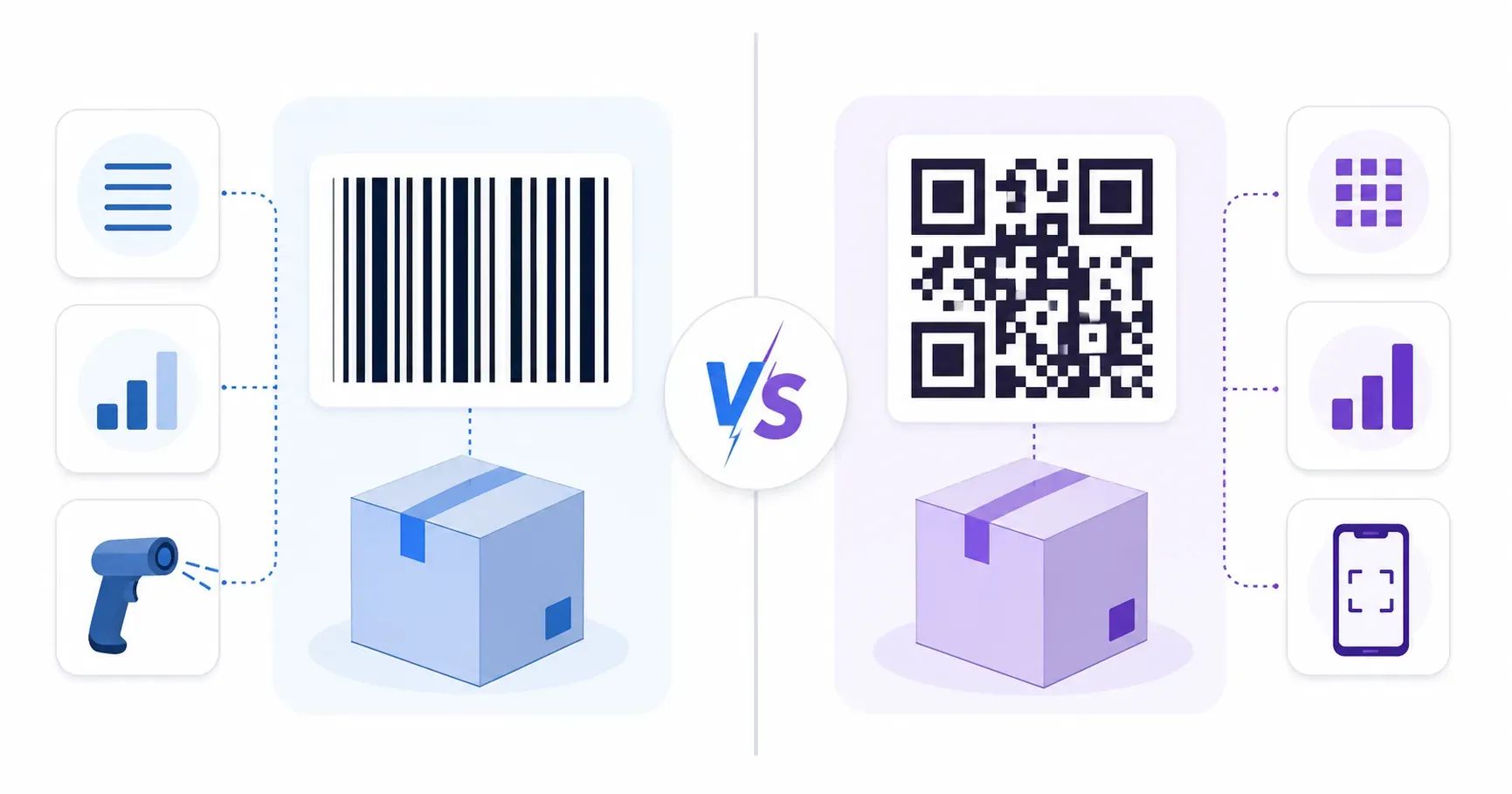
QR Code vs Barcode: What's the Difference?
Read guide →
QR Codes for Events: Registration, Check-In, and Engagement
Read guide →
How to Test a QR Code Before Printing: The Complete Checklist
Read guide →
URL QR Codes: What They Are and When to Use Them
Read guide →
QR Codes for Real Estate: Boost Listings and Open Houses
Read guide →
QR Codes in Education: A Teacher's Complete Guide
Read guide →
How to Create a QR Code for an SMS Text Message
Read guide →
How to Create a QR Code for an Email Address
Read guide →
QR Codes for Restaurants: Menus, Reviews, WiFi, and More
Read guide →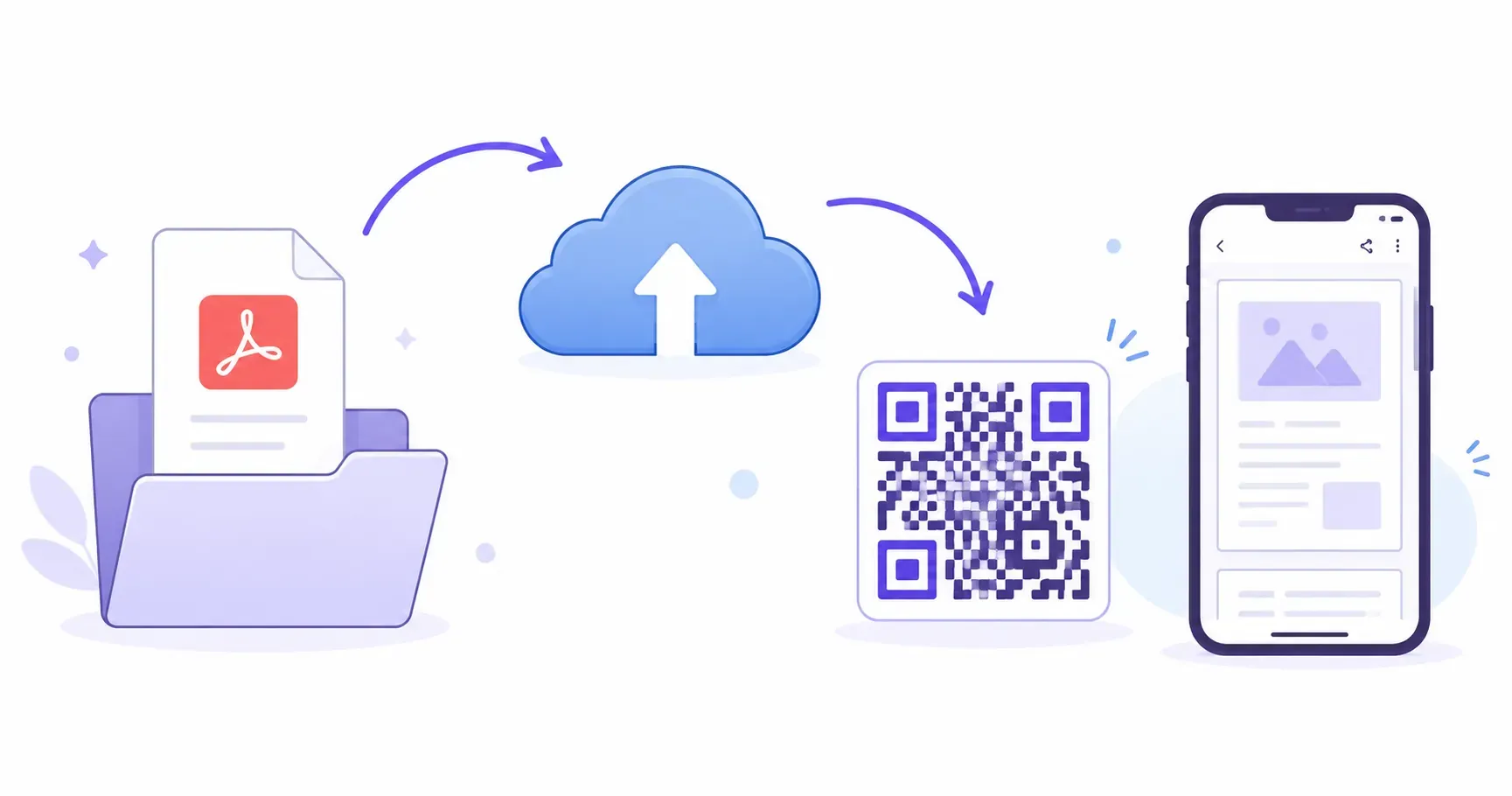
How to Create a QR Code for a PDF Document
Read guide →
How to Create a vCard QR Code for Your Business Card
Read guide →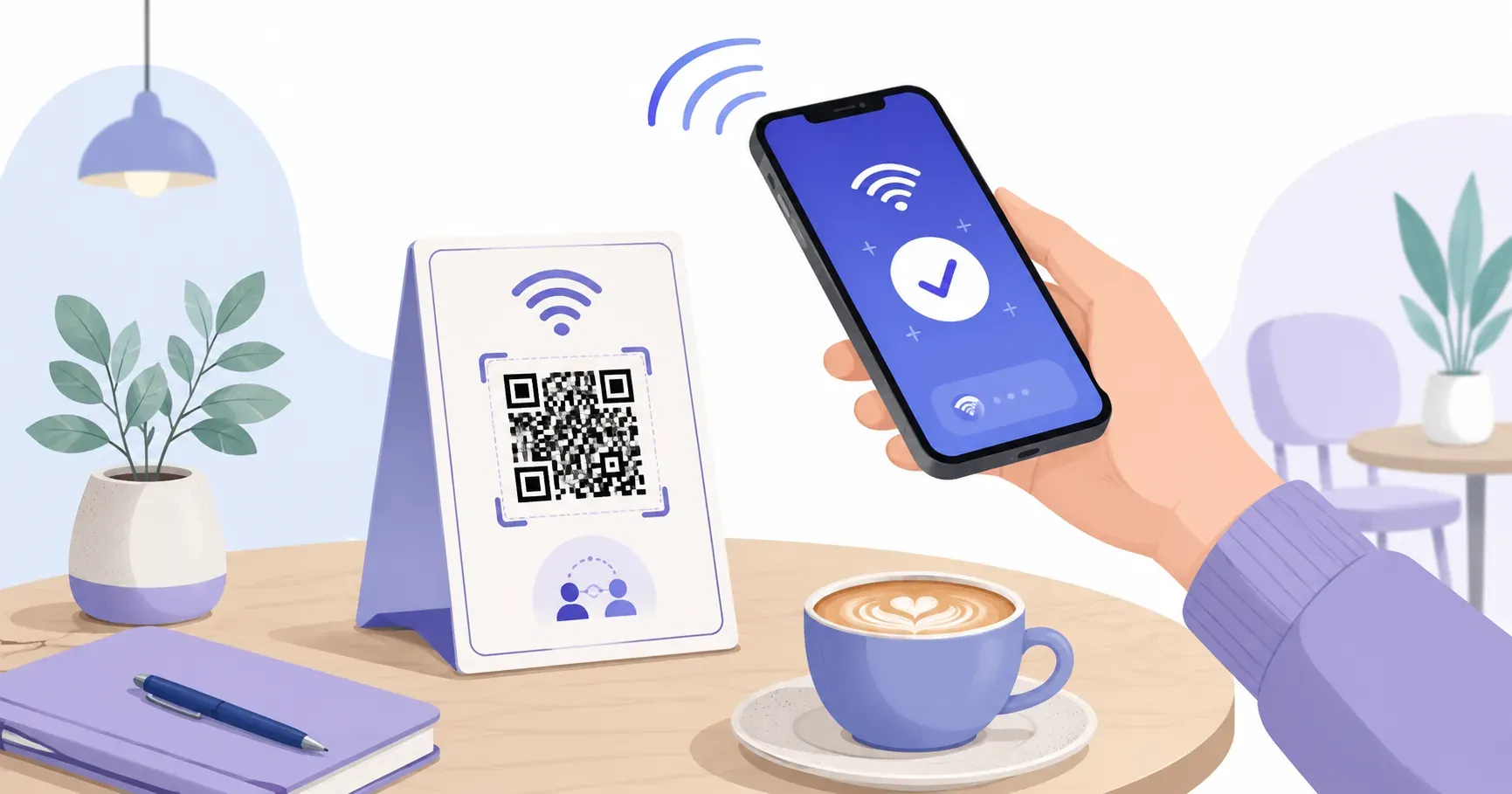
How to Create a WiFi QR Code (Connect Without Typing Passwords)
Read guide →
How to Create a QR Code for a URL or Website Link
Read guide →
QR Code Types Explained: URL, WiFi, vCard, Email, SMS, and More
Read guide →
Static vs Dynamic QR Codes: Which One Should You Use?
Read guide →
How to Create a QR Code for Free: Step-by-Step Guide
Read guide →