Free Barcode Generator: Create Code 128, EAN-13 & UPC Barcodes
 By Mosh Bryce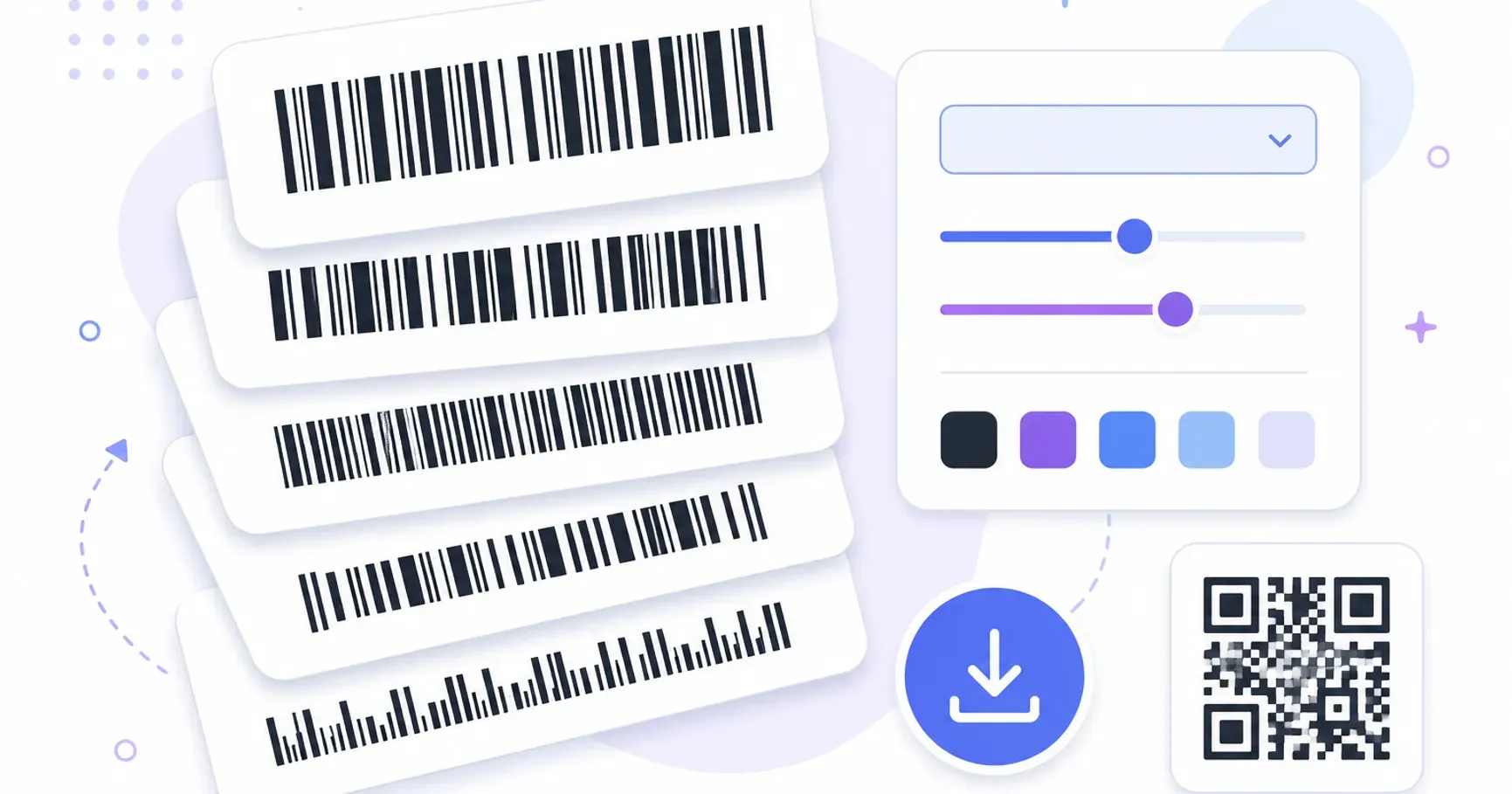
A barcode generator turns a number or text string into a scannable striped image. With a free tool like QRocket’s barcode generator, you pick a format — Code 128, EAN-13, EAN-8, UPC-A, Code 39, or ITF-14 — type your data, and download a print-ready SVG or PNG, with the check digit calculated for you.
The typing is the easy part. The decision that actually matters is which format to use, because a barcode isn’t one standard — it’s a family of them, each built for a different scanner and a different job. Pick the wrong one and a perfectly printed label gets rejected at a retailer’s register or a carrier’s sorting hub. Here’s how the formats divide up, and how to generate the right one in under a minute.
Which Barcode Format Do You Need?
Six formats cover nearly every practical use, and they sort cleanly into three buckets: retail shelves, logistics chains, and internal tracking.
| Format | Encodes | Typical job |
|---|---|---|
| EAN-13 | 13 digits | Retail products worldwide |
| UPC-A | 12 digits | Retail products in the US and Canada |
| EAN-8 | 8 digits | Very small retail packages |
| Code 128 | Letters, digits, symbols | Shipping labels, logistics, serial numbers |
| ITF-14 | 14 digits | Cartons and cases in the supply chain |
| Code 39 | Letters and digits | Internal assets, badges, industrial labels |
If you’re unsure, the question to ask is “who scans this?” A store’s register wants EAN or UPC. A warehouse or carrier wants Code 128 or ITF-14. Your own equipment is happy with Code 39 or Code 128 — whatever your scanners read.
Retail Formats: EAN-13, UPC-A, and EAN-8
These are the stripes on everything in a supermarket. EAN-13 is the international standard, encoding a 13-digit product number; UPC-A is its 12-digit North American sibling, and modern registers read both. EAN-8 exists for packages too small for the full symbol — think lip balm and chewing gum.
One honest caveat that free-tool pages rarely spell out: the generator creates the barcode image, but the number inside a retail barcode has to be assigned. To sell through retailers, you license a company prefix from GS1, the organization that manages product numbering worldwide, and build your product numbers from it. Generating an EAN-13 from a made-up number produces a perfectly scannable barcode that will collide with someone else’s product in a retail database.
That caveat cuts the other way too. If your barcodes never leave your own operation — a farm stand’s till, a private storeroom — you’re free to number things however you like and generate away.
Logistics Formats: Code 128 and ITF-14
Code 128 is the workhorse of shipping. It encodes the full character set — letters, digits, symbols — densely enough to fit tracking numbers, serial numbers, and batch identifiers into a compact label. When a courier scans a parcel or a warehouse logs a tote, Code 128 is usually the format doing the work. If your data contains anything other than plain digits, this is almost always your answer.
ITF-14 is narrower in purpose: a 14-digit format for the outer cartons and cases that move through supply chains. Its thick bars, and the heavy bearer-bar frame usually printed around them, tolerate the rough world of corrugated cardboard printing — which is exactly why distributors ask for it on case packaging rather than a finer-grained symbol.
Internal-Use Format: Code 39
Code 39 is the veteran — an older format that encodes letters and digits with wide, forgiving bars. It’s less dense than Code 128, so labels come out physically longer, but it has two virtues that keep it everywhere: virtually every scanner ever sold reads it, and it works without a check digit. Asset tags, employee badges, file folders, lab samples — anywhere you control both the label and the scanner, Code 39 is a dependable default.
If you’re building out labels for stockrooms or equipment, it’s also worth weighing 2D codes for the job — our guide to QR codes for inventory covers when a grid beats stripes for tracking your own stuff.
Check Digits: The Part You Never Calculate by Hand
Every EAN, UPC, and ITF-14 barcode ends in a check digit — a final number computed from all the others by a fixed formula. When a scanner reads the code, it recomputes that digit; if the result doesn’t match, the scan is rejected rather than silently wrong. It’s a small piece of math that has prevented uncountable mistyped product numbers from reaching a receipt.
The practical upshot: you never work it out yourself. Enter the first 12 digits of an EAN-13 and QRocket’s barcode generator computes the thirteenth automatically — and if you paste a full 13-digit number with a wrong check digit, a good generator flags it instead of drawing an invalid code.
Know your format? Type the number and your barcode is ready. — Open the Free Barcode Generator
How to Create a Barcode in Four Steps
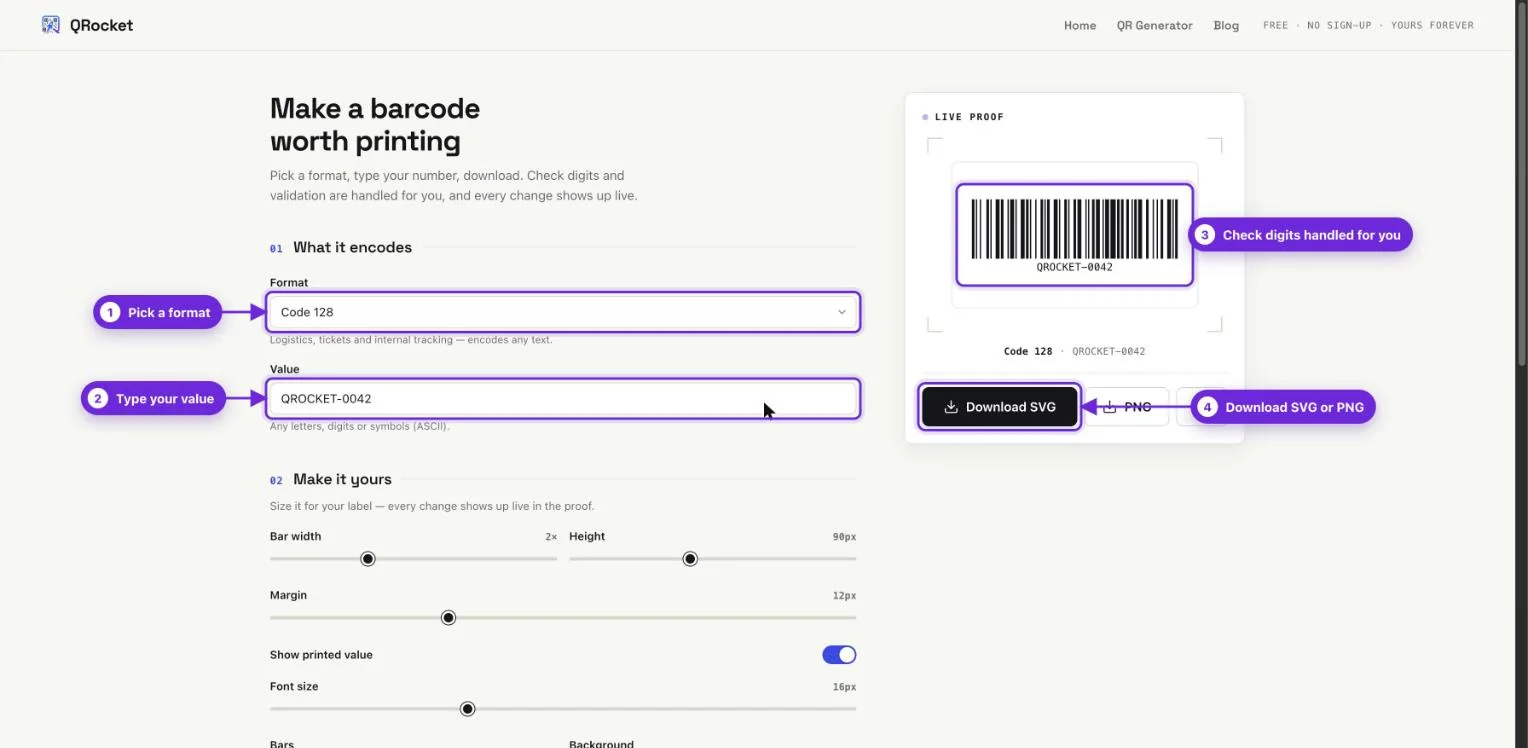
- Pick the format. Use the table above: EAN/UPC for retail shelves, Code 128 or ITF-14 for logistics, Code 39 for internal labels.
- Enter your data. Digits for the retail and carton formats, any text for Code 128 and Code 39. The check digit fills in automatically where the format requires one.
- Adjust size and colors if needed. The live preview updates as you type, so you see exactly what you’ll download.
- Download as SVG or PNG. SVG for print and design work, PNG for documents and quick use.
No account, no watermark, no expiry — the barcode is a static image that’s yours from the moment it renders.
Getting the Print Details Right
Barcodes are more forgiving than QR codes in some ways and stricter in others. Three rules cover almost everything.
Choose SVG for anything printed. An SVG is vector — the bars stay razor-sharp at any size, which matters because a barcode’s data lives in precise bar widths. A PNG scaled up in a layout can blur those edges into misreads. Export PNG for screens and documents; hand SVG to printers and designers.
Keep the contrast classic. Dark bars on a light background, ideally black on white. One trap worth knowing: many laser scanners read red as if it were white, so red or orange bars can render a barcode invisible to the hardware even though it looks bold to you.
Respect the quiet zones. The blank space to the left and right of the bars is part of the symbol. Crowd it with text or borders and scanners lose the start and stop of the code — the same failure, in one dimension, that cropped margins cause for QR codes.
Barcode or QR Code?
Stripes and grids are complements, not rivals. A barcode holds a short identifier and gets read at fixed stations by dedicated hardware; a QR code holds thousands of characters and gets read by any phone. If your label is scanned at a register or a conveyor, generate a barcode. If it’s scanned by a customer’s phone to open a link, generate a QR code — QRocket’s QR code generator covers that side, and our full QR code vs barcode comparison walks through the trade-offs dimension by dimension.
The two worlds are also converging: GS1’s Sunrise 2027 initiative is preparing retail registers to read 2D codes alongside the traditional stripes, so many products will carry both during the transition. For now the rule of thumb holds — match the symbol to the scanner.
Retail, logistics, or internal — generate the right barcode free, in SVG or PNG. — Create Your Barcode Now
Frequently Asked Questions
Is there a truly free barcode generator?
Yes. QRocket’s barcode generator is free with no account, watermark, or download limit. It creates Code 128, EAN-13, EAN-8, UPC-A, Code 39, and ITF-14 barcodes with automatic check digits, custom size and colors, and both SVG and PNG output.
Can I use a generated barcode to sell products in stores?
The image, yes — the number, only if it’s genuinely yours. Retail EAN and UPC numbers are built from a company prefix licensed through GS1 so every product number is globally unique. Generate the barcode from your assigned number and it’s retail-ready; a made-up number will collide with someone else’s product.
What barcode format should I use for shipping labels?
Code 128. It encodes letters, digits, and symbols compactly, which suits tracking and serial numbers, and it’s the standard carriers and warehouses expect. For the outer cartons and cases that move through a supply chain, ITF-14 is the usual companion format.
What is a check digit in a barcode?
The final digit of an EAN, UPC, or ITF-14 number, computed from all the preceding digits by a fixed formula. Scanners recompute it on every read and reject the scan if it doesn’t match, which catches typos and misreads. A good generator calculates it for you automatically.
Should I download my barcode as SVG or PNG?
SVG for anything going to print — it’s vector, so the bars stay perfectly crisp at any size, and precise bar widths are what a barcode’s data depends on. PNG is fine for screens, documents, and quick internal use. When in doubt, download both; they’re free.
Create a free QR code with custom colors, your logo and print-ready downloads — no sign-up.