How Much Data Can a QR Code Store? Capacity Explained
 By Mosh Bryce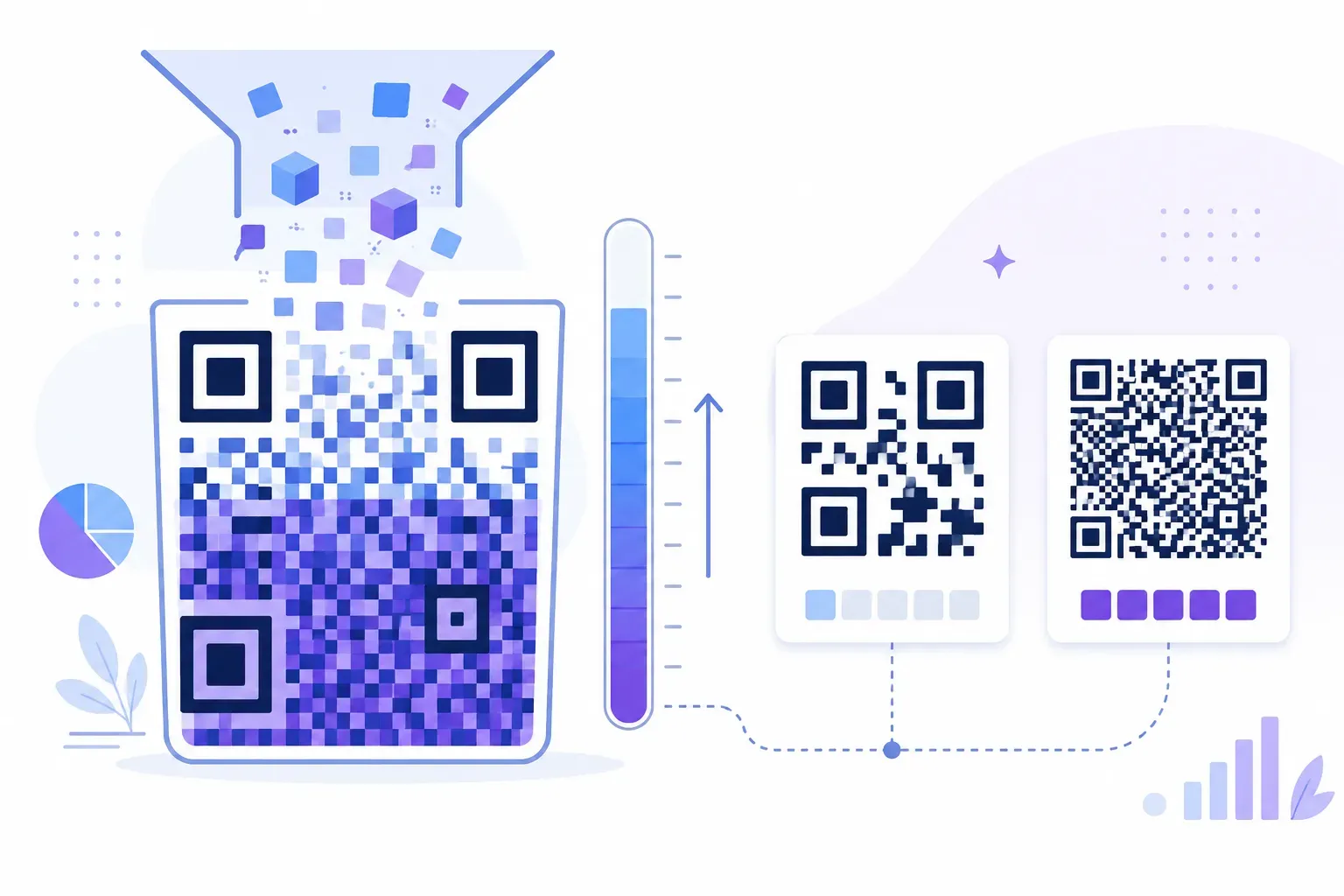
The spec-sheet answer is exact: 7,089 numeric digits, 4,296 alphanumeric characters, or 2,953 bytes of binary data. The useful answer is much smaller. QR code data capacity is a budget set by three factors — the kind of characters you encode, which of the 40 grid sizes the generator selects, and how much space is reserved for error correction — and maxing out that budget produces a dense gray mush that cameras struggle to read.
This explainer covers both numbers: the official limits from the QR standard, and the practical ceiling you should actually design against. By the end you’ll know why a 60-character URL makes a crisp, fast-scanning code while an 800-character contact card fights for its life on a business card.
Maximum QR Code Data Capacity by Type
The QR specification (ISO/IEC 18004) defines four encoding modes, and each holds a different amount because each packs characters into bits differently. These are the maximums for the largest symbol (Version 40) at the lowest error correction level (L), from DENSO WAVE’s capacity tables:
| Encoding mode | What it covers | Maximum capacity |
|---|---|---|
| Numeric | Digits 0–9 only | 7,089 digits |
| Alphanumeric | 0–9, uppercase A–Z, space, $ % * + - . / : | 4,296 characters |
| Byte (8-bit) | Any 8-bit data — lowercase text, symbols, UTF-8 | 2,953 bytes |
| Kanji | Shift JIS double-byte characters | 1,817 characters |
Numeric mode is the densest because three digits squeeze into just 10 bits. That’s why a QR code holding nothing but numbers stores nearly two and a half times more characters than one holding a sentence.
There’s a trap in the alphanumeric row: it covers only a 45-character set, and lowercase letters aren’t in it. One lowercase “a” pushes a whole segment into byte mode. Since real-world URLs contain lowercase paths, almost every code you’ll ever make is byte mode — so the working QR code character limit is closer to 2,953 than 4,296.
All of these maximums shrink as error correction rises: at level H, the same Version 40 symbol holds 3,057 digits, 1,852 alphanumeric characters, 1,273 bytes, or 784 Kanji characters. Everyday codes come nowhere near any of these limits, and shouldn’t.
What Affects QR Code Data Capacity
Three levers control capacity, and your generator moves most of them for you.
Version — the grid size. QR codes come in 40 versions. Version 1 is a 21×21 module grid; each version adds 4 modules per side, up to Version 40 at 177×177 — a grid of 31,329 tiny squares. The generator automatically picks the smallest version that fits your content. Here’s how QR code storage capacity grows with the grid (at the lowest error correction level):
| Version | Grid size | Numeric | Alphanumeric | Byte |
|---|---|---|---|---|
| 1 | 21×21 | 41 | 25 | 17 |
| 10 | 57×57 | 652 | 395 | 271 |
| 40 | 177×177 | 7,089 | 4,296 | 2,953 |
Error correction level. Every code reserves part of its capacity for redundancy so it survives smudges and logos. The four levels — L, M, Q, H — can restore roughly 7%, 15%, 25%, and 30% of the code’s codewords (8-bit units of the data area), according to DENSO WAVE. Those are recovery rates, not the share of space used: Reed-Solomon needs about two error-correction codewords for each codeword it can repair, so the redundancy takes a much bigger bite than the percentages suggest. At level H, the headline 7,089-digit maximum drops to 3,057 digits, and byte capacity falls from 2,953 to 1,273. How that redundancy actually rebuilds damaged codes is covered in our guide to QR code error correction — for capacity purposes, just know that stronger correction means less room for your data.
Encoding mode. As covered above, the content itself decides the mode. Digits are cheap, uppercase is mid-priced, and mixed text costs the most per character.
The grid these modules live in — finder squares, timing lines, data area — is the same anatomy described in our guide to what a QR code is.
Data Capacity vs Physical Size
A common mix-up: printing a QR code bigger does not let it hold more. Capacity is fixed by the version; print size only changes how large each module appears on paper.
The relationship actually runs the other way, and it’s the one that bites. Add more data and the code needs more modules — but if your print space is fixed, those extra modules just get smaller. A Version 4 code (33×33) whose symbol is printed at 2×2 cm (not counting the quiet zone around it) gives each module about 0.6 mm, which phones read comfortably. Cram in enough data to force Version 40 and each module at that same 2 cm shrinks to about 0.11 mm — far below what a phone camera can resolve at arm’s length.
Key takeaway: More data makes a code denser, not bigger. On a fixed print size, your real capacity limit is how small a module the camera can still see. As a rule of thumb — not a figure from the standard — we keep printed modules no smaller than about 0.4 mm for close-range scanning, and test anything smaller.
As a working rule of thumb, that physics puts a practical ceiling of roughly 300 characters on a typical printed QR code, and under 100 for small placements like labels and business cards. Your own limit depends on print size, scan distance, and the phones your audience uses. The exact size-to-distance math lives in our QR code size guide.
Practical Capacity for Common Use Cases
Here’s how much data a QR code actually carries for typical jobs, and the grid each one produces at medium error correction:
| Content type | Typical size | Resulting grid (approx.) |
|---|---|---|
| Shortened URL | 20–30 characters | Version 2–3 (25–29 modules wide) |
| Full URL | 60–80 characters | Version 4–5 |
| WiFi credentials | 60–100 characters | Version 4–6 |
| vCard contact | 300–600 bytes | Version 13–19 |
| Plain text note | ~500 characters | Version 17 |
The pattern is clear: link-based codes stay small and forgiving, which is one reason the URL QR code is the most reliable type in the wild.
vCards are the usual density offender. A full contact card with a street address, two phone numbers, a company, and a note easily passes 500 bytes, producing a Version 17+ grid that looks like television static at business-card size. Trimming it to name, one phone number, email, and website often cuts the code by half its modules.
Tips for Optimizing the Data in Your QR Code
Shorter content makes a sparser grid, and a sparser grid scans faster, from farther away, on worse cameras. Five ways to get there:
- Encode a link, not the content. Don’t embed a menu, flyer text, or PDF contents in the code. Host it online and encode the URL — 25 characters instead of 2,000. This is the single biggest capacity win available.
- Shorten your URLs. Strip tracking parameters you don’t need, drop unnecessary subfolders, or run long links through a shortener. Cutting an 80-character URL to 25 can drop the code two full versions.
- Slim down vCards. Every field you delete visibly relaxes the pattern. Keep the four fields people actually use.
- Match error correction to the environment. Level M is the sensible default. Reserve level H for codes with a logo or rough handling — at the same grid size it holds less than half the data of level L (1,273 vs 2,953 bytes at Version 40).
- Test at final size. Print a sample and scan it with a mid-range phone from a realistic distance before committing to a print run.
QRocket applies the smallest grid that fits your content automatically, so every character you trim translates directly into a cleaner code.
Create data-efficient QR codes with QRocket — free and fast — Create Your Free QR Code →
The Best QR Code Is a Nearly Empty One
The 7,089-digit maximum is trivia; a practical ceiling of around 300 characters is the working rule of thumb. Codes that scan instantly from across a table are almost always Version 3 to 5 — using under 3% of what the format allows. Treat capacity like a luggage weight limit: the further under it you stay, the smoother everything goes. Paste your content into QRocket’s free generator and watch the live preview — if the pattern looks like static, shorten the content until it relaxes.
Frequently Asked Questions
What is the maximum data a QR code can store?
A QR code can store up to 7,089 numeric characters, 4,296 alphanumeric characters, 2,953 bytes of 8-bit data, or 1,817 Kanji characters. Those maximums require the largest grid (Version 40, 177×177 modules) at the lowest error correction level, L; capacity falls as error correction rises. Codes filled to those limits are far denser than anything that scans reliably in print.
Why does my QR code look so dense?
More data requires more modules, creating a denser pattern. Long URLs with tracking parameters and overloaded vCards are the usual causes. Shorten the content, remove optional fields, or use a lower error correction level, and the grid visibly relaxes.
How many characters can a QR code hold for a URL?
Technically up to 2,953 bytes, since URLs encode in byte mode. Practically, keep URLs under about 100 characters: the resulting Version 4–6 code stays crisp at small print sizes and scans quickly even on older cameras.
Does error correction reduce how much data fits?
Yes. Error correction reserves capacity for redundancy. The levels can restore roughly 7% (L), 15% (M), 25% (Q), or 30% (H) of a code’s codewords, but the redundancy needed for that takes up far more space than those percentages: moving from L to H cuts usable capacity by more than half at a given grid size — at Version 40, from 2,953 to 1,273 bytes. That’s why level M is the common middle ground.
Create a free QR code with custom colors, your logo and print-ready downloads — no sign-up.