QR Code Size Guide: Minimum Size, Printing Specs, and the 10:1 Rule
A QR code on a lobby poster that nobody can scan from the couch isn’t a design problem — it’s a math problem. The most common reason a code fails in the wild isn’t color or damage; it’s that someone printed it too small for the distance people actually scan it from. Getting QR code size right comes down to one formula and a short lookup table. This guide gives you both: the 10:1 distance rule that sets your minimum, real dimensions for everything from a business card to a billboard, the density factor most guides quietly skip, and the resolution specs that keep a printed code sharp. No guesswork, and no reprints.
The 10:1 Rule: QR Code Size by Scanning Distance
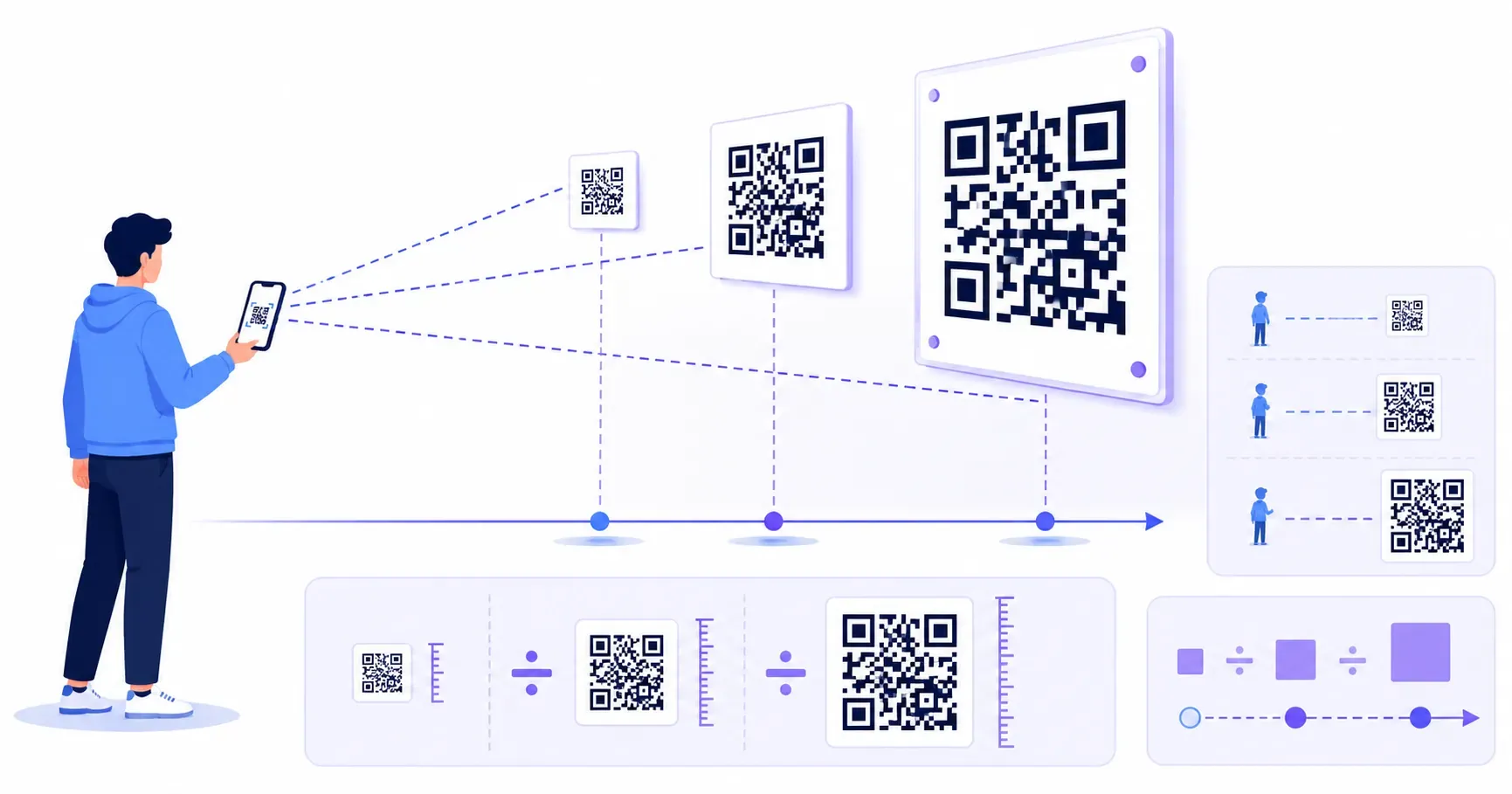
Here is the formula that answers almost every sizing question: take the distance people will scan from, and divide it by 10. That is your minimum code width.
Someone scanning from 1 meter away needs a code at least 10 cm wide. A hallway sign read from 3 meters needs at least 30 cm. A label held 20 cm from the face needs only about 2 cm. The ratio holds because a phone camera has to resolve the individual modules, and the farther away it is, the bigger each module has to be to stay distinct.
Key takeaway: Minimum code width = scan distance ÷ 10. Measure the realistic scanning distance first, then size up from there — never down.
Two refinements make the rule reliable in practice. Round up, because people rarely stand as close as you imagine. And treat 2 × 2 cm (0.8 × 0.8 in) as an absolute floor for any in-hand scanning — that is the QR code minimum size below which mid-range phones start to struggle even at arm’s length, no matter what the formula says. The 10:1 rule sets the minimum; the sections below turn it into concrete numbers for real materials.
Minimum QR Code Size by Use Case
The 10:1 rule is the principle. Most people just want the number for their specific job, so here are the ranges that work in the field, grouped by where the code lives.
Business Cards and Small Labels
The right QR code size for a business card is 2 to 2.5 cm (about 0.8 to 1 in) square. That is close to the absolute minimum, which is fine because a card is held in the hand, roughly 20 to 30 cm from the phone. Go any smaller and you risk failures on older cameras.
Keep business-card codes simple. A card is tiny real estate, so encode a short link rather than a full contact record when you can — dense data forces the modules smaller than the print can support. The same 2 to 2.5 cm range covers product labels, name badges, and packaging panels scanned in the hand.
Flyers, Menus, and Posters
A flyer or restaurant menu is read at arm’s length or from across a small table, so 3 to 4 cm (about 1.2 to 1.6 in) is the comfortable range. That gives a diner enough code to scan a menu from a seated position without leaning in.
Posters change the math because people scan them while standing back. A poster viewed from 0.5 to 1 meter wants a 5 to 10 cm code. Match the size to the closest realistic viewing distance, not the wall it hangs on — a poster in a narrow corridor is scanned closer than the same poster across a lobby.
Signage, Windows, and Billboards
A storefront window sign is often scanned from a meter or two away, through glass, so plan for 10 to 15 cm. Bigger is safer here because glare and reflections cut into the effective contrast.
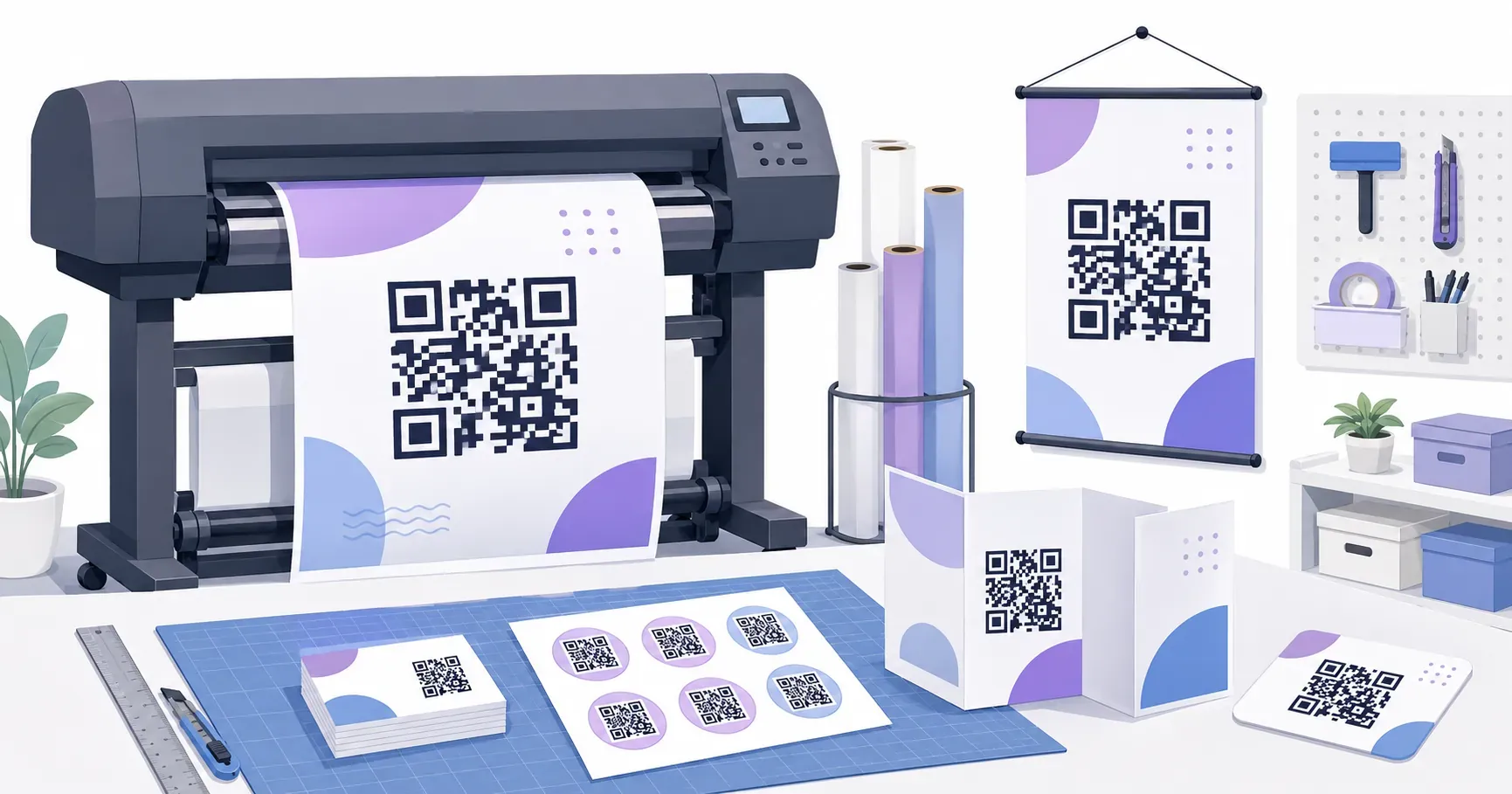
Billboards and large outdoor signage follow the 10:1 rule at scale: a code meant to be scanned from 5 meters needs to be at least 50 cm wide, and roadside boards often run 30 cm and up. At these distances, keep the encoded data as short as possible so the modules stay large. For the full production picture — materials, inks, and finishes at these sizes — see how to print QR codes.
The Density Factor: Why Data Length Changes Your Minimum
Two codes printed at the exact same width can behave completely differently, and this is the variable most sizing guides ignore. The culprit is density.
A short 30-character URL might generate a code with a 25 × 25 module grid. A 300-character vCard packed with a name, phone, email, address, and website can push that to 45 × 45 modules or more. Cram more modules into the same physical square and each module shrinks — so the denser code needs a bigger print to keep those modules scannable, even at identical scan distance.
The practical fix is to reduce the data before you enlarge the print. Shortening a long link is almost always cheaper than finding wall space for a bigger code. If your code carries a web address, the QR code for a URL guide covers how a shorter link produces a simpler, lower-density code that scans smaller and faster.
Key takeaway: More data means more modules means a bigger minimum size. When a code has to stay small, trim the content, don’t just shrink the pattern.
Resolution: DPI and File Format for Sharp Codes
A code sized perfectly on screen can still print as a fuzzy, unscannable smudge if the resolution is wrong. Your QR code print size and its resolution are two separate settings, and you have to get both right.
For raster files, 300 DPI is the baseline for any printed QR code. Drop below that and the module edges blur, softening the sharp corners a scanner relies on. For small codes — anything under about 3 cm — step up to 600 DPI so the fine modules stay crisp at that reduced size. These are the same resolution standards professional presses expect, in line with the print-quality guidance behind the QR standard from its originator, Denso Wave.
The cleaner path is to sidestep DPI entirely with a vector file. An SVG has no fixed resolution — it scales from a business card to a billboard with mathematically perfect edges every time. Whenever your print shop accepts vectors, export SVG and stop worrying about DPI. QRocket offers free SVG and high-resolution PNG export, so you can hand a printer the format they prefer without hitting a paywall.
Need a print-ready file? Download your code as SVG or high-res PNG — free. — Create Your Free QR Code
The Quiet Zone Counts as Size Too
Designers who crop the white border to save space are the reason a surprising number of large, expensive codes fail. The margin is not decoration — it is part of the code.
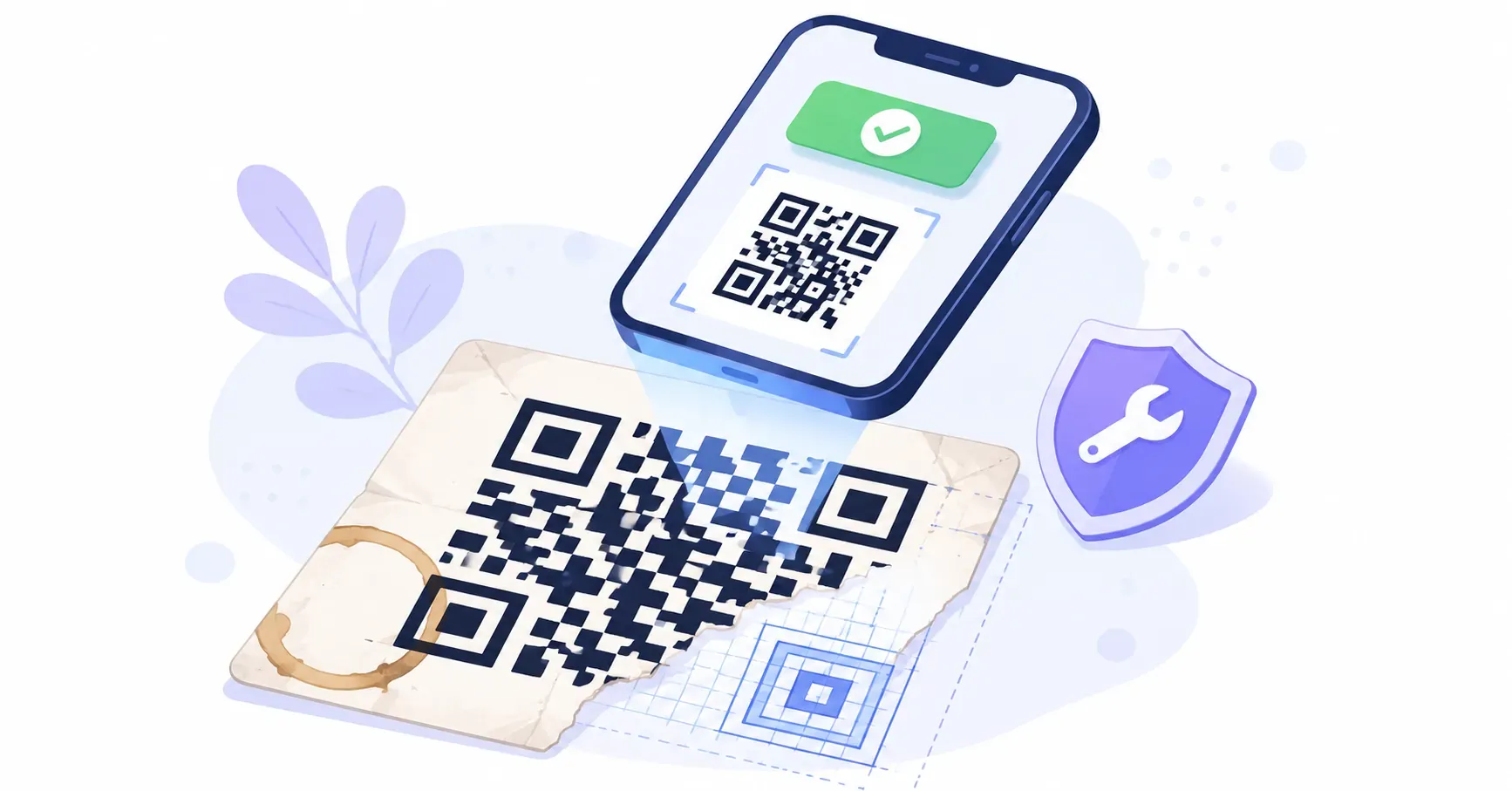
The QR code standard (ISO/IEC 18004) specifies a quiet zone of 4 modules of clear space on all sides. That blank frame tells the scanner where the pattern begins and ends. Remove it, tuck text right up against the edge, or let a background image bleed into it, and even a perfectly sized 10 cm poster code can refuse to scan.
Reserve that margin in your layout from the start. When you plan the footprint of a code, add the quiet zone to the module grid before you position it — the visible pattern plus 4 modules of white on every side is the real dimension you have to fit. It costs a few millimeters and prevents one of the most avoidable failures there is. Broader placement and layout choices are covered in the QR code design guide.
Quick QR Code Size Calculator (Cheat Table)
Here is the whole guide compressed into one lookup. Find your use case, confirm the scan distance with the 10:1 rule, and export at the recommended size and format.
| Use case | Typical scan distance | Minimum size | Recommended format |
|---|---|---|---|
| Business card / label | 20–30 cm | 2–2.5 cm | SVG or 600 DPI PNG |
| Flyer / menu | 30–50 cm | 3–4 cm | SVG or 300 DPI PNG |
| Poster | 0.5–1 m | 5–10 cm | SVG or 300 DPI PNG |
| Window / storefront sign | 1–2 m | 10–15 cm | SVG |
| Billboard / large signage | 3 m+ | 30 cm+ (distance ÷ 10) | SVG |
Print this table next to your design app and half your sizing decisions are already made. When you generate the code in QRocket, set the export dimensions to match the row you’re in and add the quiet zone before you drop it into the layout.
Measure Twice, Print Once
The reason QR sizing feels fuzzy is that people look for a single magic number — but there isn’t one, there’s a ratio. Divide the scan distance by ten, respect the 2 × 2 cm floor, add data density and the quiet zone, and the “right” size falls out on its own. Measure the scan distance, divide by ten, and export from QRocket at that size — the math takes ten seconds and saves a reprint that would cost you a print run and a week. Size for the person standing back, not the designer leaning in.
Frequently Asked Questions
What is the minimum size for a QR code?
The practical floor is 2 × 2 cm (0.8 × 0.8 in) for close-range, in-hand scanning. Below that, mid-range phone cameras struggle to resolve the modules. Go bigger whenever scan distance, data density, or lighting is uncertain — undersizing fails far more often than oversizing.
How big should a QR code be on a poster?
Apply the 10:1 rule to the closest realistic viewing distance. A reader standing 1 meter away needs a code at least 10 cm wide. Most posters land between 5 and 10 cm. Size for a narrow corridor if that’s where it hangs — people scan closer than you’d expect.
What DPI should a printed QR code be?
300 DPI is the minimum for any printed code. For small codes under about 3 cm, or codes with fine detail like a center logo, move up to 600 DPI. Better still, export a vector SVG, which has no DPI and stays sharp at any size.
Does the amount of data change the required size?
Yes. Longer content adds more modules to the grid, and more modules means each one is smaller at a given width. A dense vCard code needs noticeably more print width than a short URL at the same scan distance. Shorten the data before enlarging the print.
Is the white border part of the required size?
Yes. The quiet zone — about 4 modules of clear space on every side — is part of the code’s function, not just its look. Trimming it to save room is a leading cause of scan failure, even on large prints. Reserve that margin when you plan the layout footprint.
Create a free QR code with custom colors, your logo and print-ready downloads — no sign-up.