How to Use QR Codes for Small Business: 15 Practical Ideas
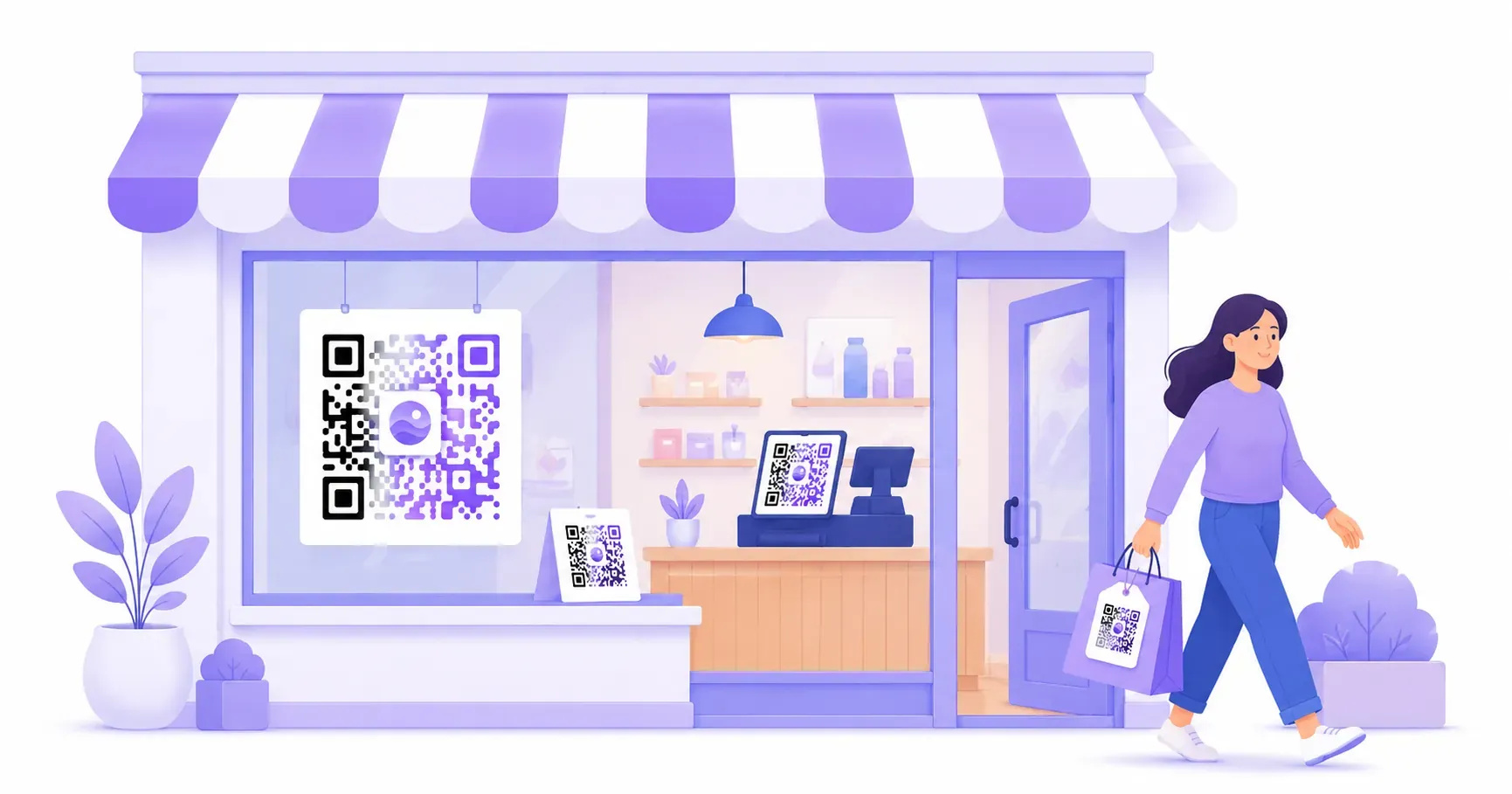
A coffee shop owner in Austin stuck a QR code on her counter linking to Google Reviews. Within three months, her review count jumped from 40 to 130 — and her shop climbed to the top of local search results. That single square cost her nothing to make and maybe 2 minutes to print. QR codes for small business aren’t a trend reserved for big brands with big budgets. They’re a free, flexible tool that connects your physical presence to everything digital: your menu, your payment page, your WiFi, your review profile. This guide covers 15 specific ways to put QR codes to work in your business, grouped by what they help you do — engage customers, market smarter, streamline operations, and accept payments. Each idea includes what it does, why it matters, and how to create it with QRocket.
Why Use QR Codes for Small Business?
The appeal comes down to one number: zero. Every idea in this guide runs on a free static code — no subscription, no per-scan fee, no account. You print once and the code keeps working for years.
That changes the math for a small team. A paid ad costs money every time it runs; a QR code on a flyer, a window, or a receipt costs a few cents of ink and pays back every time someone scans. Most of these setups take under 10 minutes: pick a type, paste a link, download, print.
The second advantage is friction. A code turns “search for us on Google” into a single scan, “ask the barista for the password” into an instant connection, and “type this URL” into a tap. Remove those small frictions across a dozen touchpoints and the saved minutes — and the conversions you’d otherwise lose — add up fast.
QR Codes for Small Business Customer Engagement
The best customer experiences remove friction. Every extra step — typing a URL, asking for a password, searching for your business online — is a moment where attention drifts. These five ideas use QR codes to eliminate those steps.
1. Google Review Collection
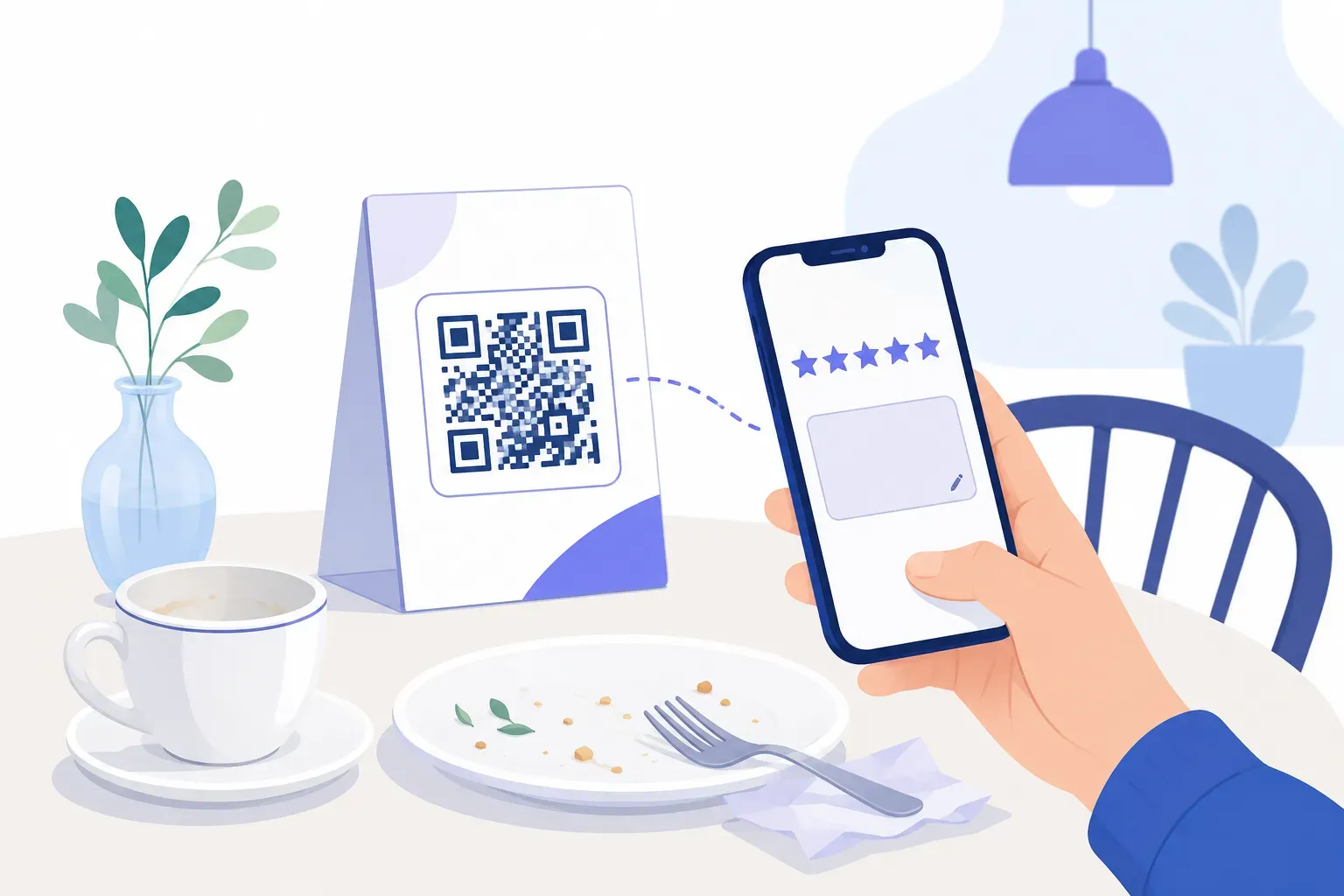
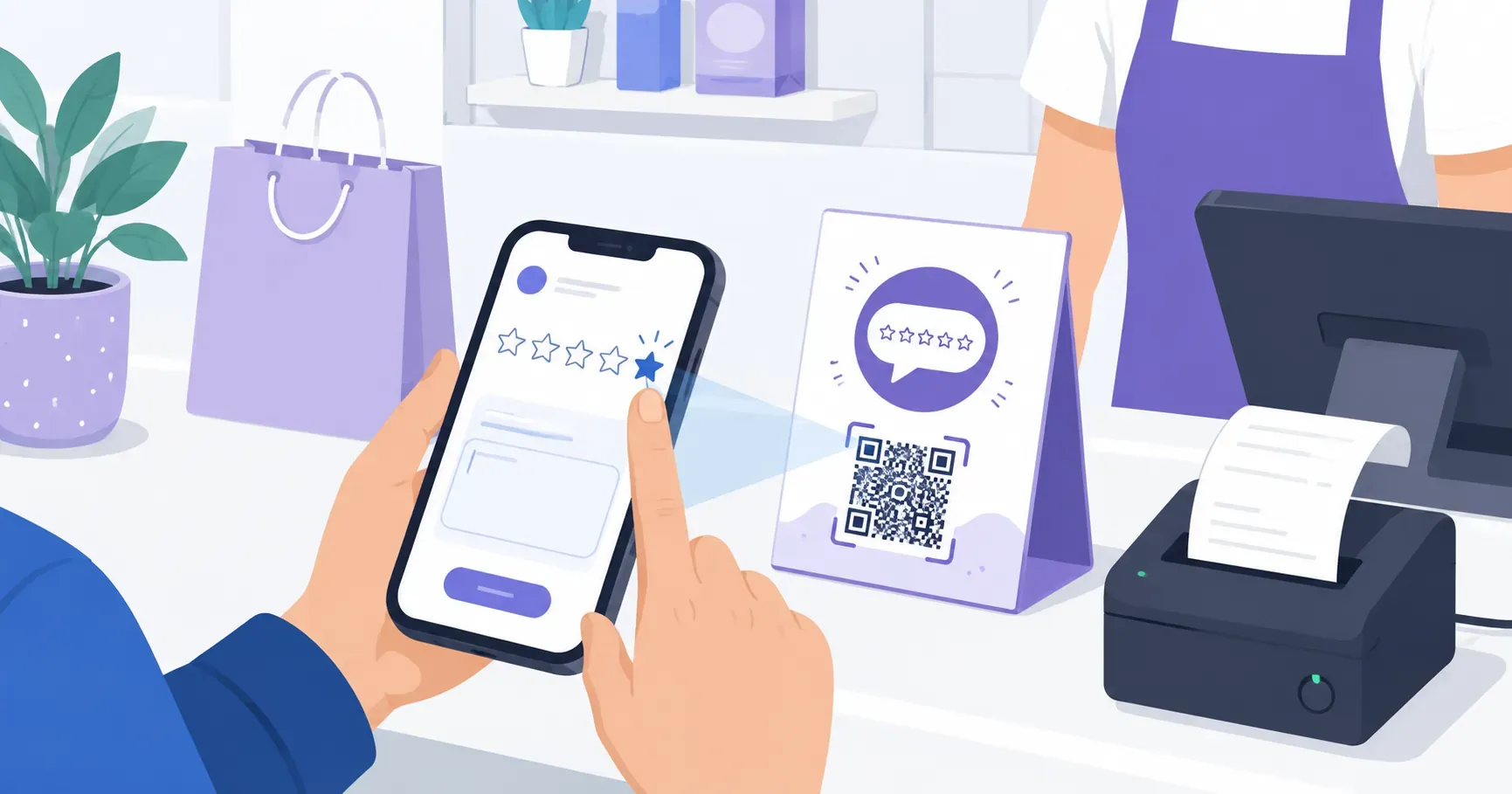
Place a QR code at the checkout counter or on receipts that opens your Google Business review page directly. Customers don’t need to search for your business or navigate through Google Maps. The code drops them right at the star-rating prompt. Restaurants, salons, and repair shops that use review QR codes often see a 2–3x increase in monthly reviews because you’re catching people at the moment they’re happiest — right after a good experience. Our guide to a QR code for Google reviews covers the exact link setup.
2. Customer Loyalty Programs
Print a QR code on a card or receipt that links to a digital punch card or loyalty signup form. Physical punch cards get lost. Digital ones live on the customer’s phone. A bakery can hand out cards where each scan logs a visit, and the tenth visit earns a free pastry. No app download required — just a mobile-friendly landing page.
3. Guest WiFi Access
Spelling out a 20-character WiFi password letter by letter gets old fast. A WiFi QR code lets customers scan and connect in about 3 seconds. Print it on a table tent, hang it near the entrance, or frame it by the register. Cafes, coworking spaces, and waiting rooms benefit most — anywhere people sit and expect internet access.
4. Digital Menus
A single QR code replaces a stack of laminated menus. Link it to a PDF or webpage that you can update whenever prices or specials change. No reprinting costs, no outdated information in customers’ hands. For restaurants specifically, check out our full guide on QR codes for restaurants for menu-specific tips.
5. Contactless Business Information
Instead of handing out paper brochures at a trade show booth, display a QR code that links to a digital info packet. Better yet, use a vCard QR code so prospects can save your contact details to their phone with one tap. It’s faster than exchanging cards and nothing gets lost in a jacket pocket.
QR Codes for Small Business Marketing & Promotions
Marketing budgets at small businesses are tight. A QR code printed on a $0.10 flyer can drive the same digital action as a paid ad — without the ad spend. Here are four qr code business ideas that turn print materials into measurable marketing channels.
6. Social Media Follow Prompts
Print a QR code on packaging, bags, or receipts that opens your Instagram, TikTok, or Facebook page. A boutique clothing store can add one to every shopping bag with the line “Follow us for style tips and 10% off your next order.” You convert a one-time buyer into a follower without asking them to search for your handle.
7. Coupon and Discount Distribution
Create a QR code that links to a unique discount page or coupon code. Place it on flyers, door hangers, or direct mail pieces. The advantage over a printed coupon code: you can track how many people actually scanned it, giving you real data on which print channels drive action. A 15%-off QR code on a neighborhood flyer tells you exactly how many local customers responded.
8. Event Promotion
Running a weekend sale, a workshop, or a pop-up? Print a QR code on posters and window signs that links to the event page or RSVP form. Passersby scan it as they walk by — no need to remember a date or URL. A yoga studio promoting a free Saturday class can place QR posters at nearby coffee shops and track signups by location.
9. Flyer and Print Ad Links
Every print ad, postcard, or brochure becomes interactive with a QR code. Link it to a landing page, video walkthrough, or product catalog. The key: give people a reason to scan. “Scan for a 60-second video tour of our workshop” works. A bare QR code with no context gets ignored. Always pair the code with a clear call-to-action and a 2–3 word description of what they’ll find.
QR Codes for Operations & Efficiency
Not every QR code is customer-facing. Some of the most valuable uses happen behind the scenes, saving your team time on repetitive tasks.
10. Inventory and Asset Tracking
Stick QR codes on equipment, storage bins, or product shelves. Each code links to a spreadsheet row or inventory management page with item details, quantity, and reorder thresholds. A small warehouse with 200 SKUs can tag each shelf location with a QR code that pulls up stock levels instantly on any phone. No barcode scanner hardware needed — just a camera.
11. Employee Training Materials
New hire needs to learn the espresso machine? Put a QR code on it that links to a 3-minute training video. This works for any equipment, process, or safety procedure. The information lives right where the employee needs it, not buried in a binder in the break room. Update the linked content anytime without reprinting the code.
12. Equipment Manuals and Maintenance Logs
Print a QR code on each piece of equipment that links to its manual, warranty info, and maintenance log. A cleaning company can tag every van with a code that shows the last oil change date and upcoming service schedule. When something breaks, the technician scans the code and gets the troubleshooting guide immediately — no digging through filing cabinets.
QR Codes for Payments & Transactions
Accepting payments should take seconds, not minutes. A QR code for business payments works especially well for service providers, market vendors, and anyone who operates without a traditional point-of-sale terminal.
13. Mobile Payment Links
Link a QR code to your PayPal.me page, Venmo profile, Square payment link, or Stripe checkout page. Display it at your booth, on invoices, or at the register. Farmers market vendors, freelance photographers, and home service providers can accept payment without carrying a card reader. The customer scans, enters the amount, and pays — typically in under 15 seconds.
14. Tip Collection
Barbers, musicians, food truck workers, and delivery drivers can display a QR code that links to a digital tip jar. As fewer people carry cash, a tip QR code captures gratuities that would otherwise be lost. Print it on a small stand or sticker near the point of service. Some businesses report a 20–30% increase in tips after switching from a physical jar to a QR-based option.
15. Invoice and Receipt Delivery
Instead of printing paper receipts, generate a QR code that links to a digital invoice or receipt page. This saves paper, keeps records organized, and gives customers an easy way to access their purchase history. A small business QR code on a countertop sign saying “Scan for your digital receipt” handles what used to require a thermal printer and paper rolls.
Getting Started: Create Your Business QR Code
You don’t need technical skills or a budget to start. Here’s how to use qr codes for business in about 60 seconds:
-
Pick your QR type. Decide what the code should do — open a URL, share WiFi credentials, display contact info, or something else. Most of the 15 ideas above use a simple URL link.
-
Enter your content. Head to the QRocket free generator and type in the URL, WiFi details, or contact information. Double-check for typos — a wrong character means a broken code.
-
Customize the design. Add your brand colors or adjust the style. Keep contrast high (dark modules on a light background) and leave a quiet zone of at least 4 modules around the edges so scanners read it reliably.
-
Test before printing. Scan the code with at least two different phones. Check that it loads the correct page, that the page is mobile-friendly, and that load time is under 3 seconds.
-
Print and place strategically. Print at minimum 2 cm x 2 cm (about 0.8 x 0.8 inches) for close-range scanning, or larger for signs meant to be scanned from a distance. Place codes at eye level where customers naturally pause — counters, table tents, doors, and packaging.
If you’ve never created one before, our step-by-step guide on how to create a QR code for free walks through the full process with screenshots.
Start using QR codes for your business today — create your first one free with QRocket — Create Your Free QR Code
Start With One, Then Scale
The businesses that get the most from QR codes don’t try all 15 ideas at once. They start with one — usually the one that solves their biggest daily friction point. For a restaurant, that’s a menu or review code. For a service provider, it’s a payment link. Pick your single highest-impact use case, print the code this week, and measure what happens over 30 days. Once you see that first code working, the next 14 ideas will feel obvious. You can create your next QR code free in under a minute whenever you’re ready.
Frequently Asked Questions
Are QR codes effective for small businesses?
Yes. Consumer research consistently shows that the vast majority of smartphone users have scanned a QR code at least once, and usage has grown steadily since 2020. For small businesses, QR codes are especially effective because they cost nothing to create, take seconds to deploy, and directly connect print materials to digital actions like reviews, payments, and signups.
What is the most common business use for QR codes?
Linking to websites and digital menus tops the list. After that, WiFi sharing, social media profiles, and payment links are the most popular qr code for business applications. The common thread: each one replaces a manual step (typing a URL, entering a password) with a single scan.
Can QR codes help get more Google reviews?
A QR code linking directly to your Google review page removes the biggest barrier: finding your business listing. Customers scan, tap a star rating, and submit — all in under 30 seconds. Businesses that place review QR codes at checkout or on receipts typically see a meaningful jump in review volume within weeks.
Do I need to pay a subscription to use QR codes commercially?
No. Static QR codes are free to create and licensed for commercial use, so you can print them on menus, packaging, and signage with no ongoing fee. Subscriptions only enter the picture if you want dynamic codes with editable links and built-in scan analytics.
How many QR codes should a small business start with?
Start with two — the ones that solve your biggest daily friction. For most shops that’s a Google review code plus either a guest WiFi or digital menu code. Get those working and measured first; adding more is easy once staff and customers are used to scanning.
Create a free QR code with custom colors, your logo and print-ready downloads — no sign-up.