QR Codes for Customer Feedback and Surveys
The customer who just finished dinner knows exactly how the evening went. The same customer three days later, skimming a “How did we do?” email, remembers almost nothing and cares less. A QR code for survey collection closes that gap: it puts the feedback form in front of people at the moment of experience — phone already in hand, opinion still fresh — which is why a small square on a receipt can outperform an entire follow-up email campaign.
This guide covers the strategy: the ask, the placement, the timing, and how to tell which spot earns its ink.
Why a QR Code for a Survey Beats Receipt URLs and Email
Traditional feedback collection asks customers to do homework. The receipt URL — “visit www.yourstore.com/feedback and enter code 84B2-XY” — asks someone to type a 40-character address later, from memory. Almost nobody does. The email survey arrives days after the visit, buried in an inbox, asking about an experience already half-forgotten.
A feedback QR code removes both problems at once. There’s nothing to remember and nothing to type: the customer scans, the form opens, and they’re answering within seconds of the experience itself. That immediacy improves quality as much as quantity — feedback captured in the moment describes what actually happened, not a fuzzy reconstruction.
There’s a selection effect, too. Delayed surveys hear mostly from the extremes — the delighted and the furious, the only ones motivated enough to dig out an email. A code on the table catches the quiet middle: customers who would never write a review but will happily tap three stars while waiting for the check.
Choosing a Survey Tool
Any tool that produces a shareable URL works with a QR code, so choose based on budget and how the form feels on a phone.
- Google Forms is free with no response limits, and answers flow into a spreadsheet automatically. It’s the default for most small businesses; our tutorial on creating a QR code for a Google Form covers the click-by-click setup.
- Typeform shows one question per screen with a polished, conversational feel — paid at any real volume, but it can lift completion on longer surveys.
- SurveyMonkey brings question templates and benchmarks, aimed at teams who want structured analysis more than a quick pulse check.
Whichever you pick, open the form on your own phone first. A survey that demands pinch-zooming loses people no matter how convenient the scan was.
Designing an Ask People Finish
Every question you add costs you completions. Someone standing at a counter will answer one question happily, three questions probably, and ten questions never. The discipline is deciding what you’d actually change based on the answer — and cutting everything else.
The strongest format is one question plus an optional comment box: “How was everything today?” on a 1–5 scale, with “Anything we should know?” underneath. If you want a standardized metric, a single NPS question — “How likely are you to recommend us?” on a 0–10 scale — gives you a comparable benchmark over time.
On incentives, one ethical line matters: reward the act of responding, never the sentiment. “Complete our 30-second survey for 10% off your next visit” is fine and disclosed. “Leave us 5 stars for a free dessert” corrupts your data and, on public platforms, violates policy. Pay for honesty, not for praise.
The Placement Playbook
A feedback code works when it sits exactly where the experience ends. The reliable spots:
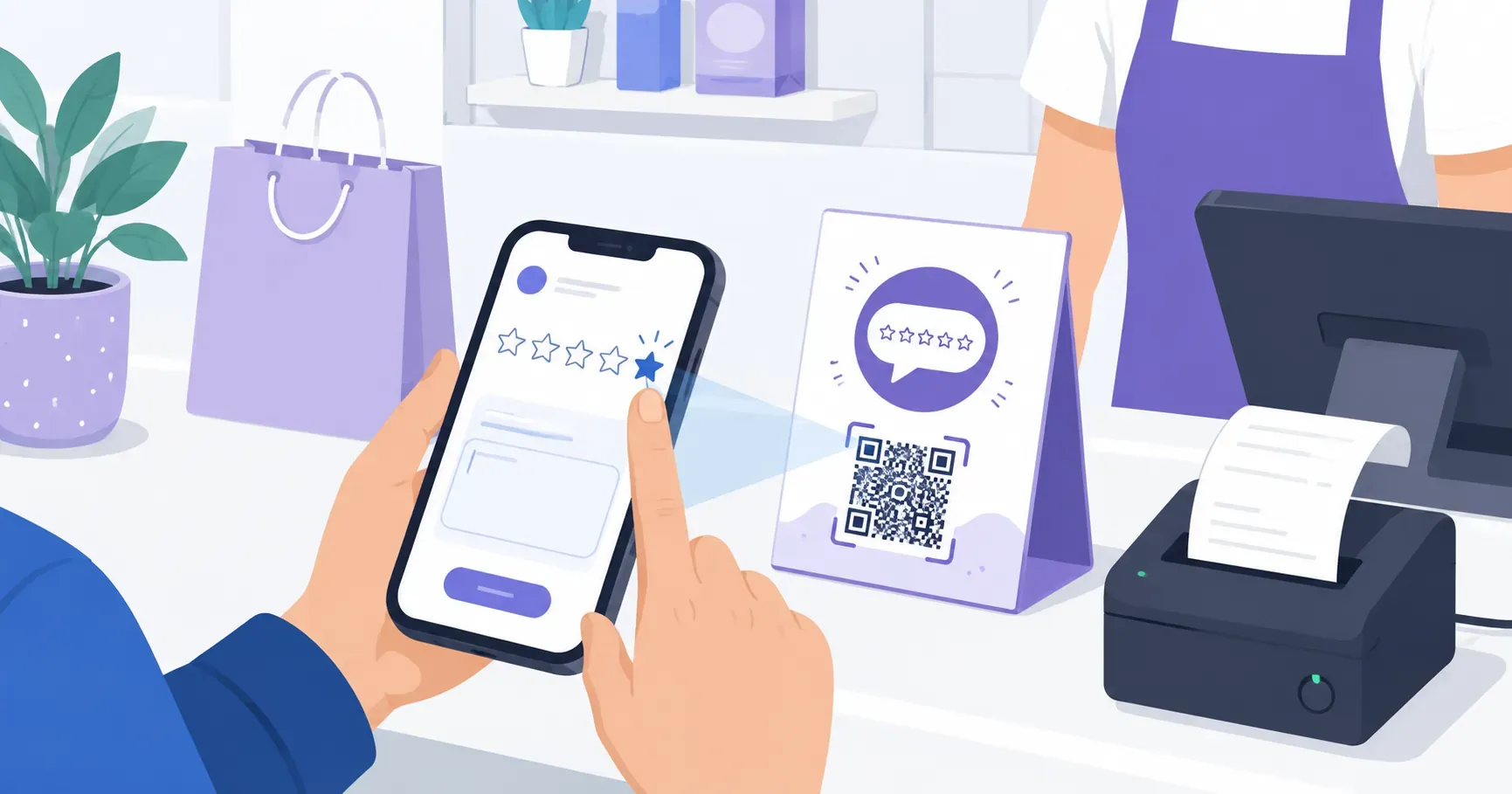
- Receipts. Everyone gets one, at the natural endpoint of the transaction. Print the code with a one-line ask near the total.
- Packaging and inserts. For e-commerce, a card in the box catches the customer at the unboxing peak — the same moment does double duty for collecting leads.
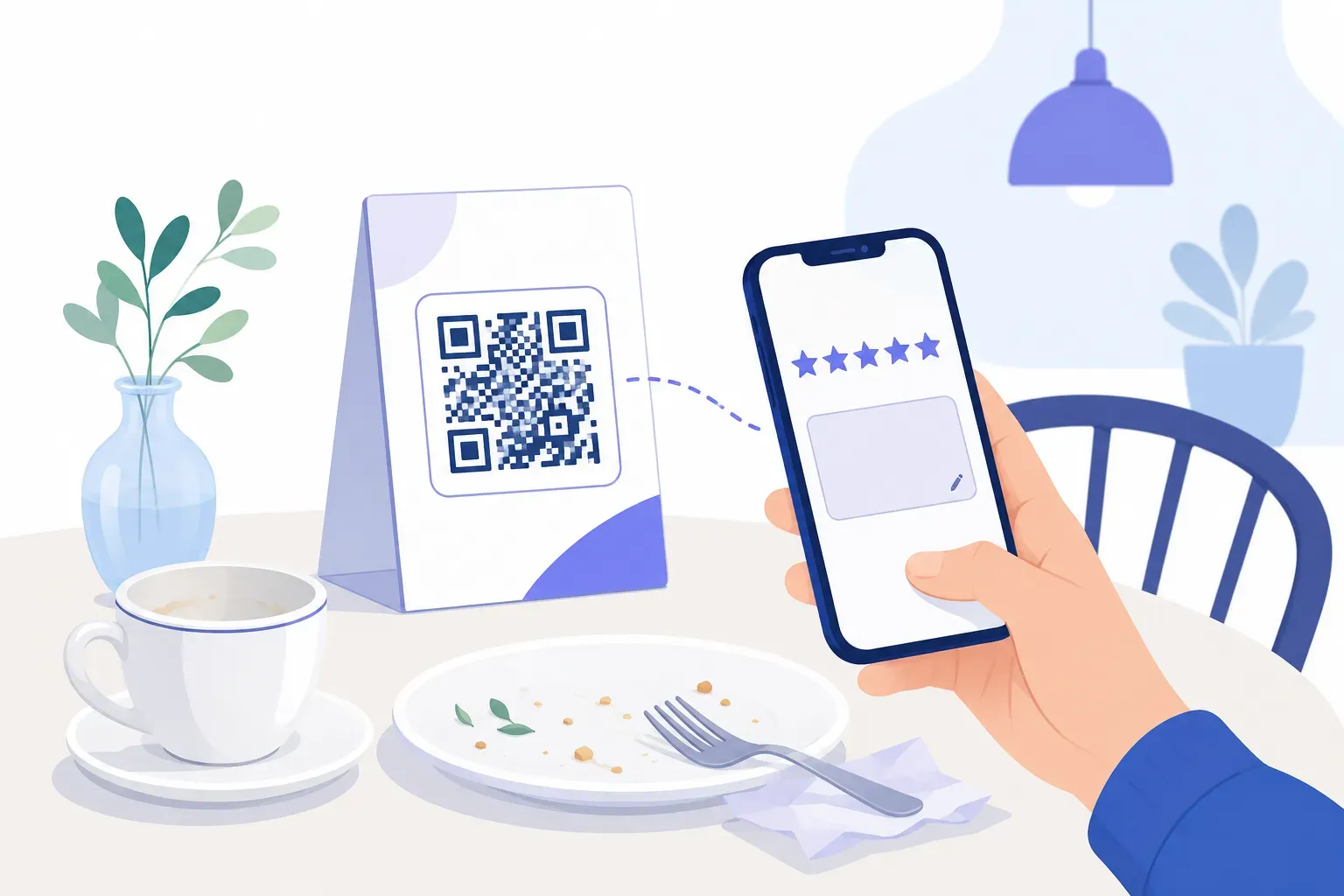
- Table tents. Diners idle between courses and while waiting for the bill; a labeled code fills that time. More table-service tactics live in our guide to QR codes for restaurants.
- Thank-you cards. A cleaner or landscaper can leave a card that says the job is done and asks how it went, in one gesture.
- Service vans and job-site signage. “How did our crew do? Scan to tell the owner” signals accountability on the spot.
- Exit signage. A code by the door catches people whose overall impression has just finished forming.
Wherever the code goes, label it with the payoff and the cost — “Tell us in 30 seconds” beats a bare square. Our collection of QR code call-to-action examples has wording you can lift directly, and the placement thinking in QR codes for small business applies here wholesale.
Timing the Ask: The Peak-End Rule
Psychologists call it the peak-end rule: people judge an experience by its most intense moment and its final one, not by the average. For feedback collection, the translation is simple — ask at the moment the experience completes, while the “end” is still forming.
In a restaurant, that’s with the check, not the entrée. For a repair job, it’s the walkthrough when the customer signs off. For a delivery, it’s the unboxing. Ask earlier and the experience isn’t finished; ask later and you’re sampling memory instead. A QR code is the only channel that can physically sit at that moment.
Measuring Which Placement Works
A static QR code carries no analytics of its own — the code is just the URL, printed. That keeps it free and permanent, but it means measurement has to live in the link. Two honest options:
- A distinct link per placement. Give the receipt, the table tent, and the packaging insert each their own URL — a UTM-tagged link (
?utm_source=receipt) or a separate short link per location — and your analytics show which placement drives responses. The full technique is in how to track QR code scans. - Ask in the survey. A first question — “Where did you find this code?” — is cruder but requires zero setup.
After a month, one placement typically pulls several times the responses of the others. Reprint accordingly.
Close the Loop Before It Goes Public
A private feedback channel is your early-warning system. The customer who scans your code and types “waited 25 minutes, food was cold” was one step away from posting the same sentence on Google Maps — and your survey just bought you the chance to respond first. Reply within a day, fix what’s fixable, and a complaint often converts into a repeat customer.
Keep the two channels distinct, though. Feedback codes collect private, structured responses; a Google reviews QR code invites public praise. Routing happy customers to Google and unhappy ones to a private form — review gating — violates Google’s policies. Ask everyone for both, separately.
How to Create a QR Code for a Survey
The build takes about two minutes in QRocket’s free generator: choose the URL type, paste your survey link (with its UTM tag if you’re measuring placements), then style it with brand colors, a logo, and a frame carrying your call to action. The built-in scannability meter warns if styling threatens reliability. Download as SVG for print or PNG for screens.
The result is a static code: free, no account, generated entirely in your browser, and it never expires — next year’s receipts scan exactly like today’s.
Put your survey one scan away — free, no sign-up. — Create Your Free QR Code
Print a test, scan it with an iPhone and an Android, and submit one response yourself before the print run.
Ask While the Opinion Is Still Warm
Most businesses don’t have a feedback problem; they have a timing problem. The opinions exist — they’re just gone by the time the email asks. A QR code for survey collection moves the ask to the only moment that reliably works: right now, phone in hand, experience just completed. Pick one placement, print one labeled code with its own tracked link, and see what your quiet middle has been trying to tell you.
Frequently Asked Questions
Do QR codes increase survey response rates?
Yes, primarily by removing friction and delay. A scan replaces typing a URL or waiting for an email, and it reaches customers at the moment of experience instead of days later — including the moderate customers who would never seek out a feedback page.
What survey tools work with a QR code?
Any tool that gives you a shareable link: Google Forms, Typeform, SurveyMonkey, Microsoft Forms, and others. The QR code simply encodes that URL. Google Forms is the common starting point because it’s free with unlimited responses.
Can I track how many people scan my survey QR code?
Not from a static code itself — it’s just your URL in printed form, with no analytics attached. Put the tracking in the link instead: add UTM parameters or use a distinct short link for each placement, and read the numbers in your survey tool or site analytics.
Is it okay to offer an incentive for completing a survey?
Yes, if you reward participation rather than positivity. A discount for completing the survey is fine and worth disclosing; a reward conditioned on a good rating skews your data, and doing the same for public reviews violates platform rules.
Does a survey QR code expire?
No. A static code encodes the survey URL permanently, so it works as long as that link stays live. The flip side: if you delete or move the survey, printed codes break. Keep the form open, or point the code at a URL on your own site that redirects to the current survey.
Create a free QR code with custom colors, your logo and print-ready downloads — no sign-up.