AI QR Codes: What They Are and How They Work
You’ve probably seen one without realizing it was scannable: a watercolor village, an anime portrait, a swirl of clouds — and hidden inside the image, a working QR code. That’s an AI QR code, and when the first examples spread across social media in mid-2023, many people assumed they were fake. They weren’t. Point a phone camera at a good one and it opens a link like any ordinary black-and-white square.
This explainer covers what an AI QR code actually is, the image-generation trick that makes it possible, where these codes genuinely help a campaign, and where they quietly fail. By the end you’ll know when artistic codes are worth the effort — and when a well-designed traditional code is the smarter choice.
What Are AI QR Codes?
An AI QR code is a QR code whose pattern is woven into an AI-generated image. Instead of black modules sitting on top of a picture, the picture is the code: the light and dark regions of the artwork line up with the light and dark modules a scanner expects to find.
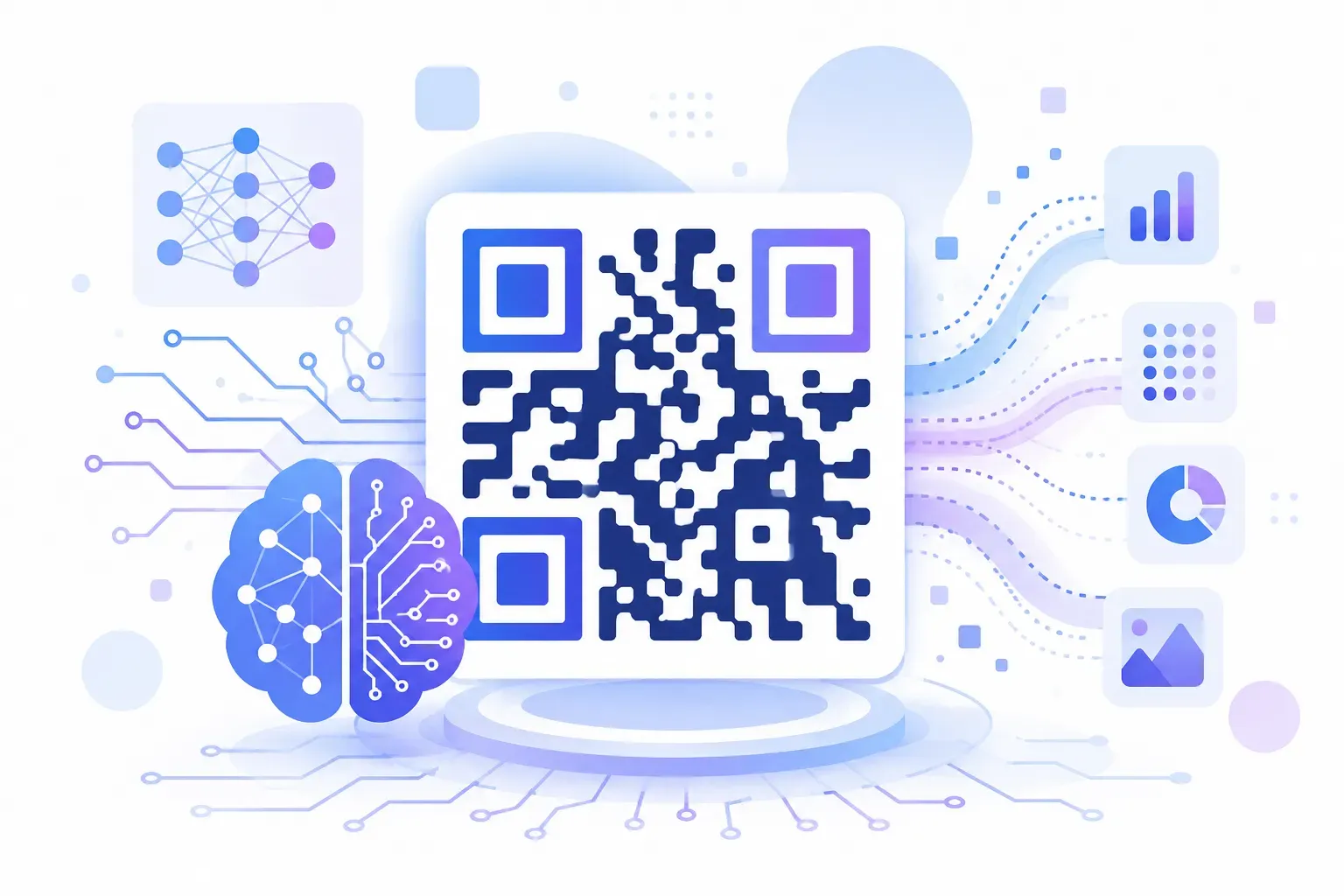
The technique comes from diffusion models — the same family of AI systems behind popular image generators. Specifically, most AI QR codes are made with Stable Diffusion plus a ControlNet, an add-on that forces the generated image to follow a structural template. Feed it a QR pattern as the template and a text prompt like “mountain village at sunset,” and the model paints a scene whose shadows, rooftops, and sky happen to encode your URL.
The result sits somewhere between graphic design and optical illusion. Up close it reads as art. To a phone camera, it reads as data.
It helps to remember what a scanner actually needs: the three corner finder squares, a readable grid of contrast, and enough intact modules for error correction to fill any gaps. (Our guide to what a QR code is breaks down that anatomy.) AI QR codes work because they preserve just enough of that structure while disguising the rest.
How AI QR Code Generation Works
The generation process treats your QR pattern as a constraint, not a decoration. Here’s the flow in plain English:
- A normal QR code is generated first. Your URL becomes a standard code, usually at high error correction so the design has room to take liberties.
- That code becomes a control image. The ControlNet reads the grid of dark and light modules as a map the final image must respect.
- The diffusion model paints within the constraint. Guided by your text prompt, the AI generates an image — but wherever the map says “dark module,” it steers toward darker pixels, and wherever it says “light,” toward lighter ones.
- A strength setting balances art against readability. Dial the control weight up and you get an obvious code with decorative texture. Dial it down and you get beautiful art that may not scan at all.
That last step is the whole craft. Every AI QR code is a negotiation between two masters: the scanner, which wants crisp contrast on a rigid grid, and the image model, which wants smooth gradients and natural shapes. QR code error correction is what makes the negotiation possible — at the highest level, roughly 30% of the code’s data can be damaged or disguised and still recover.
In practice, creators generate dozens of variations from the same prompt and keep the two or three that both look good and scan on the first try. It’s a lottery with adjustable odds, not a one-click process.
Benefits of AI QR Codes
Why go to all this trouble when a plain code takes ten seconds to make? Three reasons show up consistently.
They stop the scroll and the stride. A standard QR code is visual wallpaper — people have seen thousands. An image that turns out to be scannable creates a small “wait, what?” moment, and that moment is attention a plain square never gets. Marketing case studies from the 2023–2024 wave of artistic-code campaigns reported scan rates 25–40% higher than comparable placements with standard codes, largely driven by novelty and curiosity. Treat those numbers as directional rather than guaranteed — novelty fades as the format spreads — but the engagement effect is real. For broader context on scan behavior, see our roundup of QR code statistics.
They carry the brand instead of interrupting it. On a concert poster or a product label, a black-and-white square is a design compromise. An AI code rendered in the campaign’s own art style becomes part of the composition — the code is the visual, not a box stuck next to it.
They’re inherently shareable. People photograph and repost striking AI QR codes, which means the code travels beyond the surface you printed it on. A poster in one city can end up scanned from screenshots worldwide.
The common thread: AI QR codes are an engagement tool. They earn attention; what happens after the scan still depends on your landing page and your offer.
Limitations and Scanability Concerns
Now the honest part. AI QR codes fail more often than traditional codes, and the failure modes matter if real money is behind the print run.
- Scan reliability varies wildly. A heavily artistic code might scan instantly on a new iPhone in good light and fail completely on an older Android or in dim lighting. Camera quality, scanning app, angle, and distance all matter more than they do for a plain code.
- Scanning is slower. Even when an AI code works, phones often take an extra second or two to lock on, because the camera has to find the code structure inside visual noise. Some users give up in that window.
- Not every scanner copes. Dedicated scanner apps and some in-app cameras (inside social or banking apps, for example) are stricter than native camera apps and may never resolve a disguised code.
- Print degrades them further. The subtle contrast that barely worked on screen can disappear on newsprint, textured stock, or a faded outdoor poster. Small sizes make everything worse — artistic codes need to be printed larger than the minimums in our QR code size guide.
- Accessibility takes a hit. A labeled, obvious code tells everyone “scan me.” A disguised one can be missed entirely by people who don’t know the trick.
The rule that follows from all of this: test relentlessly. Multiple phones, multiple lighting conditions, real printed samples — the full routine from our checklist on testing a QR code before printing. If an AI code fails any of those tests, regenerate or fall back to a traditional design.
AI QR Codes vs Traditional Custom QR Codes
AI generation isn’t the only way to make a QR code look good. Traditional customization — brand colors, rounded modules, styled corner finders, a centered logo — gets you a distinctive, on-brand code with near-perfect reliability. The techniques in our QR code design guide and our tutorial on adding a logo to a QR code all keep the underlying grid intact, which is why they scan like plain codes.
Here’s how the two approaches compare:
| Factor | AI QR code | Traditional custom code |
|---|---|---|
| Visual impact | Very high — reads as art | Moderate — reads as a branded code |
| Scan reliability | Variable; must be tested per code | Consistently high |
| Scan speed | Often slower | Fast |
| Effort to produce | High — prompting, iterating, testing | Minutes in a good generator |
| Best placement | Campaign art, posters, social media | Menus, packaging, signage, business cards |
| Risk if it fails | Whole placement wasted | Minimal — failures are rare and catchable |
The decision comes down to purpose. When the code is functional — a restaurant menu, a WiFi login, a payment link, event check-in — reliability is everything, and traditional customization wins without debate. When the code is promotional and the image itself is the hook — album art, a gallery opening, a streetwear drop — an AI QR code can justify its fragility, ideally with a short printed URL nearby as a fallback.
Several platforms now offer AI QR generation, from open-source Stable Diffusion workflows to paid web tools, and quality differs enormously between them. Whichever route you take, judge the output by scans, not screenshots.
The Future of AI QR Codes
The trajectory points toward the gap between “artistic” and “reliable” closing. Newer generation pipelines already validate scannability automatically, regenerating until the output passes a real decode test instead of leaving that to the human. Expect that to become standard: you’ll type a prompt and a URL, and every result you’re shown will already scan.
Two other shifts are worth watching. First, subtlety is increasing — the best current examples hide the finder patterns inside natural image features so well that the code is nearly invisible until a camera finds it. Second, expectations are rising with it: as artistic codes become common, the novelty premium shrinks, and design quality rather than the trick itself will drive engagement.
What won’t change is the underlying standard. An AI QR code is still a QR code — same encoding, same error correction, same 30-year-old grid underneath the paint. That means everything you learn about good QR practice today, from contrast rules to placement and testing, carries straight into whatever these codes look like in five years.
Create stunning QR codes that impress — start designing free with QRocket. — Create Your Free QR Code →
Frequently Asked Questions
What is an AI QR code?
An AI QR code is a working QR code embedded inside an AI-generated image, so the artwork itself encodes the data. It’s typically made with a diffusion model (like Stable Diffusion) guided by a ControlNet, which forces the image’s light and dark areas to match the QR pattern. The result looks like art but scans like a normal code.
Do AI QR codes scan reliably?
Most well-made AI QR codes scan, but reliability varies far more than with standard codes. Older phones, dim lighting, small print sizes, and strict scanner apps all raise the failure rate. Always test each AI code on multiple devices and in print before using it in a real campaign.
Can I make an AI QR code for free?
Yes. Open-source Stable Diffusion with a QR ControlNet is free if you run it yourself, and some web tools offer limited free generations. Expect to iterate: producing one code that is both attractive and reliably scannable usually takes many attempts.
Should I use an AI QR code or a regular custom QR code?
Use AI codes for promotional pieces where visual impact is the point — posters, album art, social campaigns. Use traditional custom codes (brand colors, styled modules, a centered logo) whenever the scan must work every time, like menus, packaging, payments, or check-ins. Reliability should win any tie.
The Art Is Optional. The Scan Isn’t.
AI QR codes are the most interesting thing to happen to a 1994 invention in years — proof that a data grid can double as a canvas. But their value collapses the instant one fails to scan on a customer’s phone. Treat them as a high-impact, high-maintenance tool for moments when the image is the message, and lean on clean, tested, branded codes for everything your business depends on. You can build that reliable kind in about a minute: pick your content, style the code to your brand, and watch the scannability check as you go.
Create stunning QR codes that impress — start designing free with QRocket. — Create Your Free QR Code →
Create a free QR code with custom colors, your logo and print-ready downloads — no sign-up.