Barcode Types Explained: Code 128 vs EAN-13 vs UPC-A vs Code 39 (and Which to Use)
 By Mosh Bryce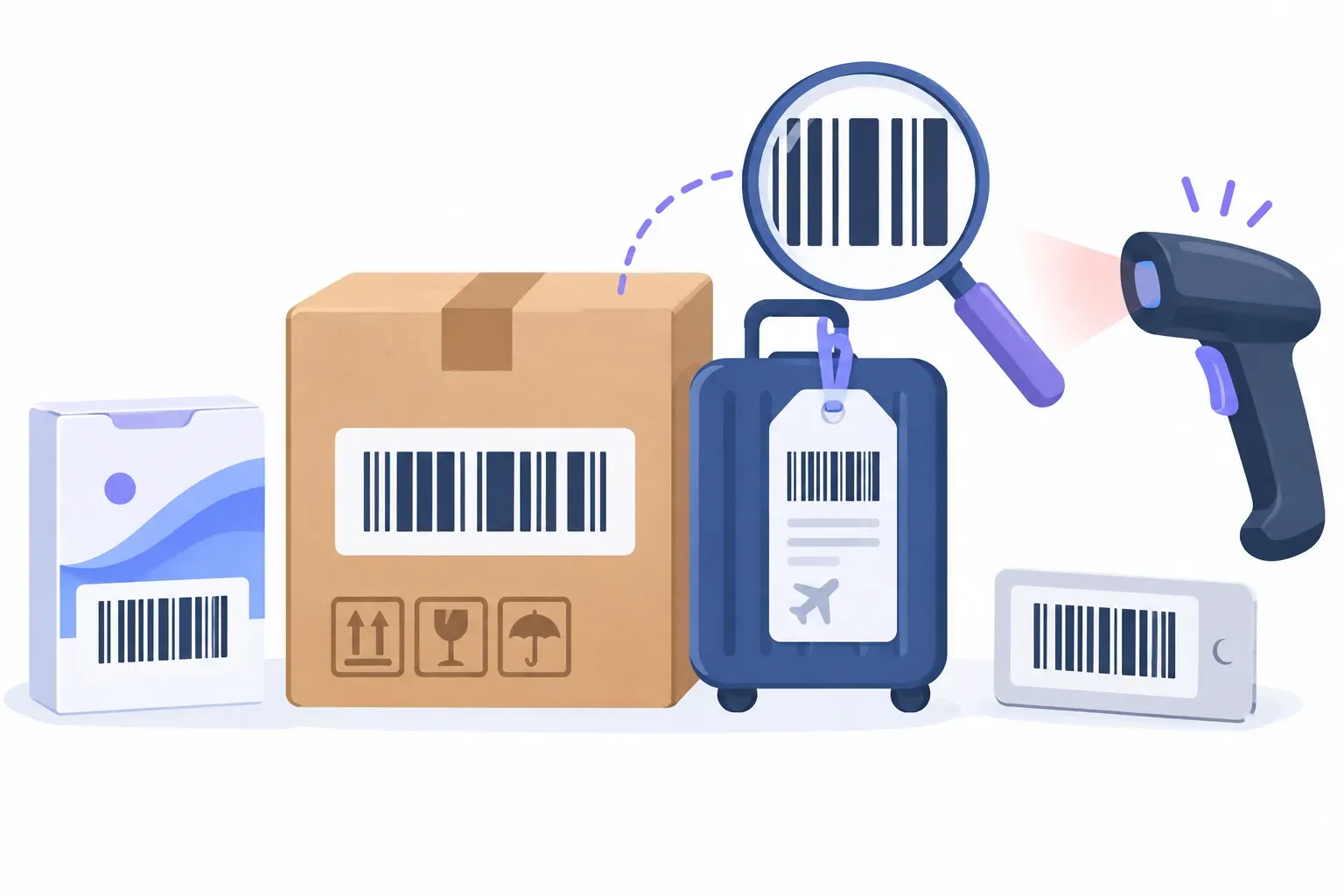
“Barcode” isn’t one format. It’s a family of symbologies, each with its own rules about which characters it accepts, how long it can be, whether it carries a check digit, and who is allowed to issue the number inside it. Choose the wrong one and a crisp label still fails: the store’s register rejects it, the warehouse scanner isn’t set up for it, or the product number clashes with someone else’s.
This guide compares the 11 linear formats QRocket’s free barcode generator can make, explains the few distinctions that actually decide the choice, and ends with a short decision path. If you’re choosing between a barcode and a QR code in the first place, start with our QR code vs barcode comparison instead.
The Three Questions That Pick the Format
Almost every barcode decision comes down to three questions, in this order:
- Who scans it? A retail point-of-sale system expects EAN or UPC. A distributor handling cartons expects ITF-14 or a GS1 logistics label. Your own stockroom scanner reads whatever you configure it for.
- What goes inside? Digits only, or letters and symbols too? A fixed-length product number, or a free-form ID like
INV-2026-0042? - Who issues the number? Retail product numbers come from GS1. Internal asset tags and ticket IDs are yours to invent.
If the answer to question 1 is “a store’s checkout,” the format is decided for you: EAN-13 or UPC-A, with a number licensed from GS1. The rest of this guide is mostly for the other cases.
Barcode Formats Compared
| Format | Characters | Length | Check digit | GS1 number needed? | Typical job |
|---|---|---|---|---|---|
| Code 128 | Full ASCII: letters, digits, symbols | Variable | Built in, computed automatically | No (unless it’s a GS1-128 label) | Shipping and internal labels, tickets, serial numbers |
| EAN-13 | Digits | 13 | Yes, the 13th digit | Yes, for retail | Retail products worldwide |
| UPC-A | Digits | 12 | Yes, the 12th digit | Yes, for retail | Retail products, mainly US and Canada |
| EAN-8 | Digits | 8 | Yes, the 8th digit | Yes, for retail | Very small retail packs |
| UPC-E | Digits | 6 (or 8 in full form) | Yes, in the full form | Yes, for retail | Compressed UPC for tiny packs |
| ITF-14 | Digits | 14 | Yes, the 14th digit | Yes | Cartons and cases, not checkout |
| ITF (Interleaved 2 of 5) | Digits | Any even number | None added | No | General numeric labels |
| Code 39 | A–Z, 0–9, space, - . $ / + % | Variable | Optional (QRocket doesn’t add one) | No | Asset tags, badges, older industrial systems |
| MSI | Digits | Variable | None added in QRocket | No | Warehouse shelf and bin labels |
| Pharmacode | A number from 3 to 131070 | n/a | None | No | Pharmaceutical packaging control |
| Codabar | Digits and - $ : / . +, with optional A–D start/stop | Variable | None | No | Legacy library, lab and blood-bank systems |
The character, length and check-digit rules in the table are the rules QRocket’s generator enforces when you type a value. If a value breaks one, the tool tells you which rule failed instead of drawing a bad barcode.
Code 128: The Default for Anything That Isn’t Retail
Code 128 (standardized as ISO/IEC 15417) encodes the full ASCII character set: upper and lowercase letters, digits, and punctuation. It’s compact, too: long runs of digits are packed two to a symbol character, so a numeric ID prints shorter in Code 128 than in Code 39. Every Code 128 symbol carries a check character that the generator calculates for you. It isn’t printed in the human-readable text under the bars.
Use it for order numbers, shipping and return labels, event tickets, work orders, and any internal ID that mixes letters and digits. QRocket accepts any ASCII text here. Accented letters and emoji are outside ASCII and get rejected with an explanation.
One distinction matters for logistics. GS1-128 is a specific application of Code 128 that carries GS1 data such as a GTIN, SSCC, batch number or best-before date, marked with application identifiers. GS1 US notes that GS1-128 barcodes can only be created with a GS1 Company Prefix membership. QRocket makes plain Code 128. If a retailer or 3PL asks for a “GS1-128 label” or an SSCC pallet label, you need GS1 numbers and a labeling tool that supports GS1 application identifiers, not a plain Code 128.
EAN-13 vs UPC-A: Retail’s Two Main Formats
Both are the stripes on consumer goods, and both carry a GS1 product number (a GTIN). According to GS1 US, UPC-A holds 12 digits and is especially widespread in North America, on everything from groceries to toys. EAN-13 holds 13 digits, is more common outside North America, and is scanned in the same retail settings as UPC.
The practical difference is where your number came from. A GS1 office issues numbers in the format that suits your market, and you print the matching symbol. You don’t turn one into the other by adding or removing digits yourself.
EAN-8 and UPC-E are the small-pack versions. GS1 US positions EAN-8 for packs too small for a UPC-A or EAN-13, and UPC-E as a compressed UPC-A for items like candy, cosmetics and trial sizes. GS1 US also says it no longer licenses the UPC-E prefix, offering a company prefix or a single GTIN instead. So check with your GS1 office before designing around UPC-E.
In QRocket you can type the number without its check digit and the generator appends it. Type 400638133393 as EAN-13 and it adds the 1. Type the full 13 digits and it verifies them, flagging a wrong check digit instead of drawing it.
The GS1 Caveat: The Image Is Free, the Number Isn’t
A barcode generator draws the bars. It can’t give you a retail product number. GS1 is the organization that issues GTINs, the numbers inside EAN and UPC barcodes, through local offices in over 120 countries. The route GS1 describes is to find your local office, become a member so it can assign your GS1 Company Prefix, and then create GTINs for your products. GS1 US also licenses single GTINs for sellers with only a few products.
What that means in practice:
- Selling through retailers or marketplaces that require GTINs: get your numbers from GS1 first, then generate the EAN-13 or UPC-A from your own assigned number.
- Inventing a 12- or 13-digit number: the barcode will scan, but the number isn’t registered to you and may already belong to another company’s product.
- Internal use only (a farm-stand till, a private stockroom, a library of your own): you don’t need GS1, but you also don’t need EAN or UPC. Use Code 128 or Code 39 and number things however you like, or consider a 2D code: our guide to QR codes for inventory covers when that’s the better fit.
For where retail codes are heading, including 2D barcodes at checkout, see our explainer on GS1 Sunrise 2027.
ITF-14 and ITF: Cartons and Numeric Labels
ITF-14 carries a 14-digit GTIN for a case or carton. GS1 US describes it as a case and carton format that isn’t scanned at checkout and suits direct printing on corrugated board. It’s a GS1 format, so the number comes from your GS1 prefix. In QRocket, enter 13 digits and the 14th check digit is added.
Plain ITF (Interleaved 2 of 5), standardized as ISO/IEC 16390, encodes digits in pairs, which is why QRocket requires an even number of digits. It has no built-in check digit in QRocket’s version, so it suits closed systems where your own software validates the number.
Code 39: Older, Wider, Still Everywhere
Code 39 (ISO/IEC 16388) accepts capital letters, digits, space and - . $ / + %. It has no lowercase: QRocket capitalizes lowercase letters and tells you it did. It needs more space than Code 128 for the same data, but it’s simple and long established, which is why it’s still common on asset tags, ID badges and in older industrial systems. The format allows an optional check character. QRocket doesn’t add one, so if your scanning system expects a “mod 43” check character, confirm that before printing.
Pick Code 39 when an existing system specifies it. For a new internal system with no constraints, Code 128 is usually the better default because it’s shorter and accepts more characters.
The Specialists: MSI, Pharmacode and Codabar
These three are in the generator because existing systems still use them. You’d rarely pick one for a new project.
- MSI encodes digits only and shows up on warehouse shelf and bin labels. QRocket generates it without a check digit.
- Pharmacode encodes a single number between 3 and 131070 and is used for control marks on pharmaceutical packaging. It isn’t a product identifier. Use it only when a packaging specification asks for it.
- Codabar encodes digits and a few symbols, framed by start and stop letters A–D. It’s still found in older library, lab and blood-bank systems. In QRocket, either wrap the value in matching A–D letters at both ends or use none.
Printing Barcodes That Scan
Whatever the format, the same printing rules apply:
- Dark bars on a light background. QRocket warns you when your bar and background colors are too close in contrast. Black on white is the safe choice.
- Leave the margins empty. The quiet zone on each side of the bars is part of the symbol. The generator’s Margin control adds it; don’t let a layout crop it away.
- Export SVG for print. Bar widths carry the data, and a vector file keeps them exact at any size. PNG is fine for documents and screens.
- Test with the scanner that will actually read it, not just a phone app. A retail register, a warehouse gun and a phone can be configured very differently.
Our guide on how to print QR codes covers file formats and print checks in more depth. Most of it applies to barcodes too.
Know your format? Make the barcode free in SVG or PNG, with check digits handled. — Open the Free Barcode Generator
Quick Decision Path
- Sold at a store checkout? EAN-13 or UPC-A, from a GS1-issued number. Tiny pack: EAN-8.
- Outer carton moving through distribution? ITF-14 with a GS1 number, or the GS1-128 label your customer specifies.
- Your own labels with letters and digits (orders, tickets, assets, returns)? Code 128.
- An existing system already uses Code 39, Codabar, MSI or Pharmacode? Match it exactly.
- Customers will scan it with a phone to open a link? That’s a QR code job. Make one with QRocket’s QR code generator.
Every barcode above is a static image: no account, no watermark, and nothing that expires.
Frequently Asked Questions
What are the most common types of barcodes?
For products at retail checkout, EAN-13 and UPC-A, plus their small-pack versions EAN-8 and UPC-E. For cartons, ITF-14. For shipping, internal and inventory labels, Code 128 and Code 39. Formats such as Codabar, MSI and Pharmacode survive in specific older systems.
What is the difference between Code 128 and Code 39?
Code 128 encodes the full ASCII set, including lowercase letters, packs digits more densely so labels come out shorter, and always carries a check character. Code 39 accepts only capitals, digits, space and a few symbols, is wider for the same data, and has only an optional check character. Use Code 39 when an existing system requires it; otherwise Code 128 is usually the better default.
What is the difference between EAN-13 and UPC-A?
Both are retail barcodes carrying a GS1 product number. UPC-A holds 12 digits and is most associated with North America; EAN-13 holds 13 digits and is common elsewhere. Both appear in the same retail environments. Use the format that matches the number your GS1 office issued.
Do I need GS1 to make a barcode?
Not to make the image. Any generator can draw a barcode. You need GS1-issued numbers for EAN, UPC and ITF-14 barcodes on products sold through retailers or marketplaces that require GTINs, and for GS1-128 logistics labels. For internal labels, you can use Code 128 or Code 39 with your own numbering.
Which barcode should I use for inventory?
For your own stock, Code 128 is the usual choice because it handles letters and digits in a compact label; Code 39 works if your scanners or software already use it. You don’t need EAN or UPC for internal inventory.
Does a barcode generator calculate the check digit?
A good one does. QRocket’s barcode generator appends the check digit for EAN-13, EAN-8, UPC-A and ITF-14 when you enter the number without it, verifies it when you enter the full number, and computes Code 128’s built-in check character automatically.
Create a free QR code with custom colors, your logo and print-ready downloads — no sign-up.