Do QR Codes Expire? Everything You Need to Know

You print 2,000 flyers, and someone asks the question that makes your stomach drop: do QR codes expire? The short version is reassuring. The black-and-white pattern itself never wears out on a schedule — it has no built-in clock, no shelf life, and no battery to run down. A code printed in 1998 would still scan today. What can stop working is everything wrapped around that code: a paid subscription behind a dynamic code, the web page it points to, or the ink as it fades and peels. This guide separates the three real failure modes from the myth, then hands you a longevity playbook so your code keeps scanning for years — and shows exactly which choices make a code effectively permanent.
Do QR Codes Expire? The Short Answer
No — the QR code pattern itself does not expire. There is no expiration date baked into the standard, no timer counting down inside the squares. When your camera reads a code, it decodes the grid of modules into a URL or plain text, and nothing in that process checks a date or asks a server for permission. Expiration is a property of certain paid services layered on top of QR codes, not of the technology itself.
Key takeaway: QR code expiration is a billing event, not a technical one. The pattern never times out. What lapses is a subscription, a live web page, or the durability of the print — three separate things people lump together as “the code expired.” We’ll take each in turn.
Why Static QR Codes Never Expire
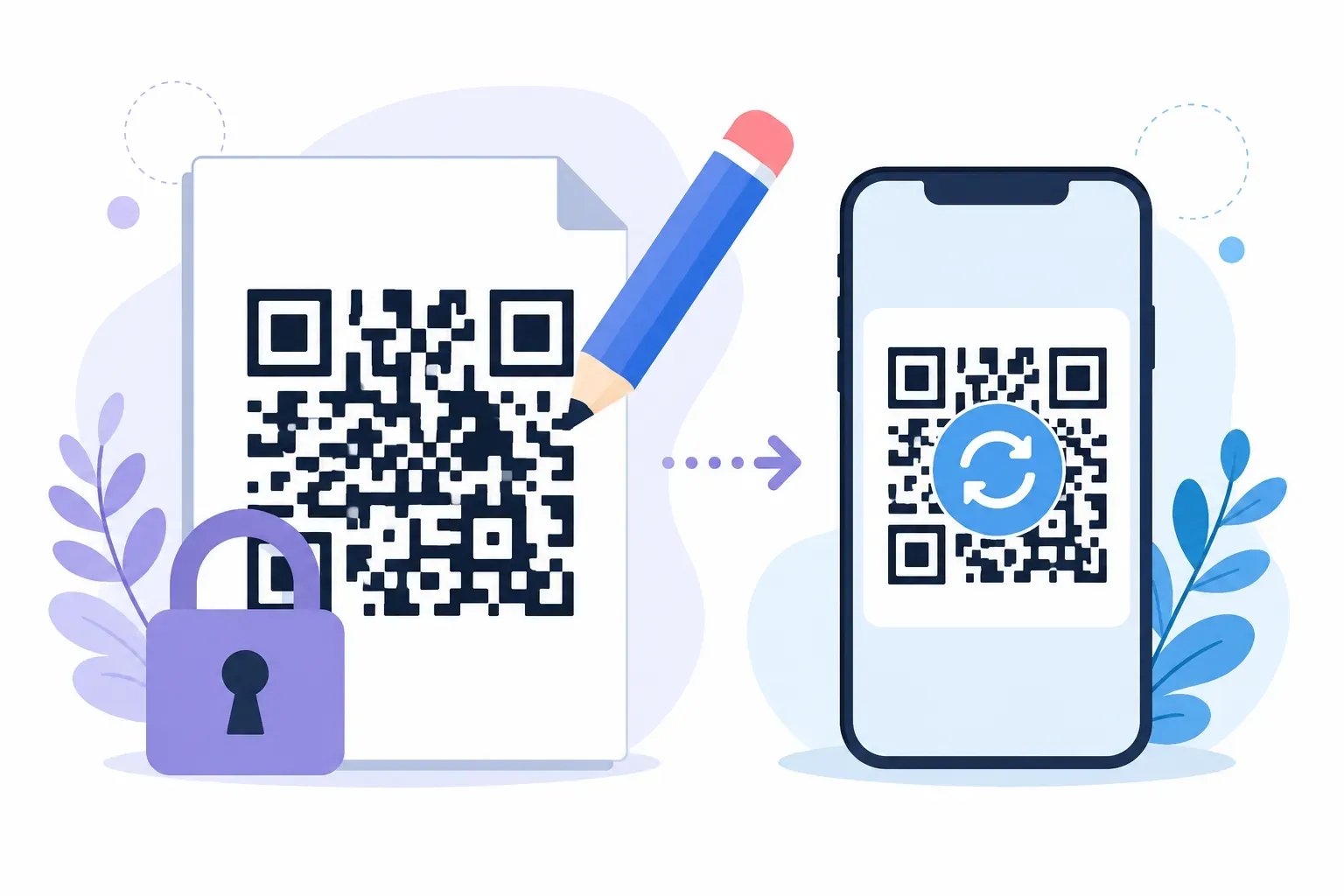
A static QR code stores its data directly inside the pattern. The URL, the WiFi password, the contact details — all of it lives in the modules themselves. There is no middleman server, no account, and nothing to renew. That self-contained design is exactly why static codes have no expiry. Think of a printed book versus a streaming subscription: the book keeps working whether or not the publisher stays in business, and a static code is the book.
The QR standard backs this up. The format was invented by Denso Wave in 1994 and standardized as ISO/IEC 18004, an open specification with no licensing gate and no version that “sunsets” older codes. A code that encoded https://example.com in 2005 still decodes to the same address on a 2026 phone.
This is where a free tool like QRocket has a structural advantage: because it generates static codes, there is no plan behind them that could lapse. For the full breakdown of how the two types differ, see our guide on static vs dynamic QR codes.
When Do QR Codes Expire? The Dynamic-Code Catch
Picture a restaurant that laminated a dynamic menu code onto 200 table tents. The codes worked for a year — then the monthly bill went unpaid, the account froze, and all 200 codes started leading to a “link not found” page. That is the single most common source of “expired QR code” complaints.
A dynamic QR code encodes a short redirect link that runs through a provider’s server. That server is the catch. When the subscription lapses, or the company shuts down, the redirect stops resolving — and the code goes dark even though the printed pattern is flawless.
| What actually “expires” | Static code | Dynamic code |
|---|---|---|
| The printed pattern | Never | Never |
| A paid subscription | None to lapse | Code dies if plan ends |
| The redirect server | No server involved | Required and billable |
The trade-off is real: dynamic codes let you edit the destination and track scans. But that flexibility adds a dependency — if long-term reliability matters more than editability, a static code removes the one thing that can be switched off.
The Other Way Codes “Die”: Dead Links and Worn Prints
Even a perfect static code can stop being useful. Two culprits have nothing to do with expiration in the billing sense, yet they end the same way — a scan that goes nowhere.
The Destination Goes Offline
The code scans fine. Your phone opens a browser. And then: 404, page not found. This is link rot, and it kills more codes than expired subscriptions do. The pattern still decodes to the right URL, but that URL no longer points to a live page.
The fix is preventive. Point your codes at a URL you own and control — your own domain, a page you’ll keep online — rather than a temporary link or a third-party campaign page that could be deleted after the sale ends.
The Print Wears Out
A poster left in a sunny window fades. A sticker on a shipping box gets scratched. A laminated menu bubbles at the edges. Physical damage is the third failure mode, and it’s the most visible.
Here the format fights back. QR codes include Reed-Solomon error correction, offered at four levels — L, M, Q, and H — where the highest can restore a code even when up to 30% of it is damaged. That’s why a code with a coffee ring still scans. To choose the right resilience for outdoor or high-wear placements, see our guide to QR code error correction.
How to Make a QR Code That Lasts Forever
Want to know how long a QR code lasts when you set it up right? Indefinitely. QR code lifespan is almost entirely in your hands, and it comes down to a short checklist. Follow it and you get a permanent QR code with nothing to renew.
- Choose static, not dynamic. No subscription means nothing to lapse — the single biggest factor in a code’s lifespan.
- Encode a stable URL you own. A link to your own domain won’t 404 the way a temporary campaign page might.
- Print with high contrast at adequate size. Keep dark modules on a light background at 2 cm (0.8 inches) per side or larger for distance.
- Laminate outdoor and high-touch codes. A protective layer shields against UV fading, moisture, and scratches.
- Keep a digital master file. Save the original PNG or SVG so you can reprint a crisp copy anytime.
You can create a QR code for free with QRocket and follow this checklist in a couple of minutes. A code built this way has no moving parts to break.
Want a code with nothing to renew? Create a permanent static QR code free. — Create Your Free QR Code
What to Do if an Old QR Code Stops Working
Start by diagnosing which of the three failure modes you’re facing — the fix depends entirely on the cause. Scan the code with your own phone and watch what happens.
If it opens an error or “link expired” page instantly, you likely have a lapsed dynamic service — renew the plan, or regenerate the code as a static one pointing straight at your destination. If the browser opens and then 404s, the destination went offline; restore that page at the same URL or reprint with a working link. If your camera can’t lock onto the code at all, the print is too damaged, so clean it, improve the lighting, or reprint from your master file.
A dedicated troubleshooting guide covers the rarer edge cases. But for the common ones, matching the symptom to these three causes solves the problem 9 times out of 10.
Expiry Is a Choice, Not a Deadline
Here’s the reframe worth remembering: a QR code doesn’t expire on you — you decide its lifespan when you create it. Pick a dynamic service and you’ve bought a code that lives as long as the invoices get paid. Pick a static code aimed at a page you control, and the only real limits are the durability of the ink and the life of the website. Generate it once with QRocket’s free permanent QR code generator, point it at a link you own, and expiry quietly becomes someone else’s problem — no renewal reminders, no surprise dead links.
Frequently Asked Questions
Do QR codes expire?
Static QR codes never expire because the data lives directly in the printed pattern with no service behind it. Dynamic codes can stop working when their redirect subscription lapses or the provider shuts down. The pattern itself has no built-in expiration date either way.
How long does a QR code last?
Indefinitely, as long as two things hold: the print stays readable and the destination stays online. A static code on a well-preserved surface pointing to a live page you control can keep scanning for decades. There is no time limit built into the technology itself.
Why did my QR code stop working?
Usually one of three causes. A dynamic-code subscription lapsed and the redirect died, the destination page moved or went offline and now shows a 404, or the printed code suffered damage beyond its error-correction limit. Diagnose by scanning it yourself and watching exactly where it fails.
Can I make a QR code that never expires?
Yes. Generate a static code that points to a URL you own and control. Because there’s no subscription and no third-party server in the path, there is nothing to renew and no service that can lapse. Keep the destination live and the print intact, and it lasts.
Do free QR codes expire faster than paid ones?
No — expiry has nothing to do with price. A free static code with no service behind it will outlive a paid dynamic code whose subscription eventually ends. What matters is the code type and destination stability, not what you paid to generate the pattern.
Create a free QR code with custom colors, your logo and print-ready downloads — no sign-up.