Static vs Dynamic QR Codes: Which One Should You Use?

A coffee shop prints 500 flyers with a QR code linking to their menu. Two weeks later, they update the menu — and every single flyer now points to an outdated page. That one decision — choosing the wrong type of QR code — just wasted an entire print run. The choice between a static vs dynamic QR code affects whether you can edit your link later, track who scans it, and how complex the printed pattern looks. This guide breaks down exactly how each type works, when to pick one over the other, and how to create both for free with QRocket. If you’re not sure what is a QR code in the first place, start there for the fundamentals.
What Is a Static QR Code?
A static QR code stores your data — a URL, text, or WiFi password — directly inside the pattern itself. Every black-and-white module encodes a piece of that information. Once generated, nothing can change it. The destination is baked in permanently.
Think of it like engraving text into metal. The content is fixed from the moment of creation. No server sits between the scan and the destination, which means a static QR code works even without an internet connection (for text-based data) and will never break because a third-party service went offline.
The tradeoff? Longer URLs create denser, more complex patterns. A 120-character URL produces a noticeably busier code than a 30-character one. That density can make scanning harder at small print sizes — below roughly 2 cm (0.8 inches) per side, reliability starts to drop.
Key characteristics of a static QR code:
- Data is encoded directly into the pattern
- Cannot be edited after creation
- No scan tracking or analytics
- Works offline for non-URL data types
- Typically free to generate with no recurring costs
- Pattern complexity scales with content length
What Is a Dynamic QR Code?
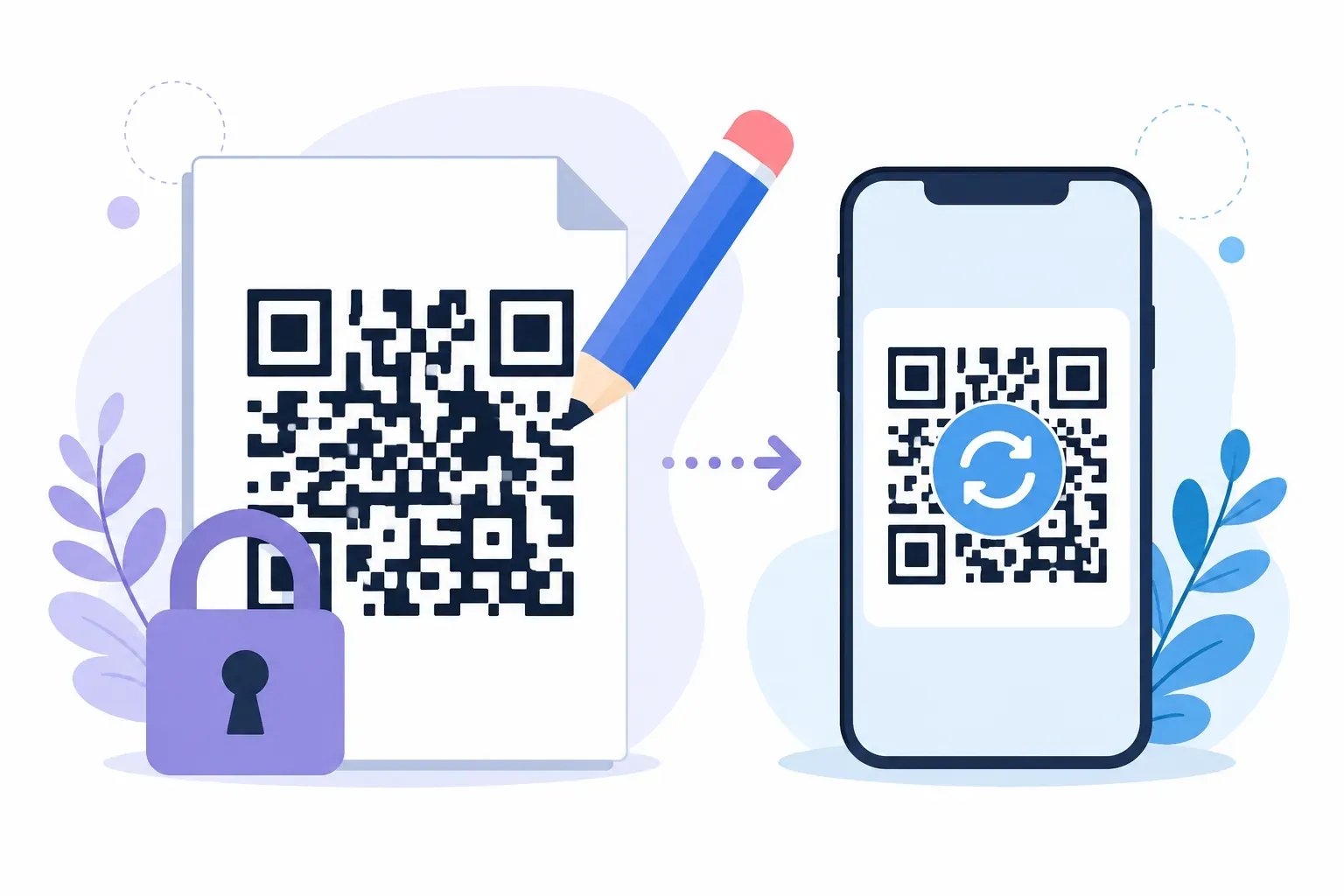
Instead of encoding your full URL, a dynamic QR code encodes a short redirect link — often under 20 characters. When someone scans it, they hit that short URL first, which then forwards them to your actual destination. The magic happens at the redirect layer: you can change where it points anytime, without reprinting.
A restaurant owner with 200 table tents can swap the menu link from a spring menu to a summer menu in seconds. The printed codes stay the same. That’s the core value of an editable QR code — the pattern never changes, but the destination does.
Because dynamic codes use short redirect URLs, the pattern is simpler and less dense. That means they scan reliably even when printed as small as 1.5 cm (0.6 inches). They also enable scan analytics: the redirect server can log how many scans occurred, when, from what devices, and sometimes from which geographic regions.
Key characteristics of a dynamic QR code:
- Encodes a short redirect URL, not your actual content
- Destination can be changed after printing
- Scan tracking (count, time, device, location) is possible
- Simpler, less dense pattern regardless of final URL length
- Usually requires an account with a QR code platform
- Many generators charge a monthly fee for dynamic codes
Static vs Dynamic QR Code: Side-by-Side Comparison
The difference between static and dynamic QR code types comes down to one question: does a redirect server sit between the scan and the destination?
Here’s how they compare across the features that matter most:
| Feature | Static QR Code | Dynamic QR Code |
|---|---|---|
| Editability | Fixed permanently | Change destination anytime |
| Scan Tracking | None | Scan count, time, device, location |
| Pattern Density | Increases with content length | Stays simple (short URL encoded) |
| Minimum Print Size | ~2 cm for medium URLs | ~1.5 cm reliably |
| Internet Required | No (for text/WiFi data) | Yes (redirect needs a server) |
| Typical Cost | Free | Free to $20+/month depending on platform |
| Dependency Risk | None — self-contained | If the redirect service shuts down, the code breaks |
| Best For | Permanent links, offline data, one-time use | Campaigns, menus, any content that may change |
Key takeaway: Static codes are simpler and self-contained. Dynamic codes trade that independence for flexibility and tracking. Neither is universally better — the right choice depends on whether your content will change.
When to Use Static QR Codes
Not everything needs to be editable. A surprising number of QR code use cases are better served by a static code that just works — forever, with zero dependencies.
Permanent destinations. Your company’s homepage URL isn’t changing. A Wikipedia link to a historical plaque won’t move. A static code pointing to a stable URL is the most reliable option because no intermediate server can fail.
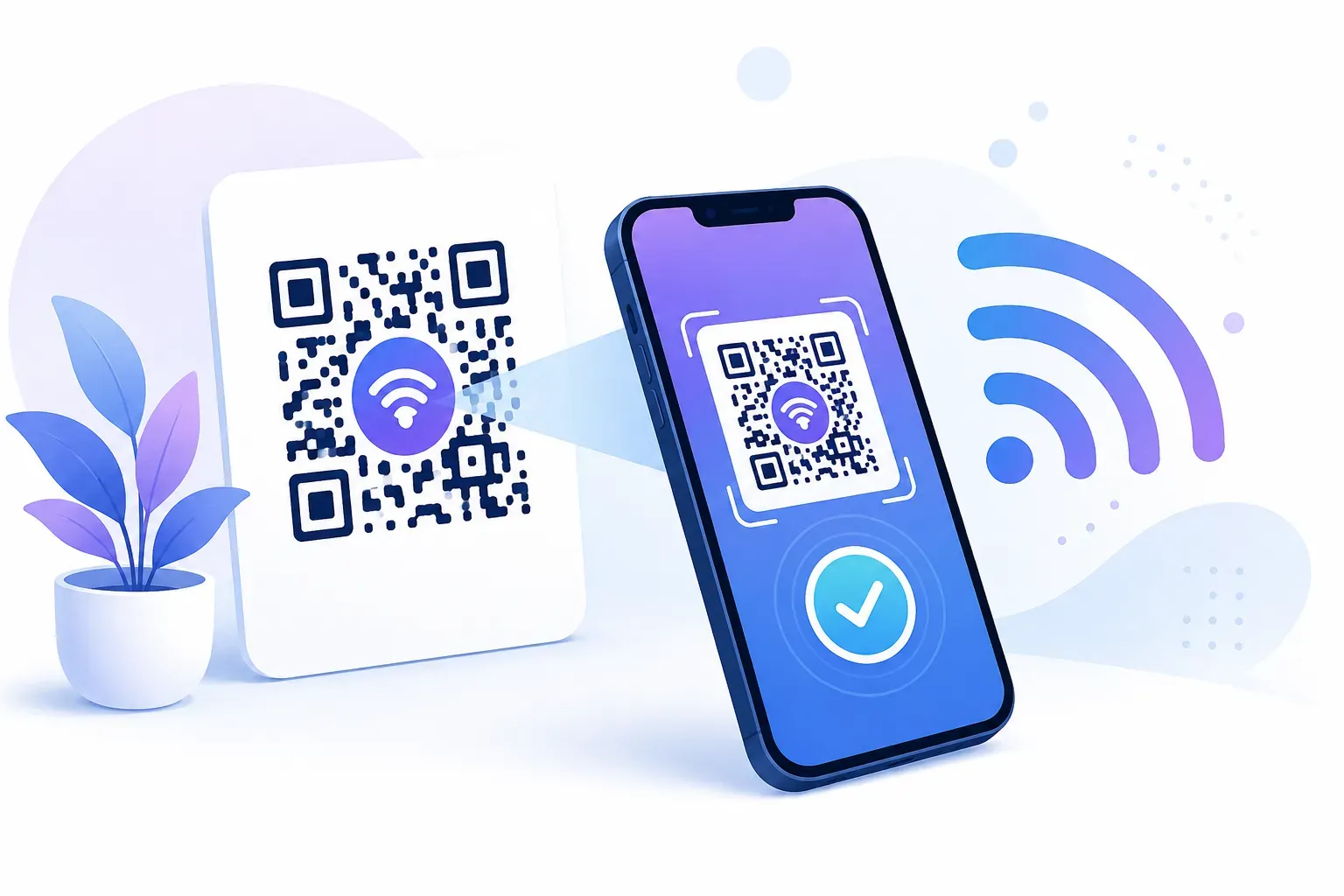
WiFi sharing. A QR code that connects guests to your WiFi network encodes the network name, password, and encryption type directly. There’s no URL involved, so a static code is the only option — and it works even with no internet connection yet (which is the whole point).
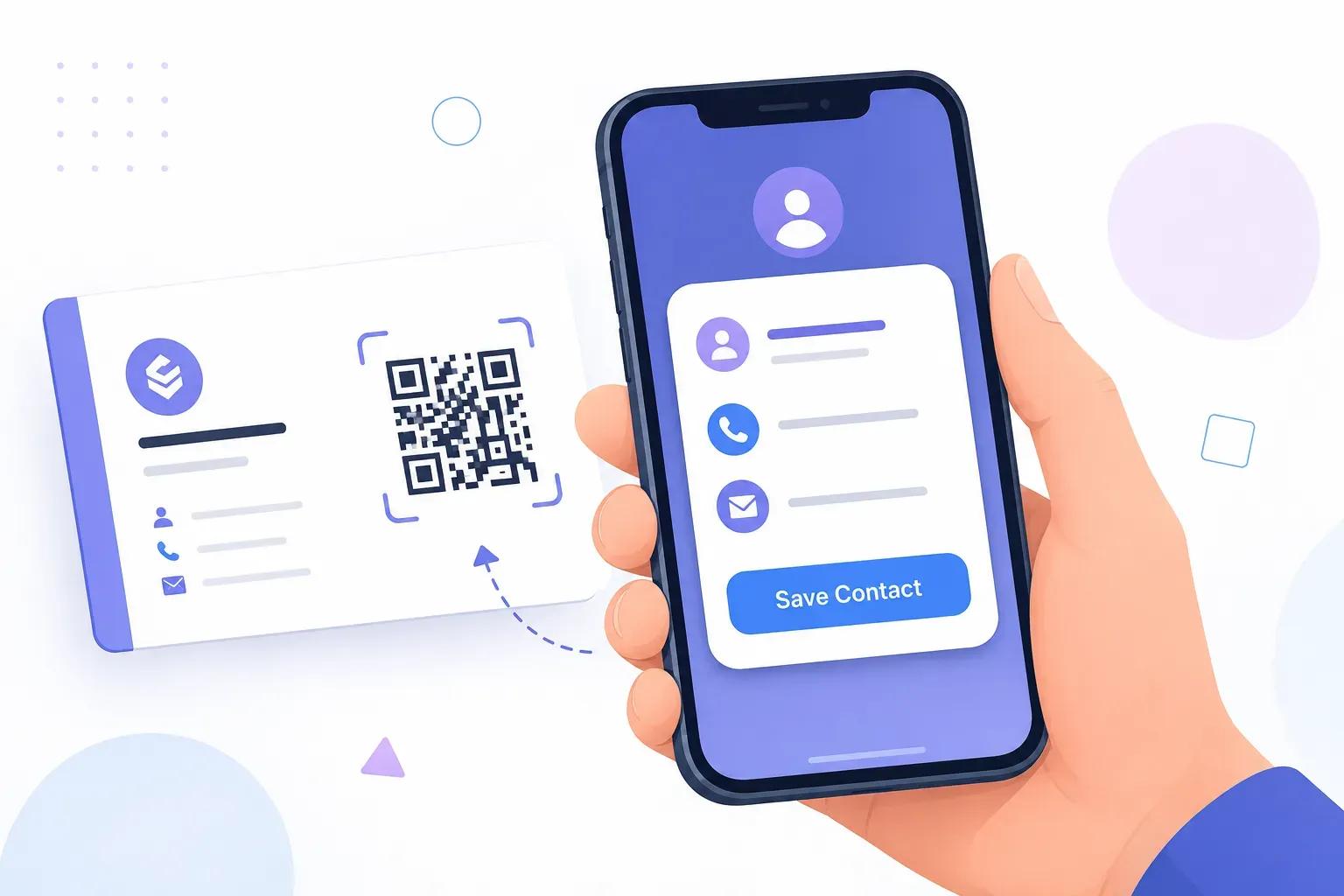
Business cards and resumes. If your contact details or portfolio URL won’t change for the foreseeable future, a static code keeps things simple. You can create a URL QR code pointing to your LinkedIn profile or personal site in under 30 seconds.
One-time printed materials. Conference badges, event tickets, product serial numbers — anything printed once and discarded after use. The overhead of a dynamic code adds no value here.
Offline environments. Warehouse labels, equipment tags, or inventory markers that encode text-based data work without any internet connectivity when using static codes.
When to Use Dynamic QR Codes
Picture this: you’re running a seasonal promotion across 50 retail locations. Each store has window posters, shelf talkers, and receipt-printed codes — thousands of physical touchpoints total. The promotion changes every 6 weeks.
Without a dynamic QR code, you’d reprint everything each cycle. With one, you update a single redirect URL and every printed code instantly points to the new offer. That’s a real cost difference when you multiply it across print runs.
Campaign links that evolve. Marketing campaigns with rotating landing pages, A/B test variants, or time-limited offers all benefit from editable QR codes. Change the destination mid-campaign without touching a single printed piece.
Menus and price lists. Restaurants, salons, and service businesses update pricing regularly. A dynamic code on a laminated table card or wall poster saves reprinting costs every time prices shift.
Analytics-driven decisions. If you need to know which of your 3 billboard locations drives more scans, or whether your packaging QR code gets more engagement than your in-store signage, dynamic codes with scan tracking provide that data. You can measure scan volume, peak times, and device types — information that’s invisible with static codes.
Long or changing URLs. A Google Forms link might be 150+ characters. Encoding that directly creates a dense, hard-to-scan pattern. A dynamic code keeps the pattern clean by encoding only the short redirect URL, regardless of how long the final destination is.
Static vs Dynamic QR Code: Cost and Expiry Reality Check
The pattern on the paper is free either way. The difference shows up in the monthly bill — and in what happens years later.
A static code costs nothing to make and nothing to keep. No server sits behind it, so it simply cannot expire — the code works as long as the printed copy survives and its destination stays online. A dynamic code usually runs $5-20 per month. Stop paying, and the redirect can go dark, taking every printed code with it. That’s the quiet risk behind “free” dynamic trials: the expiry question is really a billing question.
There’s a middle path most people miss. Point a free static code at a URL you control — say yoursite.com/menu — and you get editable content with no subscription. Update the page; the printed code stays put. Add UTM parameters like ?utm_source=poster and those scans even show up in Google Analytics. Our guide to track QR code scans walks through that workaround in full.
How to Create a Free Static QR Code
QRocket makes it simple to create a QR code for free — no account required for static codes.
Creating a static QR code:
- Open the QR code generator and select your content type (URL, text, WiFi, email, or vCard)
- Enter your content — for a URL, paste the full address including
https:// - Customize colors, size, and error correction level if needed
- Download your QR code as PNG or SVG — it’s ready to use immediately
The generated code contains your data directly. No redirect, no tracking, no expiration.
About dynamic QR codes:
Dynamic codes require a redirect server to manage the short URL and log scan data. QRocket currently focuses on high-quality static QR code generation. For dynamic code needs, look for platforms that offer URL redirect management and analytics dashboards — just be aware that most charge a monthly subscription starting around $5-15/month for basic plans.
Create free static QR codes instantly with QRocket — no account needed — Create Your Free QR Code
Making the Right Choice
Here’s something most comparison guides won’t tell you: the majority of QR codes in the wild don’t actually need to be dynamic. If your destination is stable — a website homepage, a WiFi network, a contact card — a static code is simpler, more reliable, and completely free. Save dynamic codes for the situations that genuinely demand them: rotating campaigns, evolving menus, or anything where scan analytics drive real decisions. The best approach? Start with a free static QR code for your most common use case, and you’ll quickly see whether your workflow needs the flexibility of dynamic codes down the road.
Frequently Asked Questions
Can I convert a static QR code to dynamic?
No. A static QR code has its data permanently encoded in the pattern. Converting it would require changing the physical code itself. Instead, generate a new dynamic QR code with a redirect URL and replace the printed material — or plan ahead and start with a dynamic code if you anticipate changes.
Do dynamic QR codes cost money?
Most platforms charge $5-20/month for dynamic QR code features like link editing and scan tracking. Many generators offer free static code creation, though. If your content won’t change, a static code gives you everything you need at zero cost.
Which type scans faster?
Dynamic QR codes typically scan slightly faster because their patterns are simpler — they encode a short redirect URL (under 20 characters) instead of your full content. At very small print sizes below 2 cm, this difference becomes more noticeable since simpler patterns are easier for cameras to read.
Can I track how many people scan my QR code?
Only with a dynamic QR code. The redirect server between the scan and your destination logs each visit, recording scan count, timestamp, device type, and approximate location. Static codes connect the scanner directly to the content with no intermediary to capture data.
Can I track scans on a static QR code?
Partially. Static codes have no built-in analytics, but if the code points to a URL you can add UTM parameters before generating it. Scans then register as normal visits in Google Analytics — you’ll see totals and traffic sources, though not scanner-level detail like device model or exact location.
Which type lasts longer?
Static codes. With no service in the middle, a static code keeps working as long as the printed copy and its destination survive — often years or decades. A dynamic code lives only as long as its redirect provider stays online and your subscription stays active.
Is a static QR code enough for a small business?
Usually, yes. If your destination — a homepage, booking page, or WiFi network — stays put, a free static code does the job with zero ongoing cost. Reach for dynamic only when you must swap destinations on already-printed materials or track scans in detail.
Create a free QR code with custom colors, your logo and print-ready downloads — no sign-up.