Can You Edit a QR Code After Creating It? Here's What You Need to Know
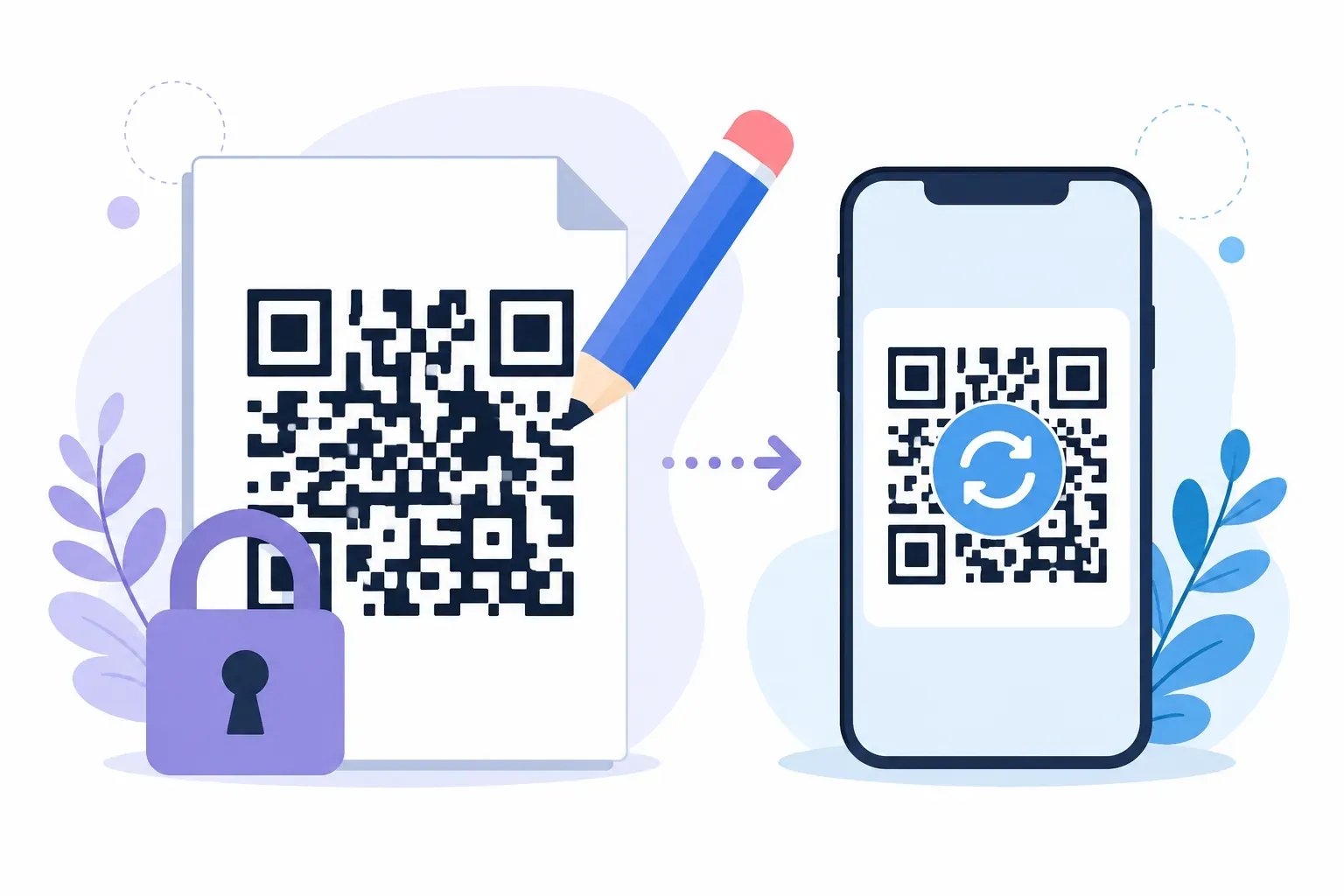
Here’s the direct answer before anything else: you can’t edit the data inside a QR code, but you can always edit its style, and you can sometimes edit what a scan leads to. Whether you can effectively edit a QR code depends on which of those three things you need to change. The content of a static code is baked into the black-and-white pattern the moment it’s generated — no tool anywhere can rewrite it. The look of any code can be regenerated at will. And a code’s destination can change after printing, but only if you set things up for that before the ink hit paper.
This guide covers why the pattern is physically uneditable, the three real options when a printed code must change, what each costs, and how to create a code today that won’t corner you tomorrow.
The Short Answer: It Depends on What You’re Editing
“Edit a QR code” means three different things, and each has a different answer:
- The data (a typo in the URL, a wrong phone number). Not editable. The information is encoded directly into the module pattern; your only move is generating a new code.
- The style (colors, shapes, logo, frame). Always editable — re-enter the same data and regenerate. Same content, new look, and every copy scans identically.
- The destination behind a scan. Editable only if the code points somewhere you can change: a redirect URL you control, or a dynamic code service.
The rest of this article deals with the hard case — a printed code whose behavior needs to change — because that’s where the real decisions and real money are.
Why a Static QR Code Physically Can’t Be Edited
A QR code isn’t a picture of your link; it is your link, translated into geometry. The generator converts your text into bits, adds error-correction data, and lays the result out as a grid of dark and light squares called modules — each module one bit of the encoded message. Change the message and the math produces a different grid, often a completely different-looking one.
That’s why “editing” a static code is a contradiction. There’s no file to open and no field to update; the data and the image are the same object. Altering one character of the URL means repositioning modules across the whole pattern — which is just a description of generating a new code. Think of text engraved in metal, not written on a whiteboard.
This permanence cuts both ways: a typo is forever once printed, but there’s also no server dependency, no account, and nothing that can be switched off. That trade-off is exactly the static vs dynamic QR code decision, and the full comparison is worth reading if you’re choosing a type from scratch.
Restyling Is Different: The Look Can Always Change
One reassuring exception: the style layer — module shapes, colors, logo, frame — sits on top of the encoded data, so you can regenerate identical content with a new design anytime. In QRocket that takes a minute: enter the same URL, restyle, check the scannability meter, and download a fresh file. Old and new printed copies both scan to the same place, because the underlying data never moved. A rebrand is a reprint job, not a data problem.
How to Edit a QR Code’s Destination: Three Real Options
When the thing behind the scan has to change — new menu, moved website, corrected link — you have exactly three honest options.
Option 1: Generate a New Static Code and Reprint
The simplest fix. Create a fresh code with the correct data, replace the printed materials, done. For a table tent, a window sticker, or a short flyer run, this costs a few dollars and an afternoon — the right answer whenever reprinting is cheap or the change is rare. Before the new version goes to press, run it through a proper pre-print testing checklist; the only thing worse than reprinting once is reprinting twice.
Option 2: Point the Code at a URL You Control (the DIY Redirect)
This is the option most articles skip, and it’s often the best one. Instead of encoding a deep link like yoursite.com/menus/spring-2026.pdf, encode a stable address you own — yoursite.com/menu — and change what that page shows whenever you like. The printed code never changes; the content behind it does.
A page on your own site you keep updated, a /promo path that forwards to this month’s campaign, a landing page whose contents you swap — all count. You get the practical benefit of editability with none of the subscription risk, because the only dependency is your own website. This works for any URL-type QR code, and it’s the approach we recommend for almost every business placement.
Option 3: Use a Dynamic QR Code Service
Dynamic codes are the feature other tools — usually paid, subscription-based ones — sell for exactly this problem. The code encodes a short redirect URL on the provider’s server, and a dashboard lets you repoint that redirect anytime. Genuine editability, plus scan statistics.
The catch is structural: your printed code now depends on a company’s server and your ongoing payments. If the subscription lapses or the provider shuts down, the redirect dies and every printed code goes dark — the pattern is fine, but scans lead nowhere. That failure mode is the main reason people ask whether QR codes expire; if you go this route, our guide to free dynamic QR code options covers where the limits are.
QRocket doesn’t offer dynamic codes or scan analytics — it generates static codes that are free, permanent, and dependency-free. Option 2 is the QRocket-compatible way to get editability.
Reprint Cost vs Subscription Cost: The Honest Math
The choice between these options is mostly arithmetic. A one-time reprint of counter cards or stickers typically costs less than a single year of a dynamic-code subscription, which commonly runs $5–$15+ per month once trial tiers end. So:
- Change is rare or one-time? Reprint a static code. Cheapest over any horizon.
- Change is frequent but the materials stay put? DIY redirect. Zero recurring cost beyond the website you already run.
- You need per-code scan analytics across a large campaign, and the budget supports it? A dynamic service earns its fee — just diarize the renewal, because the printed codes live exactly as long as the payments do.
Scenarios That Genuinely Need Editability
Some placements change so predictably that you should plan for editing before you print:
- Restaurant menus. Prices and dishes change seasonally while laminated table codes stay put — the classic case, covered in depth in our guide to QR code menus.
- Promotions and campaigns. This month’s offer becomes next month’s dead link unless the code points at a
/promopage you keep current. - Seasonal content. Holiday hours, event schedules, rotating catalogs — anything with a shelf life shorter than the print run.
Notice that a stable URL you control solves all three without a subscription. The pattern stays permanent; the page behind it does the changing.
Creating a Future-Proof QR Code with QRocket
The way to never need an edit is to make the code’s job as small as possible: point it at one stable address and let that address do the flexible work. In the free generator:
- Choose the URL type and enter a stable link you own —
yoursite.com/menu, not a dated PDF or a third-party page that might vanish. - Style it with your colors, shapes, and logo, keeping an eye on the built-in scannability meter.
- Add a frame with a call to action so people know what the scan delivers.
- Download the SVG and keep it as your master file — you can reprint or restyle the same data anytime.
- Test on two phones before anything goes to print.
No account, no expiry, no scan limits — and nothing behind the code that can lapse.
Make a permanent QR code that points somewhere you control — free, no sign-up. — Create Your Free QR Code
Permanence Is a Feature — If You Aim It Right
A QR code’s uneditability sounds like a flaw until you notice what it buys you: a code with no server behind it can’t be held hostage by a missed invoice or a shuttered startup. Put the permanence where it belongs — in the pattern — and keep the flexibility where you can reach it: on a web page you own. Do that, and the only thing you’ll ever update is the page, not the print.
Frequently Asked Questions
Can I change the URL in my QR code after printing?
Only if you planned for it. A static code encodes the URL permanently in the pattern, so the link itself can’t change. But if that URL is a page or redirect you control, you can change what it shows or where it forwards — which achieves the same result. A dynamic code from a paid service also allows this, for as long as the subscription stays active.
What if I already printed static QR codes with the wrong URL?
The printed codes can’t be fixed — the data is part of the pattern. If the wrong URL is on your own domain, you may be able to rescue the batch by creating a redirect from the wrong address to the right one. Otherwise, generate a corrected code and reprint, and test it on a couple of phones before the new run.
Can I edit a QR code’s colors or logo without changing the link?
Yes. Style is applied on top of the encoded data, so regenerating the same URL with new colors, shapes, or a logo produces a code that scans to the exact same place. Old and new printed copies stay compatible because the underlying data never changed.
Do I need a dynamic QR code to update my menu?
No. Encode a stable URL like yoursite.com/menu and update that page whenever dishes or prices change — the printed code keeps working with zero subscription. A dynamic code does the same job through a provider’s redirect, but it stops working if the plan lapses.
Why can’t any software edit the data in a QR code image?
Because the image is the data. Every square module represents bits of the encoded message plus error correction, and changing one character of the content changes the placement of modules across the grid. There’s nothing to edit in place — a different message is, by definition, a different code.
Is an uneditable QR code a disadvantage?
Not for most uses. Uneditable also means self-contained: no account, no renewal, no third-party server that can shut down and kill the code. For permanent destinations, static is the more reliable choice — the editability question only matters when the content behind the code changes often.
Create a free QR code with custom colors, your logo and print-ready downloads — no sign-up.