QR Code Types Explained: URL, WiFi, vCard, Email, SMS, and More
A restaurant owner prints one QR code on a table tent that opens a menu. A freelancer puts another on a business card that saves contact info to a phone. A hotel lobby displays a third that connects guests to WiFi — no password typing needed. Same black-and-white square, three completely different types of QR codes doing three completely different jobs. Understanding which type fits your goal is the difference between a scan that delights and one that confuses. In this guide, you’ll learn what each QR code format encodes, when to use it, and how to pick the right one. If you’re new to how QR codes work, start with our overview of what is a QR code first.
The Main Types of QR Codes at a Glance
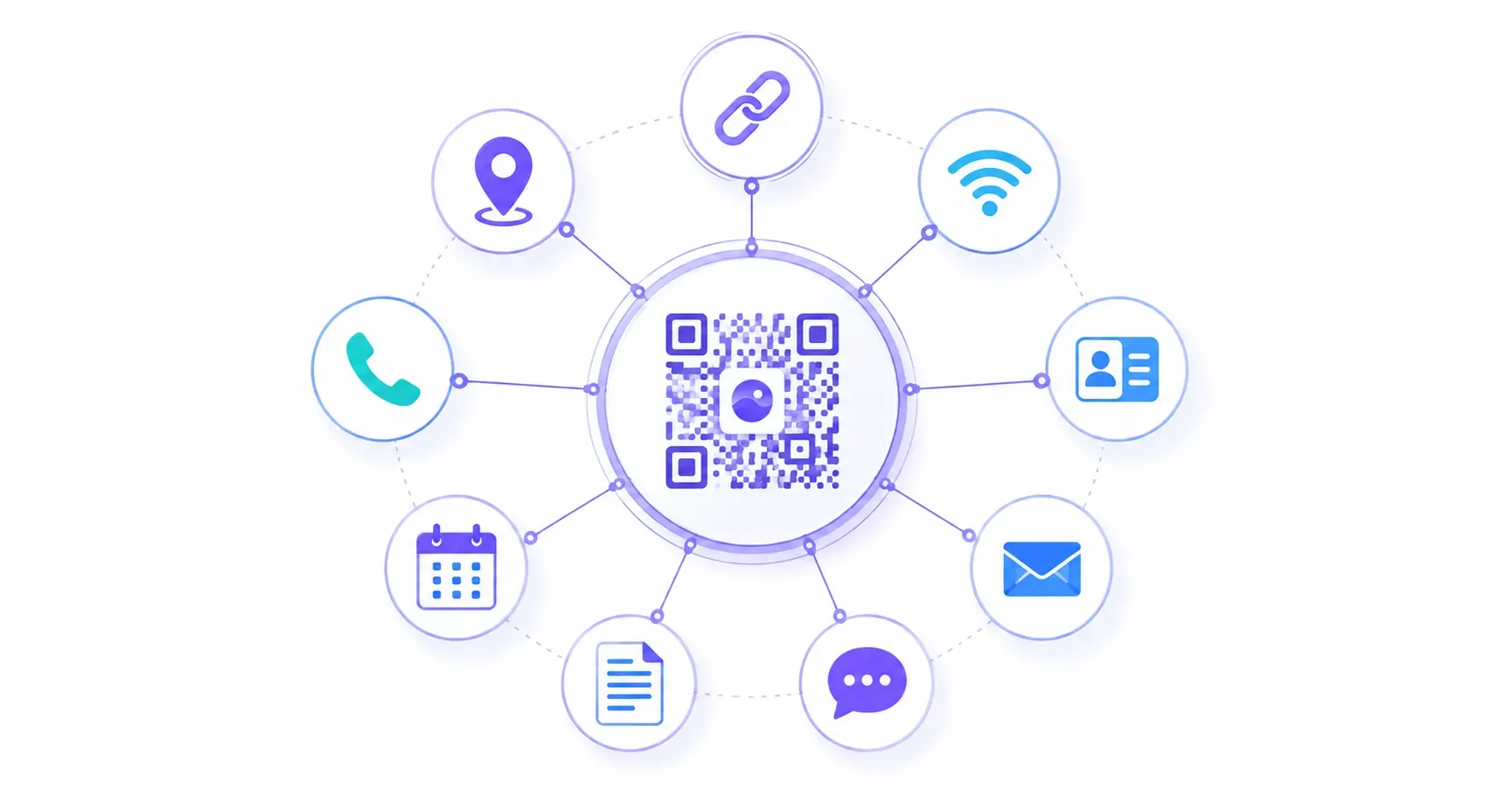
Before the deep dive, here’s the whole family in one view. Nine content types cover almost everything people encode, and they split into two camps: types that send the phone somewhere online, and types the phone can act on with no connection at all.
| Type | What it encodes | Needs internet? | Best for |
|---|---|---|---|
| URL | A web address | Yes | Menus, landing pages, profiles |
| WiFi | Network name, password, encryption | No | Guest access at homes and cafés |
| vCard | Full contact card | No | Business cards, networking |
| Pre-filled message (mailto:) | To send | Feedback, RSVPs, support | |
| SMS | Pre-filled text (smsto:) | To send | Opt-in keywords, check-ins |
| Plain text | Raw text on screen | No | Instructions, serials, clues |
| Event | Calendar entry (vCalendar) | No | Invites, webinars, open houses |
| Phone | A number to dial (tel:) | To call | Click-to-call posters |
| Location | Map coordinates (geo:) | Yes (map app) | Directions to a venue |
The rest of this guide walks each type in turn — what it does best and the one caveat to watch — then ends with a matrix for choosing.
URL QR Codes — The Most Popular Types of QR Codes
A coffee shop prints a QR code on its receipts. Customers scan it, and their browser opens a Google review page. That’s a URL QR code — the most widely used of all qr code types.
URL QR codes encode a web address (up to roughly 4,296 characters) so that scanning opens the link directly in the user’s browser. No copying, no typing, no misspelled domains. Because virtually every smartphone camera now doubles as a QR scanner, a URL code printed on a flyer reaches users faster than a typed-out web address ever could.
Common uses:
- Linking to a website homepage or landing page
- Directing to a social media profile or YouTube video
- Opening an app download page on the App Store or Google Play
- Pointing to a Google Maps location or online form
Tips for better URL QR codes:
- Always include
https://in the URL — some scanners won’t recognize the link without it. - Shorter URLs produce simpler, faster-scanning codes. If your link runs past 100 characters, use a URL shortener first.
- Test the code on at least 2 devices before printing. A broken link wastes every scan.
URL QR codes are the workhorses of the QR world. For a step-by-step walkthrough, see our guide to creating a URL QR code.
WiFi QR Codes
Here’s a scenario most people recognize: a guest asks for your WiFi password, you point to a sticky note on the fridge with a 20-character string of mixed-case letters and numbers, and they spend 3 minutes typing it wrong.
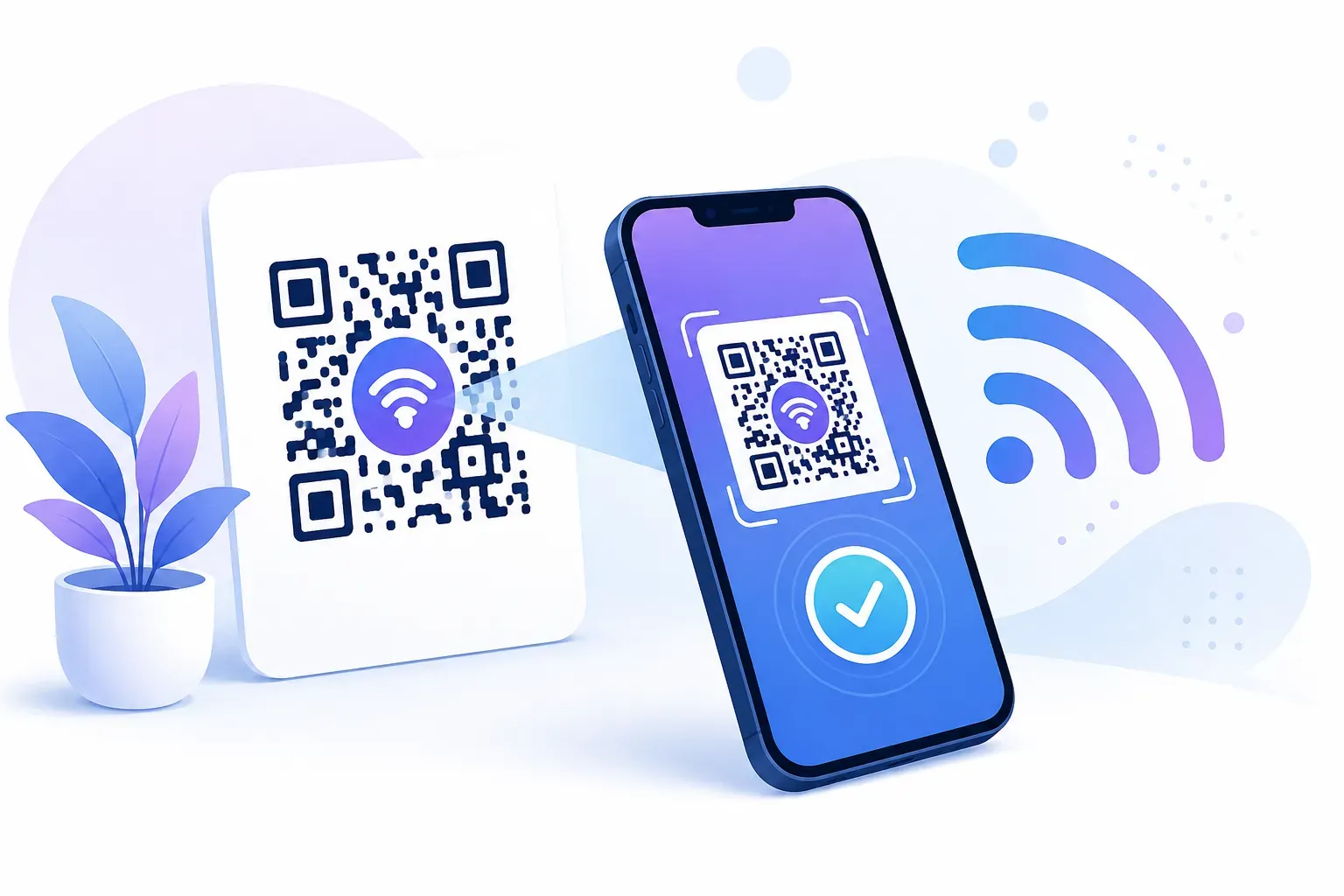
WiFi QR codes eliminate that entirely. They encode your network name (SSID), password, and encryption type (WPA/WPA2/WEP) into a single scan. The phone connects automatically — no typing required.
Best use cases:
- Home networks (stick the code on your router or near the front door)
- Cafés and restaurants (print on table tents or menus)
- Airbnb and vacation rentals (include in the welcome packet)
- Office conference rooms and coworking spaces
One detail people miss: if you change your WiFi password, the old QR code stops working. Print a new one each time you update credentials. QRocket’s WiFi QR code generator lets you create a replacement in under 30 seconds.
Key takeaway: WiFi QR codes are one of the highest-satisfaction types because they solve an immediate, tangible frustration.
vCard (Contact) QR Codes
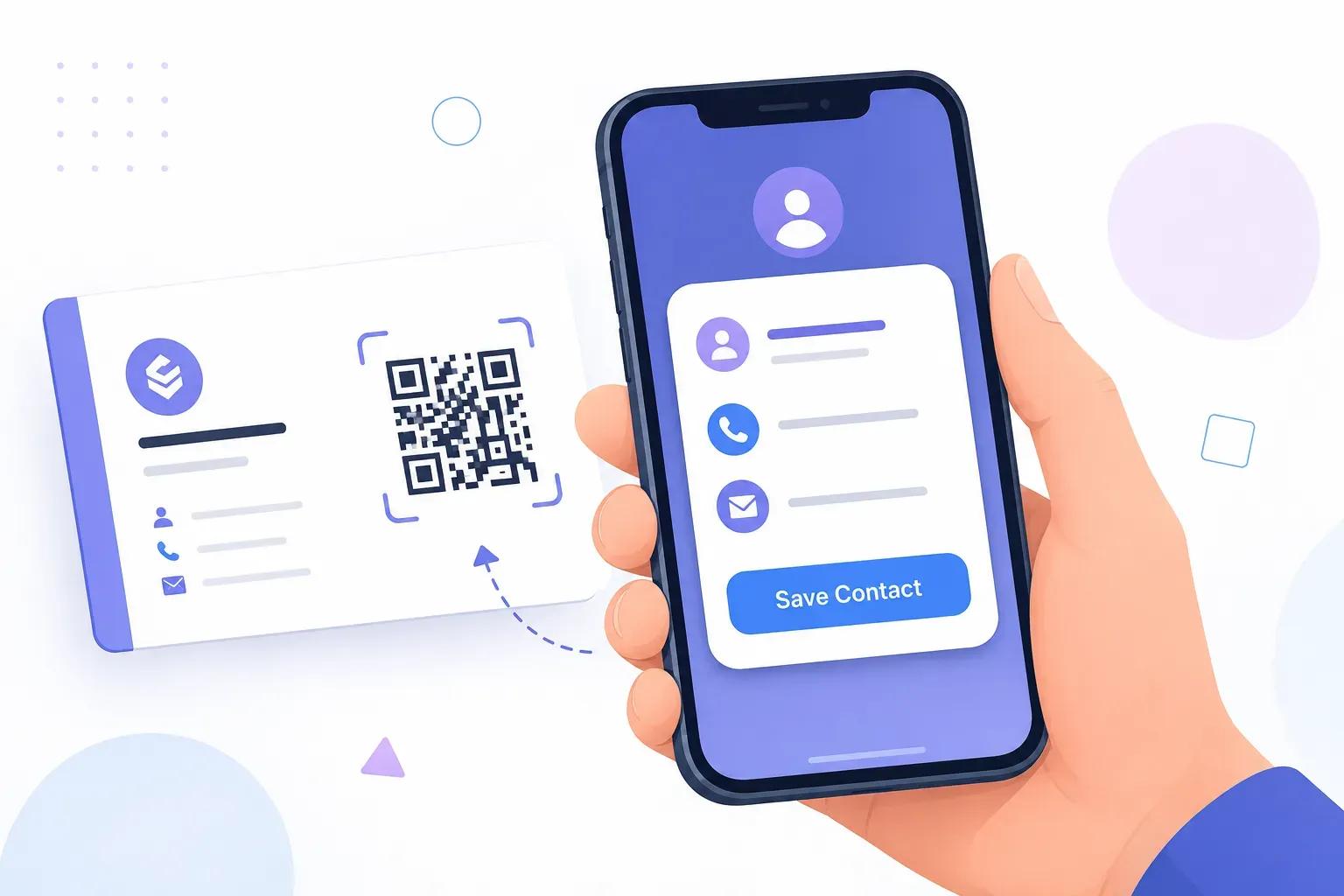
Picture this: you hand someone a paper business card at a conference. They pocket it, forget about it, and it ends up in the laundry. A vCard QR code skips the paper entirely.
vCard codes encode structured contact information — name, phone number, email, company, job title, and even a website URL — in a standardized format. When scanned, the phone prompts the user to save the contact directly to their address book. No manual entry, no typos in email addresses.
A single vCard QR code can hold up to 8 fields of contact data, making it far richer than handing over a phone number verbally. The vCard format is recognized by both iOS and Android, so compatibility is rarely an issue.
Where vCard QR codes shine:
- Printed on business cards alongside traditional text
- Displayed on conference badges or lanyards
- Added to email signatures as a small image
- Posted on a personal portfolio website
For the full creation process, check out our vCard QR code tutorial. It walks through each field and formatting best practice.
Email QR Codes
Most people don’t think of email as a QR code format, but it’s surprisingly useful in the right context. An email QR code opens the user’s default mail app with the “To” address, subject line, and even body text already filled in. The user just taps Send.
Think about where this saves friction:
- Customer feedback: A retail store prints a QR code on the receipt. Scanning opens an email pre-addressed to feedback@store.com with the subject “Store Visit Feedback.”
- Event RSVPs: A wedding invitation includes a code that opens an email to the couple with “RSVP — [Guest Name]” as the subject.
- Support requests: A product manual includes a code that starts an email to support@company.com with the product model pre-filled.
The encoded string follows a mailto: format: mailto:address@example.com?subject=Hello&body=Your%20message. Keep the total under 300 characters for reliable scanning across different QR code formats. Our email QR code tutorial walks through the recipient, subject, and body fields step by step.
SMS QR Codes
An SMS QR code works almost identically to email — but for text messages. Scanning opens the phone’s messaging app with a recipient number and pre-written message ready to send.
Practical examples:
- A nonprofit’s fundraiser poster: scan to text “DONATE” to a shortcode like 55555
- A loyalty program card: scan to text “JOIN” to the business number
- An event check-in: scan to send your name to the organizer’s phone
SMS QR codes encode data in the format smsto:+15551234567:Your message here. Keep the message under 160 characters (one standard SMS) to avoid splitting across multiple texts.
One limitation worth noting: SMS QR codes depend on cellular service. They won’t work well in basements, parking garages, or areas with poor signal — the scan succeeds, but the message may fail to send until the user has reception again.
When to choose SMS over email: If your audience skews mobile-first or you want near-instant delivery confirmation, SMS wins. Email works better when you need longer message bodies or file attachments. For time-sensitive actions like event check-ins or flash sale opt-ins, the immediacy of a text message is hard to beat.
Plain Text QR Codes
No link. No app. No internet required. A plain text QR code simply displays a string of text on the scanner’s screen.
That simplicity is the point. Plain text codes work in scenarios where connectivity isn’t guaranteed or where the information is self-contained:
- Museum exhibits: A 50-word description of an artwork, readable without WiFi
- Equipment labels: Serial numbers, maintenance instructions, or safety warnings
- Classroom handouts: A short quote, vocabulary word, or math problem
- Geocaching or scavenger hunts: Clues encoded as text
Plain text QR codes can hold up to 4,296 alphanumeric characters, but readability drops sharply past 300 characters because the code becomes denser and harder for cameras to scan. For best results, keep text under 250 characters and use a minimum print size of 2 × 2 cm (about 0.8 × 0.8 inches).
The tradeoff is clear: no internet dependency, but also no interactivity. If you need the user to take an action — visit a page, save a contact, connect to WiFi — choose a different type. But for pure information delivery in offline settings, plain text is unmatched.
Event QR Codes
A conference organizer emails 500 attendees a PDF with session details. Buried on page 3 is the keynote time: Thursday, 9:00 AM, Hall B. Half the attendees miss it. An event QR code on the badge or signage could have added that session straight to their calendar with one scan.
Event QR codes use the vCalendar format to encode:
- Event name (e.g., “Product Launch Webinar”)
- Start and end date/time (with timezone)
- Location (physical address or virtual meeting link)
- Description (brief agenda or notes)
When scanned, the phone prompts the user to add the event to Google Calendar, Apple Calendar, or Outlook. No date mix-ups, no forgotten time zones. It’s the difference between “remember to look this up later” and “it’s already on my calendar with a reminder set.”
Strong use cases:
| Scenario | What the QR code adds to calendar |
|---|---|
| Conference badge | Keynote session with time, room, speaker |
| Wedding invitation | Ceremony date, venue address, reception time |
| Fitness class flyer | Weekly class schedule with recurring events |
| Webinar promotion | Start time with Zoom link in description |
Event QR codes are among the most underused different QR codes, yet they solve a real problem — turning “I’ll remember” into a confirmed calendar entry.
Phone and Location QR Codes
Two smaller types round out the set, and both turn a scan into a single tap.
A phone QR code encodes a number in the tel: format. Scan it and the phone opens the dialer with the number already entered — the person just hits call. It works well on “call now” posters, service vans, and real estate signs where you want to remove the friction of typing ten digits.
A location QR code uses the geo: format (or a maps link) to drop a pin at fixed coordinates. Scanning opens the map app with directions ready to start. Event venues, pop-up shops, and trailheads use these so nobody mistypes an address. The one caveat: opening the map still needs a data connection, even though the coordinates themselves live in the code.
Which Types of QR Codes Should You Choose?
With so many QR code types available, picking the right one comes down to one question: what do you want the scanner to do after they scan?
Decision Matrix by Goal
Use this decision matrix to match your goal to the right format:
| Your Goal | Best QR Code Type | What Happens on Scan |
|---|---|---|
| Send someone to a webpage | URL | Opens browser to the link |
| Share WiFi access | WiFi | Auto-connects to network |
| Share contact info | vCard | Prompts “Add to Contacts” |
| Start a pre-filled email | Opens mail app with fields filled | |
| Start a pre-filled text | SMS | Opens messaging app ready to send |
| Display offline information | Plain Text | Shows text on screen |
| Add a calendar event | Event | Prompts “Add to Calendar” |
A few rules of thumb:
- If the content might change later, use a URL QR code pointing to an updatable webpage rather than encoding static data directly.
- If internet access is unreliable at the scan location, choose plain text, WiFi, or vCard — these work offline.
- If you need the user to take an immediate action (RSVP, donate, subscribe), email or SMS codes reduce the steps to one tap.
Online vs Offline Types
There’s a deeper split worth internalizing: action types versus data types. A URL is an action type — it points somewhere that has to stay hosted and online, or the scan leads nowhere. Types like WiFi, vCard, and plain text are data types: the information lives inside the pattern, so the phone acts on it with no server involved and no connection needed to read it. Email, SMS, phone, and location sit in between — the code holds the data offline, but sending the message or opening the map needs a signal. When you print for a spot with shaky WiFi, lean on the pure data types.
Still wondering what types of QR codes are there beyond this list? Specialized formats like phone call, geolocation, and app download QR codes exist too, but the seven covered here handle the vast majority of real-world use cases. QRocket supports all of them — URL, WiFi, vCard, email, SMS, text, and event — and you can create a QR code for free in any format.
Try every QR code type for free with QRocket — URL, WiFi, vCard, email, and more — Create Your Free QR Code
Match the Code to the Action
Every QR code starts the same way — a grid of black and white modules — but what happens after the scan depends entirely on the type you choose. The most common mistake isn’t picking the wrong format; it’s defaulting to a URL code when a more specific type (WiFi, vCard, event) would create a faster, smoother experience for the person scanning. Match the code to the action, and you’ll see higher completion rates on every scan. Ready to try a specific format? Create your QR code free with QRocket and test which type fits your next project.
Frequently Asked Questions
How many types of QR codes are there?
At least 10 common types exist, including URL, WiFi, vCard, email, SMS, plain text, event, phone call, geolocation, and app download. The seven most practical types — URL, WiFi, vCard, email, SMS, text, and event — cover the vast majority of everyday use cases for both personal and business needs.
Which QR code type is most popular?
URL QR codes dominate usage worldwide. They link scanners directly to websites, landing pages, social profiles, and online forms. Their popularity comes from versatility — nearly any digital destination can be reached through a single URL, making them the default choice for marketing, packaging, and signage.
Can one QR code contain multiple types of information?
No. Each QR code encodes exactly one data type — a URL, a WiFi credential set, a vCard, or a text string. However, a URL QR code can link to a webpage that contains multiple types of content, effectively giving you a hub for videos, downloads, contact info, and more from a single scan.
Which QR code types work without internet?
WiFi, vCard, and plain text codes work entirely offline — the data lives in the pattern, so the phone reads and acts on it with no connection. Email, SMS, and phone codes prepare the action offline but need a signal to actually send or dial.
Are all QR code types free to create?
Yes. Every type covered here — URL, WiFi, vCard, email, SMS, text, event, phone, and location — can be generated free as a static code, with no sign-up and no expiry. You only pay if you want dynamic codes with editable destinations and scan analytics.
Create a free QR code with custom colors, your logo and print-ready downloads — no sign-up.