QR Codes for Lead Generation: Best Practices and Real Examples
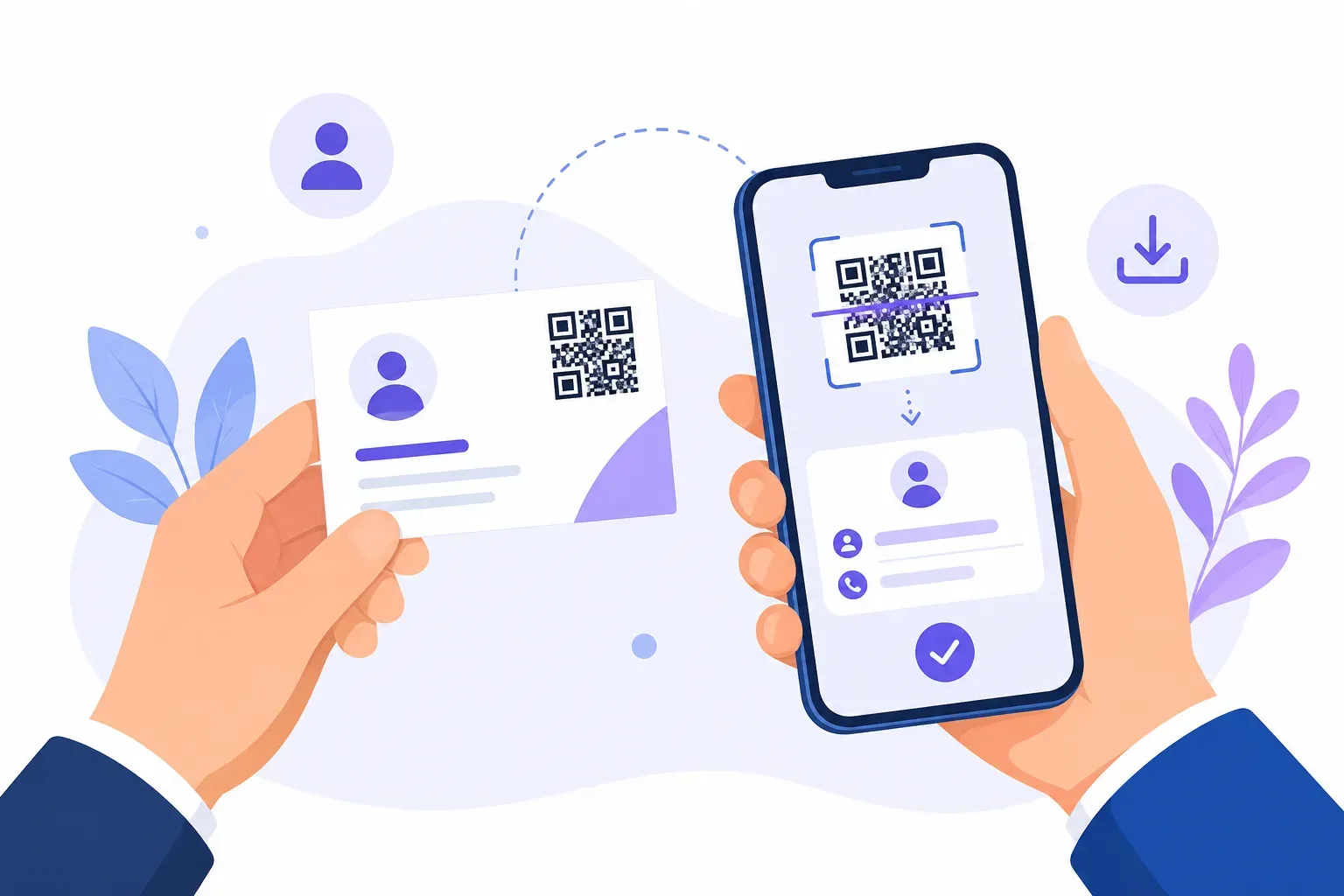
A trade show booth collects 40 business cards in a day; half get lost, and the follow-up emails start a week later, after the prospect has forgotten the conversation. The booth next door prints one big code on its banner — “Scan for the pricing guide” — and walks away with a spreadsheet of emails, each tagged by source, with follow-up firing the same afternoon. Same foot traffic, wildly different pipeline. That’s the case for QR codes for lead generation in one scene.
The mechanics are easy; the craft is in the decisions around the code. This guide covers the five that matter: why scans out-convert typed URLs in physical spaces, which destination to point the code at, how to write the offer, how much form friction leads will tolerate, and how to attribute and follow up on what you capture.
Why QR Codes Reduce Lead Capture Friction
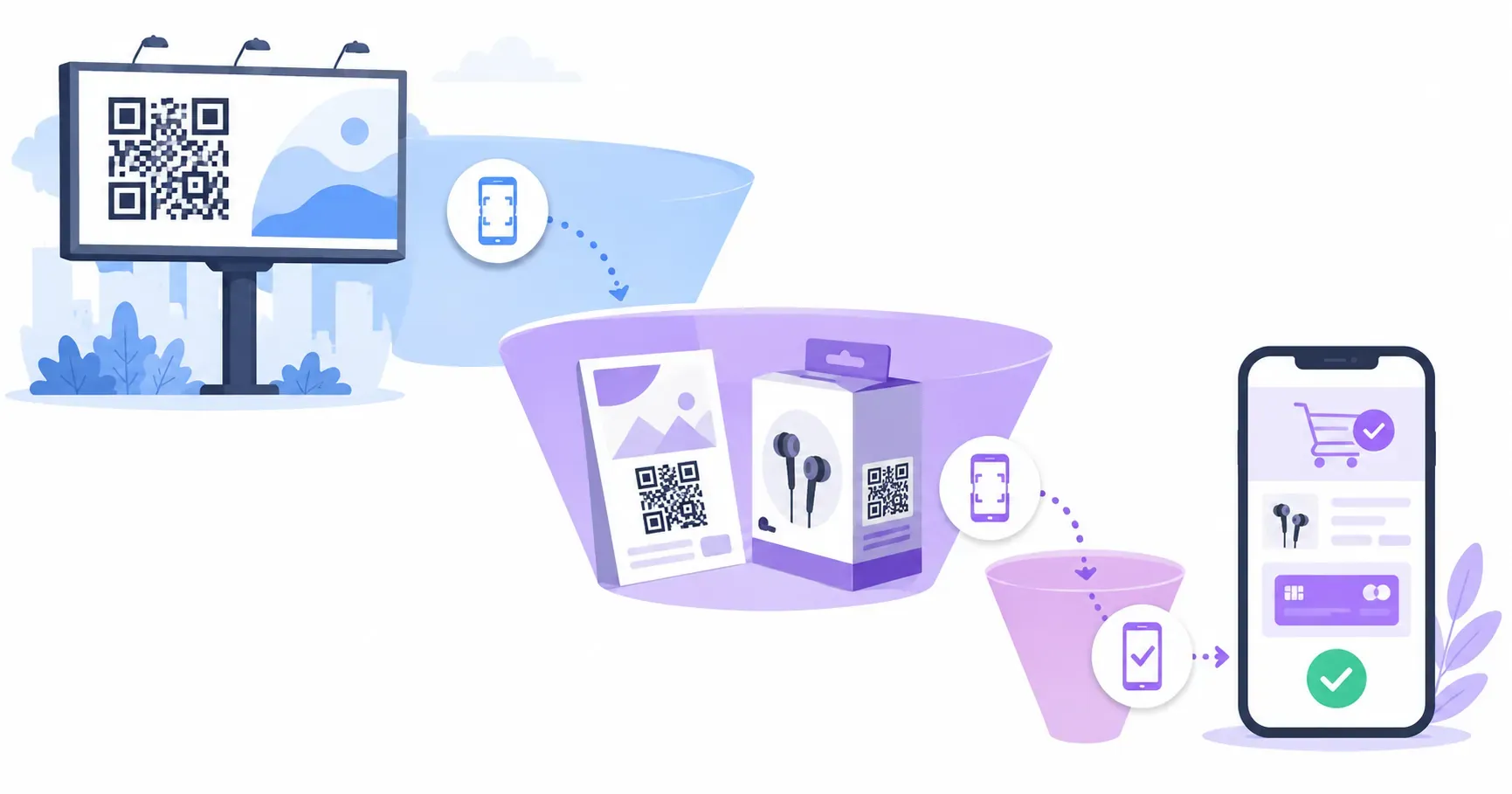
Lead capture dies in the gap between interest and action. In a physical space — an open house, a booth, a shop counter — a prospect’s interest peaks for a minute or two, and every step you ask of them (remember a URL, type it later, find the right page) bleeds conversion. Most “I’ll check it out tonight” moments simply never happen.
A QR code collapses those steps to one. The prospect scans while interest is at its peak, lands on the exact form — not your homepage — and submits before the moment passes. No typing, no memory, no navigation. The same logic that makes codes effective in QR code marketing generally applies double for lead capture, where seconds of friction translate directly into lost contacts.
Physical placements where this works hardest:
- Trade show booths and banners — capture attendees when staff are busy with someone else.
- Real estate open houses — a sign-in alternative visitors actually complete; more placements in our guide to QR codes for real estate.
- Retail counters and receipts — turn buyers into list subscribers at checkout.
- Event signage and lanyards — session feedback and follow-up lists, covered further in QR codes for events.
- Vehicle wraps, yard signs, direct mail — cold placements where “type this URL” was never going to happen.
The Best Lead Generation Destinations for QR Scans
Where the scan lands determines whether interest becomes a contact. You have three main options, each with a right moment:
A dedicated landing page — a short page that restates the offer, adds a proof point or two, then presents the form. This is the default best choice for cold and lukewarm audiences: the page rebuilds context and motivation before asking for anything. It converts best when it’s mobile-first, loads in under 3 seconds, and has exactly one action on it.
A direct form — Google Form, Typeform, or your CRM’s native form, with no page in between. Best when context is already complete: the booth conversation just happened, or the sign itself states the whole offer (“Get the March price list by email”). One fewer tap, but nothing to persuade the undecided.
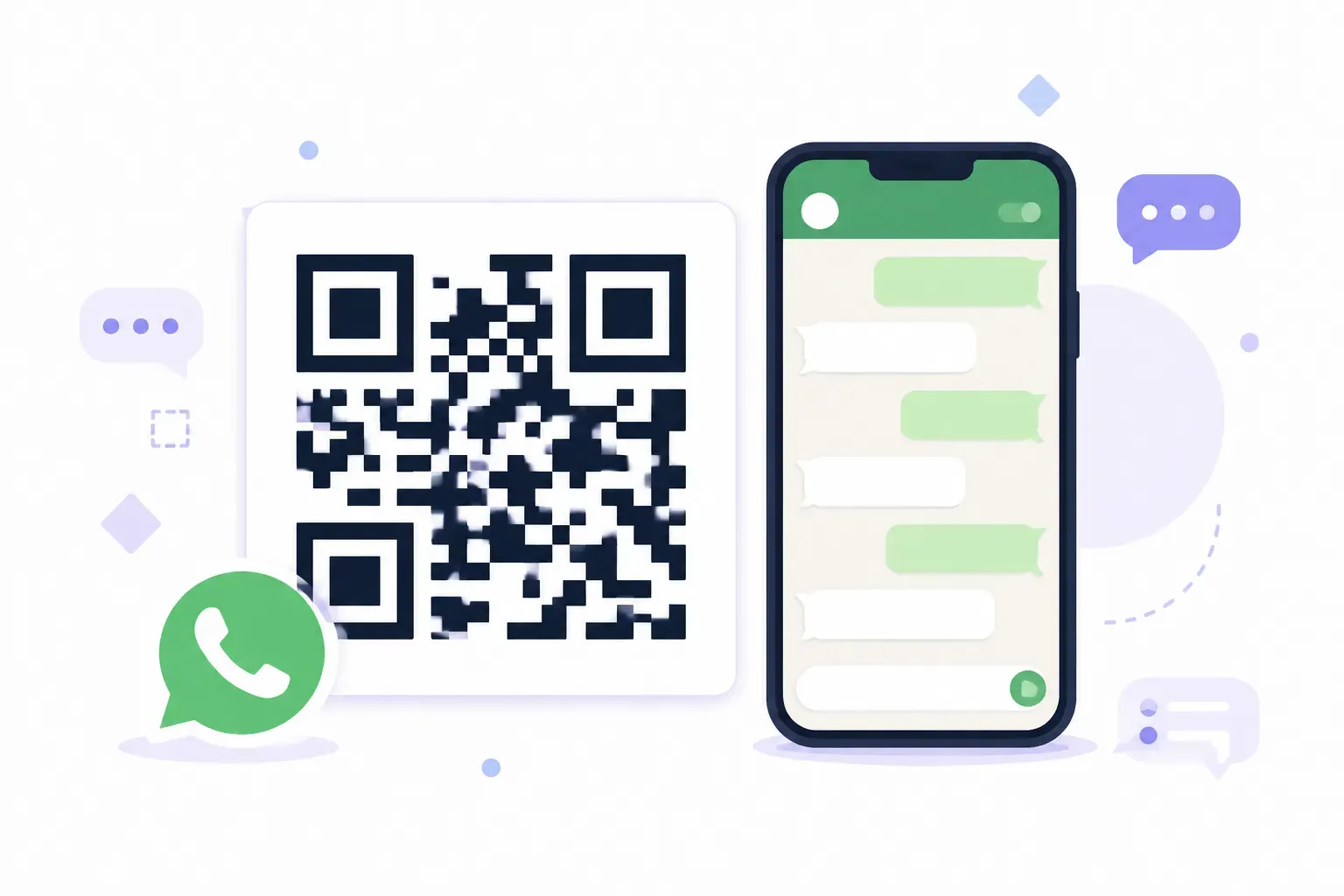
A booking or chat destination — a calendar link (“Book a 15-minute demo”) or a WhatsApp chat for conversational capture. Best for high-intent, high-value leads where a conversation beats a form row.
| Destination | Best when | Watch out for |
|---|---|---|
| Landing page | Cold audiences, bigger asks | Page speed; one CTA only |
| Direct form | Warm context, simple offers | No room to persuade |
| Booking/chat | High-intent, sales-led offers | Calendar friction, staffing |
Whichever you choose, the destination must be mobile-perfect — every scan is a phone visit — and should confirm success on screen, not just promise an email.
How to Write a Strong CTA and Offer
Nobody scans to “learn more.” They scan to get something, so lead-gen codes live or die on the offer and the words announcing it.
The offer comes first. The reliable performers are immediate and concrete:
- A useful document — pricing guide, buyer’s checklist, floor plan, spec sheet.
- A quote or estimate — “Get your free quote today” converts because it’s the prospect’s own next step anyway.
- A demo or consult — best paired with a booking destination.
- A discount or early access — retail’s workhorse; also ideal for waitlists.
- Event follow-up — “Get the slides and bonus material” captures a warm room at zero perceived cost.
Then the copy, which follows the same formula as all high-performing signage: action verb + specific benefit, under 8 words, readable at scanning distance. “Scan for the 2026 pricing guide” beats “Learn more about our services” every time it’s tested. The full swipe file lives in our collection of QR code call to action examples.
One integrity rule: the scan must deliver exactly what the sign promised, immediately. An “instant guide” that turns out to be “we’ll email it once sales calls you” burns the lead and the brand in one move.
Link your form to a code in seconds — free, no sign-up. — Create Your Free QR Code
How to Qualify Leads Without Hurting Conversion
Every field you add to a form buys data and costs leads. On a phone — where all QR leads arrive — the exchange rate is brutal: long forms that feel acceptable on desktop get abandoned mid-thumb.
The practical rules:
- Ask only what the first conversation needs. Usually name and email; add phone only if you’ll actually call. Three fields is a good ceiling for a cold scan.
- Qualify progressively. Capture the minimal contact first, then ask two or three qualifying questions on the thank-you step (“What’s your timeline?”). Those who answer self-select as serious; those who don’t are still captured.
- Let the placement do the qualifying. A code offering “wholesale pricing” attracts wholesale buyers. A sharp offer filters better than a long form, without the abandonment cost.
- Use mobile-native inputs. Email keyboards for email fields, dropdowns over free text, autofill enabled. Small mechanics, real percentage points.
- Match depth to warmth. A booth visitor who just talked to you will complete five fields; a parking-lot poster scanner will complete two. Design per placement, not per template.
Follow-Up and Attribution Tips
Captured leads decay fast. Research on lead response has long shown that responding within minutes rather than hours dramatically improves contact and qualification rates — the QR-specific corollary is that your scanner was physically present and may still be at the venue. Automate an instant email that delivers the promised asset, and route hot leads (demo bookings, quote requests) to a human the same day.
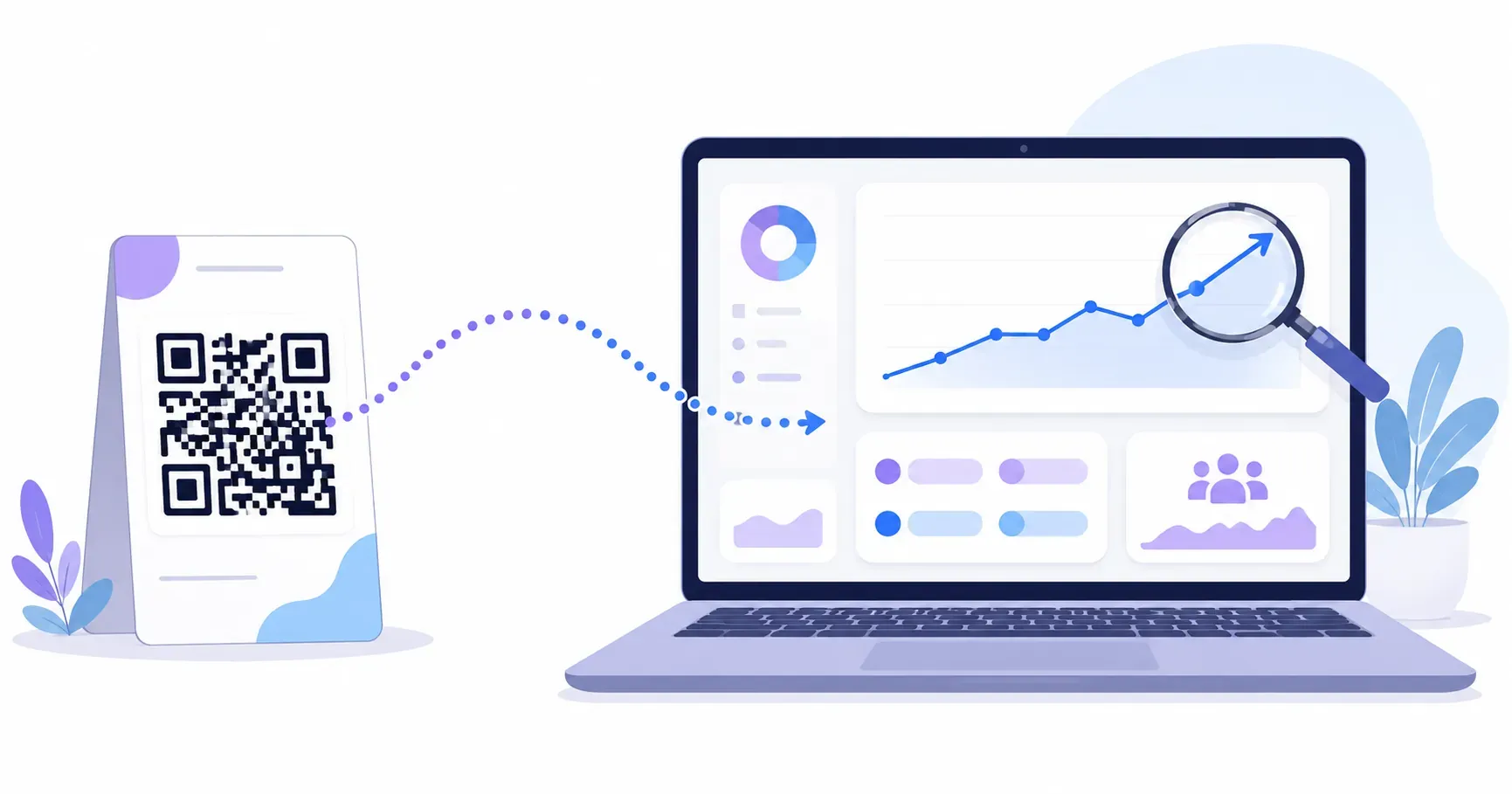
Attribution is the part most QR campaigns skip, and it’s free. A static code can’t count its own scans — but the URL inside it can carry UTM parameters, and your analytics will do the counting:
https://yoursite.com/guide?utm_source=qr&utm_medium=print&utm_campaign=expo-march&utm_content=booth-bannerGive every placement its own utm_content value (booth banner vs flyer vs badge insert), and GA4 will tell you which physical placement actually produces leads — the full setup is in our guide to tracking QR code scans. Dynamic QR platforms offer built-in per-scan analytics as a paid alternative, and they’re worth it when you need to edit destinations after printing; the trade-offs are laid out in our static vs dynamic comparison. For most lead campaigns, though, UTM-tagged static codes deliver the attribution that matters at zero cost. QRocket generates them free, with frames for your CTA text and print-ready SVG output.
Close the loop with simple A/B tests: two offers, two codes, two UTM tags, same placement — a week of foot traffic tells you which offer earns the pipeline.
The Form Is Mobile, the Moment Is Physical
The mental shift that makes QR lead generation work: stop thinking of the code as a link and start thinking of it as a moment-capture device. Your prospect’s interest has a half-life measured in minutes, and everything in this guide — instant destinations, three-field forms, same-day follow-up — is really one principle: harvest the moment before it decays. Audit your current lead flow for the longest gap between “interested” and “captured,” close that gap with a scan, and tag it with UTMs so the results are provable. Build the code itself in QRocket’s free generator — the two minutes it takes will be the least consequential part of the system you’ve just designed.
Frequently Asked Questions
What offer works best with a lead generation QR code?
Offers with immediate, concrete value: a quote, a pricing guide, a checklist, a demo booking, or a discount. The prospect should receive the value within seconds of submitting. Vague offers like “learn more” or “join our newsletter” convert poorly because the scanner can’t picture what they’re trading their email for.
Should a lead gen QR code go to a form or a landing page?
A landing page usually converts better for cold audiences because it rebuilds context and motivation before presenting the form. Go directly to a form only when context is already complete — right after a booth conversation, or when the signage itself fully states the offer. High-intent offers can skip both for a booking page.
How do I improve lead quality from QR code scans?
Sharpen the offer so it attracts the right scanner — “wholesale pricing” filters better than any form field — and qualify progressively: capture name and email first, then ask timeline or budget questions on the thank-you step. Placement matters too; a code inside a qualified space beats one on a street pole.
Can I track leads from a QR code without paid software?
Yes. Add UTM parameters to the URL before generating the code, and your existing analytics (like GA4) will attribute every visit and form submission to the specific code and placement. Use a distinct utm_content value per placement to compare a booth banner against a flyer against a receipt.
How many form fields should a QR code lead form have?
Two or three for cold scans — typically name and email. Every additional field costs completions on mobile, where all QR traffic arrives. If you need richer data, collect it progressively after the initial submission, when the lead has already been captured and is more invested.
How fast should I follow up on a QR code lead?
Immediately with automation, and same-day with a human for high-intent leads. Send the promised asset the moment the form is submitted — your lead scanned from a physical location and may still be there. Response-time research consistently shows contact rates fall sharply as hours pass.
Create a free QR code with custom colors, your logo and print-ready downloads — no sign-up.