Best Free QR Code Generators in 2026: An Honest Comparison
Search for a free QR code tool and you’ll find dozens of sites making the same promise — and a surprising number break it two weeks later, when the “free” code printed on 1,000 flyers stops scanning because a trial expired. Sorting the best free QR code generators from the bait-and-switch ones comes down to a few questions you can answer before you download anything.
Full disclosure up front: this comparison is published by QRocket, one of the seven tools reviewed. We’ve kept the criteria objective and the limitations of every tool — including ours — on the table. Here’s how the field actually looks in 2026.
What Makes a Great Free QR Code Generator
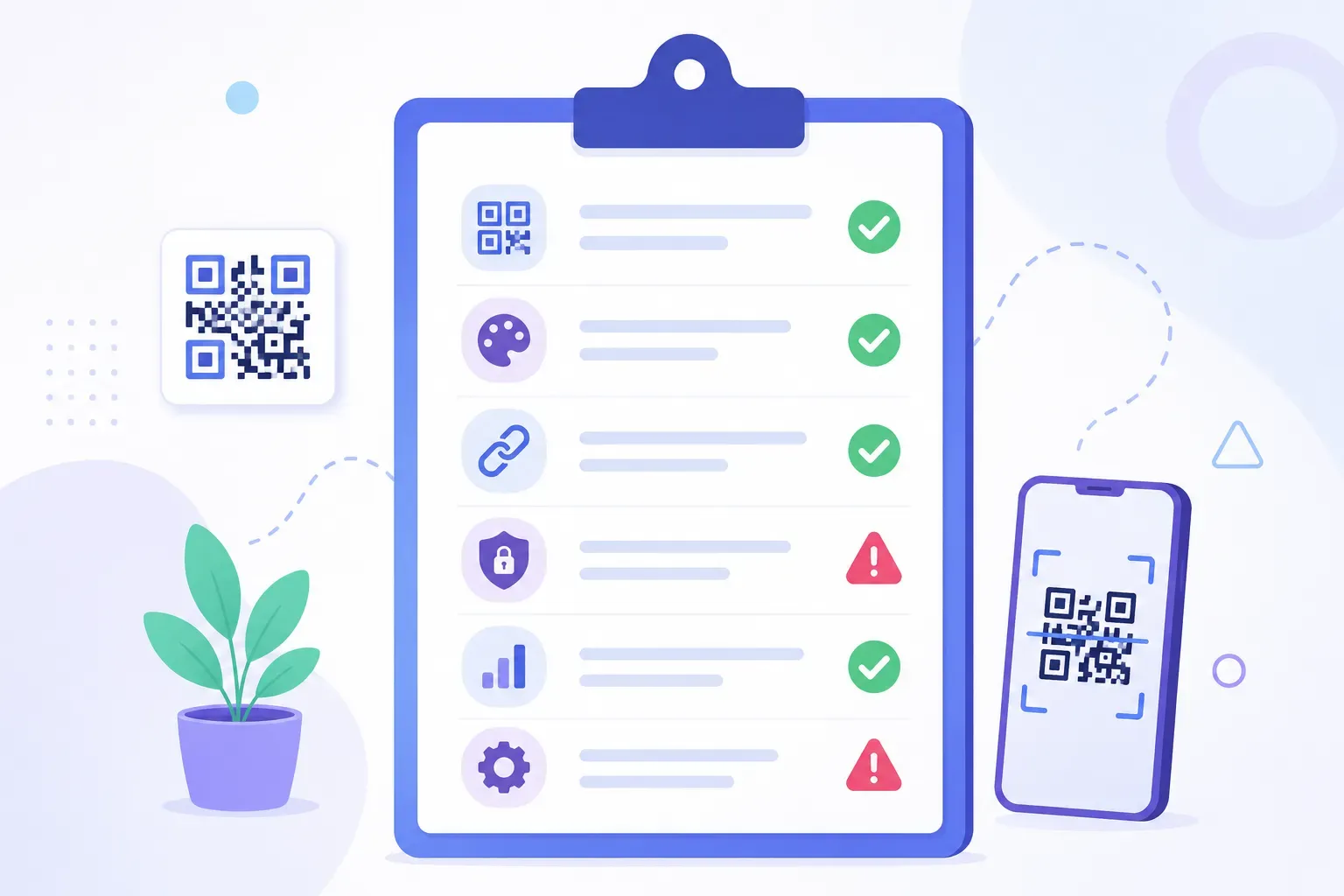
Five criteria separate genuinely free, reliable tools from the rest. Judge any generator — including the ones below — against this list:
- Truly free output. The code you download works forever, with no trial clock, no scan limit, and no watermark. The classic trap is a free trial of dynamic codes: they scan fine for 14 days, then redirect to a payment wall. Understanding static vs dynamic QR codes is the single best defense, since static codes physically cannot expire.
- No forced account. Needing an email address to download is a lead-capture gate, not a technical requirement. The best tools let you generate anonymously.
- Real customization. Colors, module shapes, and a center logo — with a safeguard (like automatic error correction raising) so the styling doesn’t break scanning. Our QR code design guide covers what good customization looks like.
- Print-grade export. SVG or another vector format matters for anything printed larger than a business card; PNG-only tools cap your print quality.
- Honest data handling. A generator that builds codes in your browser never sees your WiFi password or contact details. Server-side tools may store what you enter — check the privacy policy.
Scan limits deserve special mention: static codes never have them; free dynamic tiers almost always do. If a “free” tool advertises scan analytics, assume a cap or expiry is attached and read the fine print.
Top 7 Free QR Code Generators Compared
Here’s how seven widely used options stack up. Details reflect the tools at the time of writing — free tiers change often, so verify current terms before a big print run.
1. QRocket
Our own tool, built around one idea: everything is static, free, and unlimited. No account, no watermark, no expiry, no scan caps, free for commercial use. It supports URL, WiFi, vCard, email, SMS, WhatsApp, event (iCal), and location types, with custom colors and shapes, a logo library, frames with CTA text, and a live scannability meter. Export is SVG plus high-resolution PNG, and codes generate entirely in the browser, so your content is never uploaded. The honest limitation: no dynamic codes and no built-in scan analytics.
2. QR Code Monkey
A long-running free favorite. Static codes with solid customization — colors, shapes, logo upload — and vector export, no account required. It’s ad-supported and the interface shows its age, but the core promise of free static codes that don’t expire has held for years.
3. QR Code Generator (Bitly)
Polished and heavily marketed, this is the tool most people land on first. Its strength is the paid dynamic platform: editable destinations and detailed analytics. The caution: much of the free experience feeds into a trial, and dynamic codes created on a trial stop working when it lapses. Fine for evaluating the paid product; risky if you just want a permanent free code.
4. QR Tiger
A feature-rich platform aimed at marketing teams, with strong design options and a well-regarded dynamic tier. The free tier lets you create static codes and sample a limited number of dynamic ones, generally with an account. Suits users who may upgrade to paid tracking later; heavier than necessary for one-off static codes.
5. Scanova
Business-oriented, with clean design tools and bulk-generation features on paid plans. Free usage is structured as a trial with sign-up, so treat it as a paid product you can test rather than a free generator. Good fit for companies already planning to pay for managed campaigns.
6. QR Code Dynamic
As the name suggests, its pitch is free dynamic codes — editable destinations at no cost, with basic scan counts. The trade-off is the one that applies to every free dynamic service: your printed codes depend on that company’s redirect servers staying online, forever. For disposable, short-term codes that’s acceptable; for anything long-lived, it’s a real dependency.
7. The QR Code Generator
A minimal option that produces static codes quickly, with accounts for tracking features. Customization is thinner than the leaders, but for a plain black-and-white URL code with zero learning curve, it does the job.
Feature Comparison Table
The differences compress well into a table. “Free tier” here means what you get without paying:
| Tool | Free static codes | No account needed | Logo + colors | SVG export | Free dynamic codes | Watermark |
|---|---|---|---|---|---|---|
| QRocket | Unlimited, no expiry | Yes | Yes | Yes | No | No |
| QR Code Monkey | Unlimited, no expiry | Yes | Yes | Yes | No | No |
| QR Code Generator (Bitly) | Yes | Partly (trial push) | Limited free | Paid | Trial only | No |
| QR Tiger | Yes | Account for most | Yes | Yes | Limited trial | Varies |
| Scanova | Trial-based | No | Yes | Yes | Trial only | Trial marks |
| QR Code Dynamic | Yes | Account for dynamic | Basic | Varies | Yes (limited) | No |
| The QR Code Generator | Unlimited | Yes | Basic | Limited | Account tier | No |
Two patterns jump out. First, the simplest tools to trust — QRocket and QR Code Monkey — are the ones that only do static codes, because static output leaves nothing to meter or expire (see our piece on whether QR codes expire). Second, every “free dynamic” offer carries a string: a trial, a scan cap, an account, or dependence on the provider’s servers.
Best for Specific Use Cases
No single winner fits everyone. Match the tool to the job:
- Best for permanent print (menus, signs, packaging): QRocket or QR Code Monkey. Static, vector export, nothing to expire. If the code will outlive a marketing quarter, this category is the safe one.
- Best for privacy-sensitive content (WiFi, contact cards): QRocket, because generation happens in the browser and credentials never touch a server.
- Best for design-heavy branding: QRocket or QR Tiger, with the richest styling controls. Whatever you pick, follow logo-size limits — our guide on adding a logo to a QR code explains the 20% rule.
- Best if you need editable destinations and analytics: a paid dynamic platform such as Bitly’s QR Code Generator or QR Tiger. Pay for it rather than relying on a free dynamic tier — a redirect service you don’t pay for has no obligation to keep your printed codes alive. You can also get basic tracking free with static codes by adding UTM parameters, as covered in our guide to tracking QR code scans.
- Best for a zero-decision quick code: The QR Code Generator or QR Code Monkey — paste a URL, download, done. For the full walkthrough of that workflow, see how to create a QR code for free.
Our Recommendation
For most people, most of the time: use a genuinely free static generator, and only graduate to a paid dynamic platform when you concretely need to change destinations after printing or need per-scan analytics.
That’s a risk calculation, not a sales pitch. The worst QR outcome isn’t a missing feature — it’s a printed code that dies because a trial ended or a free redirect service shut down. Static codes eliminate that failure mode, and two tools on this list (ours and QR Code Monkey) deliver them with no strings at all. Between those two it comes down to features: QRocket adds the scannability meter, more content types, CTA frames, and browser-side privacy; QR Code Monkey counters with a longer track record. Try both — they’re free.
See how it compares for yourself — free, no sign-up. — Create Your Free QR Code
The Test That Beats Any Review
Reviews age; free tiers mutate. The durable skill is the five-question audit from the top of this article — does the code expire, is an account forced, can you style it safely, can you export vector, and where does your data go? Any generator that passes all five is a safe choice, whatever its name. Start with a two-minute test drive: make the same code in two of the tools above, scan both, and keep the one that made it easier.
Frequently Asked Questions
What is the best completely free QR code generator?
QRocket and QR Code Monkey are among the strongest truly free options: both produce unlimited static QR codes with no sign-up, no watermark, no expiry, and vector export. Which is “best” depends on taste — QRocket adds a live scannability check and more content types; QR Code Monkey has the longer track record.
Do free QR code generators put watermarks on codes?
Reputable free generators, including QRocket and QR Code Monkey, do not watermark codes. Watermarks and branded overlays appear mostly on trial tiers of paid platforms. Before committing to a print run, download the file and inspect it at full size — a watermark is always visible on close inspection.
Are free QR codes really free forever?
Static QR codes are — the data lives in the pattern itself, so nothing can expire or be metered. Free dynamic codes are different: they depend on the provider’s redirect servers, and free tiers commonly impose trials, scan caps, or deletion policies. If “forever” matters, choose static.
Why do some free QR codes stop working after a few days?
Because they were dynamic trial codes, not static ones. The code encoded a short redirect URL owned by the generator; when the trial ended, the redirect was switched off or pointed at a payment page. A static code generated by the same tool would have kept working indefinitely.
Do I need an account to create a QR code?
Not for static codes — the best free generators work with no registration at all. Accounts are legitimately required for dynamic features, since editing a destination later means the provider must know whose code it is. If a tool demands an email for a plain static code, it’s collecting leads, not solving a technical need.
Which free QR code generator is safest for sensitive content?
One that generates codes in your browser rather than on a server. With browser-side generation, content like WiFi passwords or contact details never leaves your device. Server-side generators may transmit and store what you enter, so check the privacy policy before encoding anything sensitive.
Create a free QR code with custom colors, your logo and print-ready downloads — no sign-up.