Should You Use a Free QR Code Generator for Business?
You need a QR code for your menu, your business card, or next month’s flyer — and every search result seems split between “100% free” tools and platforms quoting monthly plans. So which is it? Can a free QR code generator for business actually carry professional work, or is free a trap that bites once the codes are printed?
The honest answer: free covers more business use cases than the pricing pages suggest, but not all of them. This guide draws the line precisely — where free is fully sufficient, where paid features earn their fee, and how to vet a free generator in two minutes before anything goes to print.
When a Free QR Code Generator Is Enough for Business
The dividing line is not “hobby vs professional.” It’s static vs dynamic. A static QR code encodes your data — a URL, WiFi credentials, contact details — directly into the pattern itself. Once generated, it works forever, needs no server, and costs nothing to run. That’s not a stripped-down free tier; it’s how the QR standard works. Our comparison of static vs dynamic QR codes covers the mechanics in depth.
That means a free generator handles these business jobs completely:
- Business cards. A vCard QR code saves your contact details to a customer’s phone in one scan. The data lives in the code — nothing to renew or expire.
- Restaurant and café menus. A static code pointing to your menu URL keeps working as long as the page does. Update the menu on your site and the same printed code shows the new version.
- One-off marketing materials. Flyers, posters, event signage, and packaging that point to a stable URL don’t need editable codes or dashboards.
- WiFi sharing. A WiFi QR code on the counter connects guests without anyone reciting a password. No paid version does this better.
- Google review requests. A code on the receipt that opens your review link is a set-and-forget asset.
Here’s the thing pricing pages won’t say: for a solo consultant, a café, a salon, or a market stall, that list is usually the entire QR workload. If your destination URL is stable and you don’t need per-scan analytics, a good free tool isn’t the budget option — it’s the correct one.
When You Need Paid Features
Paid platforms are not a scam; they solve real problems that static codes can’t. You’ve crossed into paid territory when you need any of the following.
Editing the destination after printing. Dynamic codes point to a short redirect URL the platform lets you change later. If you’re printing 10,000 brochures for a campaign whose landing page might move, that flexibility is worth money. (Some workflows get you partway without a subscription — see creating a dynamic QR code free.)
Scan analytics at scale. Static codes report nothing on their own. You can approximate tracking with UTM parameters — our guide to tracking QR code scans shows how — but per-code dashboards with location and device breakdowns are a paid feature.
Bulk generation. Creating 500 codes for serialized products or tickets is API-and-spreadsheet work. Free web tools generate one code at a time.
API access and team management. Automatically generating a code for every new order, plus shared workspaces, permissions, and brand templates for a marketing department — these are organizational features, billed accordingly.
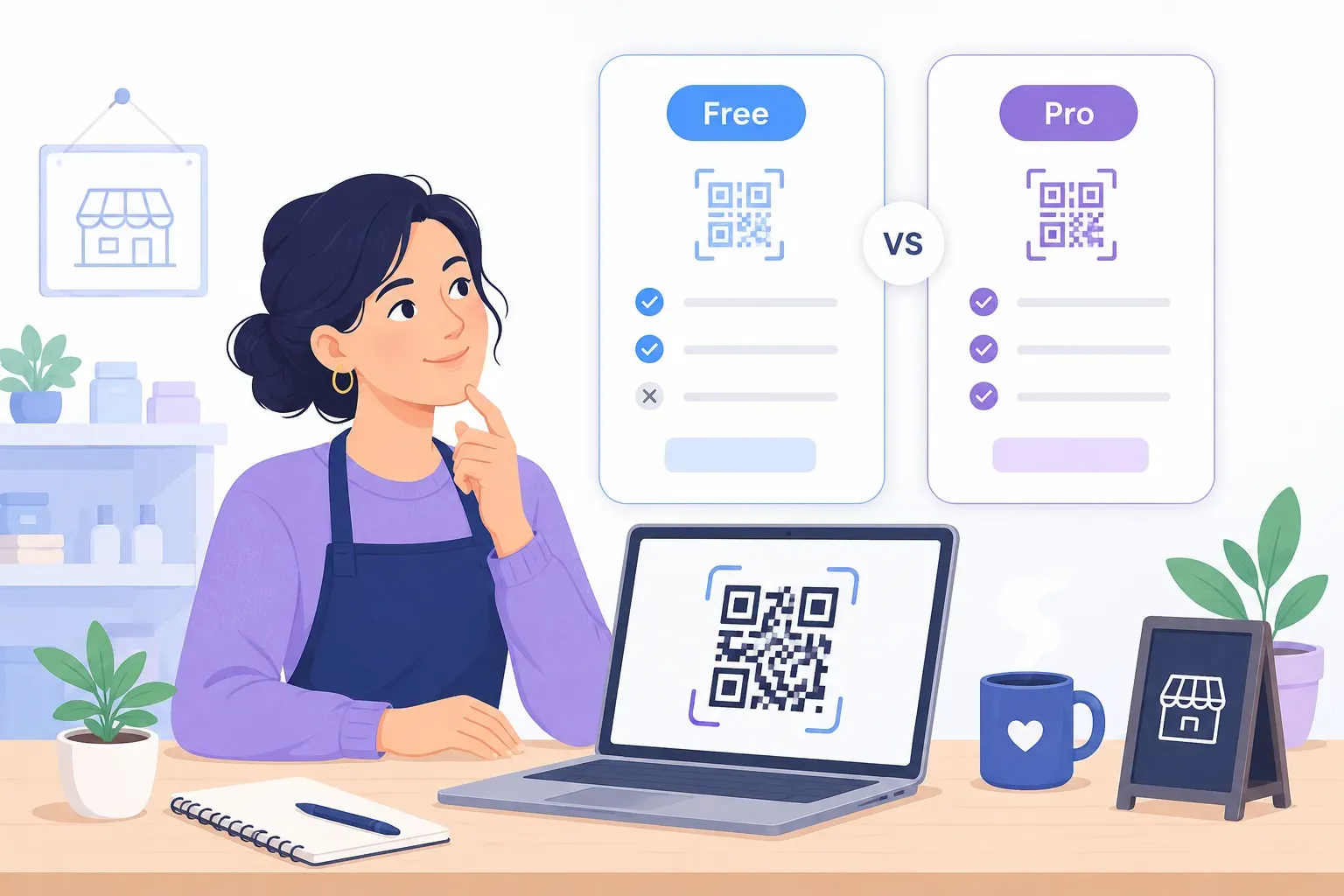
| Business need | Free static code | Paid dynamic platform |
|---|---|---|
| Business card, menu, WiFi, flyer | Fully covered | Overkill |
| Change destination after printing | No | Yes |
| Per-scan analytics dashboard | UTM workaround only | Yes |
| Bulk generation (100s of codes) | Manual, impractical | Yes (API/CSV) |
| Team workspaces and permissions | No | Yes |
| Code keeps working if you stop paying | Always | Often no — redirect dies |
Three scenarios make the line concrete. A solo consultant needs a vCard code and a booking-page code: free, done. A marketing team running quarterly campaigns needs editable destinations and scan dashboards: paid earns its fee. An enterprise serializing products or issuing tickets needs API access and team controls: paid, no debate.
Common Business Concerns About Free Tools
Businesses hesitate over free tools for four reasons. Some concerns are valid; some evaporate once you know how static codes work.
“Will my data be harvested?” A fair question. Some free generators route every scan through their servers, which means they see your traffic — and can monetize it. The clean architecture is client-side generation: the code is built in your browser and the tool never stores what you encoded. QRocket works this way — no account, nothing stored. Our guide on whether QR codes are safe covers the wider picture.
“Will the code stop working?” A truly static code cannot expire — the data is in the pattern, not on a server. The trap is free tools that quietly generate redirect codes, then break them when a trial ends. The full breakdown is in do QR codes expire, but the short test is simple: scan your code and look at the URL. If it shows your address, it’s permanent. If it shows the tool’s shortener domain, the tool owns your code.
“Is a free tool reliable enough for print?” A static code has no uptime to worry about — there’s no service behind it. Reliability lives entirely in your destination URL and print quality, so follow our pre-print testing checklist.
“What about support?” Paid platforms offer support channels; free tools generally don’t. In practice, static codes have little to support — the common failures (low contrast, too small, dead URL) are all diagnosable in our guide to why a QR code isn’t working.
What to Check Before Trusting a Free QR Code Generator
Two minutes of vetting protects every print run that follows. Before you rely on any free QR code generator for business material, confirm these six things:
- No watermarks. Generate a test code and inspect it at full size. A tool’s logo stamped on your business card is not “free” — it’s an ad you’re printing at your expense.
- No expiry — verify the URL. Scan your test code. Your own domain should appear, not a shortener you don’t control. This single check filters out most bait-and-switch tools.
- HTTPS on the generator itself. If the tool’s own site isn’t served over HTTPS in 2026, close the tab.
- A real privacy policy. It should state what happens to the data you enter. “Generated locally in your browser” is the strongest possible answer.
- High-resolution export — SVG, not just a small PNG. Print needs vector files. A 300-pixel PNG blown up onto a poster scans poorly; our QR code size guide explains what print actually requires.
- No forced signup. Requiring an account to download a static code serves the tool’s mailing list, not your business.
For a deeper feature-by-feature evaluation — error correction control, logo support, frames, format options — use our QR code generator features checklist, and see our roundup of what makes a free QR generator worth using.
Making the Most of QRocket for Business
QRocket was built to pass the checklist above, so business use is the default rather than an upsell target. Every code is a true static code generated in your browser: no watermark, no expiry, no scan limits, no account, and your data never touches a server. Downloads include SVG — the format your printer actually wants — alongside high-resolution PNG.
The features that make a code look professional are also free. Add your logo to the center (error correction is raised automatically — see adding a logo to a QR code), match your brand colors while the scannability meter keeps contrast safe, and wrap the code in a frame with a call to action like “Scan for our menu.” Our call-to-action examples has ready wording.
In practice, a small business can produce its full set in one sitting: a vCard code for cards, a menu or booking code for the counter, a WiFi code for guests, and a review-link code for receipts. Each is permanent, so it’s a one-time task. More placement ideas live in our guide to QR codes for small business.
Try QRocket for your business — free, no signup, no watermarks, no expiry. — Create Your Free QR Code →
And if your needs later outgrow static codes — you genuinely need editable destinations or per-code dashboards — nothing is lost. Your existing static codes keep working forever, and you add a paid tool only for the specific campaigns that need it.
Free Isn’t the Compromise — Paying for Nothing Is
The real risk for a business isn’t choosing a free QR code generator. It’s paying monthly for dynamic features you never use — or grabbing a “free” tool that watermarks your card or kills your printed codes after a trial. Match the tool to the job: static and free for stable destinations, paid only for editing, analytics at scale, bulk, or teams. Run the six-point trust check, download SVG, test before printing — and your free codes will outlast most subscriptions.
Try QRocket for your business — free, no signup, no watermarks, no expiry. — Create Your Free QR Code →
Frequently Asked Questions
Is a free QR code generator safe for business use?
Yes — if it passes four checks: no watermarks on the output, no expiry (the scanned URL is yours, not a shortener), HTTPS on the tool’s own site, and a clear privacy policy. QRocket meets all four and generates codes in your browser, so your data is never stored on a server.
When should a business pay for a QR code generator?
Pay when you need dynamic features: editing a code’s destination after it’s printed, detailed per-scan analytics dashboards, bulk generation of hundreds of codes, API integration, or team workspaces. For business cards, menus, WiFi sharing, and flyers pointing to stable URLs, free static codes do the same job permanently.
Will a free QR code stop working?
A genuine static QR code cannot stop working, because the data is encoded in the pattern itself — there is no server or subscription behind it. It only fails if the destination URL goes offline. The exception to watch for: tools that generate redirect codes disguised as free, which break when the trial ends. Scan your code and check that the URL shown is your own.
Can I use free QR codes for commercial printing and packaging?
Yes. QR codes themselves are an open standard with no licensing fee, and static codes from QRocket carry no usage restrictions, watermarks, or scan limits. For commercial print runs, download the SVG version so the code stays sharp at any size, and test a printed proof before the full run.
Do free QR code generators limit the number of scans?
True static codes have no scan limits — there’s nothing to meter, since scans never touch the generator’s servers. Scan limits only exist on dynamic codes, where each scan passes through the provider’s redirect. If a “free” tool advertises a scan cap, it’s giving you a dynamic code with a countdown attached.
Create a free QR code with custom colors, your logo and print-ready downloads — no sign-up.