QR Code Generator Features Checklist: What to Look For
Search for a QR code tool and you’ll find dozens of nearly identical-looking sites. Most demos feel fine for the first five minutes — the differences only surface later, when your download has a watermark, your “free” code stops scanning after 30 days, or the file you exported turns to mush on a printed banner. Comparing QR code generator features up front is how you avoid finding out the hard way.
This buying guide gives you a working checklist: the features every generator must have, the ones that only matter for growing teams, the red flags that should end an evaluation immediately, and an honest look at how free and paid tools split the feature list. Copy the checklist, open a few tools, and score them.
Must-Have QR Code Generator Features
These are the non-negotiables. If a tool misses any item on this list, close the tab — there are plenty of generators that clear the bar.
1. Multiple QR code types. A URL is only one of many things a code can hold. A capable generator offers WiFi, vCard contact cards, email, SMS, PDF, and app links as first-class options, each with its own input form so you don’t hand-build the encoding. Our overview of QR code types explains what each one does.
2. Color and shape customization. Brand-matched codes get scanned more than generic black squares, but only if the tool enforces contrast while you style. Look for custom colors, module shapes, and ideally a live scannability check — our QR code colors guide covers which combinations actually work.
3. Logo support. A centered logo is the single biggest trust signal on a code. The generator should place it cleanly and raise error correction automatically to compensate, as covered in our guide to adding a logo to a QR code.
4. SVG (vector) export alongside PNG. PNG works for screens; print needs vector. An SVG scales from a business card to a billboard with zero quality loss. No vector export means the tool was never built with print in mind — and print is where most codes end up, per our guide on how to print QR codes.
5. No watermarks, ever. A third-party logo stamped on your code is advertising for someone else on your packaging. It also eats into the quiet zone and can hurt scanning.
6. Codes that scan reliably on real phones. Sensible defaults matter: adequate quiet zone, proper error correction, and output sharp enough for small sizes. If a demo code fails on your own phone, believe the failure.
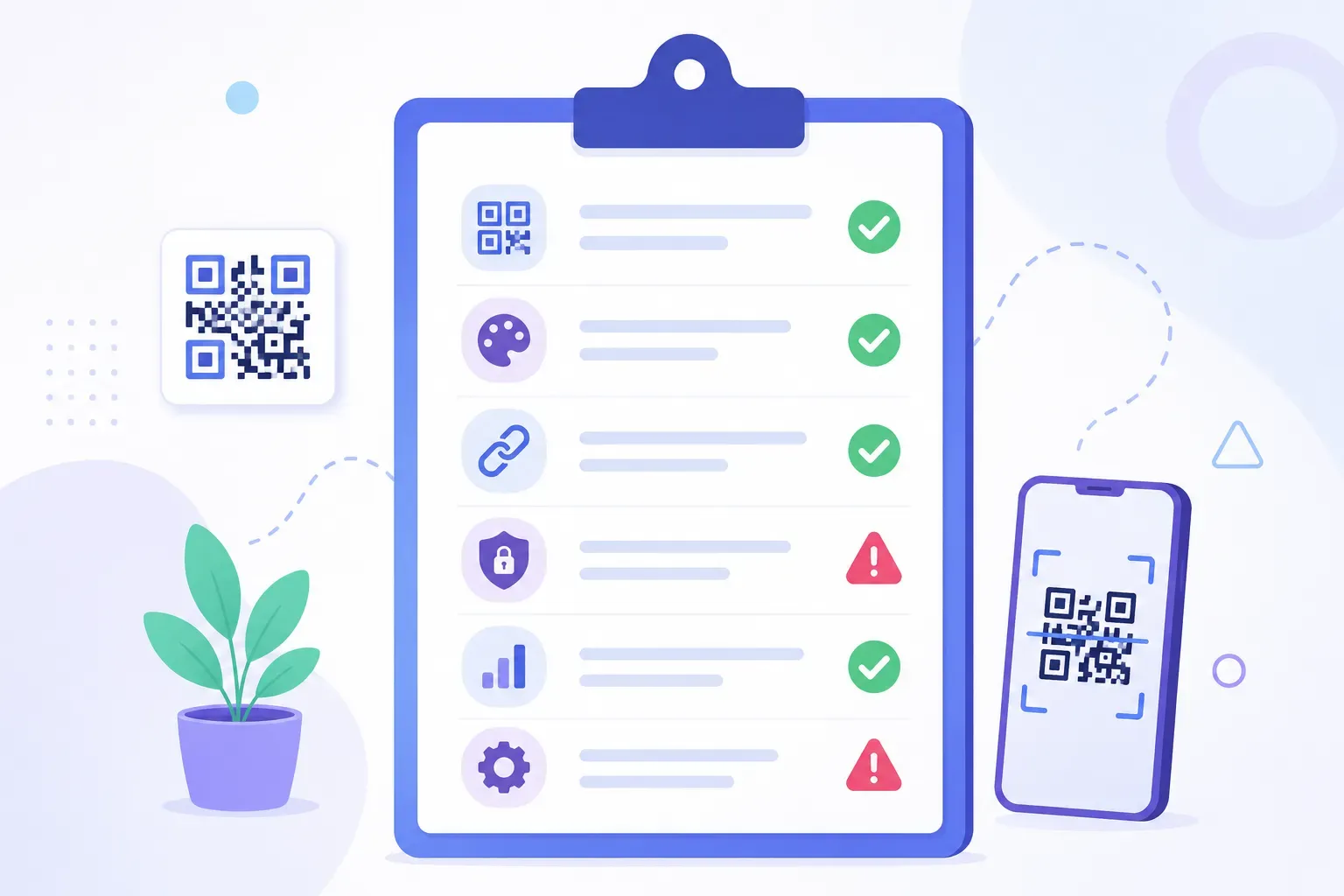
Here’s the checklist in printable form — copy it into your notes and check items off per tool:
- Supports URL, WiFi, vCard, email, SMS, and PDF types
- Custom colors and shapes with a contrast/scannability check
- Logo upload with automatic error correction adjustment
- SVG export (not just PNG)
- Zero watermarks on downloads
- Test code scans instantly on iPhone and Android
Nice-to-Have Features for Growing Teams
The next tier isn’t required for a flyer or a WiFi card on the counter. These features earn their keep when QR codes become part of ongoing campaigns.
- Dynamic codes. The printed pattern stays fixed while the destination stays editable — reprint-proof menus and campaign links. The trade-offs are real (subscriptions, dependency on the provider), and our comparison of static vs dynamic QR codes walks through when each makes sense.
- Scan analytics. Scan counts, locations, and devices per code. Genuinely useful for marketers; irrelevant for a one-off code. There are also ways to track scans with UTM parameters that work with any static code, free.
- Bulk generation. Upload a spreadsheet, get hundreds of codes back. Essential for serialized products or event badges, pointless below about 20 codes.
- API access. Lets your own software create codes automatically — order confirmations, ticketing systems, inventory labels.
- Team accounts. Shared folders, roles, and permissions so the marketing team isn’t emailing PNG files around.
- Custom domains. Dynamic short links that read
go.yourbrand.cominstead of a generic redirect domain. Nice for trust, meaningful only at scale.
The honest rule: don’t pay for this tier before you have the problem it solves. A team running 50 tracked campaigns needs analytics and bulk tools. A restaurant printing one menu code needs none of it.
Red Flags to Watch for
Some generators are engineered around a bait-and-switch: the free experience exists to create urgency later. These five warning signs are worth checking before you print anything.
Expiring “free” codes. The classic trap. You create a static-looking code, print 500 flyers, and two weeks later scans hit a paywall page — because the tool silently routed your link through its own redirect with a trial clock attached. A true static code never expires; if a tool’s free codes can die, that’s disqualifying.
Hidden scan limits. “Free” with a 100-scan cap means your code stops working exactly when it starts succeeding. Read the pricing page footnotes, not the homepage headline.
Forced signup before download. Requiring an account to download a static code exists to capture your email for upgrade campaigns, not to serve you. It also signals how the tool treats your data.
Watermarks on the free tier. Covered above as a must-have, worth repeating as a flag: if the free download is branded, the tool considers your printed material its ad space.
No vector export. Locking SVG behind a paywall — or not offering it at all — quietly forces a subscription the moment you need professional printing.
Silent redirect wrapping. Related to expiration: some tools route even “static” codes through their own tracking domain. Test by scanning your code and watching the URL — it should go straight to your destination. This matters for security too; redirect domains you don’t control are exactly how quishing scams operate.
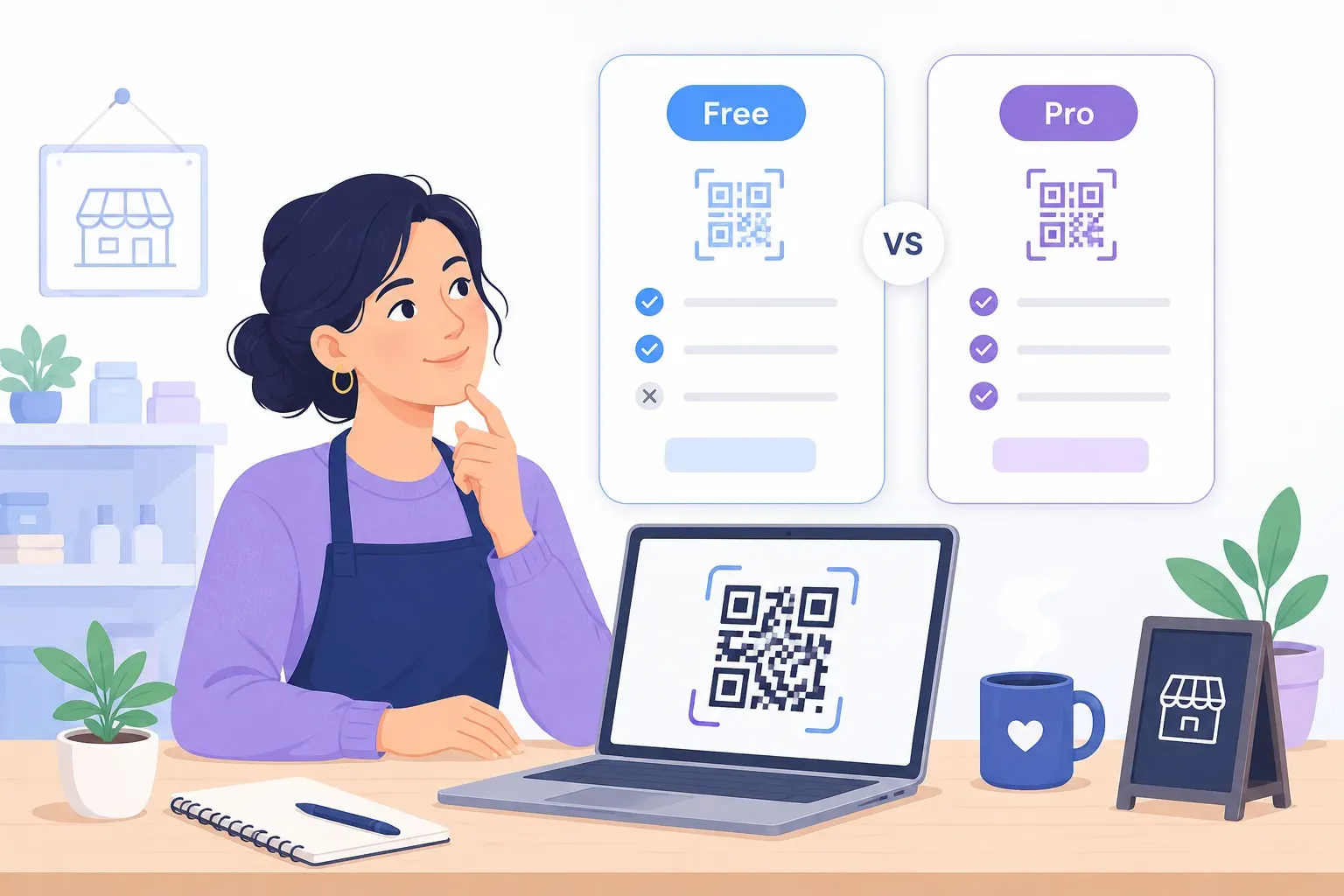
Free vs Paid: QR Code Generator Features Compared
The feature split between free and paid tools is more consistent than the marketing suggests. Here’s where each capability typically lives:
| Feature | Good free tools | Paid tools ($5–35/mo) |
|---|---|---|
| Static QR codes (all common types) | Yes | Yes |
| Colors, shapes, logo | Yes | Yes |
| SVG + PNG export | Yes (the good ones) | Yes |
| No watermark, no expiration | Yes (the good ones) | Yes |
| Dynamic (editable) codes | Rarely | Yes |
| Scan analytics | No (UTM workaround) | Yes |
| Bulk generation | Rarely | Yes |
| API access | No | Usually |
| Team accounts, custom domains | No | Higher tiers |
The pattern: everything a static code needs is legitimately free, because static codes are self-contained — the data lives in the pattern itself, with no server required. Paid pricing is really paying for infrastructure: redirect servers, analytics databases, and dashboards that dynamic features depend on.
So the buying decision reduces to one question: do you need to edit destinations or track scans on the platform? If yes, compare paid tools on those features and their limits. If no, a good free generator gives you 100% of what you’ll use — our roundup of the best free QR code generators rates the field against this same checklist, and our guide to free QR code generators for business covers stretching the free tier further.
How QRocket Stacks Up
Run QRocket against the checklist and here’s the honest scorecard.
Must-haves: all covered. QRocket generates URL, WiFi, vCard, email, SMS, PDF, event, and WhatsApp codes with full color and shape customization, a logo library, CTA frames, and a live scannability meter that flags low-contrast designs before you download. Export is SVG or high-resolution PNG, plus a print-ready PDF layout. No watermarks, no signup, no scan limits, and codes never expire — everything generates in your browser, so your data never touches a server.
Nice-to-haves: partly, by design. QRocket makes static codes only. There are no dynamic codes, no hosted analytics, no API, and no team accounts — that’s server infrastructure, and QRocket deliberately has no servers touching your codes. For tracking, UTM-tagged static codes cover most small-scale needs; for editable enterprise campaigns, a paid dynamic platform is the right tool and we’d rather say so than oversell.
Red flags: zero. Nothing expires, nothing is watermarked, nothing redirects through our domain, and the free tier is the whole product.
Check QRocket against this list — create your free QR code and see for yourself — Create Your Free QR Code →
The Checklist Beats the Homepage
Every generator’s homepage says “free,” “easy,” and “professional.” The feature checklist is how you find out which ones mean it: six must-haves, a red-flag sweep, and one honest question about whether you need dynamic infrastructure at all. Score two or three tools in ten minutes and the choice usually makes itself. Then test the finished code on a couple of phones before anything goes to print.
Put the checklist to work — build a watermark-free code in about a minute — Create Your Free QR Code →
Frequently Asked Questions
What features should a free QR code generator have?
At minimum: multiple QR types (URL, WiFi, vCard, email, SMS, PDF), color and shape customization, logo support, SVG export, and downloads with no watermarks or forced account creation. The codes should be truly static — no expiration, no scan limits, no redirect through the tool’s own domain. Good free tools cover all of this.
What is a red flag in a QR code generator?
Hidden scan limits, forced watermarks, codes that expire after a trial period, and no vector export option are the most common warning signs. The most damaging one is expiration: it means the tool silently wrapped your link in its own redirect, and your printed codes break when the trial clock runs out. Always check the pricing page fine print and scan a test code to see where it actually points.
Do I need analytics in a QR code generator?
Only if you plan to track campaign performance across multiple codes and placements. For simple one-off codes — a WiFi card, a menu, a business card — analytics add cost without value. If you want lightweight tracking on a free static code, UTM parameters on the destination URL show scan traffic in your existing web analytics.
Create a free QR code with custom colors, your logo and print-ready downloads — no sign-up.