URL QR Codes: What They Are and When to Use Them
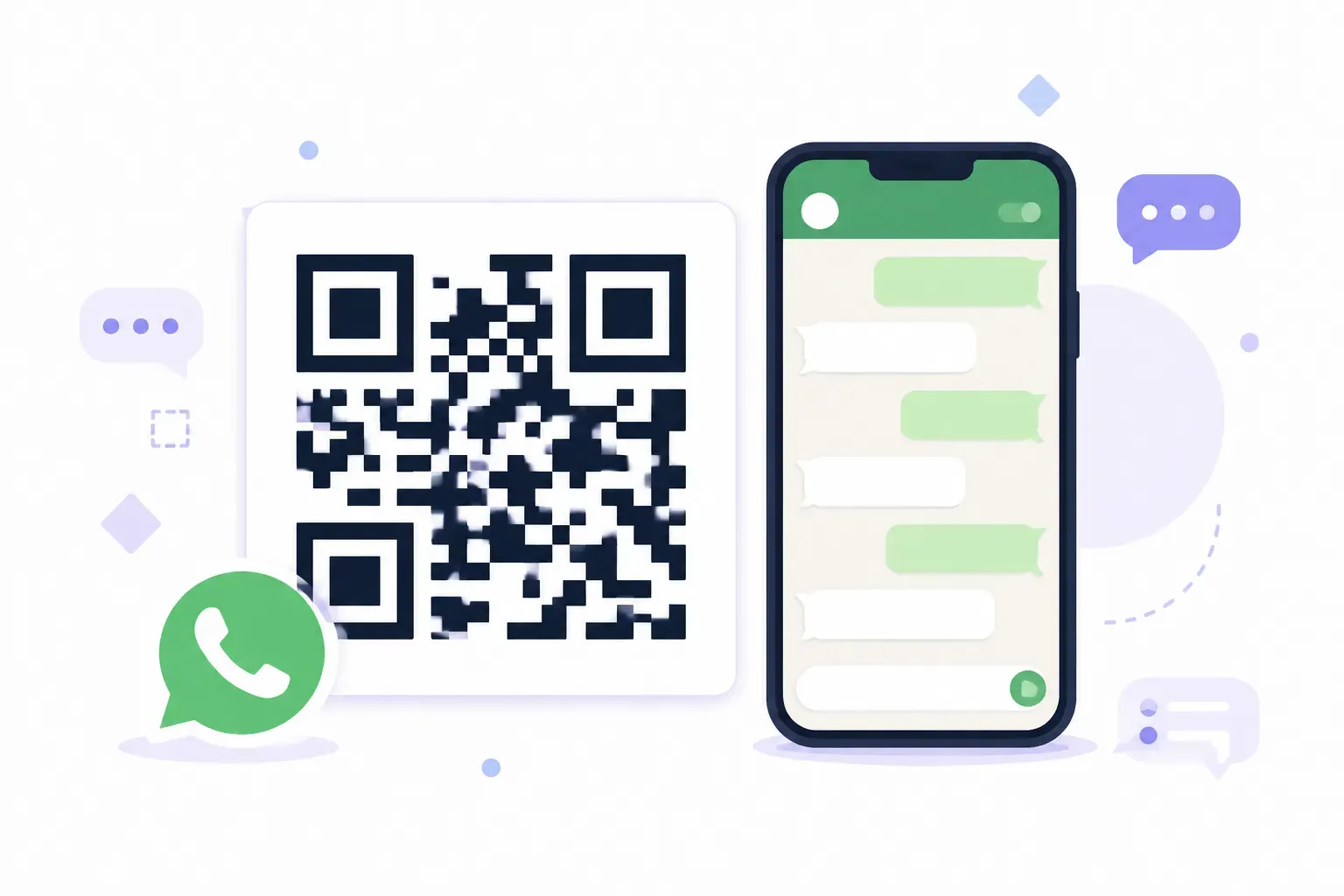
Nobody types web addresses off a poster. A gym can print “visit ourgym.com/summer-trial” in 40-point type, and nearly everyone who’s interested will still think “I’ll look it up later” and never do. Print a URL QR code next to it, and the same visitor is on the signup page in about two seconds. That gap — between intending to visit a link and actually visiting it — is the entire reason this QR type exists, and why it’s by far the most used of all of them.
This explainer covers what a URL QR code is, what actually happens in the half-second between scan and page load, how the static and dynamic variants differ, where these codes earn their keep, and the handful of practices that separate codes that get scanned from codes that get ignored.
What Is a URL QR Code?
A URL QR code is a QR code that encodes a web address. Scan it, and the phone opens that address in the browser — no typing, no searching, no app. The pattern itself simply stores the URL string, such as https://example.com/menu, in machine-readable form.
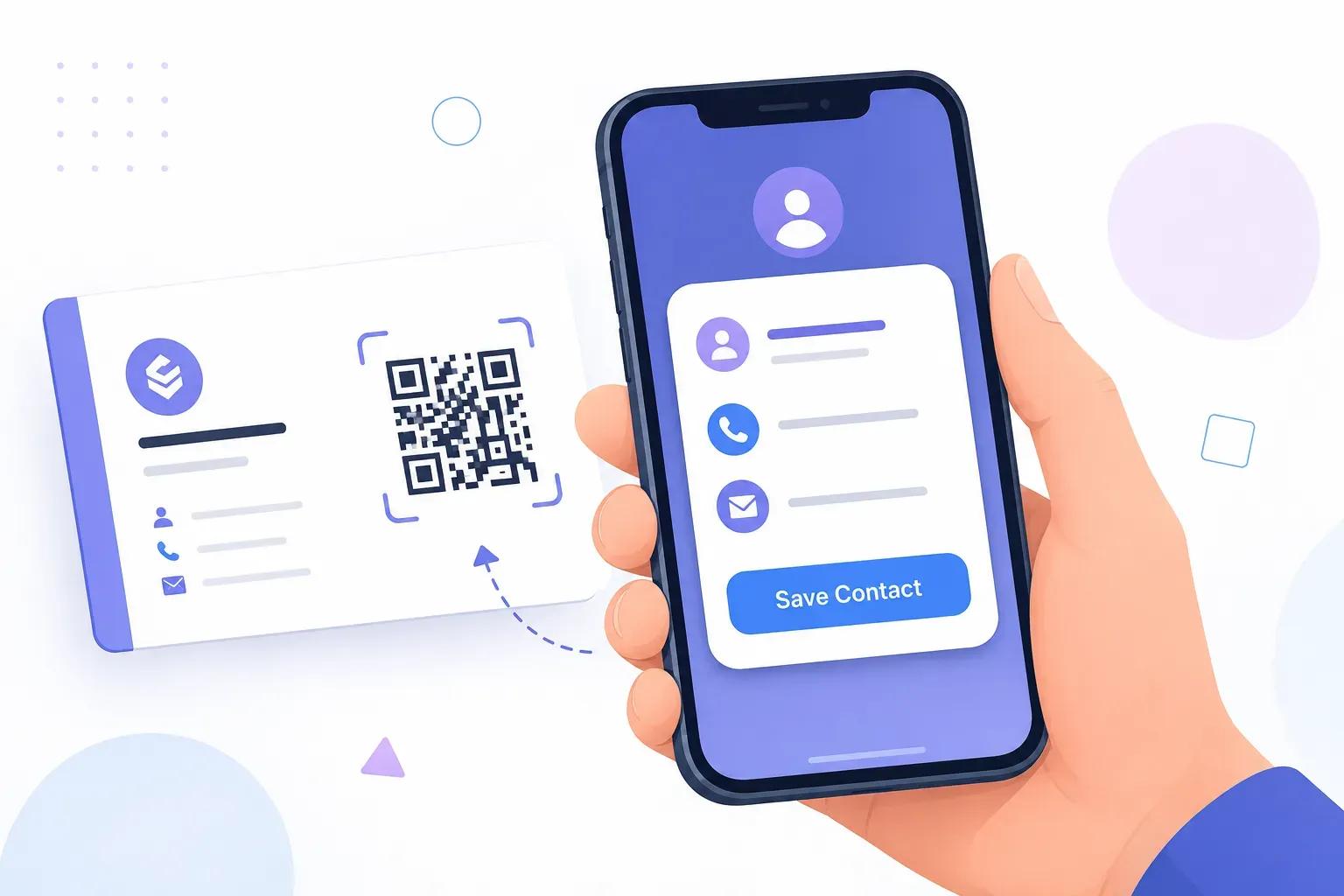
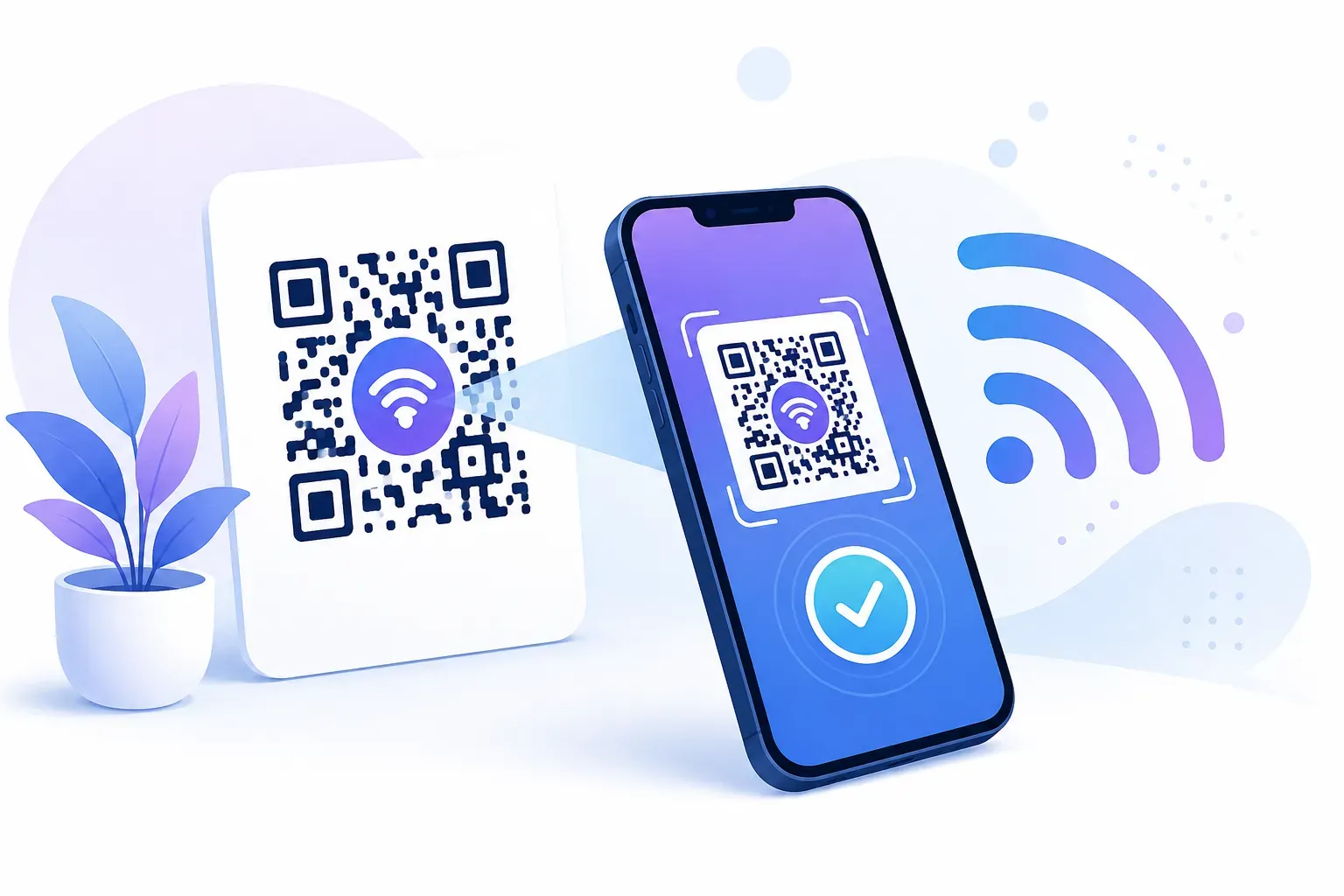
It’s one of many content types a QR code can carry — others hold WiFi credentials, contact cards, or calendar events — but the URL type is the workhorse. Since anything with a web address can be a destination, one code type covers menus, videos, forms, payment pages, portfolios, and everything else that lives at a link. Our overview of QR code types shows where the URL type sits among the alternatives, and the broader beginner’s guide to what a QR code is covers the format’s fundamentals.
Two properties define the type. First, it’s universal: every smartphone since roughly 2017 opens URL codes with the native camera, no extra app. Second, it’s literal: the code contains exactly the address you typed, character for character — which is why a typo in the URL becomes a typo in every printed copy.
How URL QR Codes Work
The full journey from scan to page takes under a second, in four steps:
- You encode the URL. A generator converts your address into the QR pattern — black and white modules representing the text in binary, plus error correction data so the code survives smudges and logos.
- The camera finds and reads the code. The three large corner squares tell the phone where the code is and which way is up; the phone then decodes the modules back into your URL string.
- The phone recognizes it as a link. Because the string starts with
https://, the phone treats it as a web address and offers to open it — that’s the little notification banner you see after scanning. - The browser loads the destination. From here it’s an ordinary web visit, identical to tapping a link in a message.
One detail in step 3 matters more than it looks: the https:// prefix is the signal that makes the phone offer to open a browser. Encode a bare example.com and some scanners display it as plain text instead of a tappable link. Always include the full protocol.
URL length has a physical cost too. The QR format holds up to 4,296 alphanumeric characters, but every character adds modules to the pattern. A 40-character URL yields a clean, open code; a 250-character tracking URL yields dense visual static that demands a larger print size to scan reliably.
Static vs Dynamic URL QR Codes
All URL codes open a link; the difference is whether that link can change after printing.
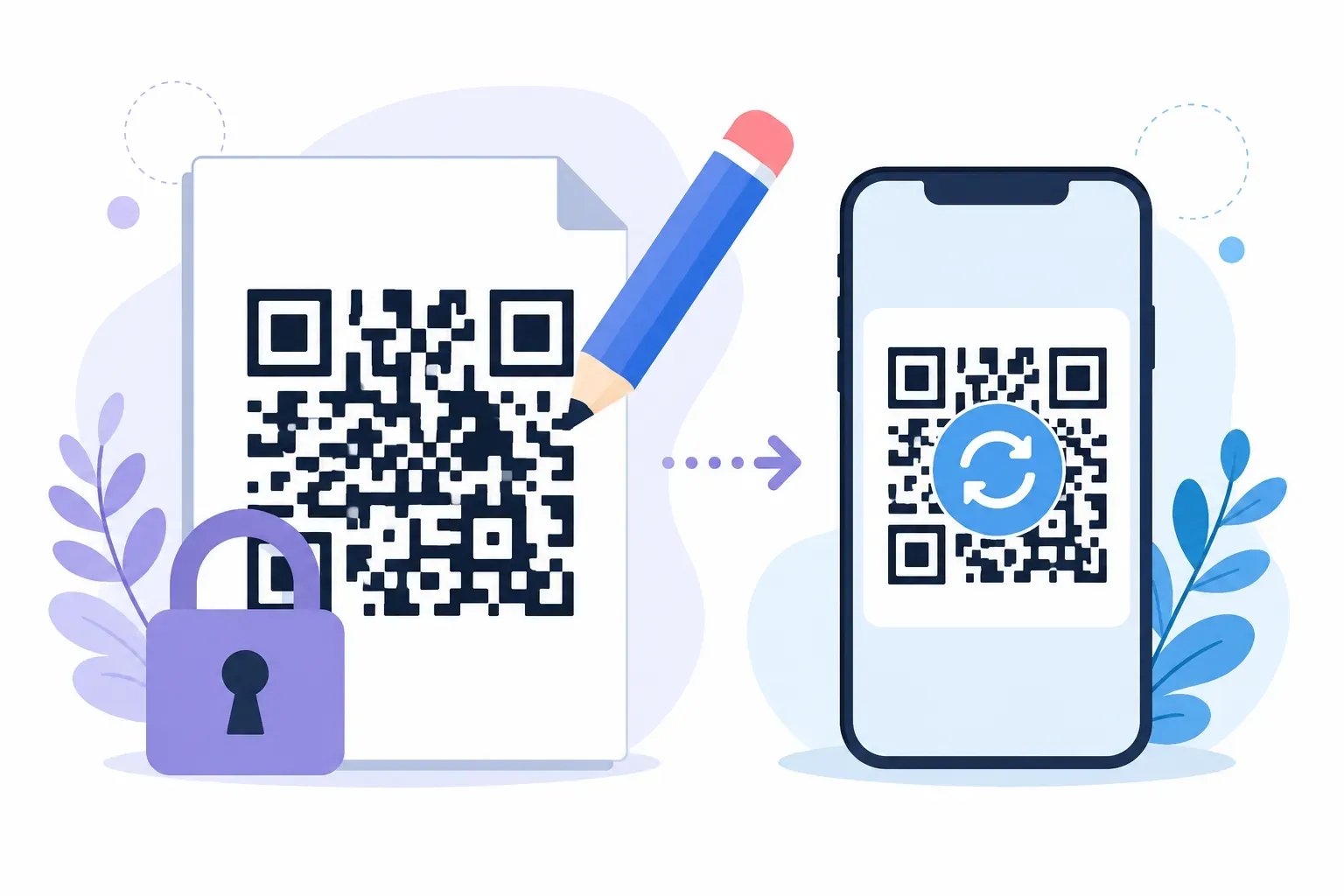
A static URL code encodes your destination directly and permanently. It never expires, needs no account or service, and works as long as the destination page exists. The trade-off: the address is unchangeable — if the page moves, the printed code breaks.
A dynamic URL code encodes a short redirect address owned by a service provider. The provider forwards each scan to whatever destination you’ve currently set, which means you can edit where the code points after printing, and the provider can count scans along the way. The trade-offs: it requires a paid or account-based service, and your printed codes now depend on that provider’s servers staying online — if the service shuts down or your plan lapses, every printed code dies at once.
| Static URL code | Dynamic URL code | |
|---|---|---|
| Destination editable after print | No | Yes |
| Expiry risk | None | If service lapses |
| Scan analytics | Via UTM parameters only | Built into service |
| Cost | Free | Usually paid |
| Depends on third-party servers | No | Yes |
The honest rule of thumb: static for anything permanent or self-owned (your homepage, a menu, a review link), dynamic only when you concretely expect the destination to change. QRocket generates static codes — free, unlimited, no expiry — and the full trade-off analysis lives in our static vs dynamic comparison.
Best Use Cases for URL QR Codes
The type shines wherever a person near your print material would benefit from being at a specific web page right now:
- Your website or landing page — the classic storefront-window and flyer use: from passing interest to page visit in one scan.
- Restaurant menus — a code on the table linking to the menu page replaced laminated menus at scale after 2020, and stuck.
- Social profiles — one code on packaging or a card linking to your Instagram, YouTube channel, or link-in-bio page.
- Online stores and product pages — a code on a hang tag or shelf talker that opens the exact product, not the homepage.
- Booking and appointment pages — salons, clinics, and studios put the scheduling link where walk-by customers stand.
- Google Maps locations — encode a Maps share link so “find us” becomes turn-by-turn directions.
- Videos, PDFs, and downloads — manuals, lookbooks, and demo videos attached to physical products.
- Review pages — a receipt or counter code linking straight to your Google review form catches customers at peak goodwill.
The unifying pattern: the code works best when the destination matches the moment. A person holding your product wants that product’s manual — not your homepage with four menus between them and the answer.
URL QR Code Best Practices
A few habits make the difference between a code that converts and one that quietly fails:
- Keep the URL short. Under about 80 characters keeps the pattern open and scannable at small sizes. Link to a clean page URL rather than one dragging a full set of tracking parameters — or shorten it first.
- Always use HTTPS. It’s the standard for the modern web, and the full
https://prefix guarantees phones treat the content as a link. - Send people to a mobile-friendly page. Every single scan comes from a phone. A destination that needs pinch-zooming loses the visitor the code just won.
- Size for the scanning distance. At least 2 × 2 cm for arm’s length, and roughly one-tenth of the viewing distance for posters — details in our QR code size guide.
- Label the code. A five-word benefit (“Scan for today’s menu”) reliably outperforms a bare square, because people scan when they know what they’ll get.
- Test before you print. Two phones, real size, real lighting, and follow the link through to the loaded page. The full routine is in our checklist for testing a QR code before printing.
Creating one takes about a minute: paste the link, style it, download SVG or PNG. The step-by-step walkthrough is in our tutorial on creating a QR code for a URL.
Turn any link into a scan — free, no sign-up. — Create Your Free QR Code
The Shortest Path Between Paper and a Page
A URL QR code is best understood as a compression trick for human attention: it shrinks “remember this address, type it later, maybe” into two seconds of pointing a camera. That reframing is also the best design guide you’ll get — every decision, from URL length to label copy to destination page, should protect those two seconds. The codes that fail usually broke the contract somewhere: a dense pattern that wouldn’t scan, a desktop page that punished the visitor, a bare square that never explained itself. Build your next one in QRocket’s free generator with the checklist above, and the only thing between your print material and your web page will be a camera shutter.
Frequently Asked Questions
What is a URL QR code?
A QR code that encodes a web address. When someone scans it with a phone camera, the encoded URL opens directly in their browser — no typing or searching. It’s the most common QR type because any content with a link, from menus to videos to booking pages, can sit behind it.
Should I use a short URL for my QR code?
Yes. Shorter URLs produce simpler patterns with larger modules, which scan faster and stay reliable at smaller print sizes. Aim for under about 80 characters. If your address drags long tracking parameters behind it, shorten the link before encoding — the visual density difference is immediately noticeable.
Do URL QR codes need internet to work?
Scanning and decoding happen offline — the camera reads the URL without a connection. Opening the destination, though, is a normal web visit and needs data or WiFi. In practice, place codes where people have signal, and keep destination pages lightweight so they load acceptably on weak connections.
Can I change the URL in a QR code after printing it?
Not with a static code — the address is encoded permanently in the pattern. Dynamic codes route through an editable redirect, so their destination can change, but they require an ongoing service. The static workaround is to encode a URL you control and manage redirects on your own website.
Is a URL QR code free to create?
Yes. Static URL codes are free on reputable generators, with no account, expiry, or scan limits — the QR format itself is an open standard with no licensing fees. Costs only appear with dynamic features like editable destinations and scan analytics, which are subscription services.
What’s the difference between a URL QR code and a website QR code?
Nothing — they’re two names for the same thing: a code that encodes a web address. Some people say “website QR code” when linking a homepage and “URL QR code” for any link, but technically every such code encodes a URL and behaves identically when scanned.
Create a free QR code with custom colors, your logo and print-ready downloads — no sign-up.