How to Create a Free Dynamic QR Code (Editable, Trackable, No Expiry)
Search for a dynamic QR code free of charge and you’ll hit the same wall everywhere: a generator that seems free until you click download, then a pricing page. That’s not a scam — dynamic codes genuinely cost money to run — but “free” means something different on every platform.
Here’s the honest version. You can get an editable, trackable QR code without paying — if you know which parts are actually free, which are trials in disguise, and how to avoid printing a code that dies in 30 days. This guide covers what free plans really include in 2026, plus two step-by-step routes to a free dynamic QR code — including one with no subscription at all.
What Makes a QR Code Dynamic
A static QR code stores your destination directly in the pattern — the URL is baked into the black-and-white modules, permanently. A dynamic QR code stores a short redirect link instead. When someone scans it, they hit that short URL first, and a server forwards them to your real destination.
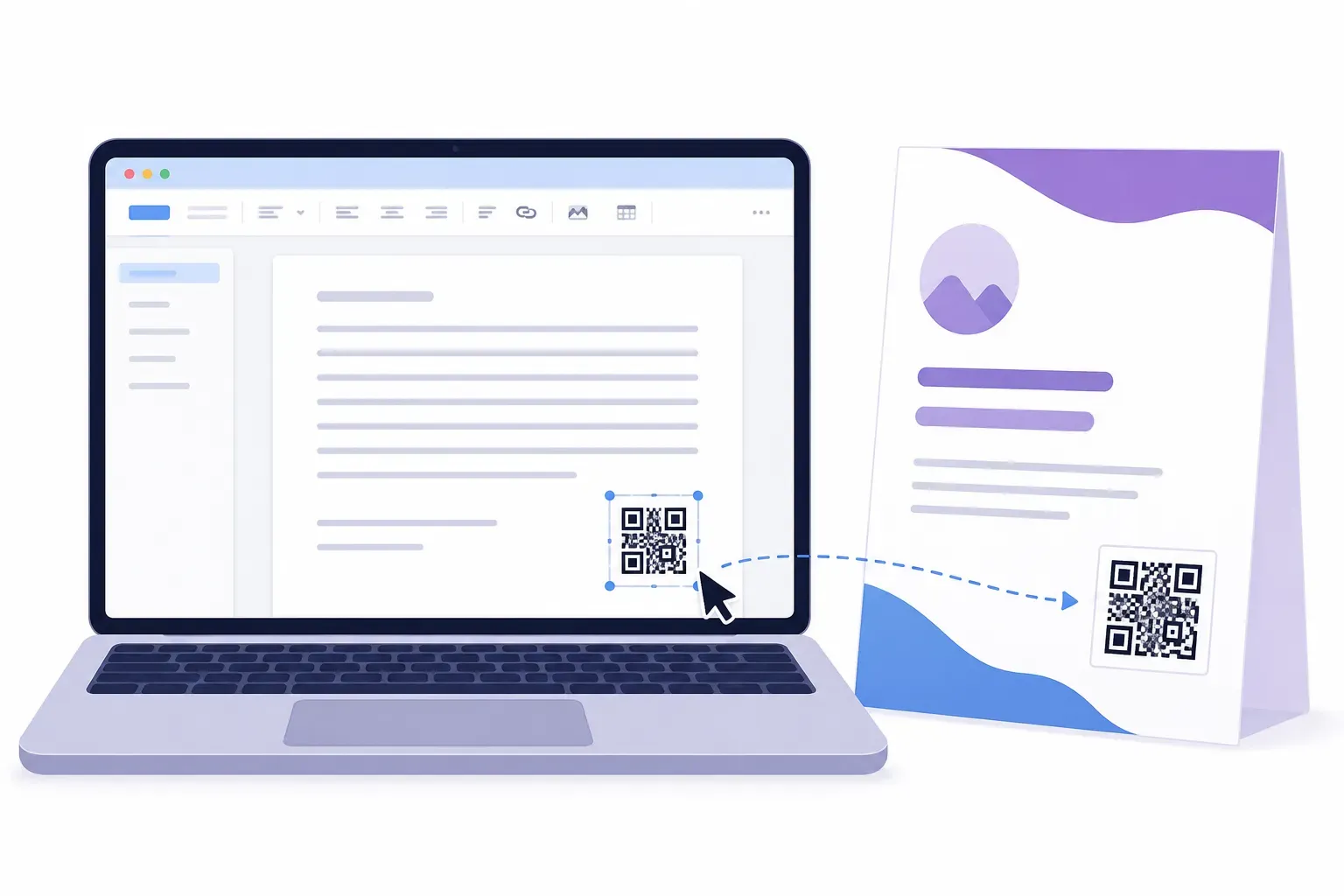
That redirect layer buys you two things. You can edit the destination anytime without reprinting, because the printed pattern never changes — only the redirect does. And you can track scans, because every visitor passes through a server that logs the scan time, device type, and rough location.
The trade-off is dependency. A static code works forever with no middleman; a dynamic code works only as long as the redirect service stays online and your account stays active. Our full static vs dynamic comparison breaks down when each type is the right call.
Why Dynamic QR Codes Usually Cost Money
The pattern itself costs nothing — generating a QR code is simple math any browser can do. What costs money is everything behind the redirect.
A dynamic QR provider has to run redirect servers that answer every scan, everywhere, instantly, for years. It has to store analytics data — potentially millions of scan events — and build dashboards to display it. And if the redirect server ever goes down, every printed code its customers made stops working at once.
That infrastructure bill is why most platforms charge $5–20 per month for dynamic features, and why truly unlimited free dynamic codes are rare. When a service does offer free dynamic codes, the redirect hosting is being paid for somehow: by paid tiers subsidizing free users, by branding on the redirect page, or — the dangerous one — by a time limit that quietly expires your code. That last model is why “do QR codes expire?” is really a billing question, as we explain in do QR codes expire.
What Free Dynamic QR Code Plans Actually Offer in 2026
Free tiers vary a lot, but after comparing the major platforms, a clear pattern emerges. Here’s what a typical free dynamic QR code plan includes today:
| Feature | Typical free tier | Typical paid plan |
|---|---|---|
| Dynamic codes | 1–5 codes | 50 to unlimited |
| Destination edits | Usually unlimited | Unlimited |
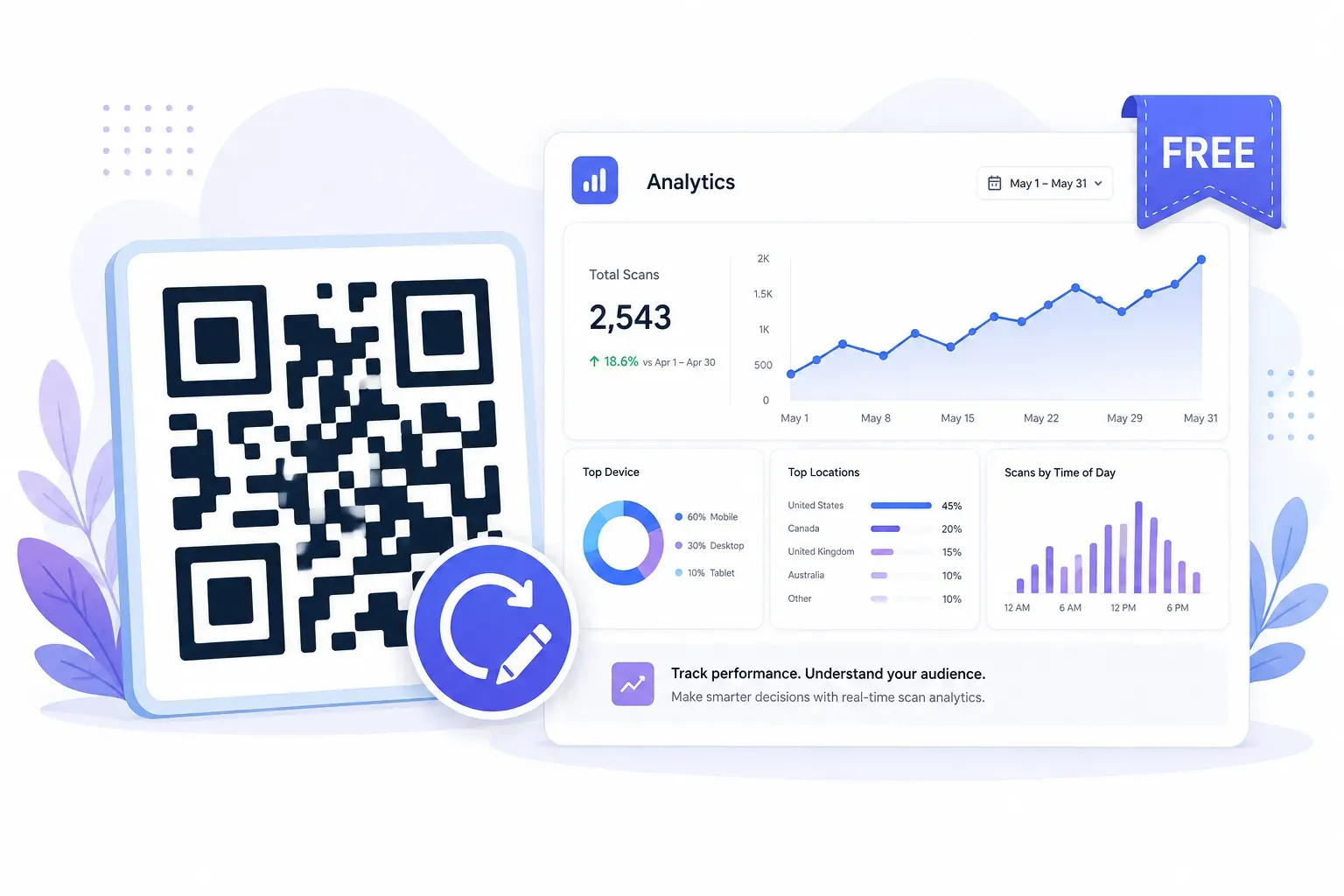
| Analytics | Basic scan counts, sometimes device/date | Full: location, device, time-of-day, exports |
| Scan volume | Often capped (e.g., 100–500 scans/month) | High or unlimited |
| Short URL domain | Provider-branded (e.g., qrco.de/abc) | Custom domain available |
| Expiry | Some expire after 14–30 days — check terms | Active while subscribed |
| Branding | Provider logo on frames or landing pages | Removable |
The expiry row is the trap: some “free dynamic” offers are actually trials, and codes stop redirecting when the trial ends — after you’ve printed them. Read the terms before anything goes to a printer. The scan cap row matters too: 100 scans per month disappears fast on a busy counter.
For personal projects, a single menu, or a small campaign, a genuine free tier with 1–5 codes is honestly enough. Our roundup of the best free QR code generators covers how to evaluate the options.
Step-by-Step: Create a Free Dynamic QR Code
There are two honest routes to an editable QR code free of monthly fees. Route A uses a dynamic QR service’s free tier — easiest, with built-in analytics. Route B builds the redirect yourself with a URL you control, then encodes it as a free static code — no account, no scan caps, no provider that can expire it. The steps below cover both.
Step 1: Choose Your Redirect Method
Decide who controls the redirect. For Route A, pick a dynamic QR platform with a genuinely free tier — confirm on its pricing page or terms that free codes don’t expire, and check the scan cap. For Route B, pick a URL you control: a page on your own site like yoursite.com/menu, or a free short link that allows editing.
Step 2: Set Up the Redirect Link
Create the short link your code will encode. On a dynamic platform, sign up, create a new dynamic code, and enter your destination URL — the platform issues its short redirect automatically. On the DIY route, create the page or short link and point it at your current destination. Either way, the encoded link stays fixed; the destination behind it is the editable part.
Step 3: Generate the QR Code
Encode the redirect link as a QR code. If you took the DIY route, paste your short link into the free QRocket generator — it creates the code instantly in your browser, no account needed, and the pattern itself never expires because it’s a static code pointing at a redirect you control. QRocket doesn’t run a redirect service; it generates the code layer free, and steps 1–2 supply the dynamic layer. Route A users can download from their platform or paste its short URL into any generator.
Step 4: Style and Label the Code
Keep the pattern dark on a light background, add your logo if you want (under about 20% of the code area), and add a frame with a call to action — “Scan for today’s menu” beats a bare square. Our call-to-action examples have ready-made wording for common placements.
Step 5: Test the Full Redirect Chain
Scan the finished code with an iPhone and an Android, following it all the way to the final destination — not just the redirect. Then change the destination and scan again to confirm the pattern picks up the new target. Do this before printing; our pre-print testing checklist covers the full routine.
Step 6: Record Where the Redirect Is Managed
Write down which account or page controls the redirect, and keep the login somewhere your future self can find. The most common way a dynamic QR code dies isn’t the provider shutting down — it’s the owner forgetting where to log in when the menu changes two years later.
Generate your QR code free in your browser — editable redirect, no expiry, no sign-up. — Create Your Free QR Code →
When to Upgrade to Paid
Free covers more ground than the pricing pages suggest. A personal project, a single restaurant menu, or a small business with one or two codes will rarely feel the free-tier limits.
Paid plans earn their fee when scale arrives. The usual triggers:
- Bulk codes. Running 20 table tents, 50 store locations, or codes on every product SKU outgrows a 1–5 code limit fast.
- Custom domains. A branded short URL (
go.yourbrand.com/offer) scans as more trustworthy than a generic provider domain — it matters for marketing at scale. - Serious analytics. Free tiers show scan counts; paid tiers add location, device split, time-of-day patterns, and exports. Our guide to tracking QR code scans shows what each level of tracking can tell you.
- Team access and API. Multiple people managing codes, or codes generated programmatically for thousands of items, are paid-plan territory.
The honest rule: upgrade when a limit actually blocks you, not before. Starting free costs nothing and teaches you which features you’d really use.
Free Covers More Than the Pricing Pages Admit
A dynamic QR code is just a static code pointing at a link someone can edit — and nothing about that requires a subscription. Use a free tier if you want built-in analytics, or point a free code at a URL you control for zero dependencies and no expiry risk. Either way, test the redirect before printing and record where it’s managed. The code itself is the easy part: generate it free, in your browser, in under a minute.
Create the code layer free with QRocket — no account, no watermark, yours forever. — Create Your Free QR Code →
Frequently Asked Questions
Are dynamic QR codes really free?
Partially. The QR code itself is free to generate — QRocket does that in your browser with no account. The dynamic layer (an editable redirect with analytics) is free only within limits: most platforms offer 1–5 free dynamic codes with basic scan counts, and some cap monthly scans. For light use, that’s genuinely enough.
Do free dynamic QR codes expire?
It varies by provider, and this is the most important fine print to check. Some free tiers are really 14–30 day trials — the code stops redirecting when the trial ends, even if it’s already printed. Read the provider’s terms before printing, or use a redirect URL you control so no one can expire it.
What is the difference between free and paid dynamic QR codes?
The redirect works the same; the limits differ. Paid plans add more codes (50 to unlimited), advanced analytics with location and device data, custom short-link domains, bulk generation, team accounts, and API access. Free tiers typically include 1–5 codes, basic scan counts, and a provider-branded short URL.
Can I make an editable QR code without any subscription?
Yes. Point a free static QR code at a URL you control — a page on your own website or an editable short link. You can change where it leads anytime, and the printed code never changes. You give up built-in analytics dashboards, but UTM parameters plus Google Analytics recover most of the tracking.
Does QRocket create dynamic QR codes?
QRocket generates high-quality static QR codes free, entirely in your browser — no account, no expiry, no scan limits. It doesn’t run a redirect server, so for the dynamic layer you’d pair it with a redirect you control or a dynamic QR service, then encode that short link with QRocket. The result behaves like a dynamic code: editable destination, permanent pattern.
Can I track scans on a free dynamic QR code?
Usually yes, at a basic level. Free tiers on most dynamic platforms log total scans, and often scan dates and device types. Detailed data — city-level location, hourly patterns, exports — is generally paid. On the DIY route, adding UTM parameters to your redirect’s destination gives you scan totals and sources in Google Analytics for free.
Create a free QR code with custom colors, your logo and print-ready downloads — no sign-up.